Images not showing up with Brizy editor but work fine with WordPress editor

Hi,
I have Brizy Pro WordPress. If I edit my page with Brizy I get the following:
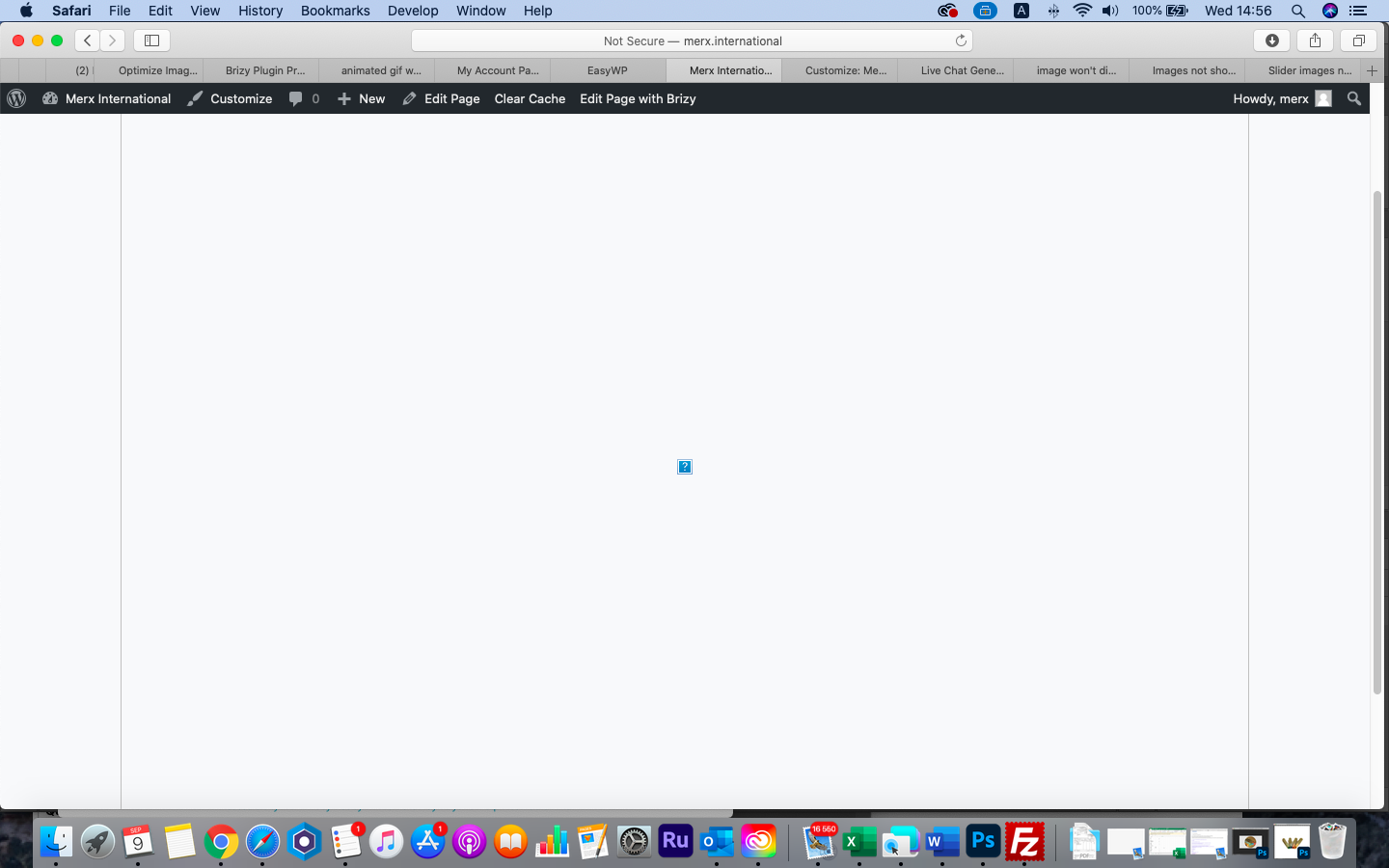
If I use Blocksy and Wordpress Editor my image is displayed:
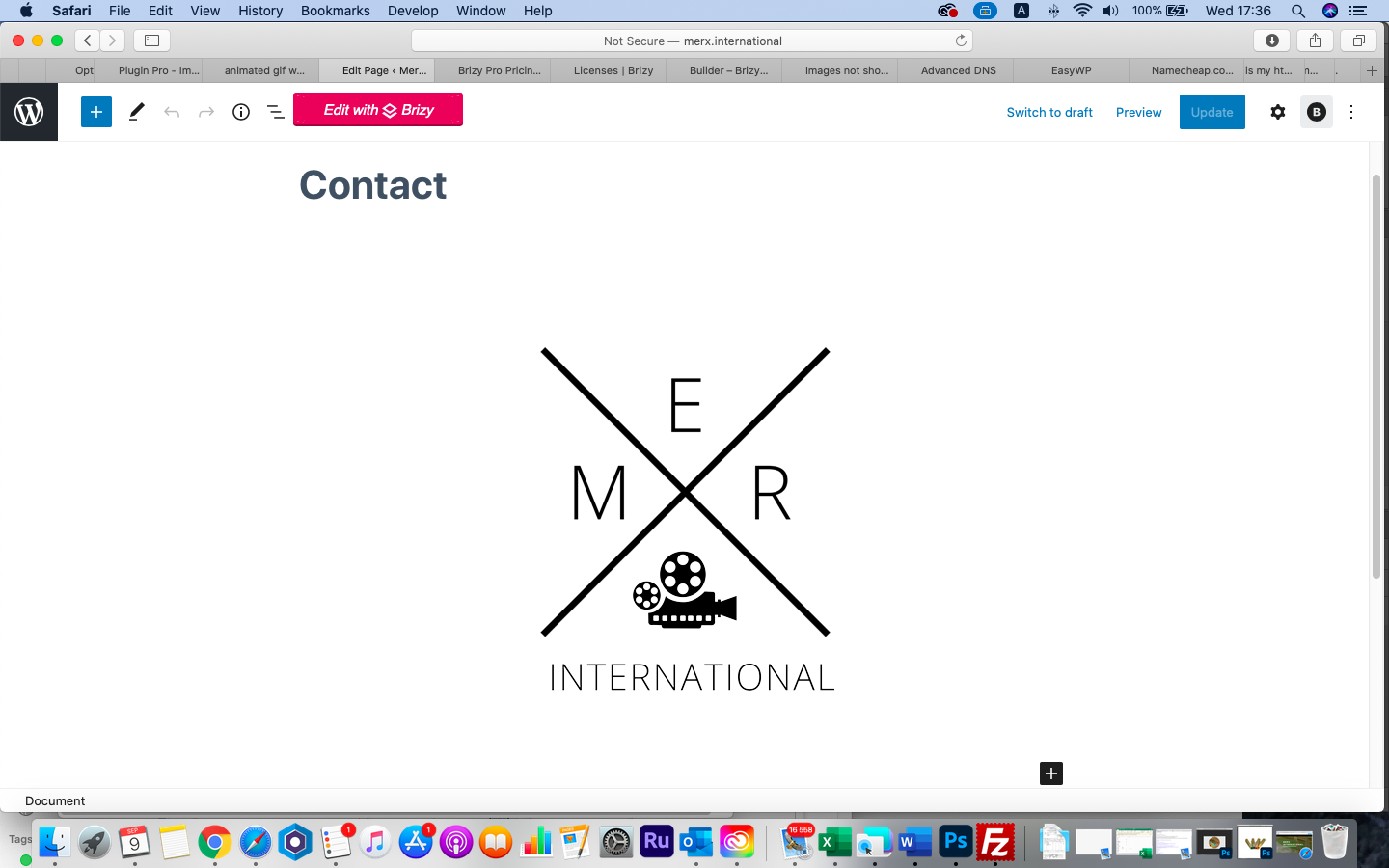
URL is merx.international
Please advise what the problem could be.
Many thanks,
Brigitte
-

Hi,
Is this a new page or a page that was edited with another page builder or the theme? How did you create this page? Did you enable Brizy for Pages https://jmp.sh/Z6Pe3cC? Did you create a template for all pages? If you try to add another element do you receive the same problem?
Thanks!
Best regards,
Sandra0 -
Hi Sandra,
It is a new page. I started the page with Brizy and Brizy for pages is enabled. No template created. If I add one of the already built blocks the Brizy image does not show up either. If I use the Gallery Element image doesn't show. Text shows but no images whatsoever.
Kind regards,
Brigitte
0 -
Could you please deactivate all plugins (except Brizy Free and Pro) and activate a WP default theme? If this problem still occurs on the site?
Thanks!
Best regards,
Sandra0 -
Hi Sandra,
I did the above and the images still come up as broken. I used the 2020 theme in WP. I have also tried deleting Brizy and Brizy Pro and reinstalling them.
Kind regards,
Brigitte
0 -
Hi,
Thank you for all these details!
I created a private ticket on this request. You had to receive a notification regarding this on email. Could you send to us in that private message the WP credentials to this site?Thanks!
Best regards,
Sandra0 -

Hi!
I have the same problem for days. I tried everything like deactivating other plugins, re-installing Brizy and images still would not work. May I ask how did you solve it?0 -
Hi Elyana,
Could I ask you who is your hosting provider? Is it NameCheap? Could you send us the URL link of the site you encounter this problem?
Best regards,
Sandra0 -

Lesson learned the hard way. Brizy team, please add to your system requirement page that php MUST have magick installed for images to show in the Brizy editor.
If you run your own server please install with apt install php7.1-imagick (Ubuntu) or yum install php7.1-imagick (Cent OS) or whatever your distro is use...install php7.1-imagick and your images should show in Brizy editor like magic!
0 -

Hello!
Than k you for the info.
In some cases you also should add "php image gd" library.
Kind regards,
Mihail
0
Please sign in to leave a comment.
Comments
9 comments