Images not showing in Edit or Publish mode

Hi,
I am unable to see images in edit mode or preview mode now. I've seen this issue appear countless times in your forum and I've tried each solution while also working with my host to make sure there are no permission issues.
Please help.
-

Hi,
Is this problem happen only on Brizy pages? Could you please try to add an image on a non-Brizy page? How did you upload images? Did you upload them using the WP Media Library? If you go to the WP media library and try to edit an image (rotate it for example), is all working fine? Do you have the latest versions of Brizy Free (2.0.7) and Pro (2.0.4)?
Is this problem happen if you temporary deactivated all plugins and activate a WP default theme?Thanks!
Best regards,
Sandra0 -
Everything is working fine and I've followed all of the advised steps. Can we set up a private ticket to get this resolved?
0 -
Hi,
Yes, we will create a private ticket, but could you please give us some more details regarding the problem you encounter? What advised steps did you follow? What is working fine? When did you encounter this problem? How did you uplaod images in Brizy pages? Could you send us a screenshot from the console when you are in the editor mode and see this problem?
Thanks!
Best regards,
Sandra0 -
I followed each advised step. I added an image to a non Brizy page and I was able to see the image. I uploaded the images through WP Media Library. Everything is working fine when I go to the library to rotate the photo. I have the latest versions of Brizy and Brizy Pro. This occurs if I temporarily deactive all plugins. Right now the only active plugins on my site are Brizy and I still experience the issues.
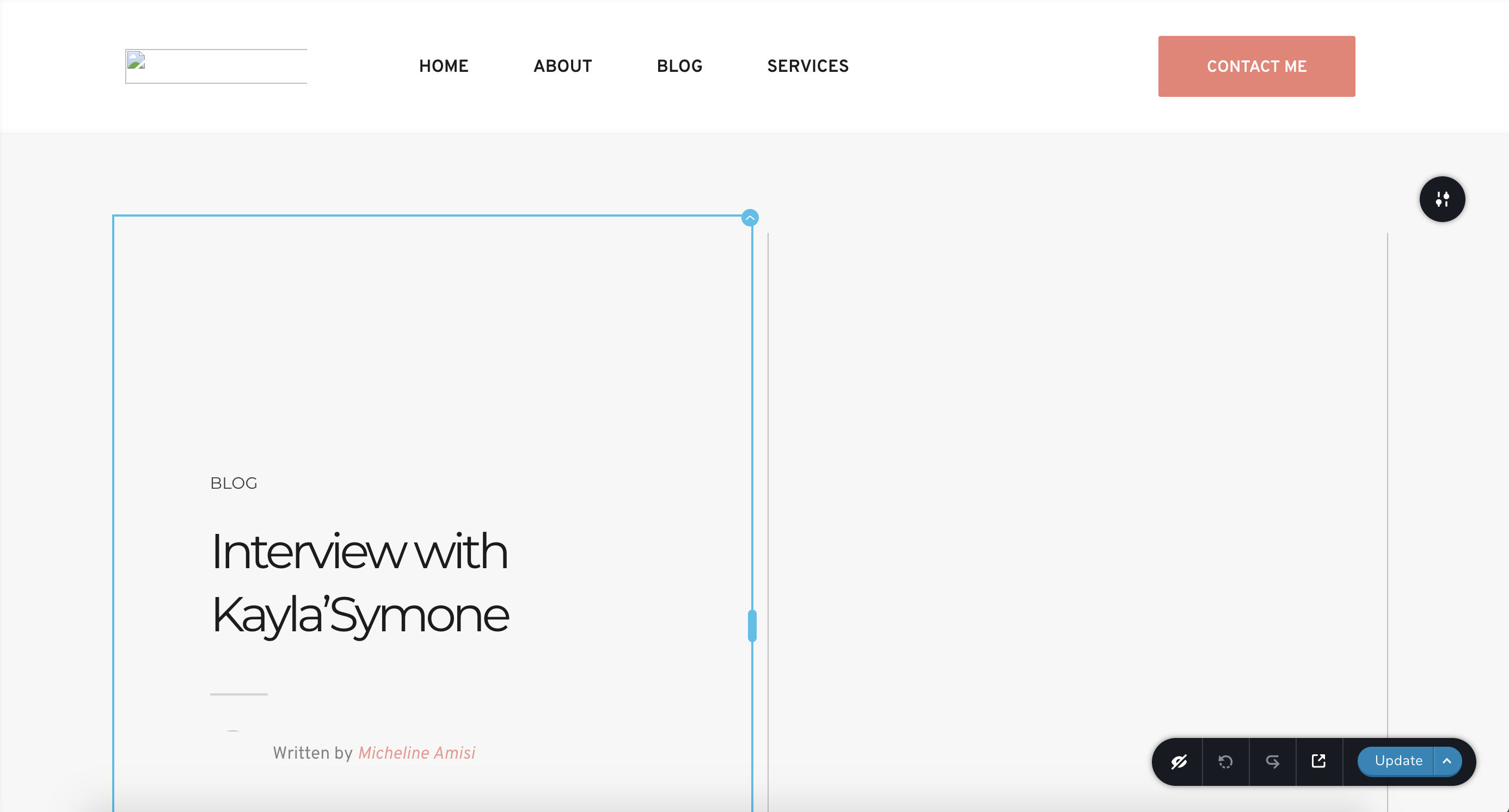
I've been dealing with this problem for a few weeks now. Below is a screenshot of the console that I see when trying to edit a page. These image errors also display online.
 0
0 -

Hello Alton,
Ok, thanks for these details. I will create then a private ticket. You will receive a private message soon.
Regards, Natalia
0
Please sign in to leave a comment.
Comments
5 comments