Brizy free keeps crashing site

I have deleted and the downloaded and installed it again, please see attached screen shot of the error
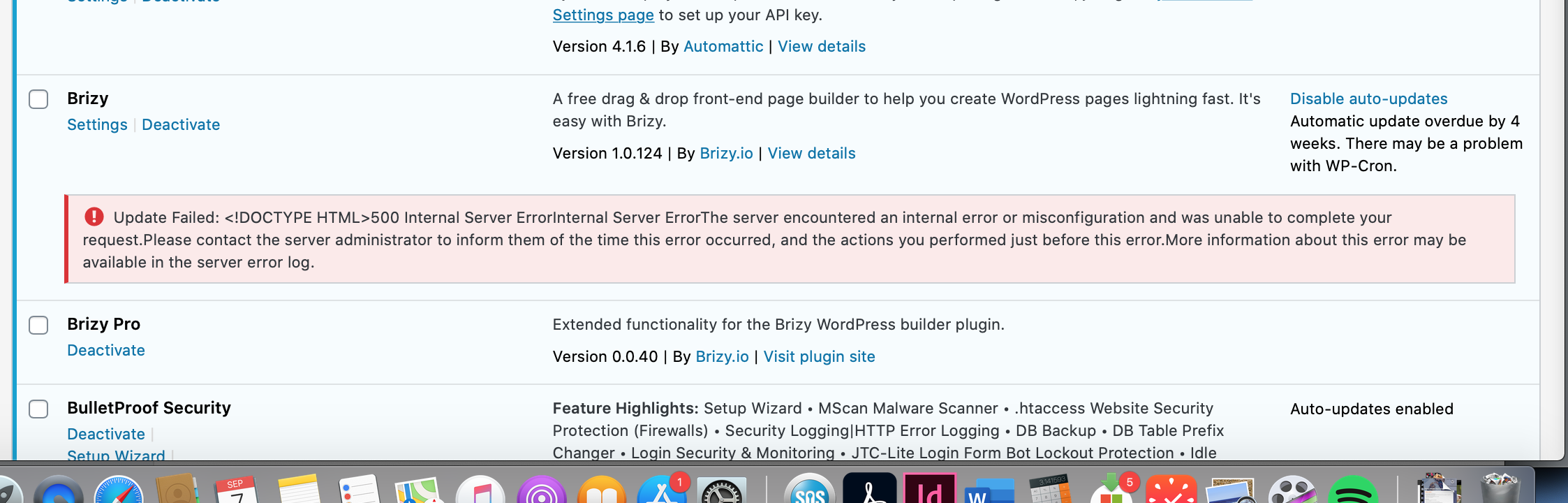
-

Hi,
Could you please deactivate and delete the both Brizy Free and Pro plugins? After this, go to Plugins -> Add new and find the Brizy Free plugin. Please install and activate it. You should have the 2.0.7 version. After you activated the Brizy Free plugin, please upload manually the Brizy Pro and activate the license key. For this you have to:
1 - Delete the current version of Brizy Pro;
2 - Go to your Brizy account;
3 - Download the latest Brizy Pro version (2.0.4) - don't unzip the folder;
4 - Go back to WP dashboard in Plugins -> Add new -> Upload plugin;
5 - Upload the zip folder you downloaded from Brizy account;
6 - Activate the plugin;
7 - Activate the license.
These actions will not affect the pages you already created and edited with Brizy.Thanks!
Best regards,
Sandra0 -
I have followed your instructions but even after deleting I get this error
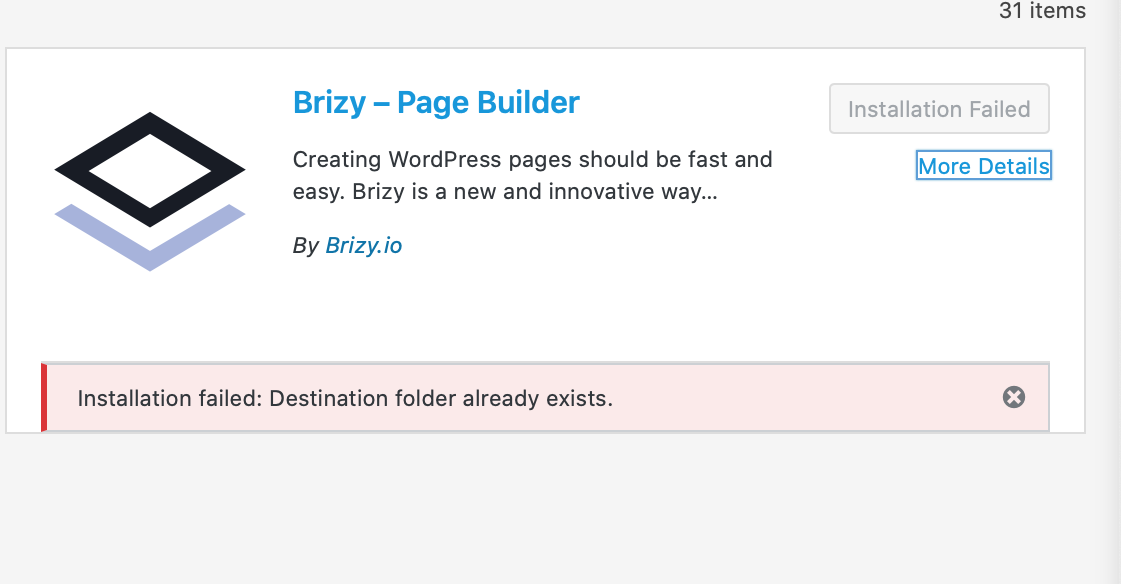 0
0 -
Hi,
In this case, could you please log-in your FTP of this site and go to the Plugin directory. From there delete the Brizy folder. After this go back to the WP dashboard and try to repeat the steps from previous messages to upload Brizy Free and Pro.
Thanks!
Best regards,
Sandra0 -
I did that and it still isn’t working
0 -
Hi,
I created a private ticket on this request. You had to receive a notification regarding this on email. Could you send to us in that private message the WP and FTP credentials to this site?
Thanks!
Best regards,
Sandra0
Please sign in to leave a comment.
Comments
5 comments