Simple question about images....

Hello
Would anyone know why my images don't appear in the logo for starters?...
I uploaded a png and jpeg image and they still dont come up, changed the size and nothing.
So Im out. I think I tried everything. Someone please help?.. Any suggestions?
Thank you kindly.
-

Hi,
I'm sorry for the question but could you please explain what do you mean with "logo for starters"? Where did you add the image? Could you send us some screenshots?
Thanks!
Best regards,
Sandra0 -
Hi Sandra,
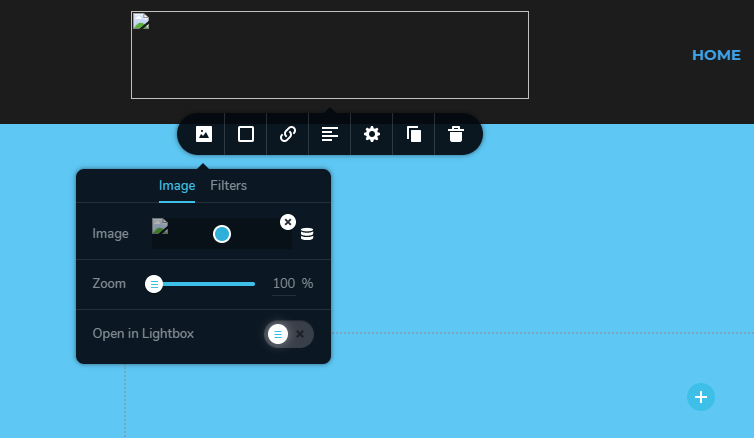
Here's what I meant, I upload my images to post in place, like my logo image for the top menu and it don't show.
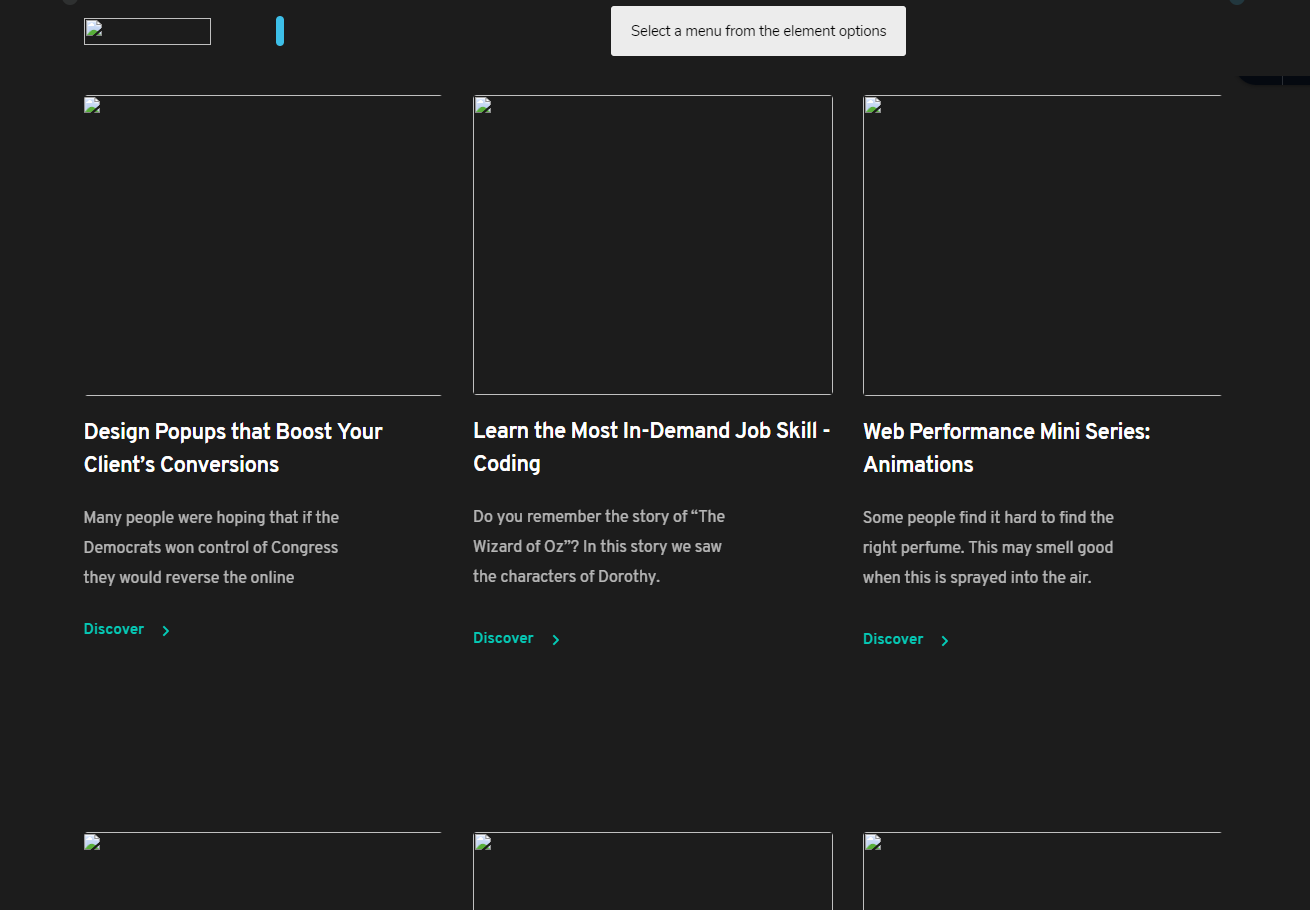
The same for the other blocks, I add gallery blocks or feature blocks no images in place pop up or they disappear.
Here's the site Im working on... https://digitalhustlelifestyle.com
Hope this helps you to help me and others.
Thanks Sandra!
 0
0 -
Hi,
I opened the site you send us but I didn't find there the Brizy code and therefore I couldn't investigate the issue. Could you please send us the URL of a page or test page where we can check this issue? If you don't want to make it public, let us know and we will hide it before approving. Also, could I ask you how did you add the images? Where they are uploaded? Did you upload them using the WP media library? If the featured images aren't displaying could you please go to the post and check if there are available the featured image https://jmp.sh/rjde4Xx?
Could you please check if you temporary deactivate all plugins and activate a WP default theme, is all working fine? Do you have the latest versions of Brizy Free (2.0.7) and Brizy Pro (2.0.4)?Thanks!
Best regards,
Sandra0 -
Hello
* Just added the feature image and still no header logo image.
Im sorry. Ive been testing other builders but keep coming back to Brizy!
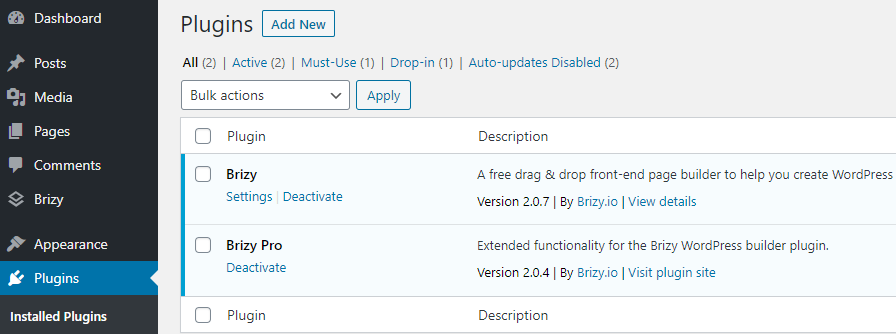
I only have Brizy and Brizy pro installed, like in the above image again.
And I've started a new page again and again, Im trying to add a png or jpeg image on my header and it dont pop up.
I've used Brizy before, I load the images and blocks in your brizy way....
I go to pages, click home, edit with Brizy, click plus ctr button, look for header and click to load it - But not even the brizy logo pops up!... and when I try to add my image, it dont grab it!
I add a new gallery block below (clicking + symbol again) AND again no images load as Ive been saying.
Mind you, I didnt download any templates... Simply because i cant find ASTRA any longer in the WP theme search.
I've been using the WP 20 20 basic theme.
I had also cancelled my recurring payment which is due this November if thats any reason for my troubles.
So there you go, Its live again and will leave it there since I come back to Brizy anyway.
Hope this truly helps.
FTJr - http://DigitalHustleLifestyle.com
AND YEAP.. All Current.
0 -
I created a private ticket on this request. You had to receive a notification regarding this on email. Could you send to us in that private message the WP credentials to this site? We will investigate this problem from your dashboard.
Thanks!
Best regards,
Sandra0 -
HI Sanda
I send you my info in a reply from my email of digitalhustlelifestyle@gmail.com just now.
Sent my username and password for my login.
Thanks for checking it out!
0 -
Hi,
Thank you for the credentials, we already created an issue and send it to our developers!
Best regards,
Sandra0
Please sign in to leave a comment.
Comments
7 comments