Unable to upload images. PRO Version

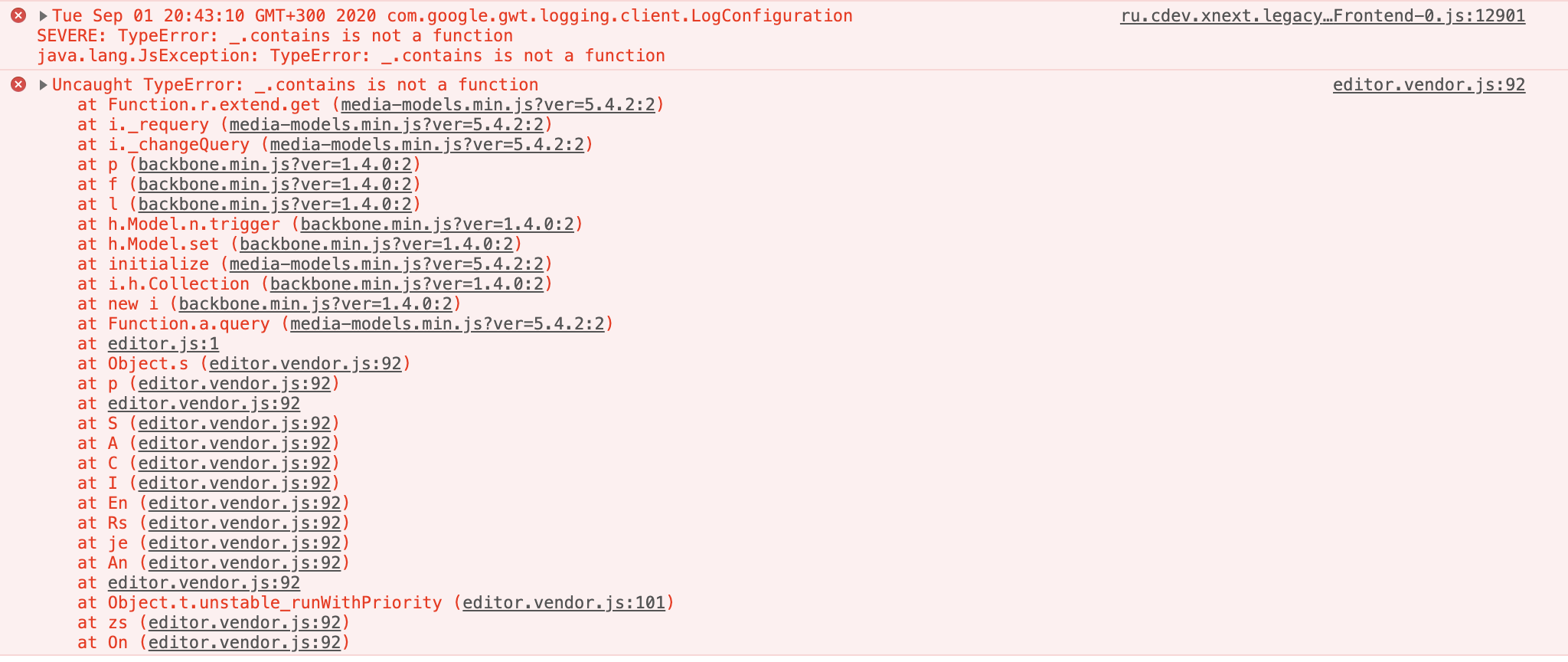
Hello! I can't upload images on my website. When I click upload area in the image block nothing happens. And I get what you can see in the attached screenshot in the browser console.
-

Hi,
How did you try to add images? Did you upload them through WP Media Library? Do you have installed both plugins Brizy Free and Pro? Do you have the latest versions for Brizy Free (2.0.7) and Brizy Pro (2.0.4)? If you temporary deactivated all plugins (except Brizy Free and Pro) and activate a WP default theme, do you still face with this problem?
Thanks!
Best regards,
Sandra0 -
Hi,
I try to upload images through the builder interface. I don't use WP Media Library for that, just clicking on the upload icon.
I have both plugins installed and activated, latest versions.
I deactivated all plugins and started to activate them one by one, and I found the one that causes the problem. It is Ecwid Ecommerce Shopping Cart plugin, but it is an essential plugin for the website, deactivating it is not the option. What else can be done?
0 -
Hi,
Thank you for these details!
I created a private ticket on this request. You had to receive a notification regarding this on email. Could you send to us in that private message the WP credentials to this site?Thanks!
Best regards,
Sandra0 -

Hello there,
I am facing the same issue with My site.
Can you please help me with this issue?
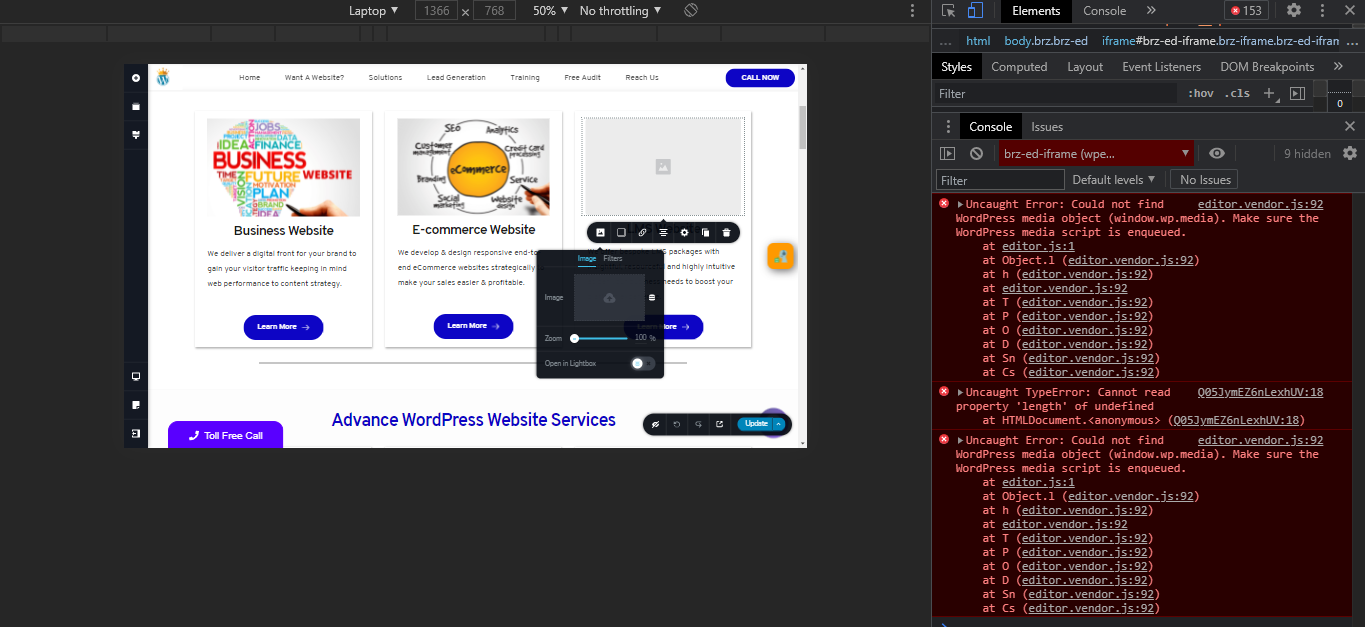
and I have installed the latest version of the plugin.
0 -
Hi,
How did you add the images? Did you add them through WP Media Library? At the moment, it is mandatory to have uploaded images in the WP Media Library because Brizy builder takes them from here for adding them to the Brizy pages.
Also, I notice you write you have the latest versions for Brizy Free and Brizy Pro, but could you please concretise if you have the 2.2.17 version for Brizy Free and 2.2.11 for Brizy Pro?
When did you encounter this problem? What were your previous actions?
Best regards,
Sandra0 -
Hello Sandra,
Thank you for your relpy.
I am using the latest version of the plugin as below screenshot.

I am currently facing this problem from last 2 days. I am not able to update any image on my site.
thanks
GK
0 -
Hi,
What actions did you make 2 days ago? Did you migrate the site? How did you migrate it? I may suppose that on the migration process some files weren't transferred fine. For the migration, we recommend using the WP All in One Migration plugin. It copies all files and folders and without any inconvenience can transfer them to the second site.
Best regards,
Sandra0
Please sign in to leave a comment.
Comments
7 comments