I cannot set brizy as my homepage in wordpress

Hi.
I'm a new LTD user and I've installed both the Brizy and Brizy Pro WP-plugin. I then made some content with your excellent page builder but when I try to set the new Brizy page as the home page – there are no Brizy pages available in the WP dashboard. I've followed your instructions in your video https://youtu.be/-1Ts1cLpCqQ but the content Ive made is not visible in the Pages section of WP.
I've deleted the default plugins so the only plugins installed are Brizy's. I installed the Pro plugin before the free plugin – could this be the problem?
-

Hi,
Thank you for being our Lifetime member.
Could you please check where did you create the Brizy Content? Did you create it in the Brizy -> Templates or in the Posts?
Thanks!Best regards,
Sandra0 -
Oh, sorry. I replied from the email and waited for a reply :S
I created in the Brizy Templates. Is that not correct? By the way, the domain is http://www.bens.no
I’m used to working in WordPress but this seems to be a plug-in settings problem. Probably something I forgot in the start of the process? Tried to look at a lot of your basic videos, with no luck…
All the best.
1 -
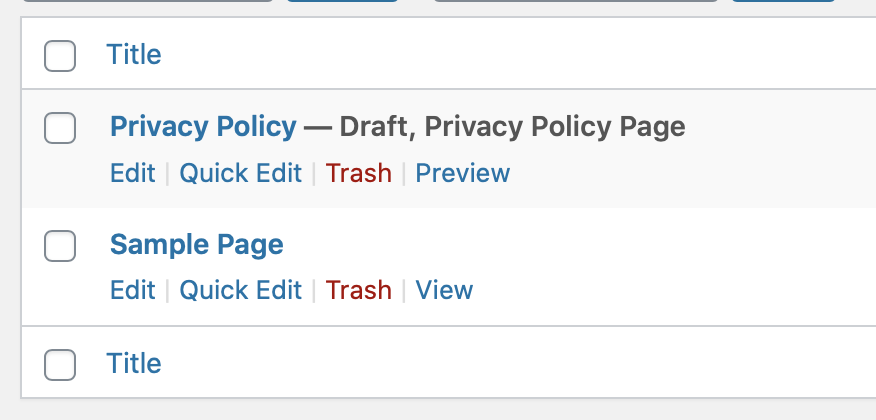
As you can see, no Brizy-linked pages here...
 0
0 -
Hi,
No, there isn't the Brizy problem. You have to indicate to WordPress what page do you want to set as homepage. For this you have to go to Settings -> Reading and from here select the "A static page" from "Your homepage displays" field. After this from "Homepage" field, you have to select the name of the page you want to set as homepage. See here.
Thanks!Best regards,
Sandra0 -
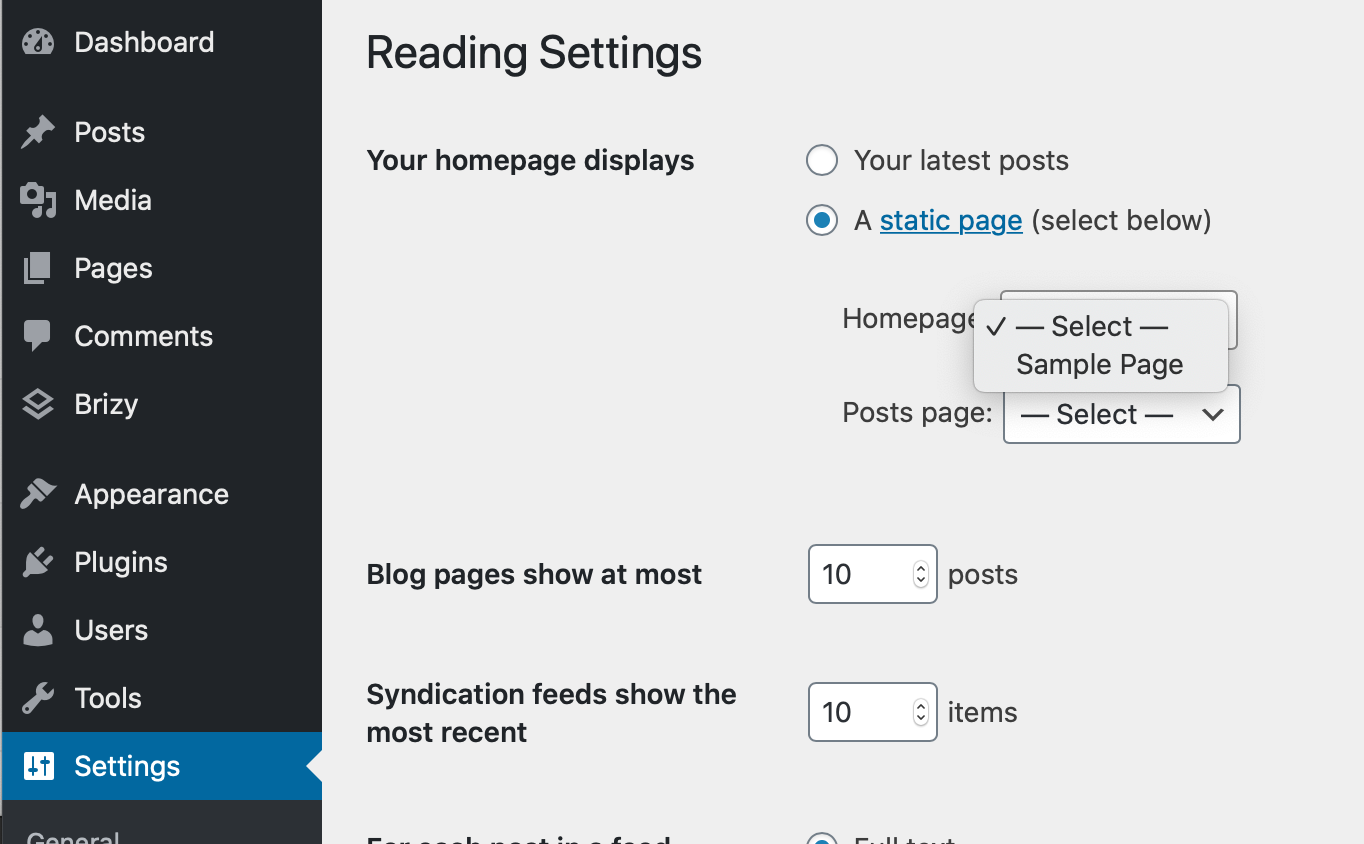
Hi. I’m fully aware of this procedure. The problem is that I can’t see any Brizy page amongst the static pages. Only the default WP page is visible in the drop down menu.
0 -
A screenshot of the WP Reading Settings. Only Sample Page is shown...
 0
0 -
Ok, I understand. The problem is that you created the content for the homepage in the Brizy templates. The template is something like a sketch, a structure about how do you want to look a group of posts, pages etc.
Now, to see the content you created in the brizy templates when you open the site, you have to:
1 - Go to Pages;
2 - Create a new Page (don't edit it with Brizy, don't click on "Edit with Brizy" button);
3 - Go to Brizy Templates;
4 - Select the template you created the content;
5 - Add the display condition "Include Pages - [Page you recently created]". https://jmp.sh/O6xD0j6
6 - Update the template;
7 - Go to Settings - Reading and set the page you recently created as homepage and save all settings.Best regards,
Sandra0 -
Thank you very much – this solved the problem 👍🏻 Maybe you should consider a tutorial on this matter, or am I the only one with this problem? 🤪
And thanks for a fantastic editor/service. Looking forward to making a bunch of great sites.
Regards,
Bens0 -
Hi,
It's my pleasure to help you! We don't recommend to create pages in the way I relate you, it is mostly a solution to this situation. For the future, we recommend designing the rest of the pages in the "Pages" module.
The template in Brizy is something like a sketch where you arrange the page or post as you want to see it in the live view. All elements in the template are provided in a dynamic way. Therefore, we suggest using the templates for creating dynamic pages (Blog, Archive) or posts with Brizy.Best regards,
Sandra0 -
Thanks again.
I'm still not quite familiar with Brizy editing and find it a bit confusing. Now it seems I've lost all of the content of my site http://www.bens.no. I only get a standard WP editing window and sometimes I get this message when trying to update:
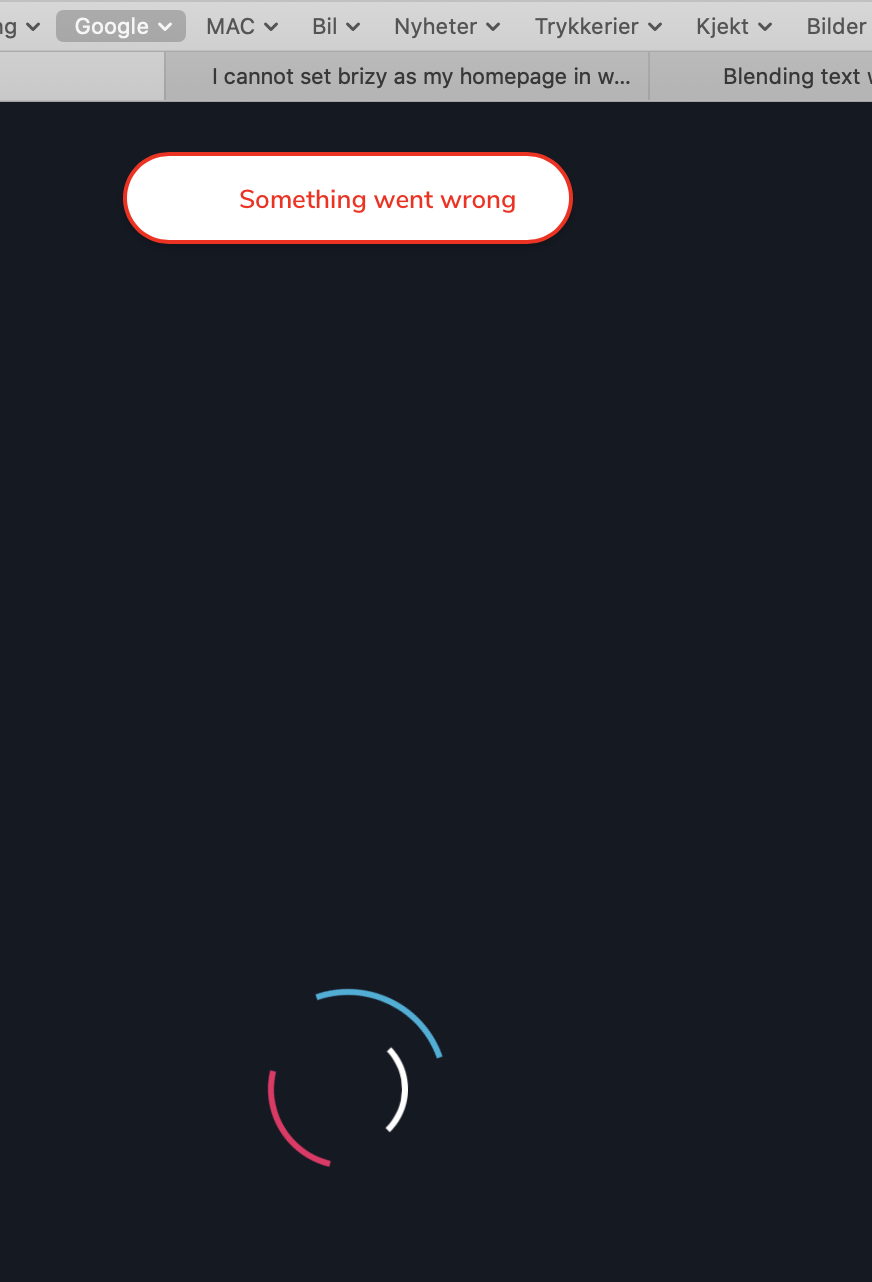
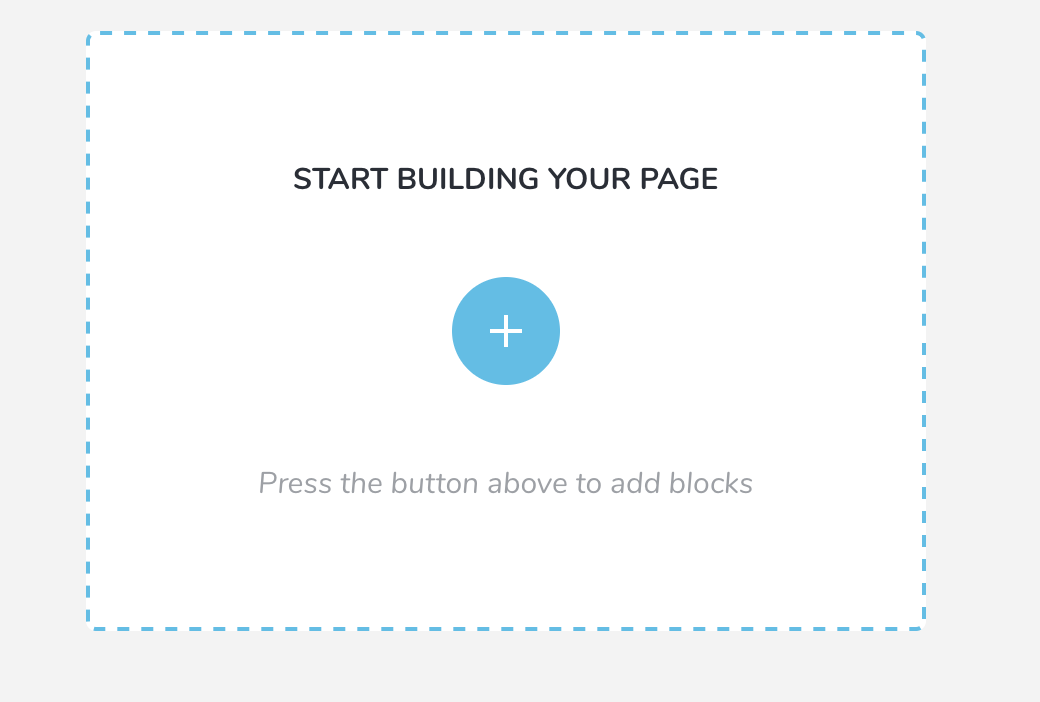
I can go to the standard WP edit page but when I try the Continue to edit with Brizy function I only get a standard Brizy start page. Where is all my content? Is there any backup version I can go back to?
 0
0 -
Hi,
Where did you receive this problem? In the template or in the page? What were previous actions before this problem? If you found it on the page, could you please check if you didn't create a template for all pages?
Thanks!
Best regards,
Sandra0 -
I'm not quite sure. I was setting up a Brizy Cloud site and when I was going back to my domain (www.bens.no) the Brizy template was not visible (though still activated in the Templates section). It seems that the visual connection with Brizy is lost – and the site now uses the default WP template.
Do you have a remote screen sharing support service?
0 -
Hi,
I created a private ticket on this request. You had to receive a notification regarding this on email. Could you send to us in that private message the WP credentials to this site?
Also, could you please give us more details regarding the relation between Brizy Cloud site and the WordPress site?Thanks!
Best regards,
Sandra0
Please sign in to leave a comment.
Comments
13 comments