Website Speed

Good day
I tried to improve the speed of my home
page.
I removed as much as possible from the page and left the basic essentials only.
A few links, a few logos and one menu. Nothing else...
My speed is super slow.
What can be done? Is this because of Brizy?
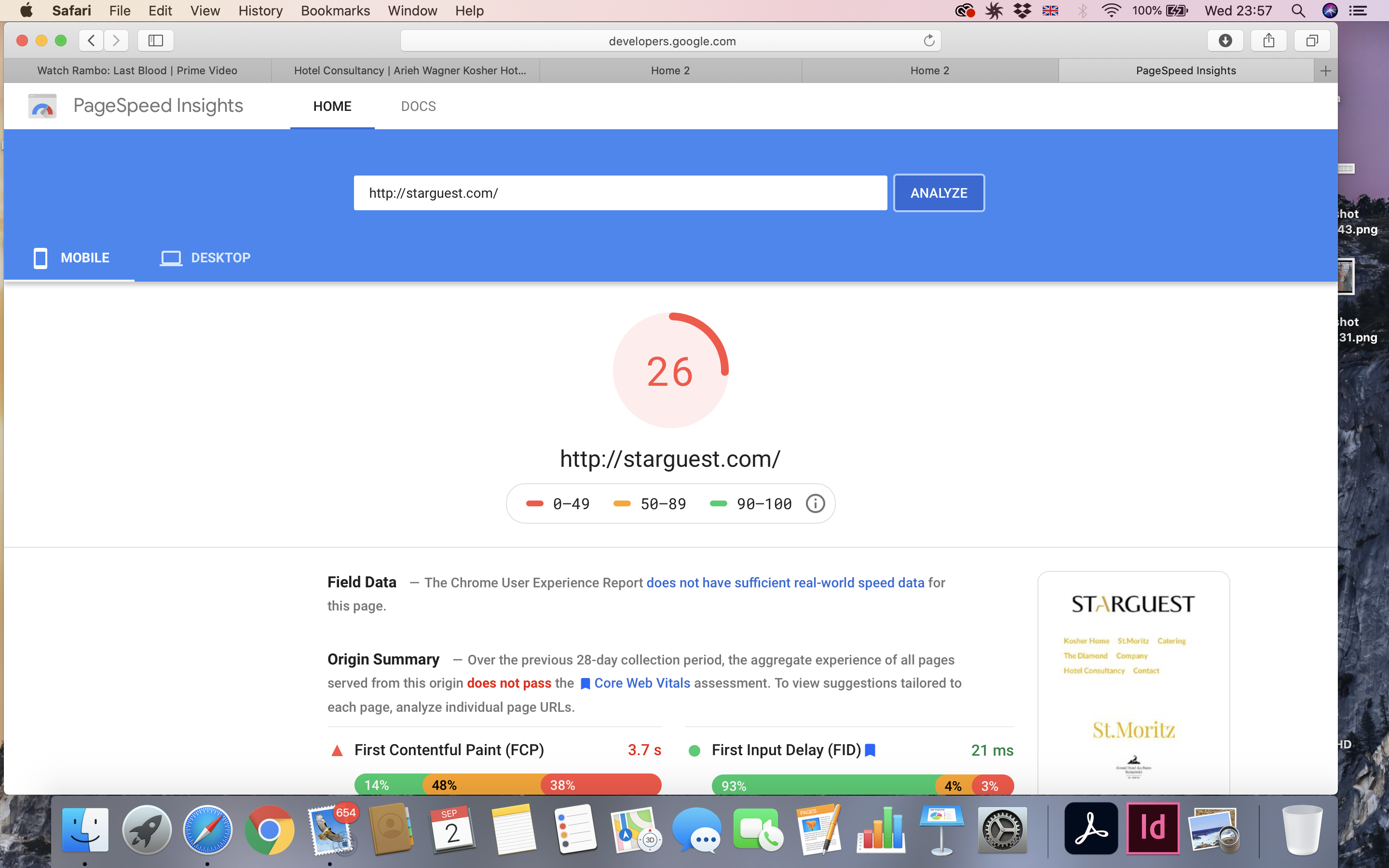
-

Hi,
If you deactivate the Brizy Free and Pro do you receive a result much better?
Do you have the 2.0.7 version for Brizy Free and the 2.0.4 version for Brizy Pro? Could you please run the Autoptimize plugin? Could you please the site cache?Thanks!
Best regards,
Sandra0 -
Hi Sandra,
Thank you for your reply.
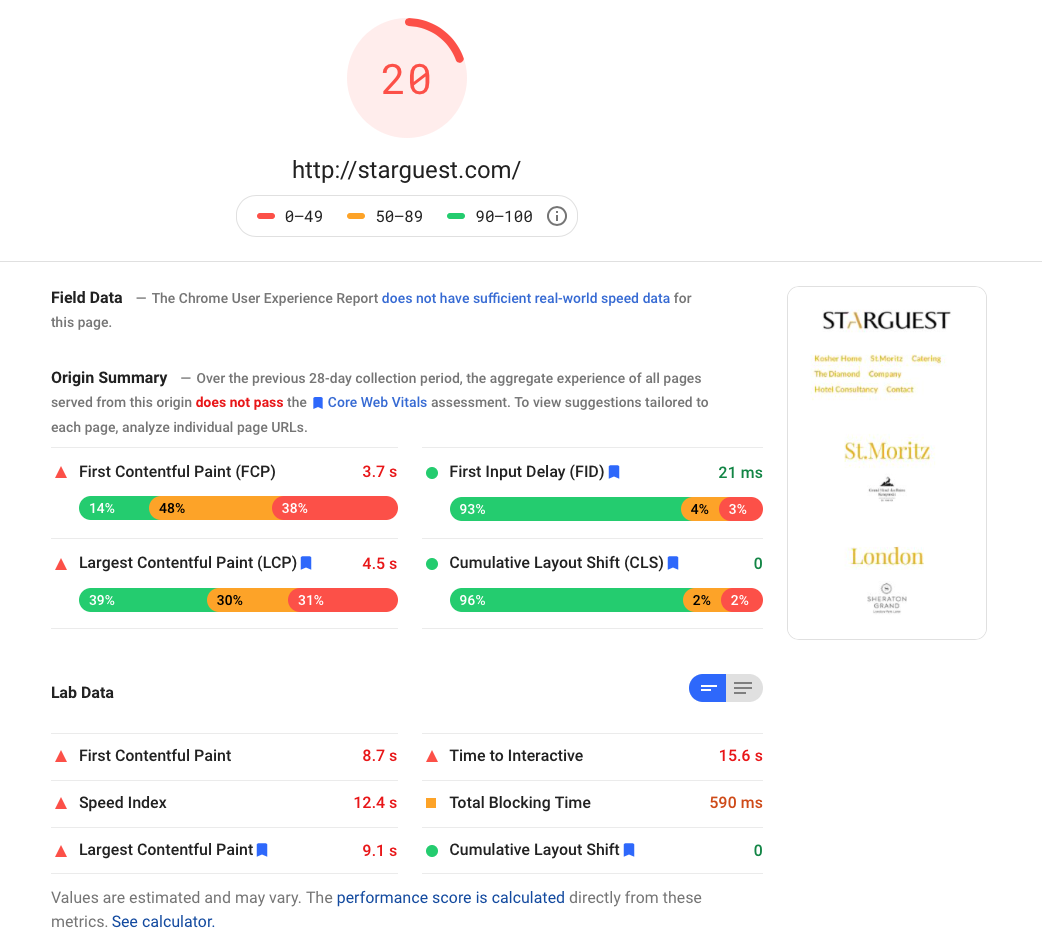
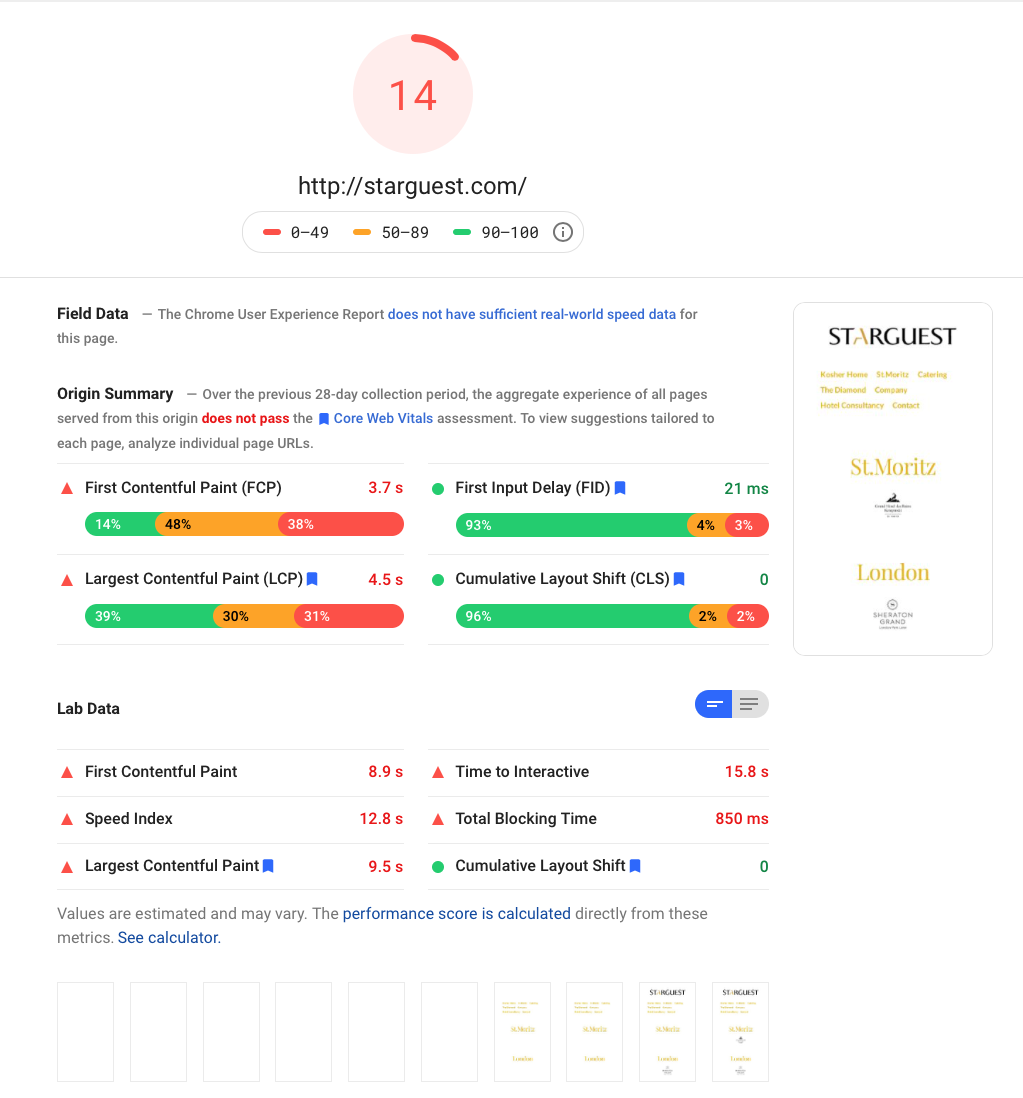
1) Deactivated Brizy Free & Pro
> The result was a faster speed; AFTER 20 - BEFORE 14
 0
0 -
The difference is very small and I'm sorry to say but I can't do anything more in this case. I can suggest you optimize the site using some standards steps:
- chose a right hosting plan;
- keep update the WP, theme and plugins;
- use a WP cache plugin;
- use an Image optimization plugin (for example ShortPixel that has integration with Brizy);
- delete unused themes and plugins;
- clean up your WP media library from unused images and the Posts revisions;
- optimize the database (WPOptimize).Thanks!
Best regards,
Sandra0 -

Hi. I have the same problem. My website is loading pretty slowly. Can you help?
0 -

Hi Manji
We would like to check your website; please share its URL.
0 -
Hi. www.upskhill.com
0 -
Your website performance looks reasonably good to me. https://gtmetrix.com/reports/www.upskhill.com/D7wZ2C38/
Your GT Metrix score is 96% and PageSpeed Insights mobile score is 60-65%. If you get above 90% in GT Metrix and above 60% in PageSpeed Insights, your website is considered performing excellently.
Even visually the page loads instantaneously. Please watch this video. https://jmp.sh/LrYQvpZ
0 -
Www.starguest.com
0 -
I am really struggling with site speed
0 -
Hi Arieh
Please consider these suggestions for improving your site performance.
- Change your theme from The Core Parent to Blocksy. It is a light weight theme which can help speedup your website.
- If Sitekit by Google is not very critical for your website, please consider deactivating it.
- Are you using a caching plugin? If you are not, start using Lightspeed cache
- Do database optimization using Advanced Database Cleaner. You can delete the plugin once you carry out the optimization.
- Use Brizy form instead of the Hubspot form
- There are some mixed content errors on your site. https://jmp.sh/rmVUqUe Please force SSL on your website to get rid of this error.
0 -
Many thanks for your kind message!
Very much apprechiated.
1) Changed
2) Will do later
3) Not using - cant find Lightspeed
4) Done
5) Difficult
6) not sure how to do this
> Is there an improvement to the site?
0 -
Hi Arieh
Sorry; I misspelled the caching plugin. It is Litespeed (and not Lightspeed)
To fix the mixed content errors, you need force SSL on your website. Please consider this plugin for it. https://wordpress.org/plugins/wp-force-ssl/
0
Please sign in to leave a comment.
Comments
12 comments