Post excerpt not displaying correctly

Hi,
I run Brizy in a blog-setup and encountered following problem:
On my front (home) page which is a simple Wordpress page edited with Brizy, I have set up the "Posts" widget to show the latest 3 posts. On this page the excerpt function works properly and displays the "Continue Reading" on the correct position. (See 1st image on the left post).
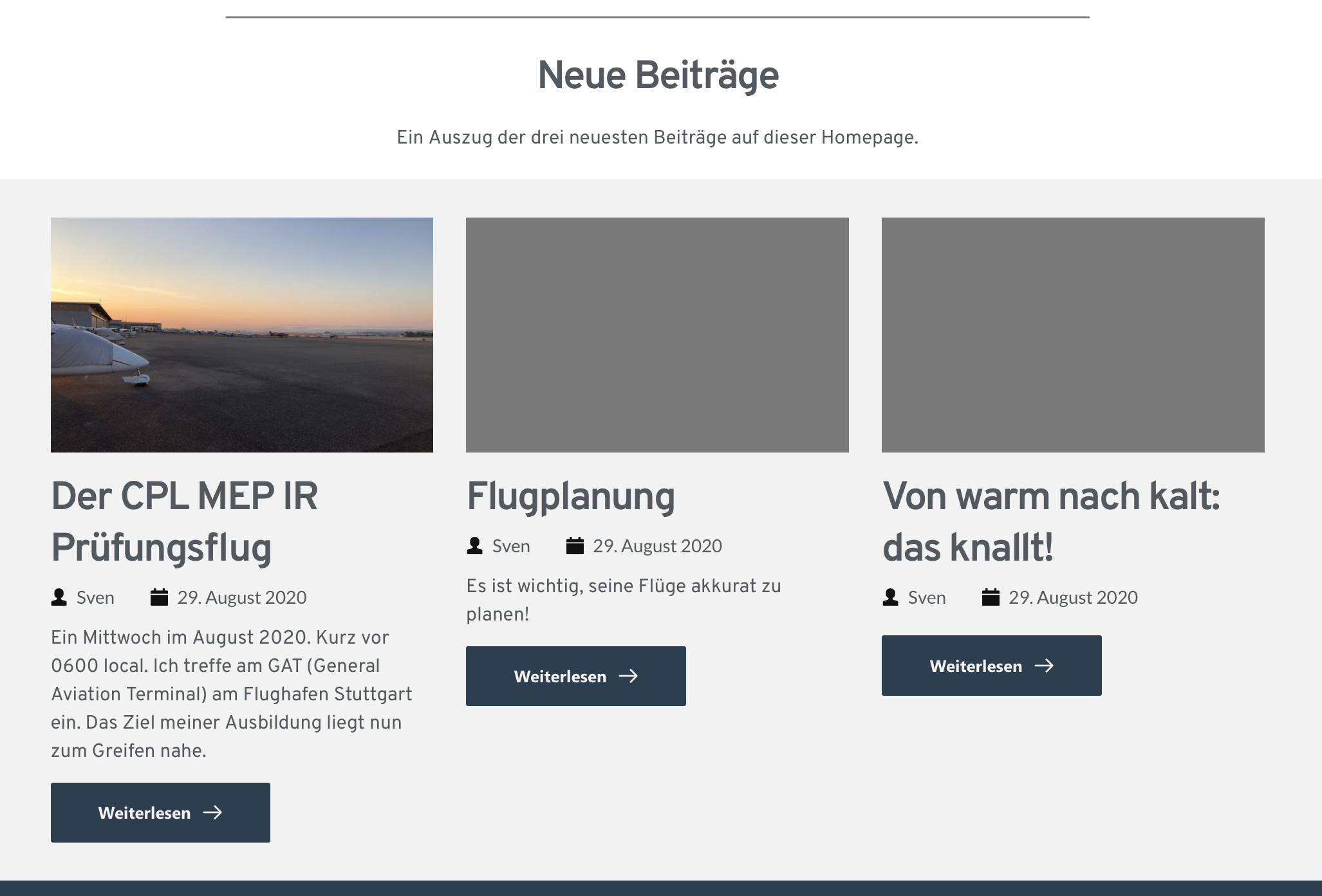
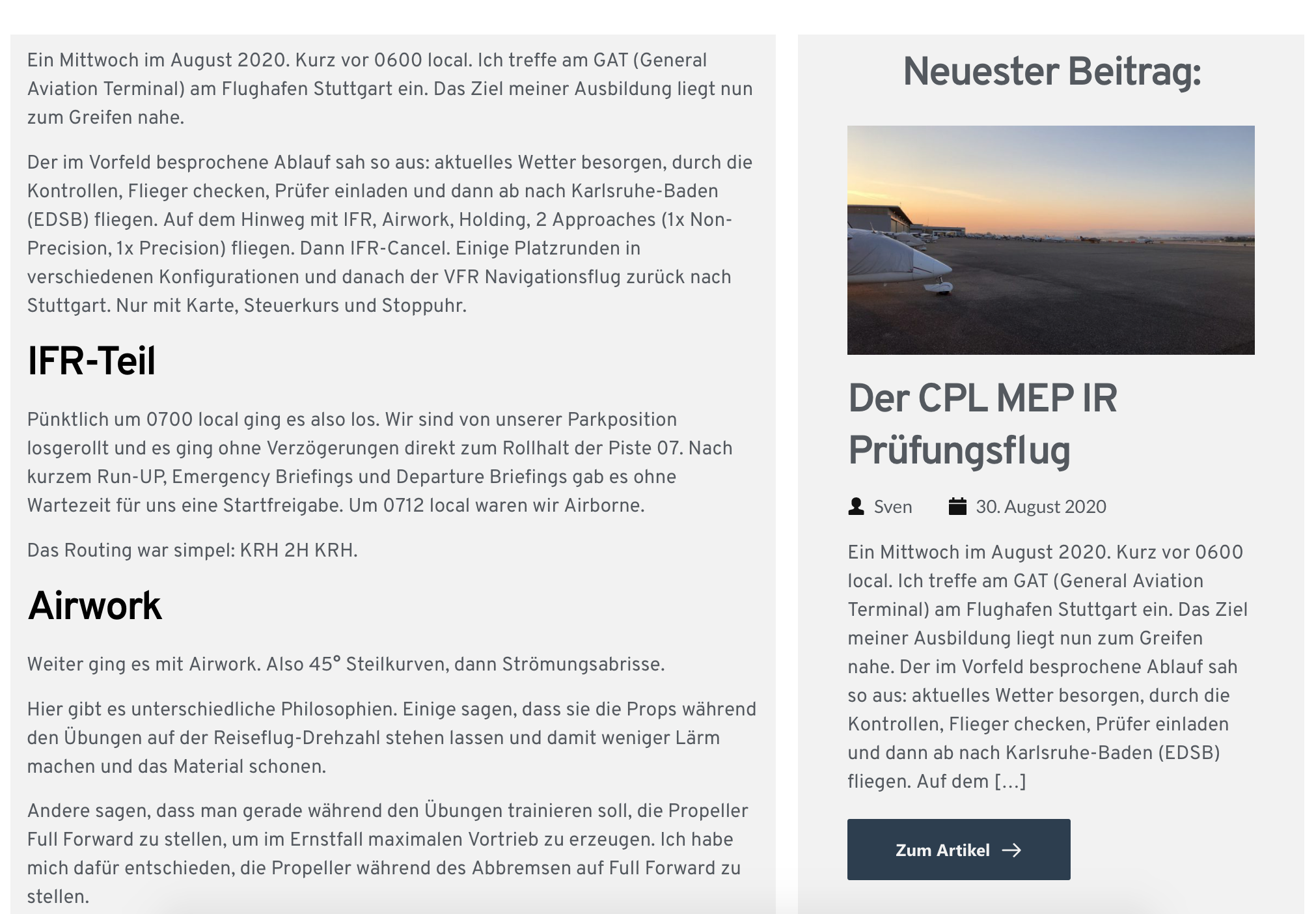
My Brizzy-Template-Site which displays all posts is set up to display the newest post on the website on the right side. I again used the "Posts" widget. But there the excerpt is much longer and the "Continue Reading" button is displayed later (after a longer excerpt from the post). See second image.
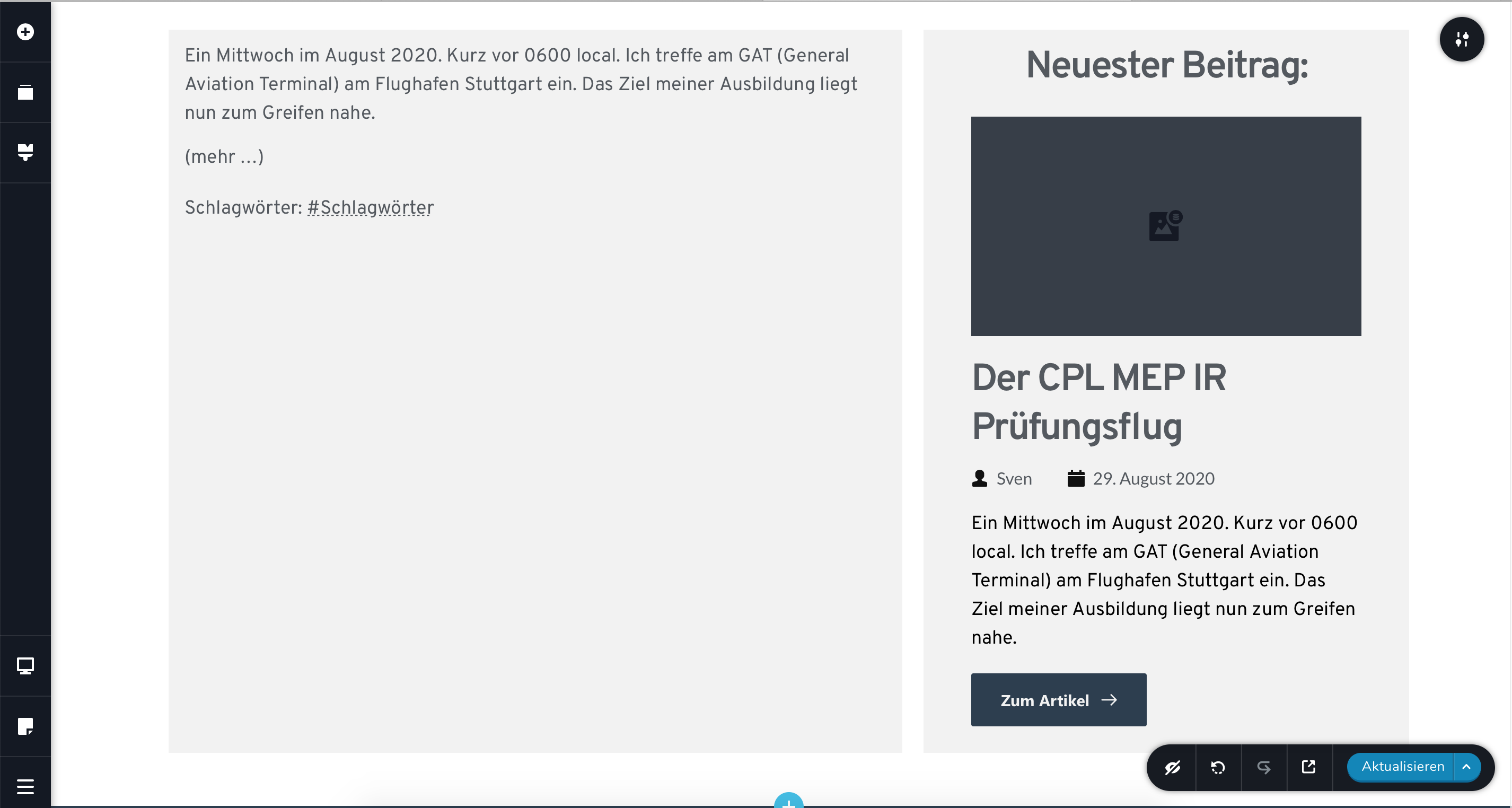
What irritates me the most is that in the editor preview everything is displayed correctly. See third picture.
Am I overseeing something? I should add that the configuration for both widgets is the same.
Thanks in advance!
Best regards from Germany
Sven.
-

Hi,
Unfortunately, I couldn't reproduce the problem you encounter. Usually the "[...]" appears when the posts don't have set manually the Posts Excerpts and Brizy created it by itself. If the Post Excerpt is set here then this should not appear. Could you please check this? Also, could you check if you have the latest versions for Brizy Free (2.0.7) and Brizy Pro (2.0.4)?
Thanks!
Best regards,
Sandra0
Please sign in to leave a comment.
Comments
1 comment