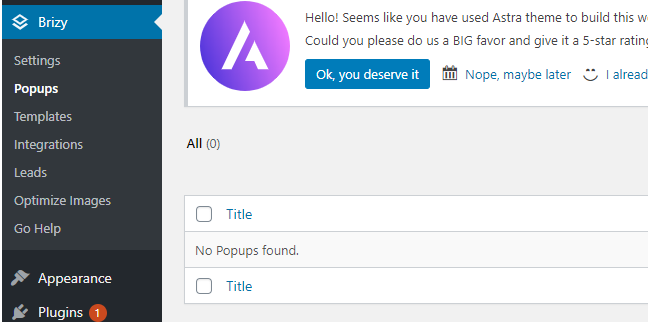
Where is My Popup - it is Not in the Popup Menu

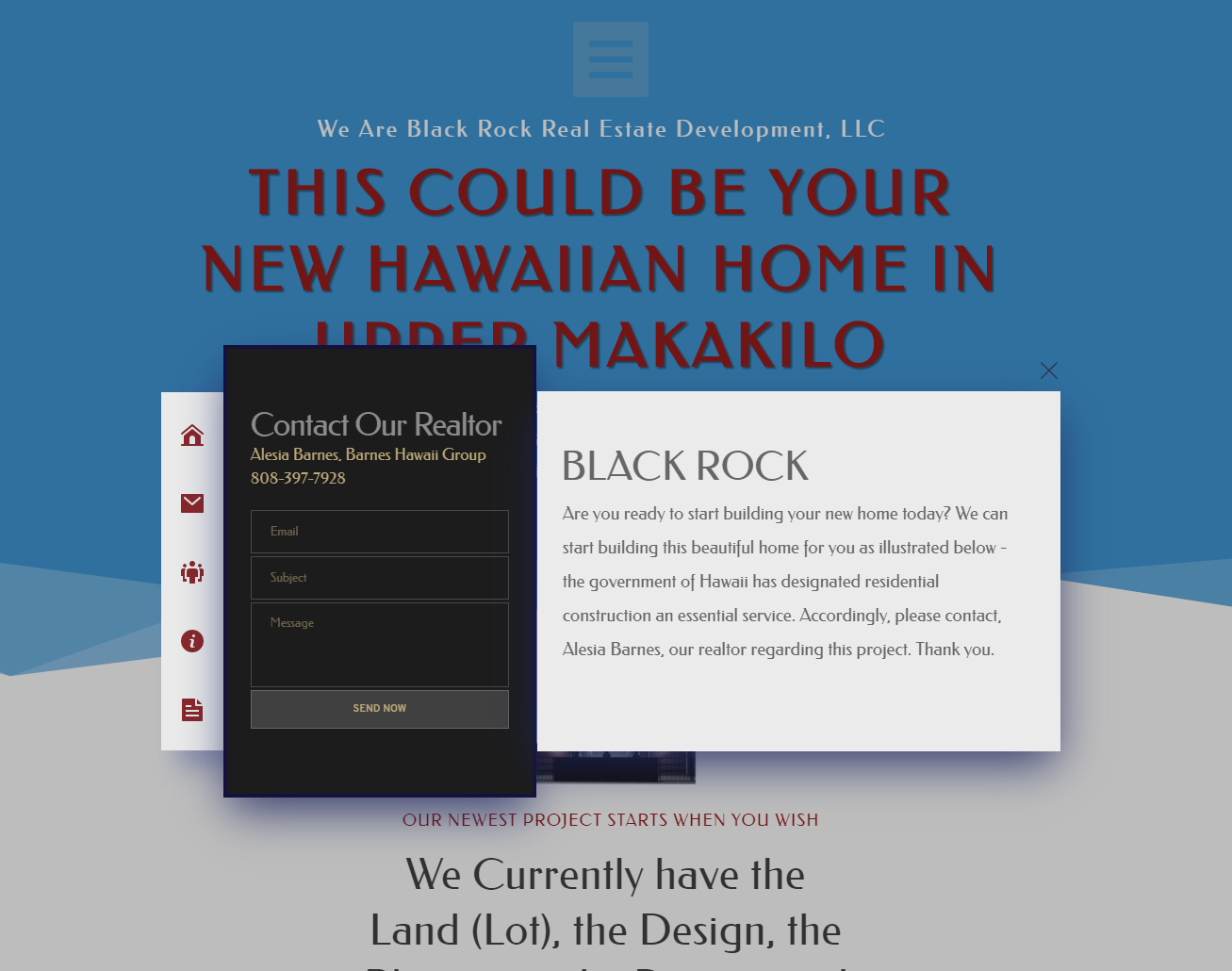
HELLO! I made a beautiful popup in Brizy WordPress but now it does not appear in the popup menu, where is it? I would like to save it in my heart menu to use over and over. -Mitchell
-
 0
0 -
 0
0 -
Site: https://www.blackrockred.com/upcoming-builds/
Trigger: The big hamburger menu at the top
Thanx!
-Mitchell
0 -

Hi, Mitchell,
I suppose that you added and created the pop-up internal to that hamburger menu. To access it again and save it, you have to go to this page "Upcoming-builds", go to the hamburger menu from the top, go to Links options and then to Pop-up https://jmp.sh/hmXJUYW. There you have to find it. You have to click on it and then it will open it again. In the top-right corner, you will encounter the General option and from there you have to find the "Heart" icon to save it https://jmp.sh/KBwkkB8.
Best regards,
Sandra0
Please sign in to leave a comment.
Comments
4 comments