Globle blocks not updating across pages

Things are getting very strange. I am update the header block on the home page which was made globle from the start, I then started building my other pages using the globle blocks. Then if I update the block on the home then nothing updates across the site.
ta
Dan
-

Hi,
Now, for Global blocks, you can set the Display conditions. Could you please check what Display conditions have your global block? Also, could you check if the block has the "Blue" icon in the right top corner of the Block options https://jmp.sh/atXj9wT?
Thanks!
Best regards,
Sandra0 -
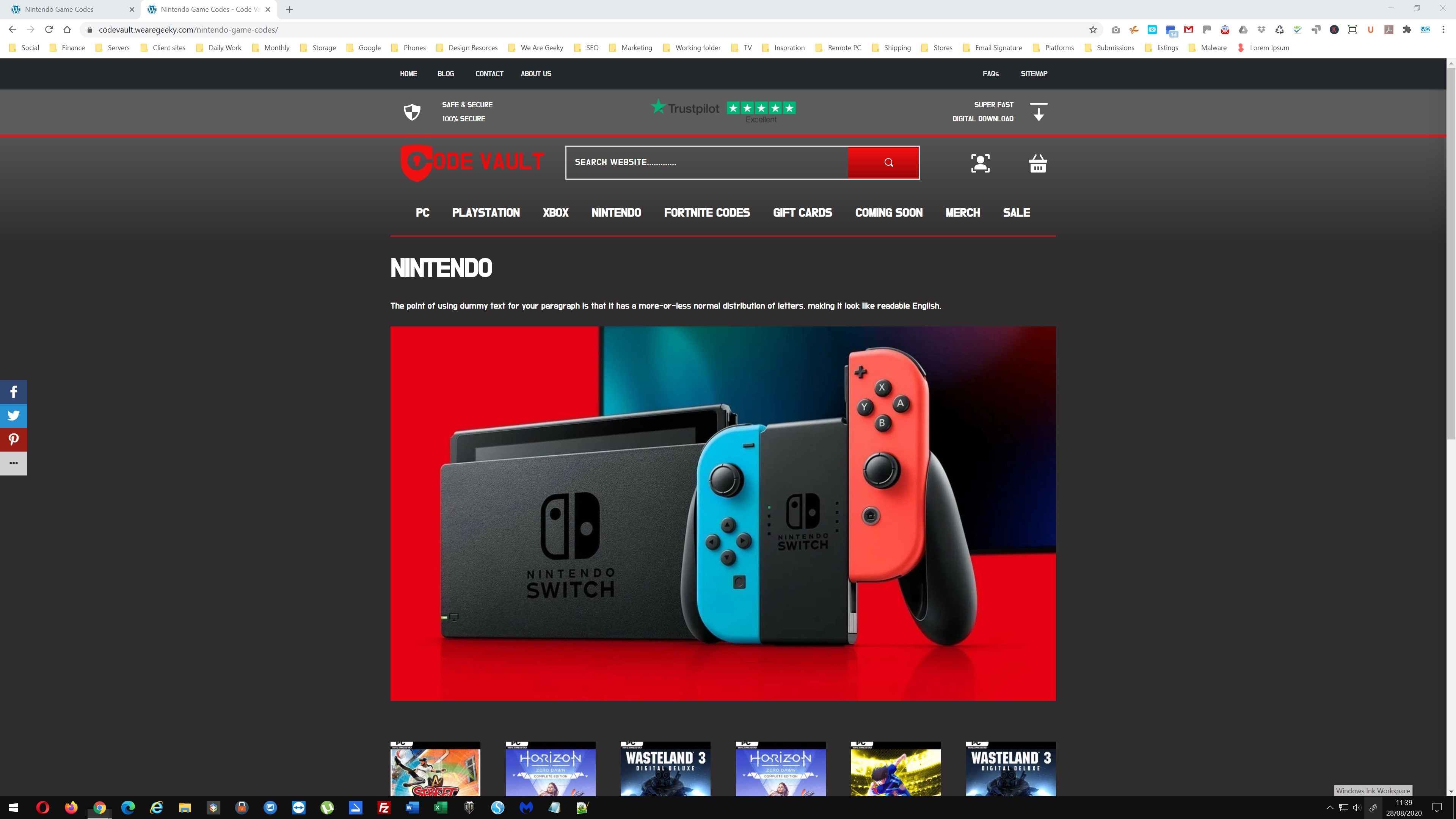
Hi, ive done all that and the global block still dosnt update for some reason. Heres two screenshots of the same page one live and the other with in the builder.
ta
Dan

 0
0 -
you can not see the mega menu but thats out of alignment between the live site and the builder.
ta
Dan
0 -
Hi, Dan,
I checked this page and seems that I see r-the view you have in editor mode. Also, I found that the mega menu is displaying correctly too. See here, I made a screen video. Could you try to delete the browser cache?
Thanks!
Best regards,
Sandra0
Please sign in to leave a comment.
Comments
4 comments