Copy Brizy edited page to new location

Dear Brizy support,
one question, is it possible to copy and paste a page that I edited with brizy to a new location? (lets say another page installation on another server)
If I want to do something like that so far I go to the wordpress page, display the pagecode in Classical Texteditor mode, then copy the shortcodes and paste them to the new location. (for a new server I would need to update all included urls but thats all). Works so far.
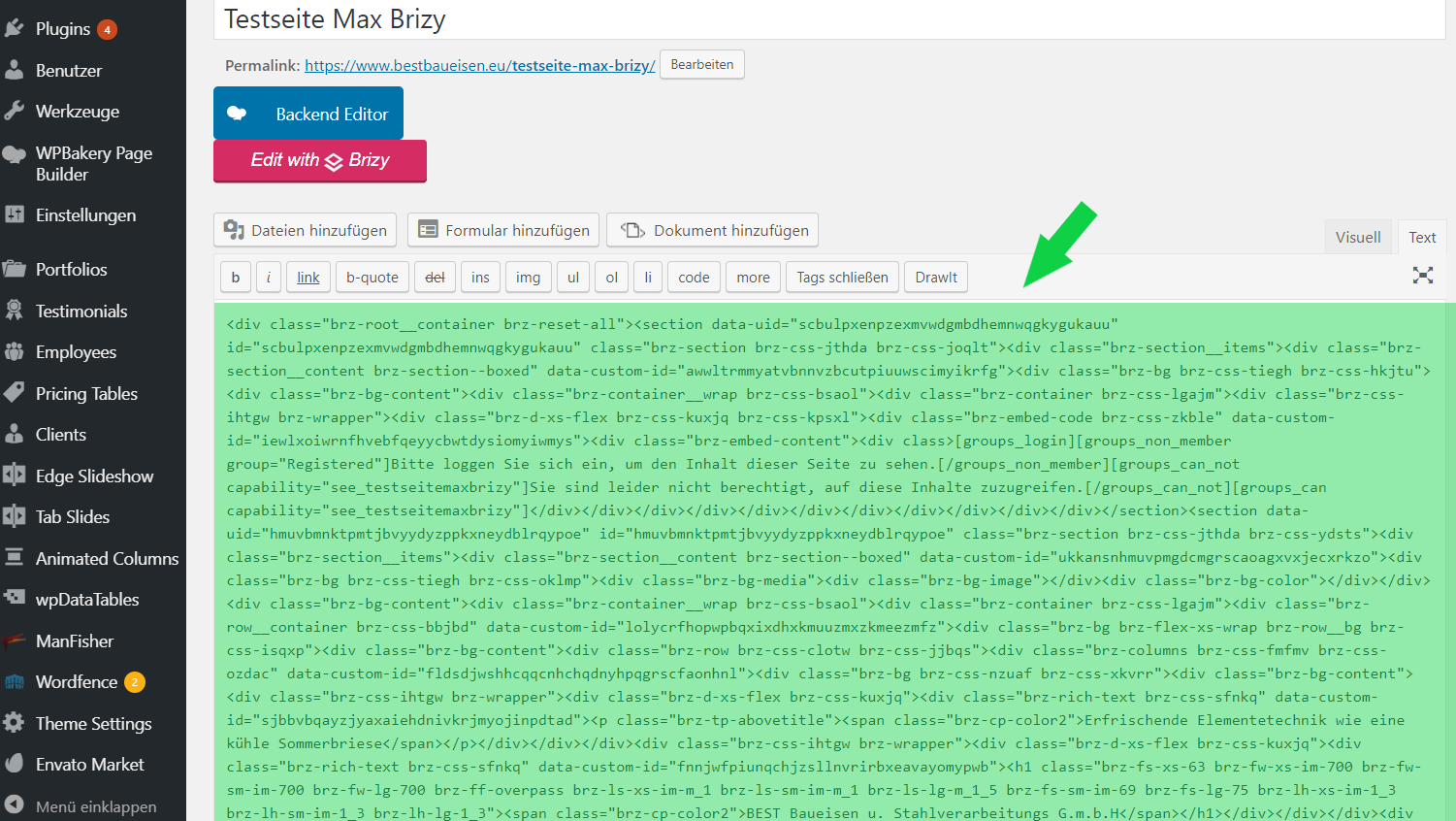
When trying to do the same with a page that I edited in Brizy this does not work. (see screenshot) I can see the page code in classical text editing view and I can copy and paste the code but after publishing the page does not display as edited. All i get is a blank brizy page, none of the previously edited content is there.
Do you know what I am doing wrong or how to do this?
Thank you for your support,
best regards,
Max
-

Hi Max,
this will not work with Brizy. You can use a migration plugin to migrate the entire site. For example All in One Migration plugin: https://wordpress.org/plugins/all-in-one-wp-migration/ There is no option to migrate only the pages from one site to another. Also, as a solution, you can use the Brizy Cloud as an intermediary. I mean you can sync the layout from WordPress to Brizy Cloud and then import it to another WordPress site. Please refer to this video: https://youtu.be/iid5ZagYpuE
0
Please sign in to leave a comment.
Comments
1 comment