How do I create a blog post layout with drop shadow and rectangular place holders for each blog entry

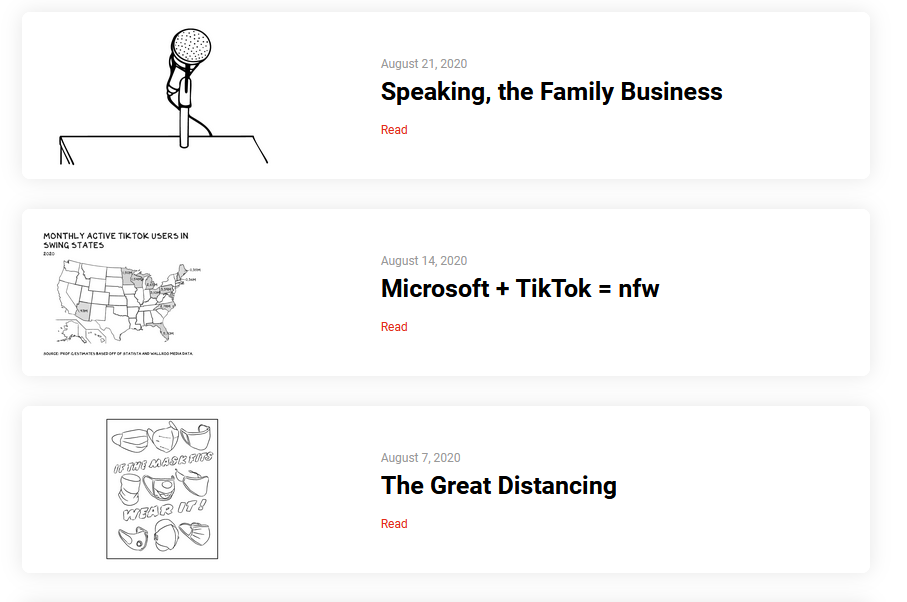
How do I create a blog post layout with drop shadow and rectangular place holders for each blog entry like https://www.profgalloway.com/
-

Hi,
For this, you have to add Posts element or Archive element and set it with 1 column and 10 rows (for example, but you can select the number of rows you want). After this, in the column where is stored the information about one post, you have to add the Row element. It will come by default with 2 columns, therefore, you can drag and drop the Image element and add it in the first column and the text elements in the second column. After this, to the row, you can add the shadow. See here.
Best regards,
Sandra0 -
Thanks a lot Sandra. This is very helpful. Sincerely - Shiv.
0 -
Thank you too! It's my pleasure to help you!
Best regards,
Sandra0
Please sign in to leave a comment.
Comments
3 comments