Login widget not showing

Hello
it seems the log - in widget is not showing on a production page
https://www.charlottelazzari.it/accedi-2/
the website is equipped with woocommerce and the last version of wordpress
Am i missing anything?
Thank
-

Hi, Lorenzo,
Could you please say how did you create the widget and how did you add it on the Brizy page? What plugin generate the log-in form?
Thanks!Best regards,
Sandra0 -
Well, that's unexpected question: i'm generating the form with brizy (i think)
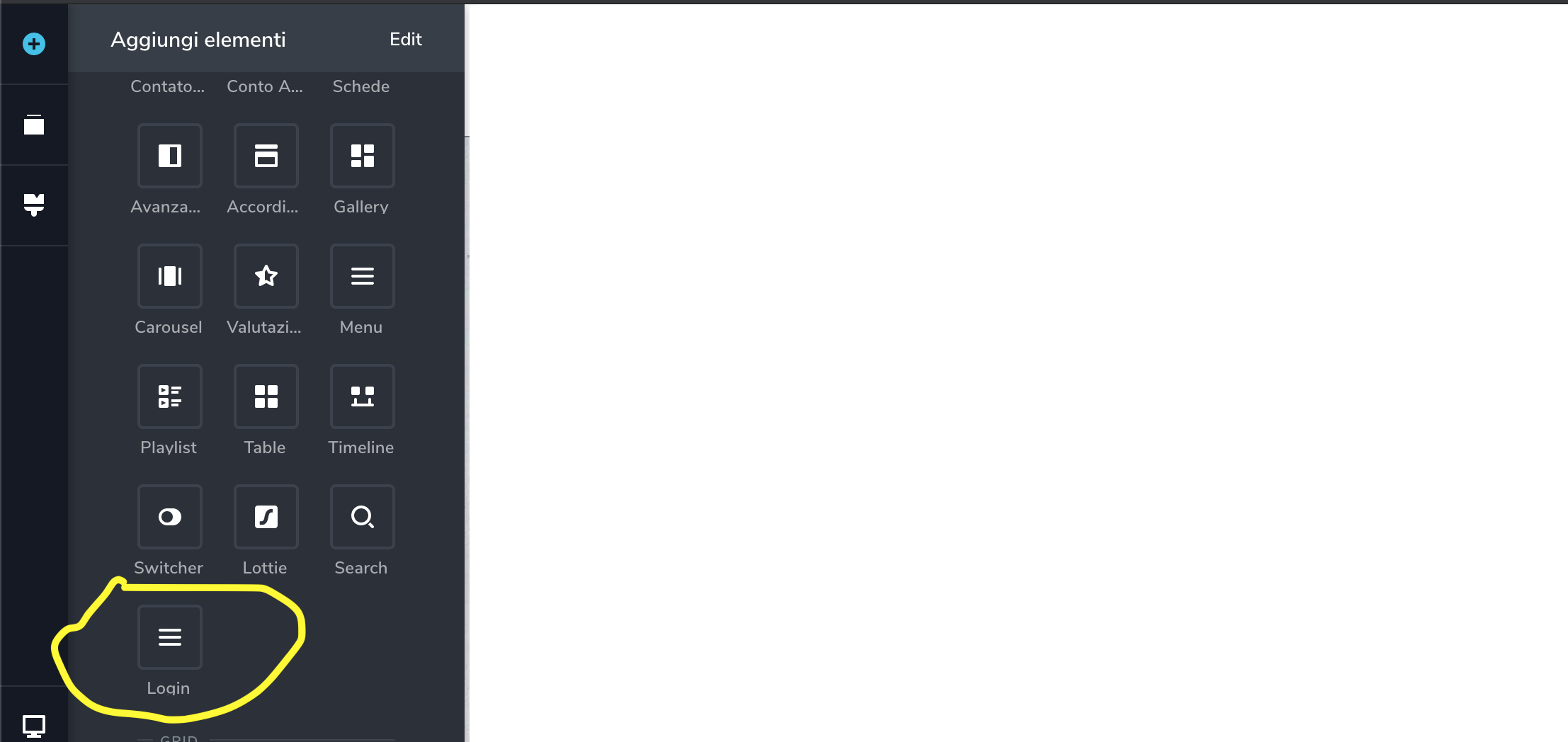
Am i missing anything?
0 -
Ok, thank you! In Brizy, we usually use the "element" term instead of "widget" and for this reason I misunderstand you.
Could you please give us more details about the problem you encounter? I checked it right now and all seems to work fine.Thanks!
Best regards,
Sandra0 -
No problem!
But i can't see any login form launching the page, in different devices
Is it my network? Could you please share a screenshot?
0 -
Hi,
If you are logged in the WP and test this element after you click on "Preview", it will not appear because it detects you that you are already logged and don't show the form. To test it, I suggest opening the incognito mode of the browser. See here.
Best regards,
Sandra0 -
Hei Sandra, it's the opposite indeed!
Logged in wordpress the form is showing and show the state "you are logged in as" while in a clean tab is not showing at all.Going to check network and CDN
Thank
0 -
Hi,
I want to say that I tried to reproduce the problem you encounter and as you can see from the screen record I made for you, all is working as it should.
If for you it isn't working in the same way, could you please make some basic checks?- Do you have the latest Brizy versions - Free 2.0.7 and PRO 2.0.4?
- If you change the theme with a WP default theme do you have the same problem?
- Do you have the same problem if you disable all external plugins?
Thanks!
Best regards,
Sandra0 -
It seems everything is updated and working
i can't disable woocommerce for now, ill make another test in a dummy wordpress istance
thank you
0 -
Hi,
Thank you too!
Let us know if we can help you with something else.Best regards,
Sandra0
Please sign in to leave a comment.
Comments
9 comments