Server Sync not working

Hi I downloaded the files from the cloud and uploaded them to a folder in my server, but when I try to open the page it says me that the page was not found.
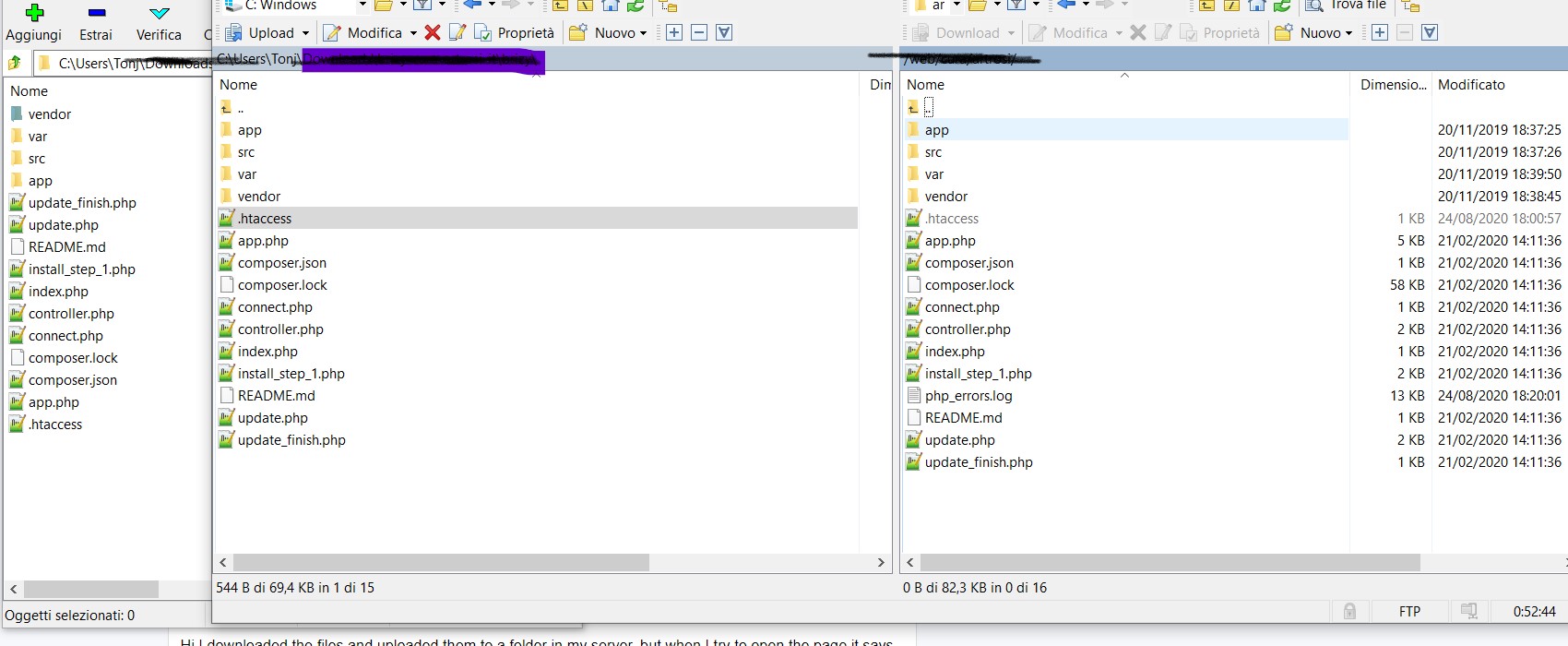
is it normal that there's no 'install' folder in the files I downloaded from brizy cloud?
I had it in another download...
-

Hi,
What error did you encounter? Could you send a screenshot? Maybe you add the Brizy folder in another folder with another name and therefore you don't access the right domain?
Also, maybe you added the SSL certificate after uploading the Brizy folder. The server sync "Golden Rule" is: Server Sync option is the last step in publishing a Brizy Cloud project. The entire server environment needs to be prepared before uploading the Brizy folder.Best regards,
Sandra0 -
Hi Sandra, the folder is the right one, I already had for more than a year the server-sync of the same page perfectly running
One week ago it stopped updating the page on my site, so I downloaded the package from the cloud again and tried substitute the old one with the latest one.
But now I'm getting this error
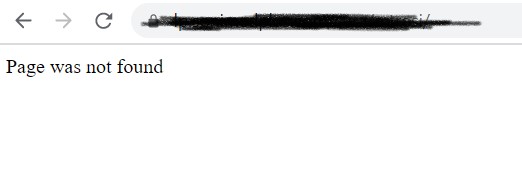
what I saw is that before in the package there was another folder, the 'install' one which is present in your examples too
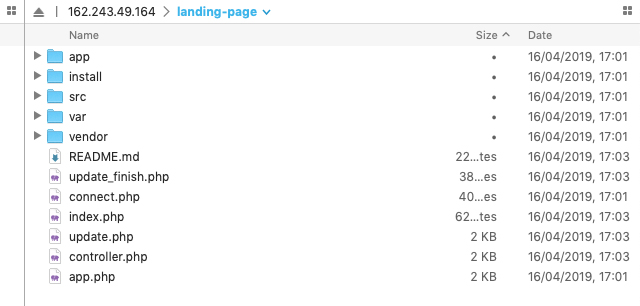
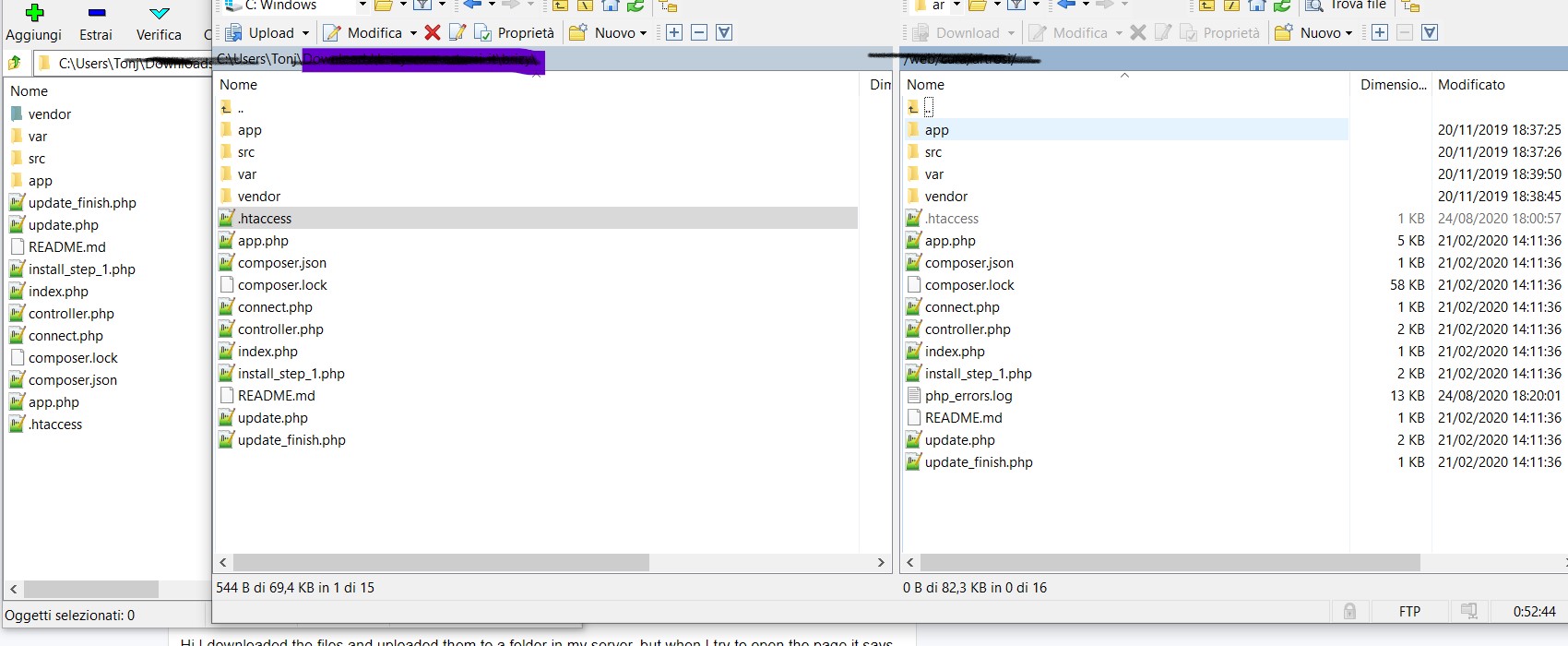
and in the last package I downloaded instead is not present anymore
 0
0 -
Could you please send the URL link of the site and the URL of the project from Brizy Cloud? Before approving the comment we will delete them.
Thanks!
Best regards,
Sandra0 -

Hi,
I connected 2 web site (one demo and the production site)
One of my website (the demo one) doesn't do the sync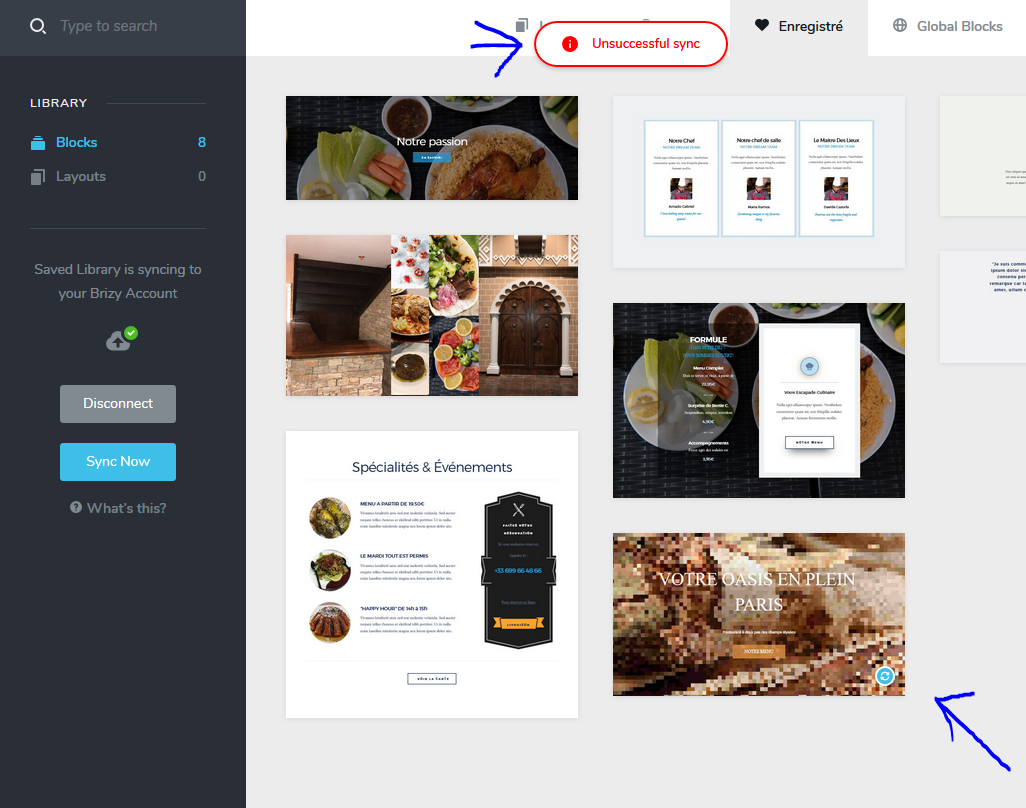
Thanx in advance
G0 -
***
***
0 -
Hi,
Gerald - could you please disconnect and try again? Did you find this problem on the WP site or on the Cloud site?
Antonio - could you please indicate where did you add the Brizy folder? In what folder did you unzip the Brizy zip folder? Could you send some screenshots? I will delete them too before approving the message.
Thanks!
Best regards,
Sandra0 -
***
0 -
Hi, Antonio,
Thank you for the video. I created a private ticket on this request. You had to receive a notification regarding this on email. Could you send to us in that private message the FTP credentials to this site?
Thanks!
Best regards,
Sandra0 -
Hi,
On WP website.
Do you also want an FTP?Cheers,
G.O0 -
Hi, Gerald,
Your problem is a bit different from the problem mentioned by Antonio. Could you please check if you have the latest Brizy Free (2.0.7) and Brizy Pro (2.0.4)? In one of the latest versions, we fixed this problem and now all should fine work. If you don't have it, could you please update them, then go back to the Saved blocks, disconnect and connect again to the Brizy account.
Thanks!
Best regards,
Sandra0
Please sign in to leave a comment.
Comments
10 comments