Archive page is blank

Hi Brizy
My problem is first off that I'm not a tec geek at all so I have no idea what I'm doing.. or very little that is :)
But your videos have helped a lot so thank you for that.
I've created a template for my blog page (archive page). Under settings I've told WP that this is my blog page. I've created a template for my archive page and called it My Blog. I've also created a few blogs so i can see how it will look.
But when i want ti view it, the page is blank! What do i do wrong?
I can see that others have similar problems, but i don't understand the replies. I've been sitting with this for hours now, going through video tutorials and Q&As and I'm getting frustrated. Please help.
My Brizy version is the very latest, just downloaded a couple of days ago.
My wp version is: WordPress 5.5
Theme: Neve
My site is: www.mychi.one
I can see that you have asked others to take a screen shot if the console so ill attach that too.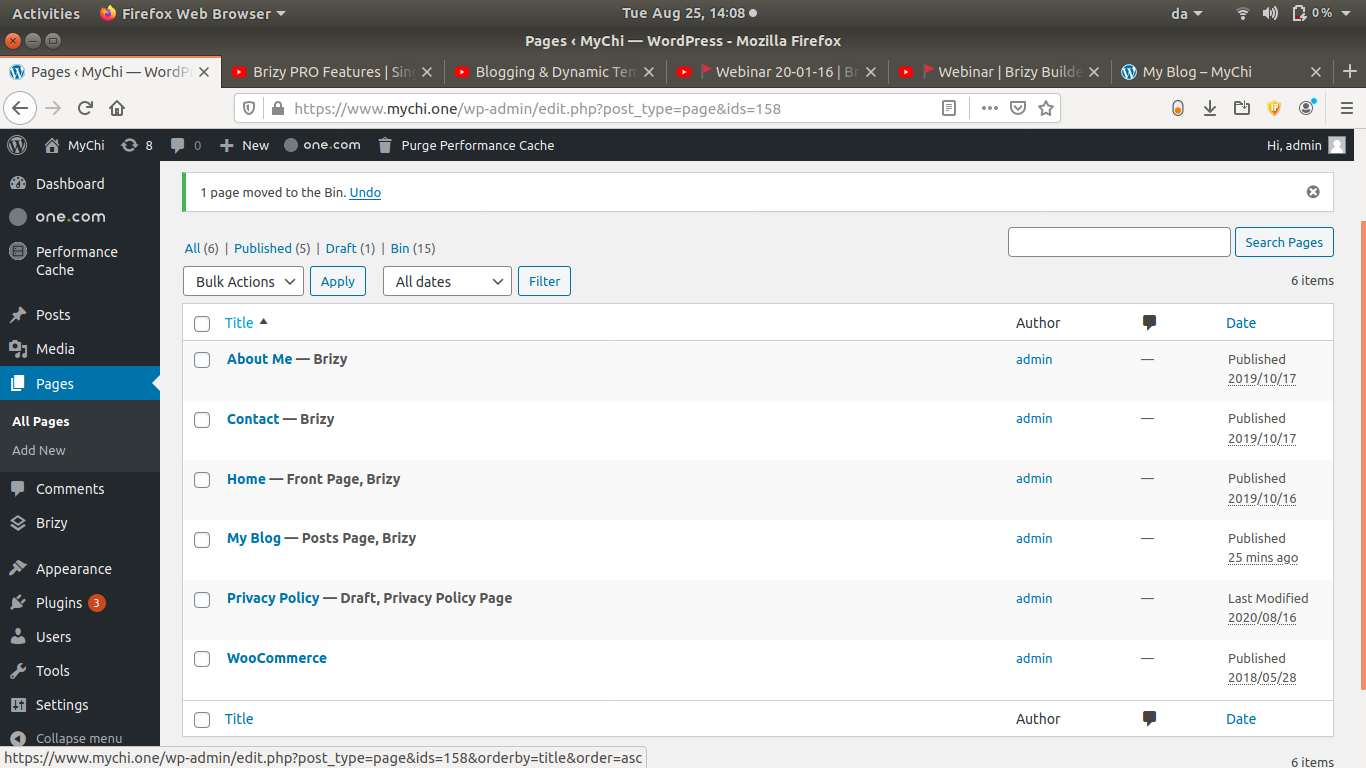

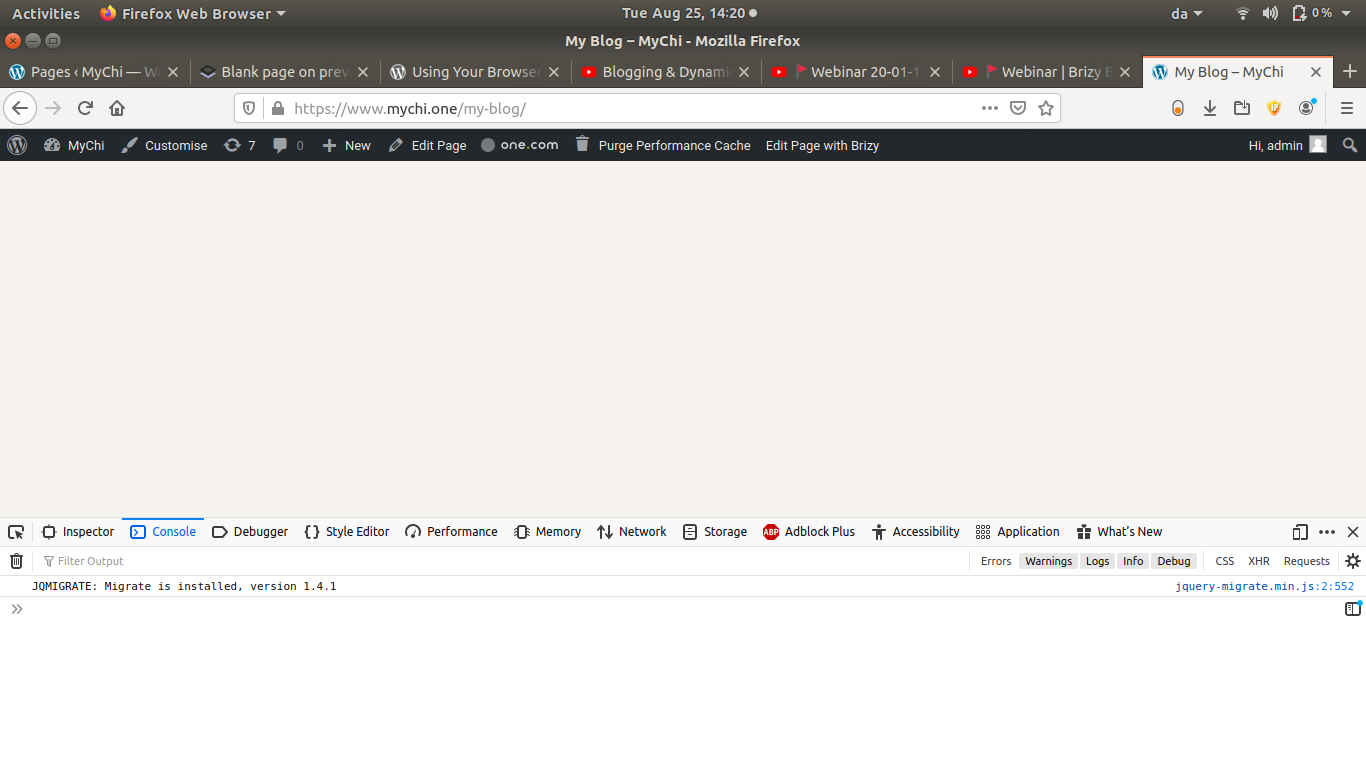
Thank you in advance :)
-
I've got Brizy PRO, forgot to write that :)
0 -

Hi,
Thank you a lot for all these details and screenshots. They helped us a lot to understand the situation from the user's dashboard.
If you followed this video and want to use the same method for creating the Blog page, you can notice that Dimi (the person from video and one of our manager, by the way) didn't create the Blog page. There, he creates the "Blog" category and added to all posts one extra category, the "Blog" one. When he created the template with this display condition "Include - Category - All", he created a template for the Blog page too. Therefore he didn't access the Blog page from Pages but from Categories. He added the Category - Blog to the many and when he access the "Blog" from the menu, he accesses the category Blog.Therefore, in your case, you have to delete the "My blog" page and access the Blog from WP dashboard -> Posts -> Categories -> Blog. Also, you have to add this category to your menu as it is displayed in the tutorial.
Let us know if we can help you with something else.
Best regards,
Sandra0 -
Ahh, thank you very much :) That was the thing i overlooked. Now i can move on hehe:)
0 -
Ohh great! I'm happy to hear that all is fine now!
Let us know if we can help you with something else.Best regards,
Sandra0
Please sign in to leave a comment.
Comments
4 comments