Concerned about limited customization options with this plugin...

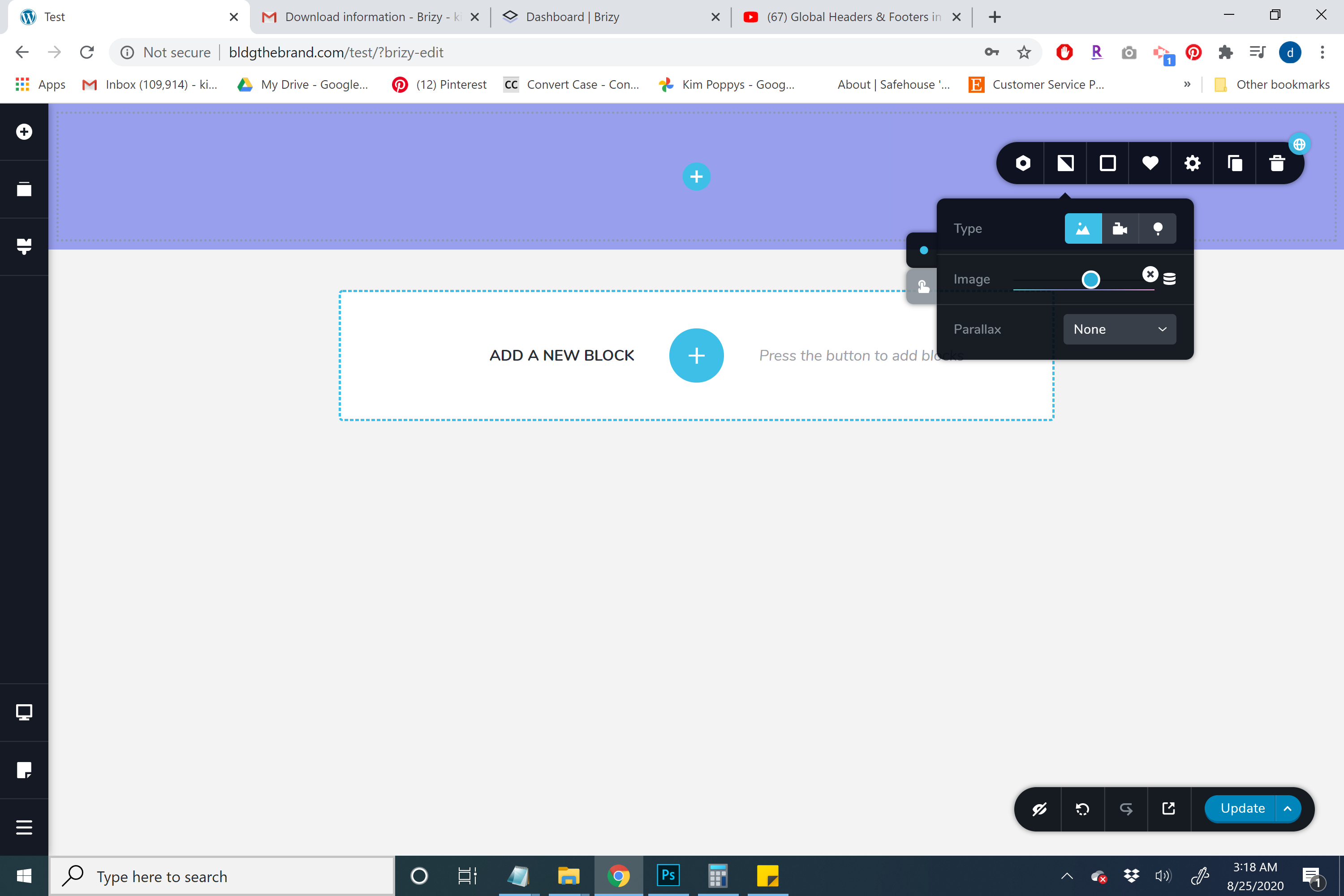
I thought this would be fully customizable but so far Im not able to do any of the things Id like to do with my layout. First, in the picture above I inserted a gradient image as the background of the block. But it's only showing a third of the picture. I want the entire image to show and for it to tile vertically, but I cant find those options. Where do I find those options?
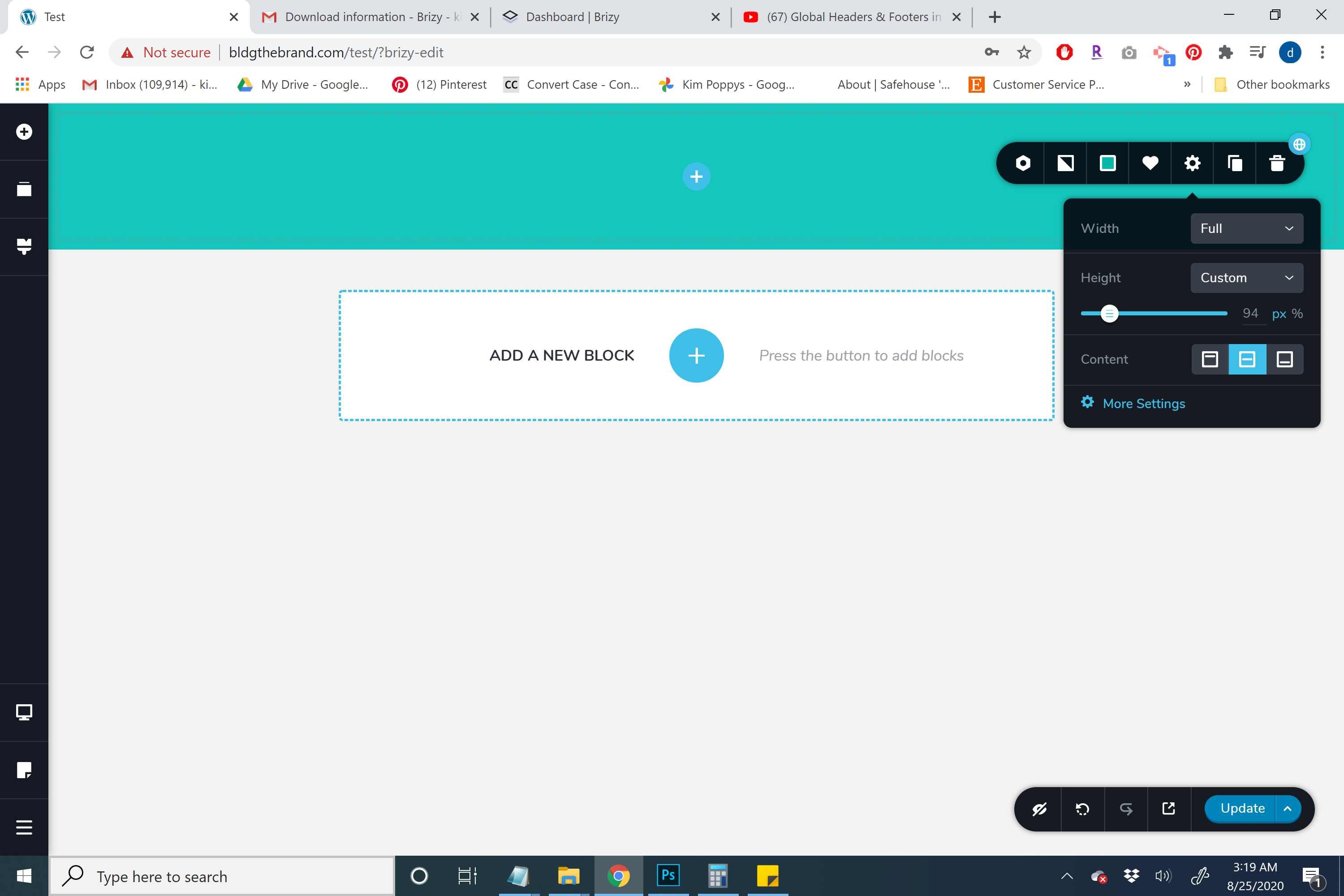
I want to be able to add very small header rows using this, but its not letting me make the rows any smaller past a certain point. How do I make this fully customized?
-

Hi,
If you want to have a gradient in the header, you can create it directly in the block settings. For this, you have to go to the Colors -> Overlay and select the Gradient option. After this select colours and the radius. See here. In your case, I notice that the image is a bit strange and small and I suppose this is the reason why it doesn't show up correctly.
Here "I want to be able to add very small header rows" - in your case, in the header block isn't added any element and for this reason, it doesn't react on your changes, but if you will add some elements, you will notice all the modification you make in the settings.
Best regards,
Sandra0
Please sign in to leave a comment.
Comments
1 comment