When edit the button for update the text, the page editor stopped working

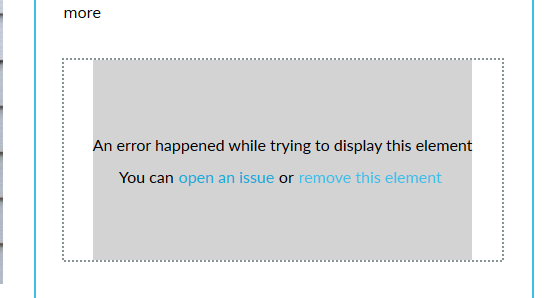
When I click on the button to update the text, It's stopped working and giving the warning to remove that section.
Here, it's showing a lot of jQuery issues in the console.
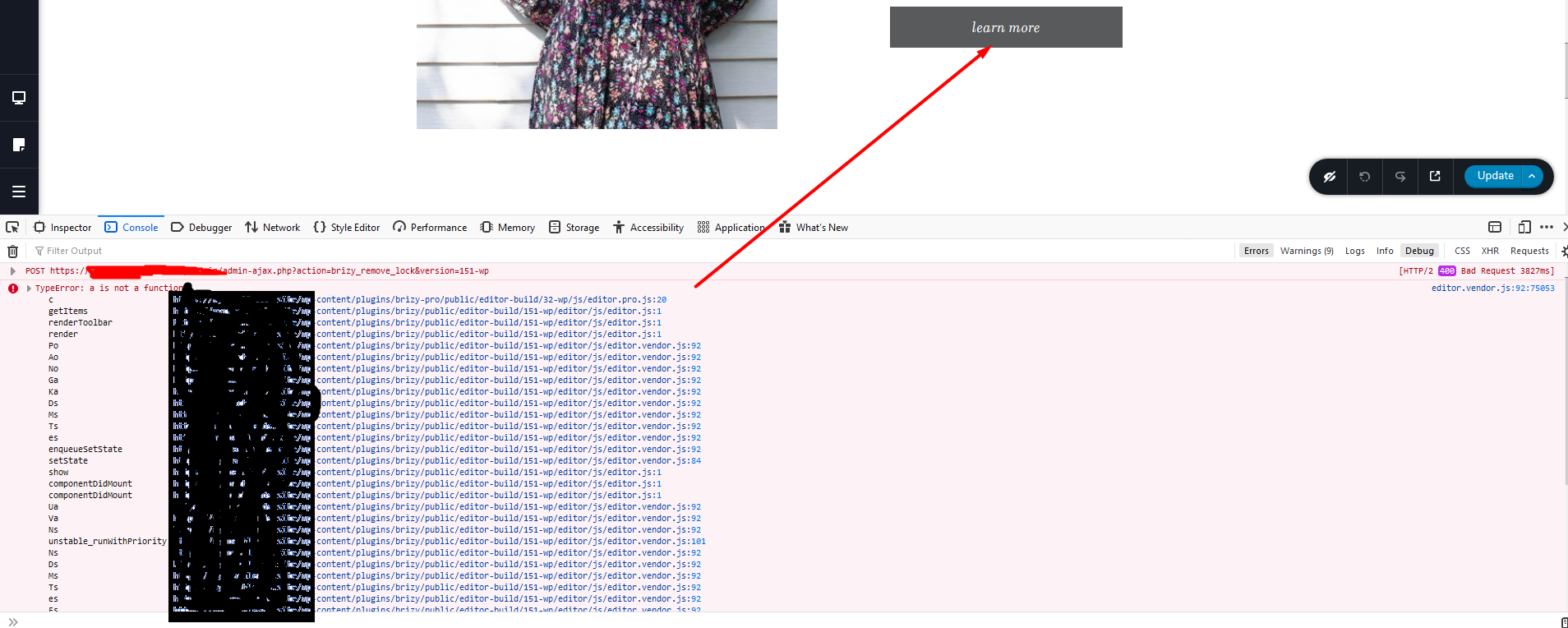
I'd need a solution for this issue.
-
Same issue when trying to add a new button and edit the text
0 -
I have Brizy Pro, Where I can check for the latest update and Changelog for the updated version?
I tried to find on the main website, but nothing found.
0 -
Do I have to keep installed Free Brizy to use Brizy Pro?
Can delete free version?
0 -

Hi,
Could you please check if you have the latest versions for Brizy Free (2.0.6) and Pro (2.0.4)? We already fixed this issue in one of the last updates.
Yes, you should have both plugins installed because the Brizy Pro is an extension of the Brizy Free.Best regards,
Sandra1 -
How to update Brizy Pro?
I have not found any option to update Pro0 -
Hi,
If you can't update the Brizy Pro from the dashboard, I suggest to upload it manually. For this you have to:
1 - Delete the current version of Brizy Pro;
2 - Go to your Brizy account;
3 - Download the latest Brizy Pro version (2.0.4) - don't unzip the folder;
4 - Go back to WP dashboard in Plugins -> Add new -> Upload plugin;
5 - Upload the zip folder you downloaded from Brizy account;
6 - Activate the plugin;
7 - Activate the license.Best regards,
Sandra0 -
Thanks!
One more issue.
I am unable to copy/paste text in Accordion Title. 0
0 -
Hi,
Yes, we know about this problem and our developers are working to find a solution for it.
Let us know if we can help you with something else.Best regards,
Sandra0
Please sign in to leave a comment.
Comments
8 comments