"Something went wrong" with Edit with Brizy

Morning,
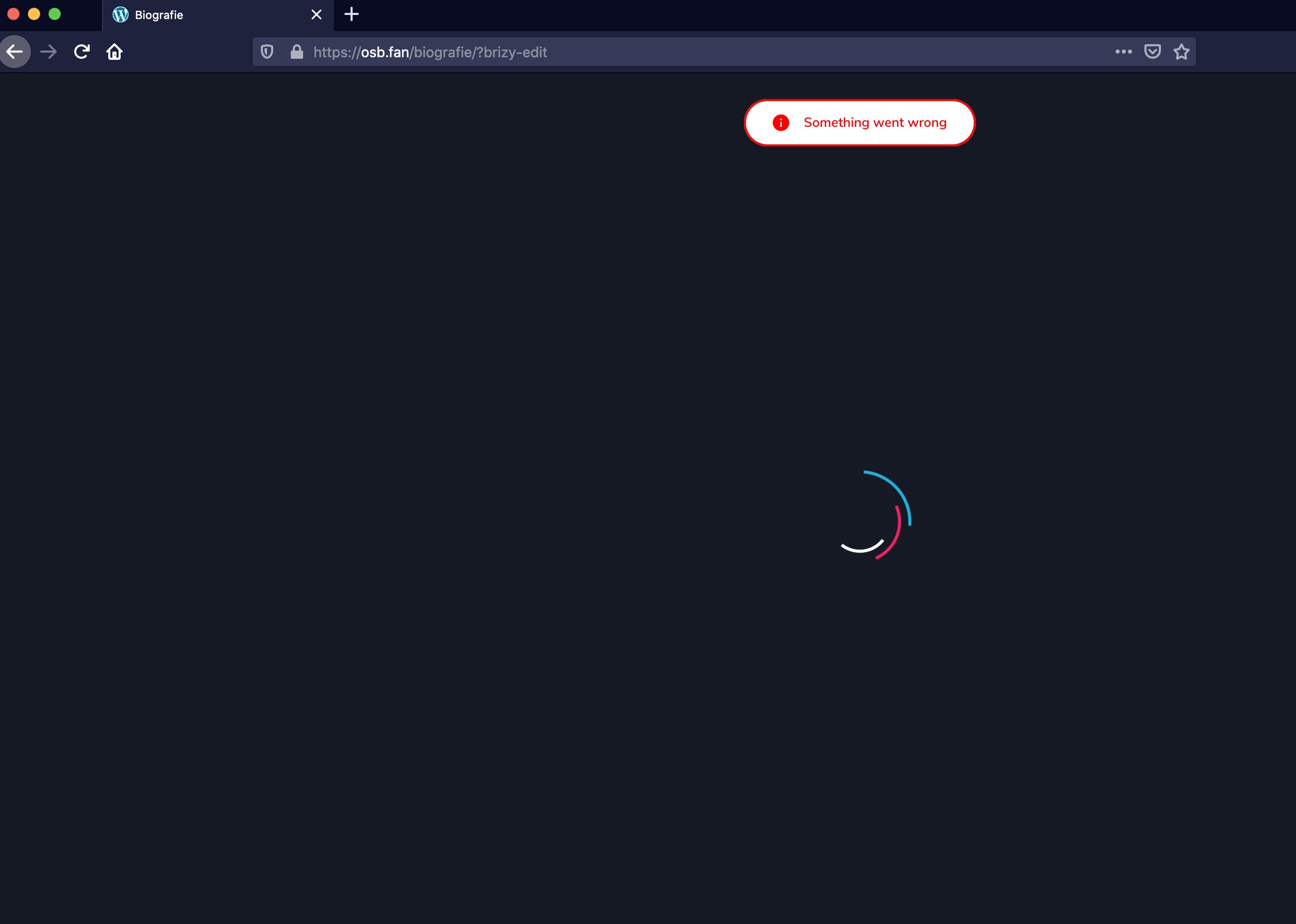
When I try to "Edit with Brizy" on WP, I get the following error message. "Something went wrong."
I am using WP 5.5 running Astra 2.5.4 and Brizy 2.0.5
I look forward to your guidance.
Kind regards,
Akash
-

Hi Akash,
have you recently migrated the site? Do you have Brizy PRO? If so, what version? Also, do you have the same problem if you disable all your external plugins(especially those of optimization)?
1 -
Hi Alex,
How odd - like you suggested, I disabled my "WP-Optimize - Clean, Compress, Cache" plugin, and just like magic the Brizy editor came back to life!
Any idea why this is the case? Do you recommend an optimiser that is compatible with Brizy?
Thanks for your help!
Kind regards,
Akash
0 -
Hi Akash,
you can try Autoptimize. You can also play with WP-Optimize settings. Maybe it's a specific setting that causes this problem.
0 -

I have the same issue, I have disabled the litespeed cache plugin, and all other plugins that could interfere. Same story.
Please let me know. Thank you.
 0
0 -
Hi Alexandru,
before moving to the next step please confirm you have the latest Brizy versions - Free 2.0.6 and PRO 2.0.4
0 -
Hi Alex, thanks for getting back.
Yes, I confirm. The issue came with the update to the last versions.
Thanks
A
0 -
Thanks.
I have created a private ticket for you so please send your login details there and we will look into it..
0
Please sign in to leave a comment.
Comments
7 comments