Archive template now showing on category pages

The problem I'm having is that I've created a Brizy template for archive/category pages, but it's not being applied to the category pages. When I use the rules in the template to remove it, my theme takes over on category pages. But when I go into "Edit" and add a rule to apply to all category/archive pages, then the actual category pages become just pure white with nothing on them. So it seems to me like Brizy is able to connect to those category pages, but it's not applying the actual template that I made for some reason.
Some background:
This is a brand new site that I'm in the process of building for a client. Initially, I was going to put the blog on a page rather than use the default category pages. So I created a page, gave it 'blog' as the slug, and went into WP settings to set that page to be where posts show up.
Then I decided that I actually wanted to use the archive/category pages, so I went into WP settings, removed the blog page as the page for posts, deleted the blog page, and gave the 'blog' slug to a category.
From there, I went into Brizy, made a template for Archives, and tried to apply it to the blog page. That's when this issue started happening where the blog archive is just a white page when the Brizy template is applied.
One thing I did notice is that when the Brizy template is applied and nothing is showing, there still seems to be a lot of Brizy code on the page (which I can see by right-clicking and "Inspect Source").
I'm just not sure how to get this Brizy template to apply to my archives.
Currently, I have a maintenance plugin on the page so you can't see the real site without a login. If someone needs to actually access the site to figure this out, then I'll need to create a temporary login.
-
Another thing I've noticed is that when I turn on the Brizy template and try to load an archive page, there's like a good 10-20 seconds before the page actually "loads" (I use that term loosely since it's just a white page).
0 -
Just tried making a new page and applying a new Brizy template for a blog archive to it. No dice.
I made sure to select "Single" instead of "Archive" in the template settings. I also tried it both with and withotu the page set up as the posts page in WP settings. Still getting the plain white screen.
0 -

Hi,
Thank you for all these details! Could you please check if the Blog page here you attach the Brizy template isn't already edited with Brizy? When you add a template on a page, it is important that the page to not be edited with Brizy. If you want to create and edit a Blog page with Brizy, I can suggest this video.
Also, I can suggest another method to create a Blog page with Brizy. For this, you have to create an empty page and set it in the WP settings as Blog page (on this page that you will set as Blog page don't activate the Brizy builder - don't edit it with Brizy). After this create a template in Brizy Template for Blog/Post page. After this click on Edit with Brizy and here you can add the Archive element. For this element, you have not to set some filter because it will display all posts.https://jumpshare.com/v/WeRMWNzj9ksPaPkiNjycBest regards,
Sandra0 -
Sandra,
I never saw a way to use the Brizy builder directly on category pages. I was under the impression that I needed to create a Brizy template for category pages, and then use the rules to apply that template to category pages, which is what I did. So on all the category pages, there's no Brizy page designs to conflict with the Brizy template. In fact, here's what a category page looks like before I apply the Brizy template that I built for category pages:
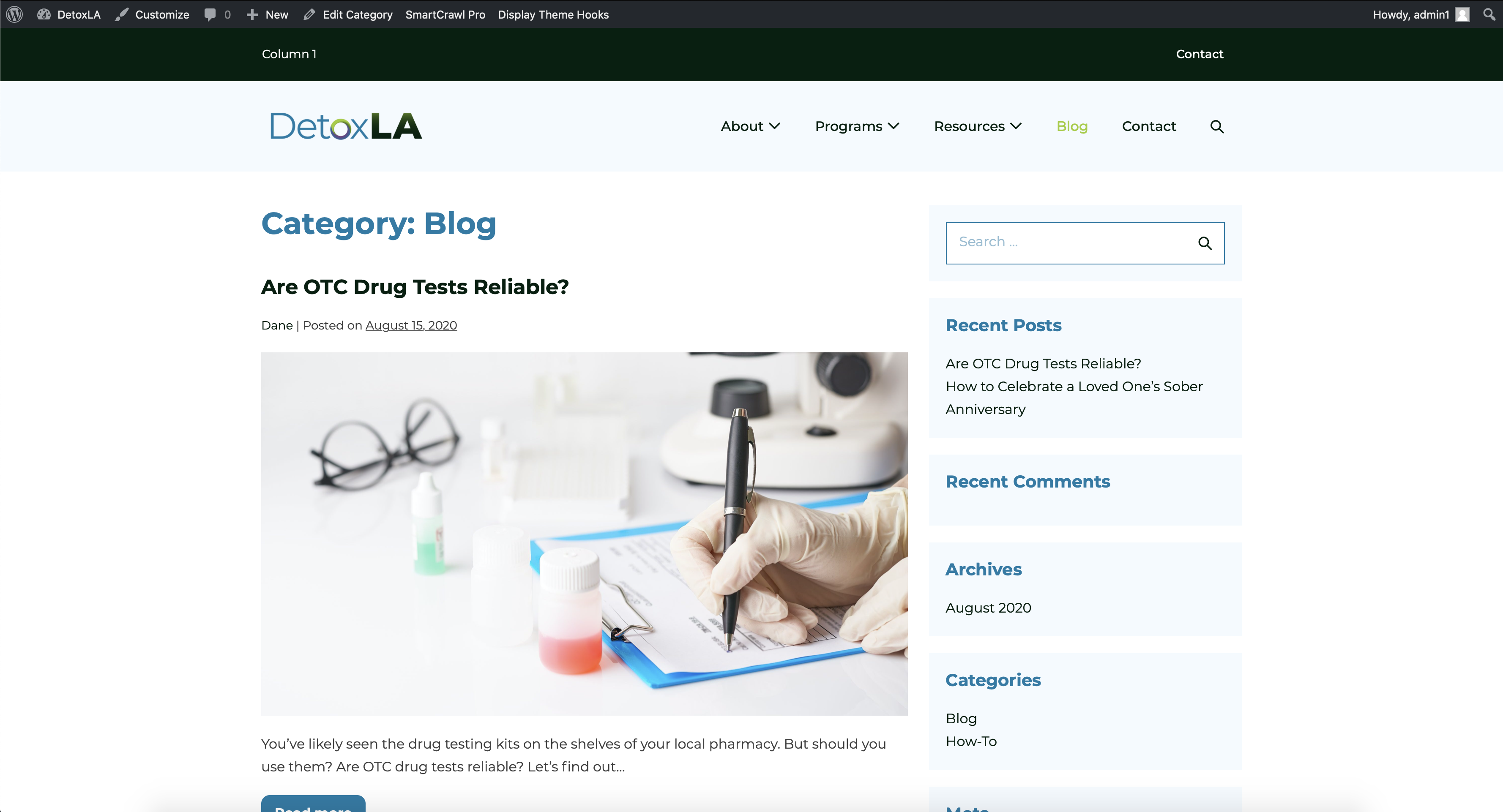
Now here's that exact same page once I apply the Brizy template to category pages:
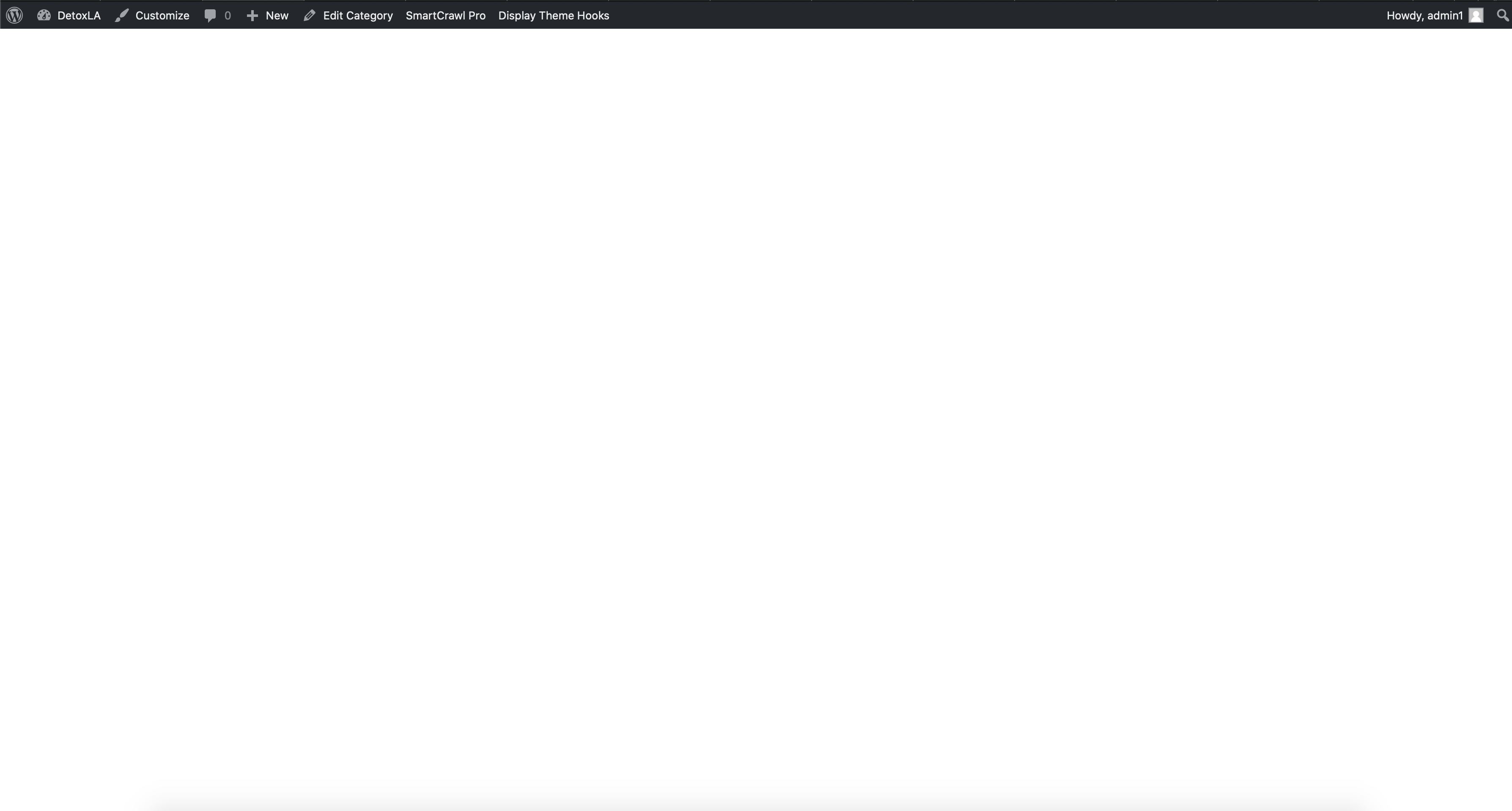
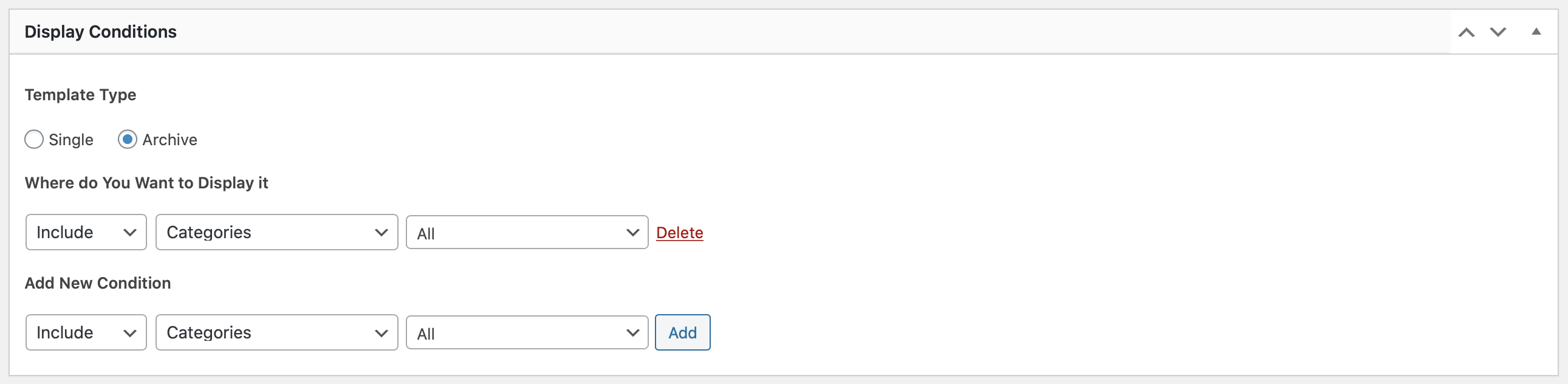
If it helps, here's how I have the rule applied on the template:
It's the same situation with the page I created to display blog posts. Here's the page without the Brizy template:
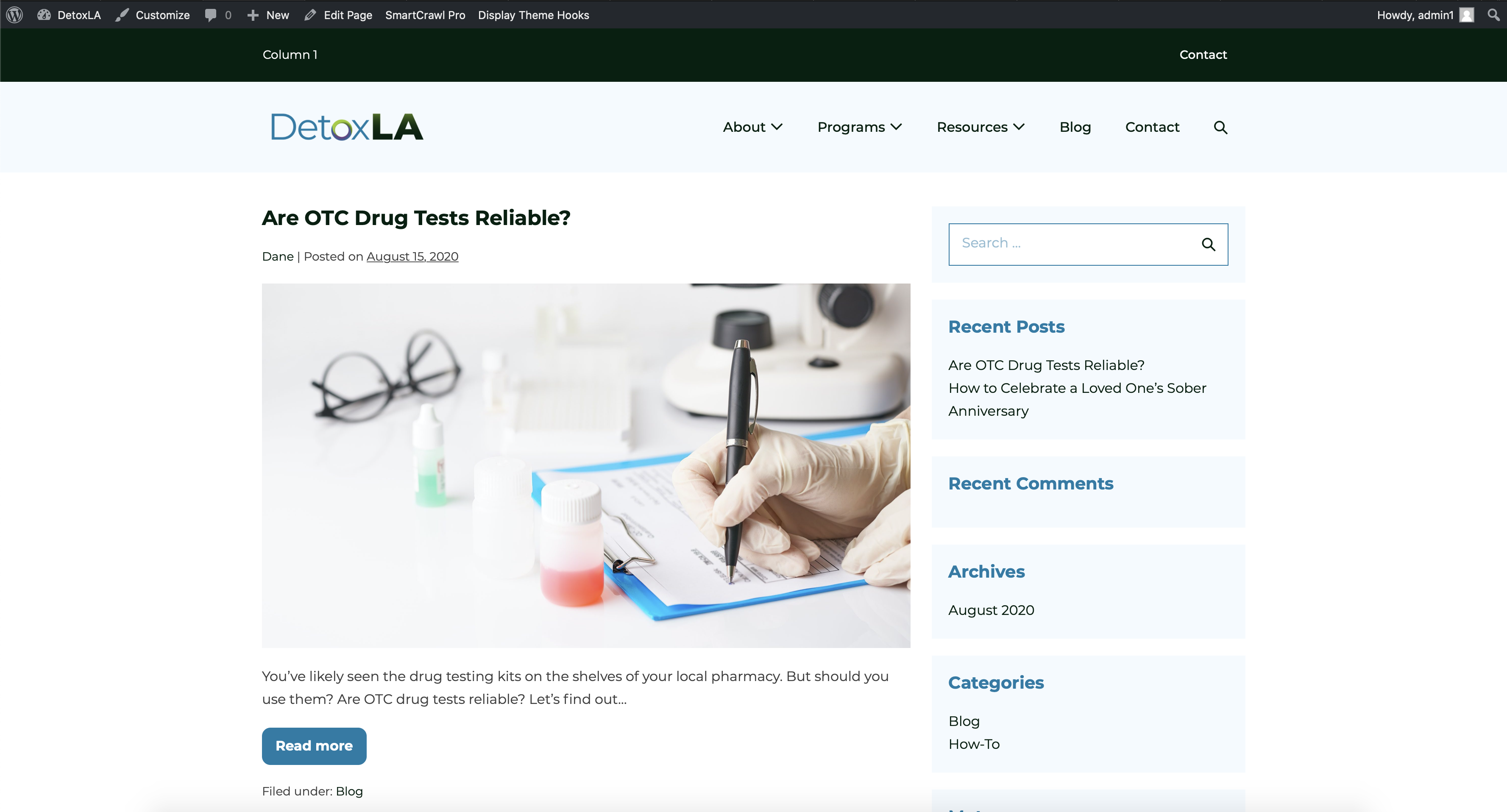
It looks that way when I have that page set to show blog posts in WP Settings > Reading. But while I have this setting on, the Brizy template won't show up. Here's the setting the template is on:
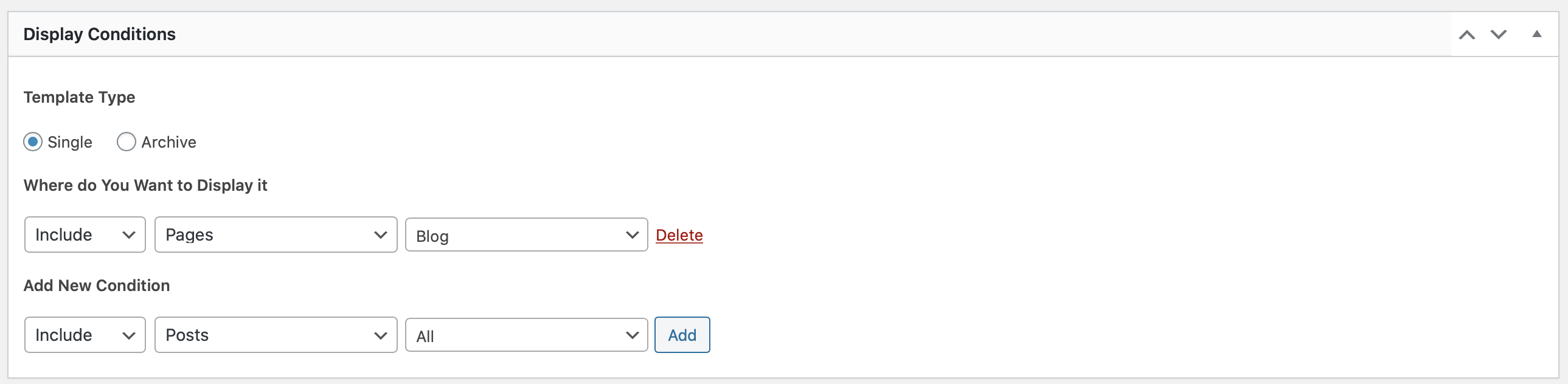
The only way to get the Brizy template to connect with the page is to go into WP Settings > Reading and turn OFF the blog posts archive on the page. And when I do that so the Brizy template can apply, I get this:
I don't know what to do! If you need me to create a login for you, please send me an email directly so I can create the login for you.
0 -
Hi,
I created a private ticket on this request. You had to receive a notification regarding this on email. Could you send to us in that private message the WP credentials to this site?
Thanks!
Best regards,
Sandra0
Please sign in to leave a comment.
Comments
5 comments