Brizy plugin causing broken site

Hi,
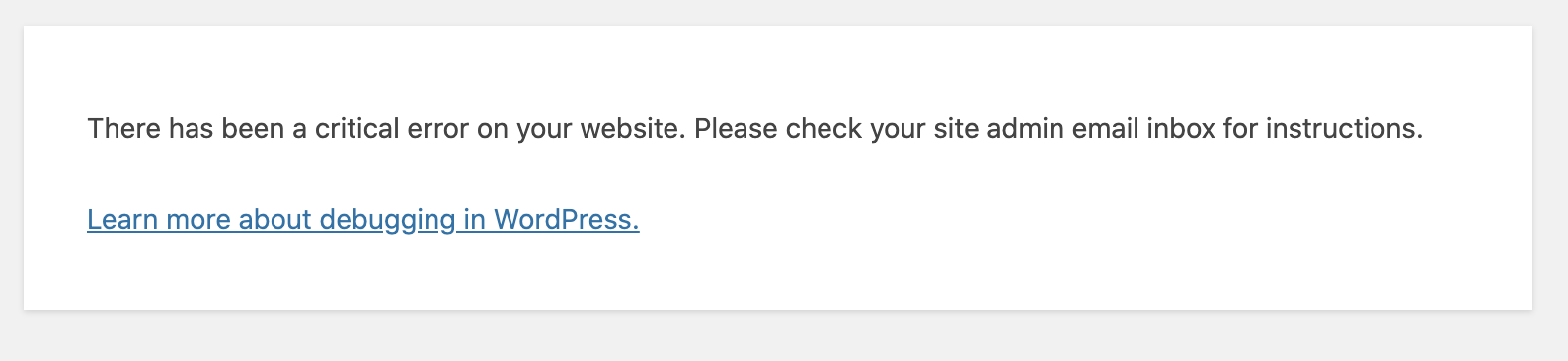
I received an error that Wordpress detected a fatal error with the Brizy plugin. I tried to visit my site but an error message appeared that said: 'There has been a critical error on your website. Please check your site admin email inbox for instructions.' I tried logging into my dashboard but received the same message.
The only way I was able to get in was through recovery mode, which won't let me update anything. I've attached a picture of the error message beside the Brizy plugin.
I even tried disabling all the plugins and activating again but the second I try to activate Brizy it brings me to the same error message: 'There has been a critical error on your website. Please check your site admin email inbox for instructions.'

Thanks.
-

Hi,
Could you please delete the Brizy Free and pro and upload them manually in the dashboard? I'm sorry for this inconvenience.
Best regards,
Sandra0 -

Hi Sandra,
I am also experiencing this issue when trying to upgrade my free and pro plugins. I am on godaddy managed hosting for my client and I was able to restore a backup from a previous day after I got the fatal error so at least I was able to get the site back up and running.
I had a question though. If I delete the plugins and install the new ones (2.0), will I lose any formatting or layouts I have built? Another question is what happens if I don't upgrade the plugin and just leave them on this older version? Will I run into any future issues?
Thanks for any help with these questions!
Joel
1 -
Hi, Peter,
Yes, it is a safe activity and you can delete the Brizy Free and Pro and after this upload them manually in the dashboard. This action will not affect the existent Brizy pages and template. Right after deleting the Brizy plugins, the Brizy pages will not have the CSS style and may look weird but after installing and activating the new versions all will come back and will look as previous.
If you don't upgrade the plugin, you will not have access to all new features and updates. Also, maybe in the future, you will face some problems. At the moment, will not be some problems but I can't say the same thing for the future when WP will make an update or if you will want to update Brizy to have access to a great feature or other situations. Therefore, we recommend having our last updates.
Let us know if we can help you with something else.
Best regards,
Sandra0 -
Hi Sanda,
Thanks for your help! I was able to delete and install the new plugins, but now the site pages and admin seem to be struggling to load. I have deactivated my other plugins and tested, but no luck.
I also noticed when I go to edit a page, the page layout is there, but my previous saved blocks and global blocks are not there anymore and I just see the spinner and then eventually a message that says "Nothing here yet, make a global block first." I had previously saved quite a few elements here so I would have them to reuse and I have quite a few global elements through out the site.
The site isn't launched yet, but we will be getting ready to launch next week. You can preview it here:
http://90f.334.myftpupload.com/
I may need to revert to an older backup until I can maybe figure this out or do more testing. If this were a smaller website, I would probably just delete my pages and start over, but there are too many pages and it's been a lot of work getting it set up so I hope that I don't need to start over.
Thanks again for your help! I really love the Brizy tool.
0 -
Hi,
Could you please send us a screenshot of the problem you encounter?
Regarding the Saved and Global blocks - Brizy can't delete from database some blocks even if you delete the plugin and after reinstalling it again they can lose or be deleted. Here can be some problems with the hosting. If you save or add into the Global blocks one block, all is working fine?
Thanks!
Best regards,
Sandra0 -
Hi Sanda,
Thanks again for your response. I did save a couple screenshots showing that the blocks are not loading or in my saved or global blocks.
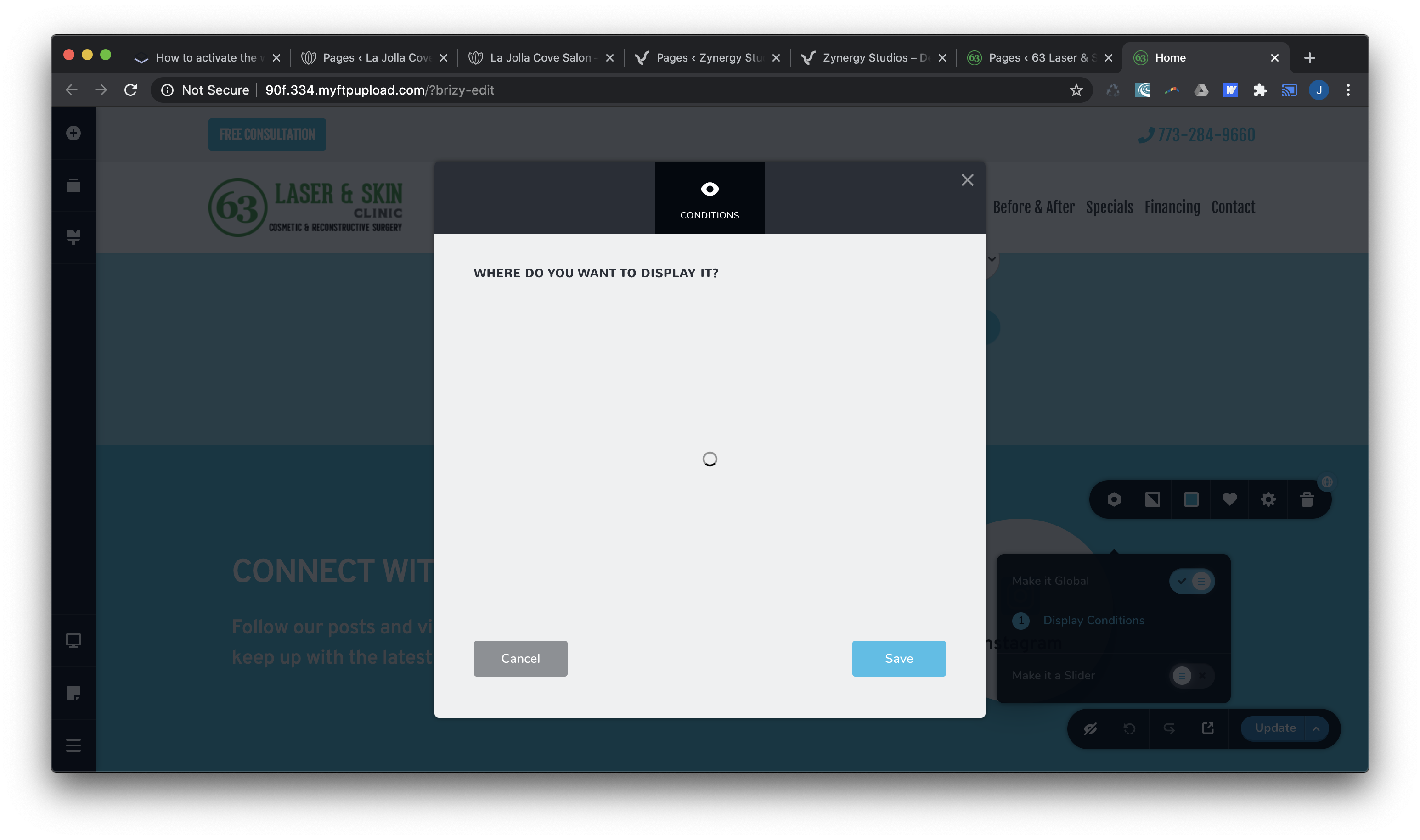
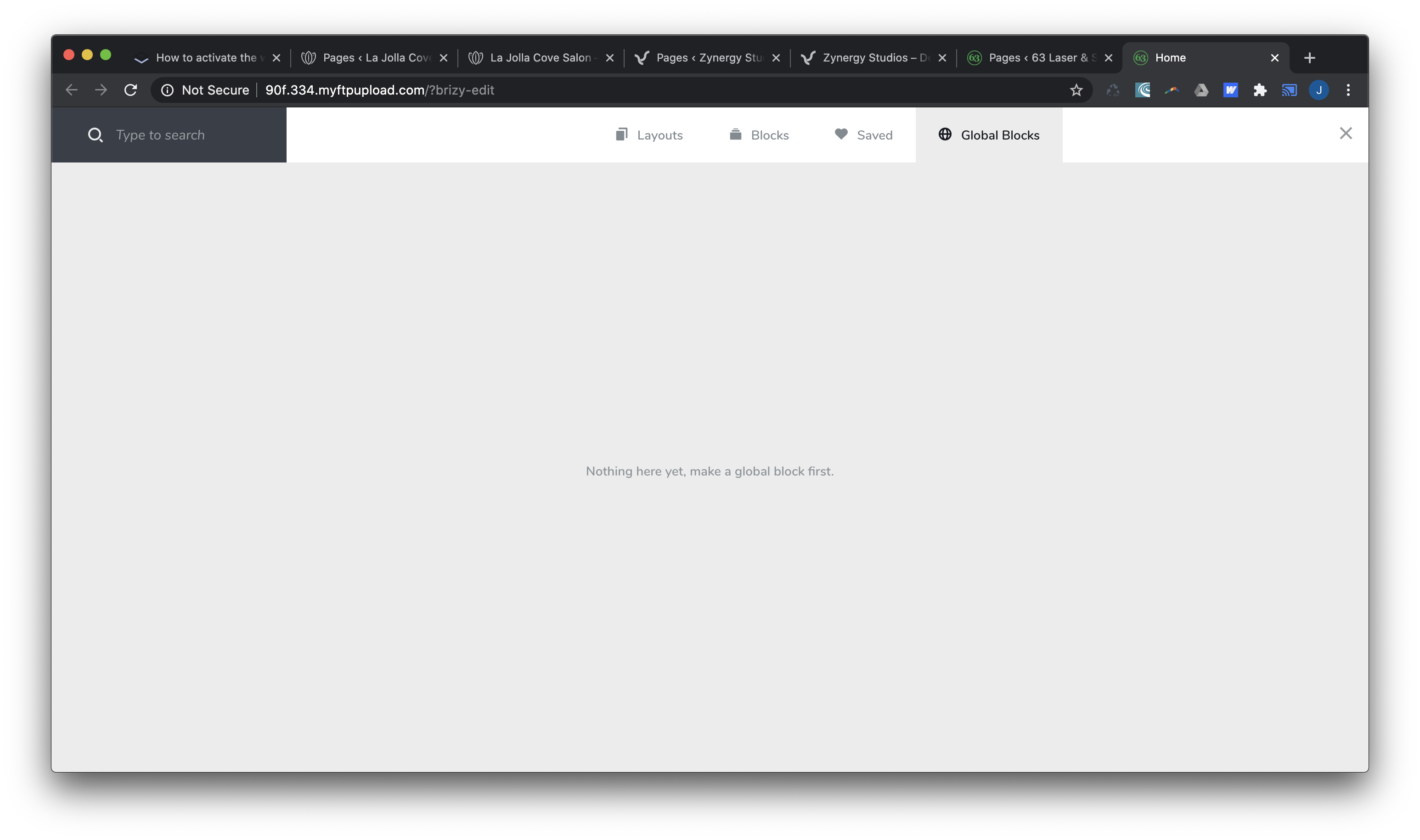
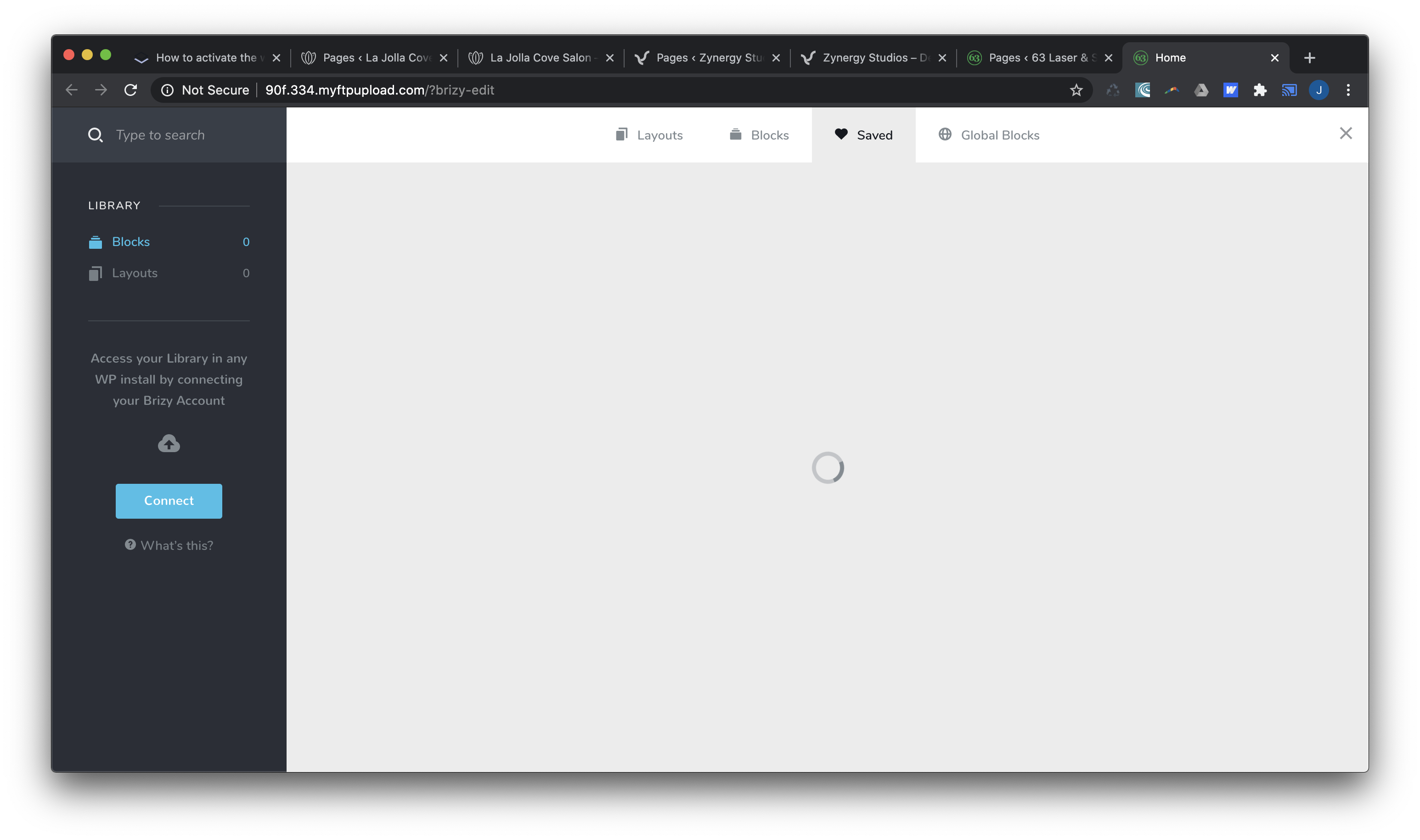
I could barely access the admin or site pages, everything was so slow. I just ended up restoring from the backup and you can see how fast and perfectly everything is running right now.
http://90f.334.myftpupload.com/
I am going to go and delete all my saved blocks and global blocks and then try to update my plugins and then go in and save the blocks that I need. I had so many saved blocks from all my pages, so maybe that was causing some issues.
I will keep you posted if that works. Thanks!
0 -
That didn't work either. I deleted all my saved and global blocks, edited all the pages and turned off the global blocks. Once I installed the new plugins I ran into the same issues with the admin and site running very slowly. I ended up reverting back again to the older site version where it is running smoothly.
I built two other small one page sites recently using the new plugins and they are working fine. But this other site is unfortunately large and complicated and built on the older plugins. I am not even sure where I would begin if I had to start from scratch. There is so much content, layouts and galleries. It would be a big effort to rebuild everything.
0 -
Hi, Peter,
I'm sorry but I'm a bit confused.
"Once I installed the new plugins I ran into the same issues with the admin" - could you please send us a screenshot with the issue you face?"I deleted all my saved and global blocks" - could you please say why did you delete them? How did you delete them if you said that you couldn't access them?
Thanks!
Best regards,
Sandra0 -
Hi Sandra,
I was able to revert back to an old version of the site. Godaddy offers a backup feature, so you can restore your website from any previous day. I restored the site back to when I was using the older plugins. The site and older plugins work great, and I am able to save/view any global blocks.
However, when I then delete the old plugins and install the new ones, then I am unable to view the saved/global blocks. I have tried to install the new plugins twice, with no luck. Both times I have tried to install the new plugins the admin and site can barely load pages, it's very slow. So l have reverted the site back again and it's currently using the older plugins.
Because the site is not live yet, I could create a login for you if you want to try to upgrade the plugins. I am not sure if you do that or not, but if you want access to see what is happening maybe there is a way for you to contact me privately and send me your email so I can create an admin login. Thanks for your time and trying to help!
(Peter) Joel
0 -
Hi, Peter,
I created a private ticket on this request. You had to receive a notification regarding this on email. Could you send to us in that private message the WP and CPanel credentials to this site?
Thanks!
Best regards,
Sandra0
Please sign in to leave a comment.
Comments
10 comments