Brizy seems to be 'broken'

Hi guys
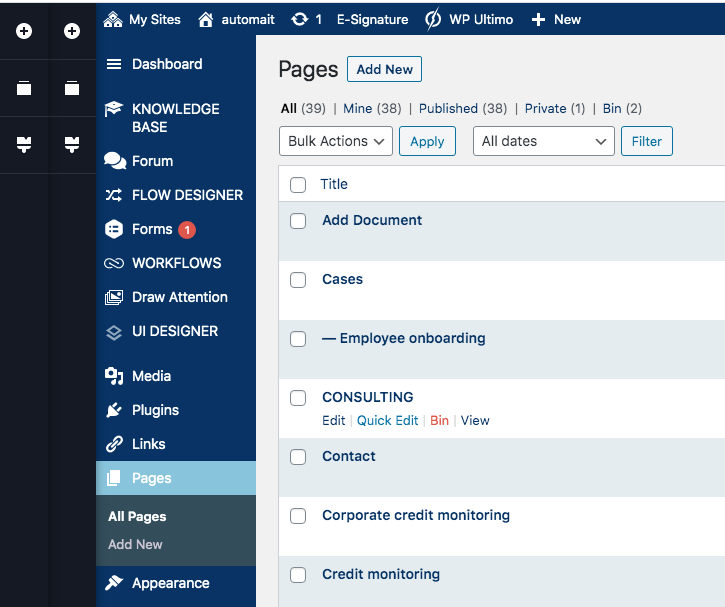
I believe there was a Brizy update yesterday, and today it seems to be broken, at least on my site. I haven't done any changes. The problem is, that when I want to edit a page or an element, it says that fx it is unable to display the element (and that I should open a ticket). And even though I clicked 'Edit with Brizy', in the tool bar, I can still click 'Edit with Brizy'. And when I do that, it seems the editor is open twice (see screenshots), but not really working. And the editor seems also to be open, even when in the admin area, really weird.
So all in all, I'm not able to edit with Brizy right now.
Hope you have a quick fix.
Thanks a lot.
Best regards,
Mikkel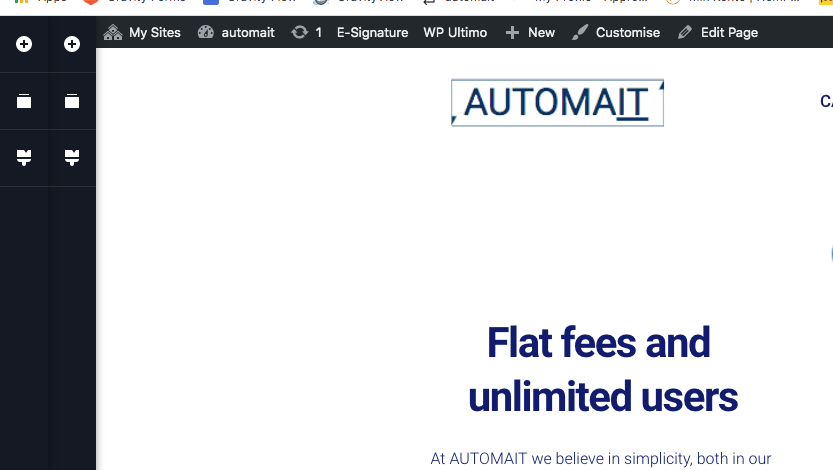
-

Hi Mikkel,
Please confirm you have the latest Brizy version - Free 2.0.2 and PRO 2.0. Also, please disable all external plugins and check again. If the problem persists, we will log in to your site and inspect the problem.
0 -
Hi Alex
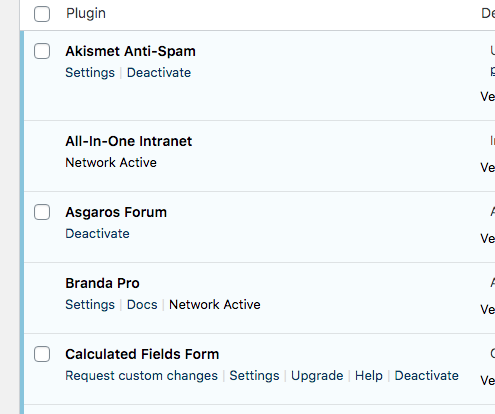
I hadn't updated the PRO version to 2.0.1, but have done so now, and things seem to work (bu the way: does it not update automatically, or do I need to do it manually every time?). However, now there's another thing that's confusing me: The Brizy plugins (both free and PRO version) are now gone from the plugins panel (but the menu item is still there, and everything seems to work) which I don't get - is i supposed to be like that? (see screenshot, Brizy and PRO is installed and working at the time of the screenshot, but it doesn't show in the plugins panel).
Thanks againg.
Kind regards,
MIkkel
 0
0 -
Hi MIkkel,
plugins are updated manually, and this is how we recommend you do it. But that doesn't depend on Brizy, it depends on your WordPress configurations.
Regarding the Plugins Panel: this has nothing to do with Brizy either. Maybe you have a WordPress management plugin or user setting restrictions.
0
Please sign in to leave a comment.
Comments
3 comments