Can not log into Brizy Cloud to Sync my saved items

I've tried to login into Brizy cloud from my WordPress website and it keeps telling me my name and password are incorrect which is not correct because I can login into Brizy website.
I've changed the password twice and it does nothing.
Is there a problem with the update that does not allow you to log into the brizy cloud server from WordPress?
-

Hi,
You have to add the log-in and password of the Brizy Cloud account you want to sync the blocks or layout.
Just now, I have tried to sync another block and all worked fine. Could you please try again? In this article, you can see how to do this.
Let me know if I can help you with something else.Best regards,
Sandra0 -

i have the same exact problem. The article you sent does not show how to login successfully. There is a issue with Brizy not us users.
0 -
Hi, Hakim,
I create a video regarding how to connect the Brizy WP site with your Brizy account. See here.
Thanks!Best regards,
Sandra0 -
Hey Sandra,
You need to check with Nat. There is a problem with Amember that is stopping certain people from logining into Brizy Cloud directly. They have a programmer working on the problem but your video won't help us.
Basically what is happening is we can login to Brizy.io. If we log out and try to login to Cloud directly with the same username and password it will tell us invalid username or password. Nat confirmed this.
See this for a full idea about the problem: https://youtu.be/tDegN9oupw0
Hakim probably has the same issue.
0 -

Hi
I have the same problem, but when I connect, with my account and password, a white page is open, and after don't happen nothing else. I have to retourn to my site by browser, without saving nothing.
0 -
Also if I click Skip, or "What is this" under the "Connect"
0 -
Hi there,
Thank you for all details! Today we make modifications on Sync/account and all should work fine now. Could you please check again?
Thanks!Best regards,
Sandra0 -
It is working now for me.
0 -
Thank you for your confirmation!
Let us know if we can help you with something else!Best regards,
Sandra0 -

I am having this issue now. What was the solution?
0 -
Hi,
Could you please give more details regarding the problem you encounter? Did you receive an error? Could you please send a screenshot with that error? Also, could you try to disconnect from the Brizy account and then log-in again?
Could you check if you have the latest updated for Brizy Free 2.0.12 and Brizy Pro 2.0.6?Thanks!
Best regards,
Sandra0 -

Hi Sandra,
same here: I just bought Brizy Pro today, so I have the latest version (2.0.6.) installed.
I logged out from my brizy.io account as you proposed and tried to connect via the template library.
It says: Incorrect username or password.
I changed the password in brizy.io and tried again. Still no success.
I logged into the cloud (brizy.cloud). No problem. Stayed logged in.
I tried again via the template library. Still shows the same message (Incorrect ...).
I logged out from the cloud. And tried again via the library. Same problem.
Seems the connection between the site I am building and the cloud doesn't work.
If you need more info, I'm glad to deliver.
Best regards,
Lorena
0 -
Hi, Lorena,
Do you have installed and activated the Brizy Free 2.0.13 too? Do you add here https://jmp.sh/ZLsTIVb the username and password of the Brizy account? Here you have to add the same username and password you add to log-in Brizy account. Also, you need to have the same account for Brizy account and Brizy Cloud.
Thanks!
Best regards,
Sandra0 -
Hi Sandra,
thanks for your quick response. I updated the free version, and it seems to work now – at least halfways. I could login now and push the sync button. And it says: "Done. Your library was synced."
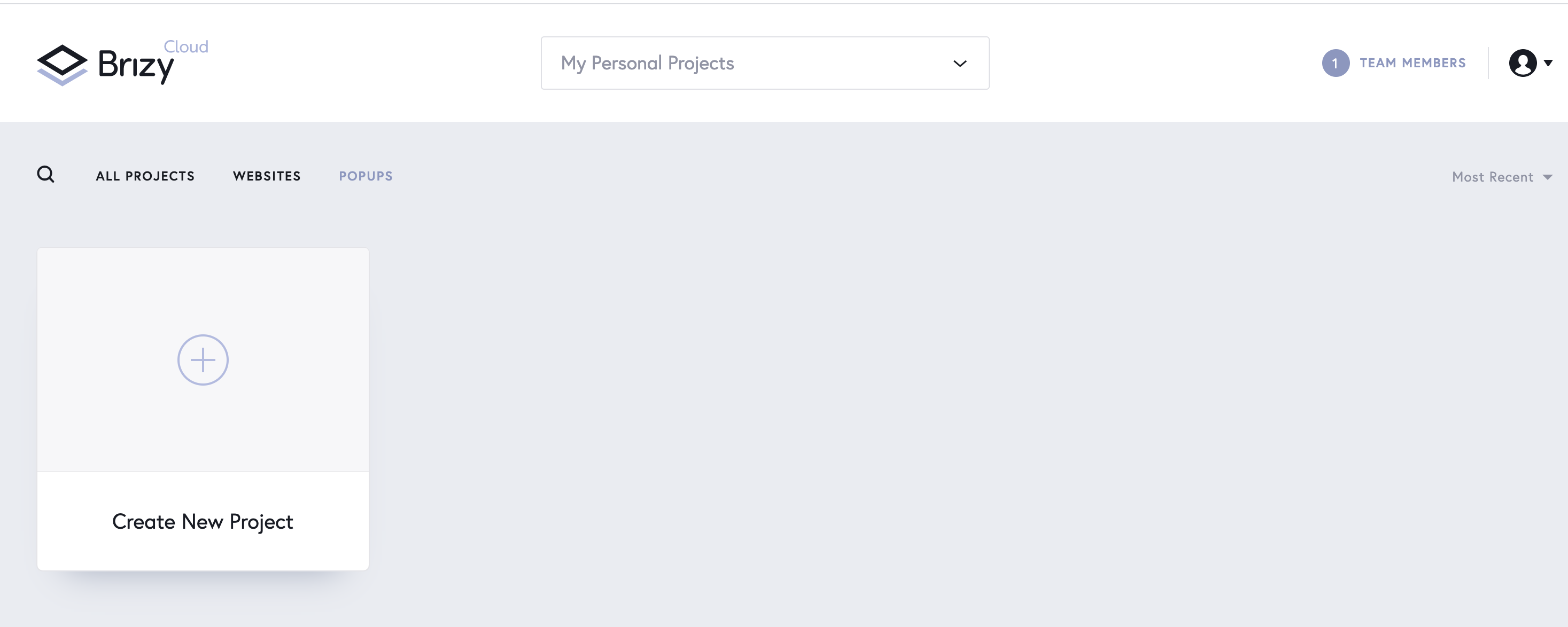
BUT there is nothing saved in the cloud. Does it take a while to sync to my cloud? Or should it be there immediately?
Best regards,
Lorena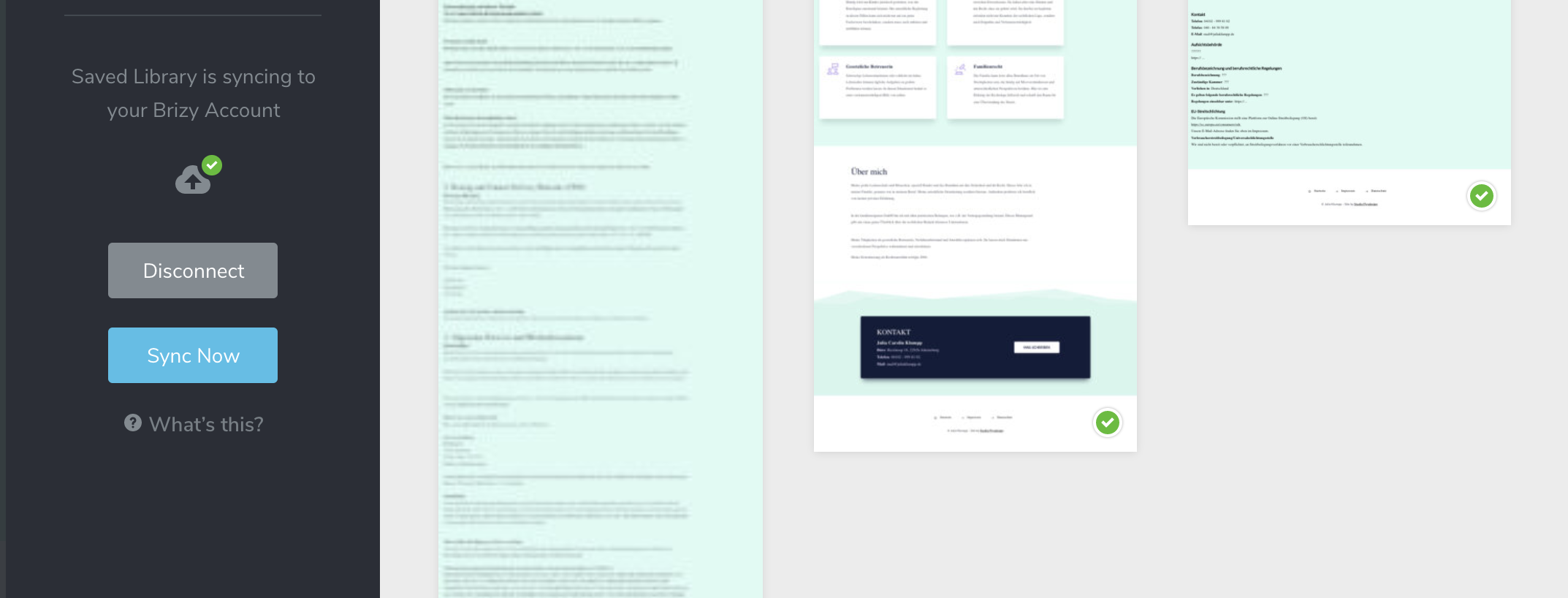
 0
0 -
Hi,
The synced blocks and layouts you can find inside a project you will create in Brizy Cloud (where you log-in with the same username and password). See this video https://www.youtube.com/watch?v=iid5ZagYpuE.
Thanks!
Best regards,
Sandra0
Please sign in to leave a comment.
Comments
15 comments