Should I desactivate Gutemberg... and more?

Hi,
I have some issue displaying correctly my blog Post
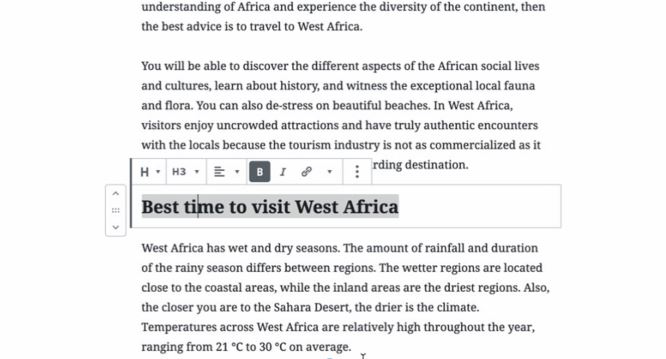
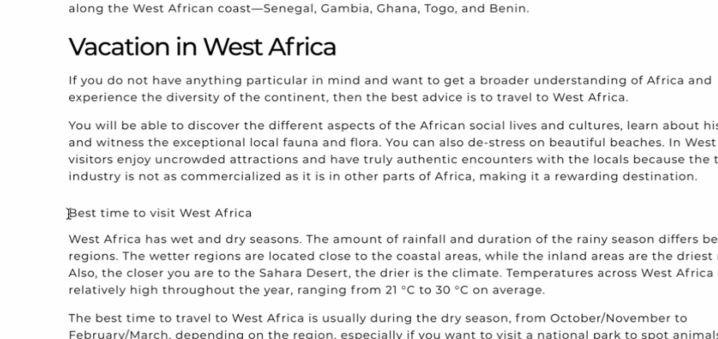
1 : h3 format
When (ingutemberg) I use the h3 balise, nothing happen in the front
Back
front
2 : Quote
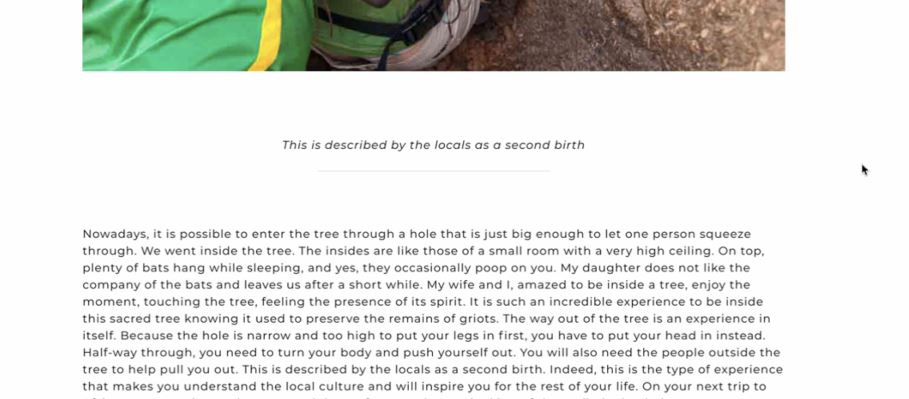
The same happen when I use quote, not nicely formatted
back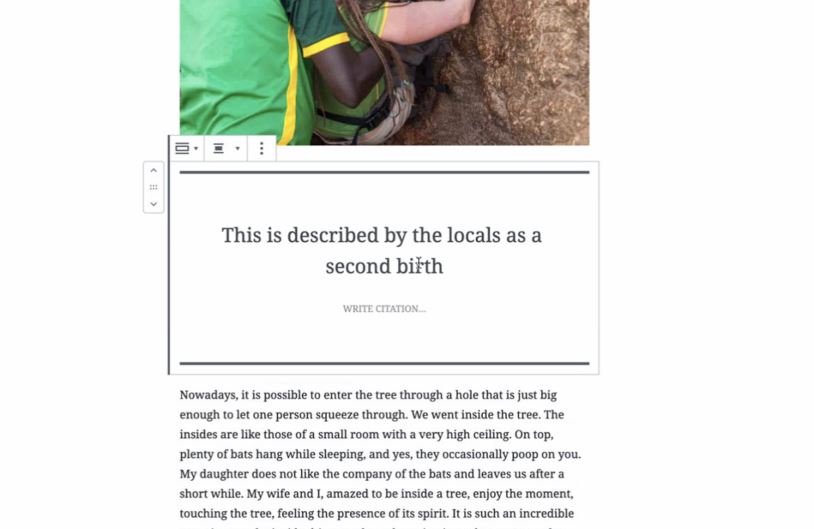
front
3 : Color & Class
In the theme and in Brizy, I use a blue color for my every h1, h2, & h3
Could you help me understand why in my "dynamic blog content", Evevrything is in black
4 : element alignement (like buttons)
Could you please remind me how can I alignend buttons in different box ( So many ressouces^^)
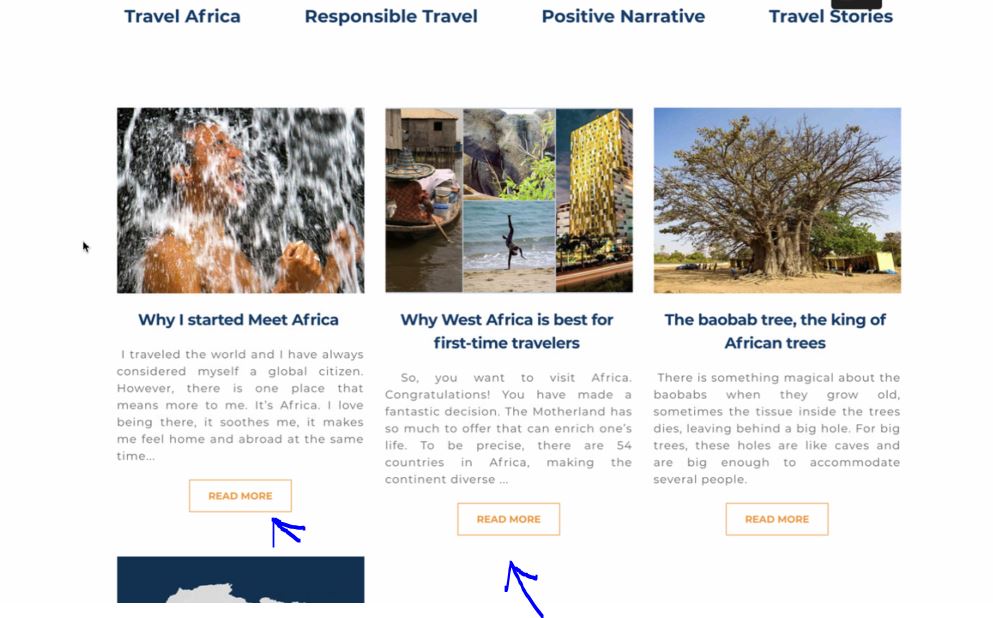
5 : Category allocation
In the post template, how to get posts related to the same category as the current post?
6 : Gallery
Can we have a slider when clicking on pictures in the gallery - lightbox ?
Can we add text under the pictures in the gallery ?
Thanx in advance
Gerald O.
-

Hi,
Thank you for getting in touch with us! First I want to ask you to check if you have the latest updates for Brizy Free (1.0.126) and Brizy Pro (0.0.41).
1 - H3 format
In the template you create, you can set your own styles for H1-H6 and paragraphs https://jmp.sh/M2ScgGf. Also, I would recommend using the Post Content element instead of #Post Content tag because the element is working much better and it is an improvement to the #Post Content tag. See here.2 - Quote
In Brizy, we don't have the Quote element and therefore we don't have an option for this element. If you use the Post Content element and the default quote type, you will have similar styles as in the post (in the post and in preview/live). As we don't have options to define styles for quotes added in the post, I can suggest adding some Custom CSS in the Post Content element for the quote.3 - Colors and Class
try to define the text styles in the Post Content element.4 - Element alignment (like buttons)
In the case you share us, the buttons aren't aligned because the title for the first post is displayed in a single line but the second and third post - in 2 lines. Therefore, all content is moved down with a line for the second and third post. To make them display in the same line, I recommend having the title for all posts with a similar length.5 - Category allocation
I'm sorry but at the moment we don't have a similar option for the Posts element. You can add in the single post the Posts element but you will need to choose one Category and this Category will be placed for all posts no matter the Category of the post is displaying.6 - Gallery
For the template, the Gallery element can't be dynamic. You can add it in the template but you have to populate it manually with images and these images will be displayed on all posts (regarding with the display condition you have).
In general for Gallery element, yes, we will add the ability to slide between them when it is open in the lightbox. In the next update will be added this option.
I'm sorry but at the moment isn't possible to add a text under the image in the gallery but we plan to add it in the future.Let me know if I can help you with something else.
Best regards,
Sandra0 -
Hi,
It's the same issues on this below
1 - H3 formatChanging the formats for H1, H2, etc. has no effect at all on the front end. We tried several times but nothing changes. We are using the Post Content element.3 - Colors and ClassAgain, it has no effect on the front end.
And can you tell me if I can reduce the background of a sub menu like on pic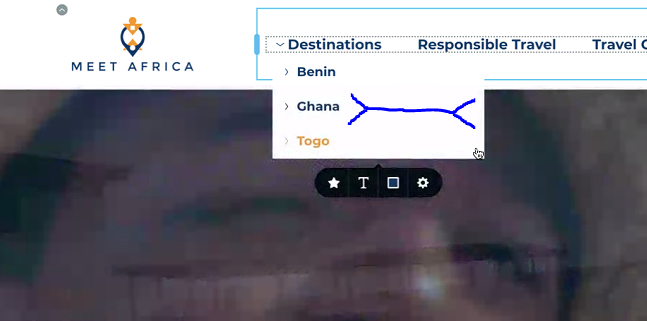 Thanx0
 -
I made a video to made my point on Text format
https://youtu.be/5qw-UCUHZvQ0 -
Hi,
Regarding the Heading format - we could reproduce the problem and already send it to our team. They are investigating it and working to fix it as soon as possible. I'm sorry for this inconvenience.
Regarding space from the submenu - unfortunately, they can't be changed by a Brizy option but you can add a Custom CSS for this.
Thanks!
Best regards,
Sandra0
Please sign in to leave a comment.
Comments
4 comments