Icons don't show up on the public website

I bought Brizy Pro months ago, I used Brizy Cloud to build my website and then deploy to GitHub, but then I realize that all icons do not show up but shows up in the builder...
Builder: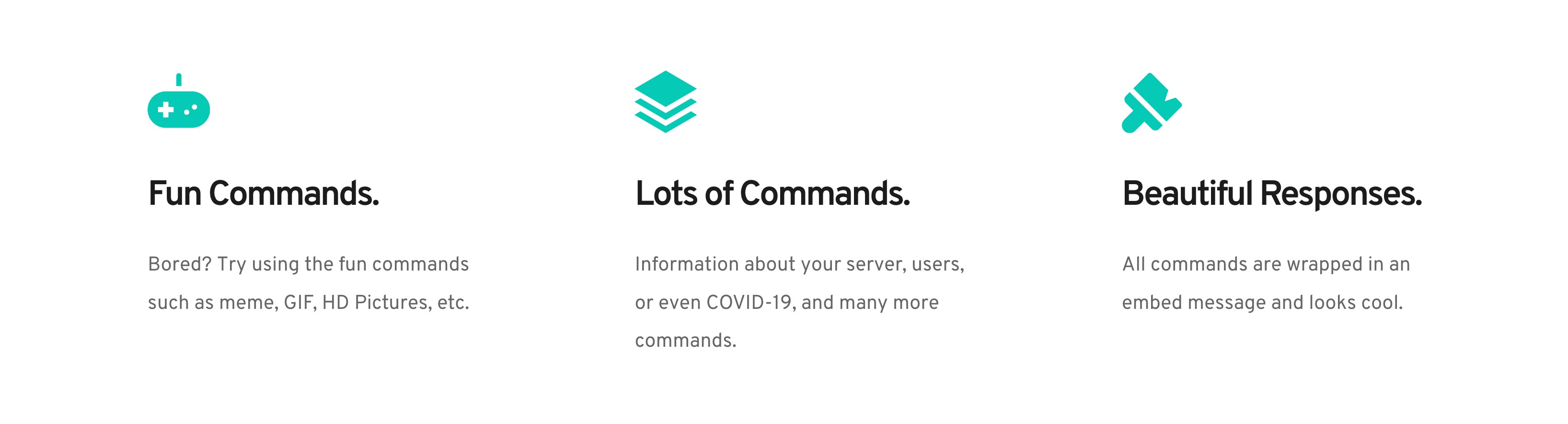
Actual Website: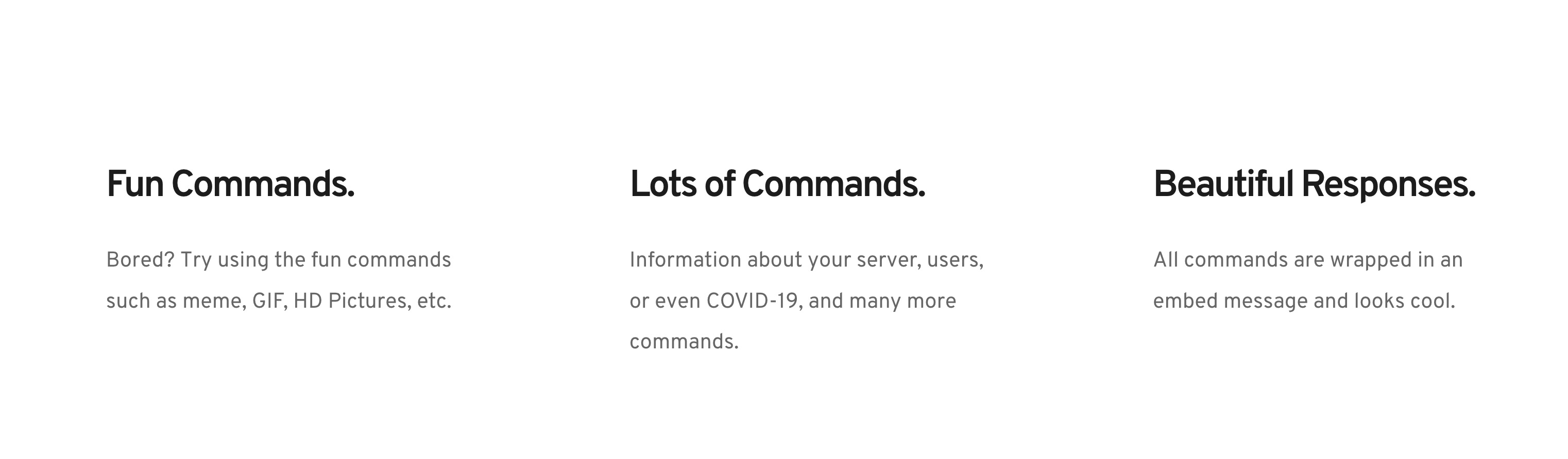 Please help!! Thanks!
Here's the website link: https://hackerman14.tk
-

Hi,
Could you please try deleting browser cache? I opened the site you send us and all icons are displayed on the live site. See here.
Thanks!Best regards,
Sandra1 -
Thanks! It now works! (cleaning the cache didn't work but relaunching Firefox did work :D)
0 -
Great to know this!
Let us know if we can help you with something else.Best regards,
Sandra0 -

We have the same problem. Why doesn't the icon appear? We've cleared your browsing data (24h ago)
0 -
Hi,
When did you encounter this problem? Do you receive this problem on the Brizy Cloud or in the Brizy for WordPress?
If you encounter it on the Brizy Cloud, could you please send us the URL link of the page where you receive this issue?
If you have it on Brizy for WordPress, could you please check if you have the latest updates for Brizy Free 2.2.6 and Brizy Pro 2.2.2? If you temporary deactivate all external plugins (except Brizy Free and Pro) and activate a WP default theme, do you receive the same problem?Thanks!
Best regards,
Sandra0
Please sign in to leave a comment.
Comments
5 comments