Brizy Templates Won't Update

Brizy Development,
First, I want to say that the Brizy plugin is not perfect, but it has helped me a lot to design a website much faster than I could have without it. It also looks to me like it has come a long way recently and that you guys are very dedicated to your user base. Good job to you, and thank you for creating a good platform! This is my issue:
I recently created two Brizy templates for a website by following the Brizy blog tutorials found here:
https://www.youtube.com/watch?v=cWJEetL4f-s
https://www.youtube.com/watch?v=j7s639xtnok&t=2518s
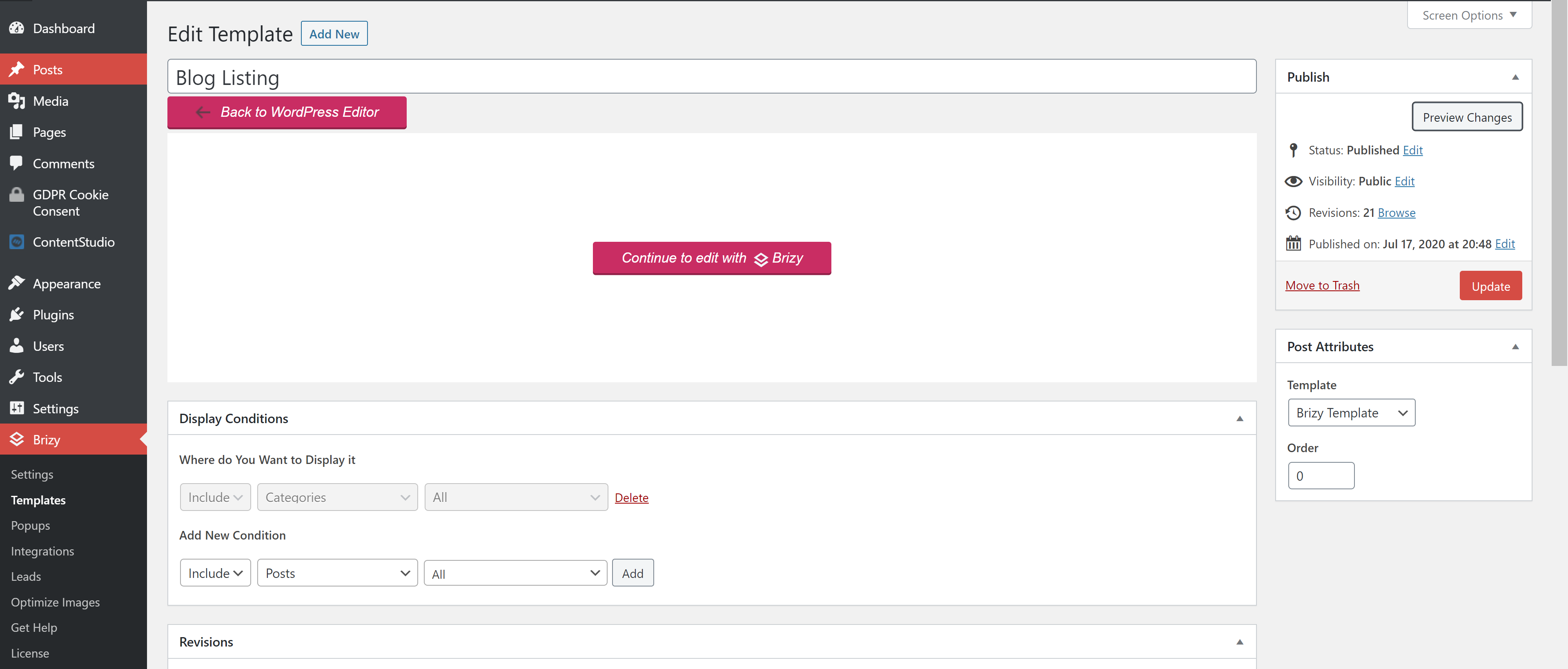
I successfully created a template for blog post categories and a template for the individual blog posts. I was struggling at first but the templates work now. My problem is that the pages that use the template won't update. The actual templates are fully up to date, but when I click preview changes, it shows a blank screen, and when I click on the linked blog from the main page, it works, but the blog page is outdated and the pages for each of the categories is outdated.
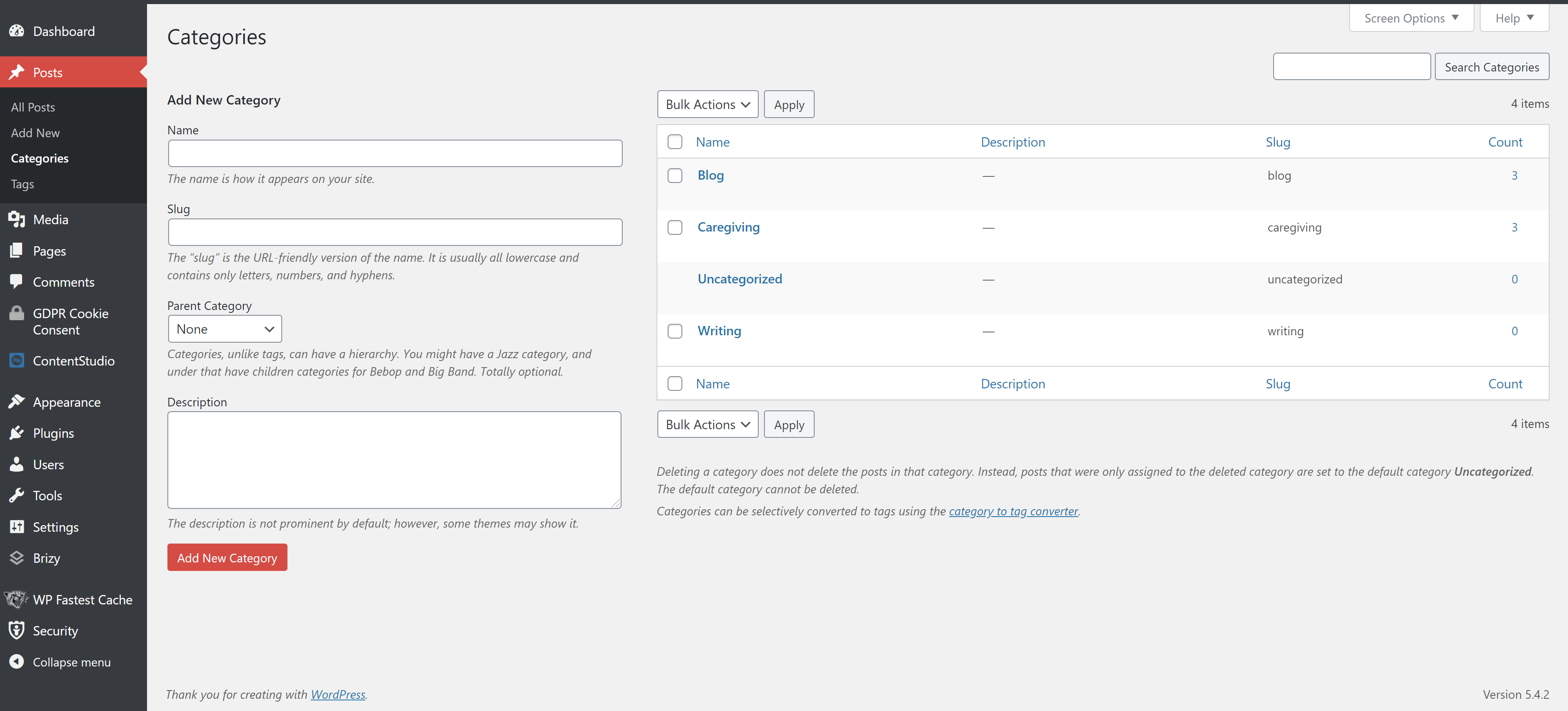
When I go to the categories page and click "view" under the category that I want to edit, the page still comes up as an outdated version.
The only time a link works to bring up the updated version of the page is when I click "continue to edit with Brizy" on the template page, then the "preview" button on the bottom of the template edit page. Even then, when I click on a link and navigate back to the same page through the website menu(s) the page again shows up as an outdated version.
I've clicked the "update" buttons everywhere that I can think to click, but the category pages just won't use the updated template. Can anyone help me to update these pages? I've also tried to delete and replace the display conditions for the template, but that didn't do anything either.
I've included images of some of the pages that I mentioned. I have Brizy Free (1.0.126) and Brizy Pro (0.0.41) installed. I'm also using the Astra theme (v2.4.5).
Thanks for taking the time to read.
-

Hi,
Thank you for your warm words. It is very pleasant for us!
Could I ask you if the pages/posts where you assigned the template are edited with Brizy? If you create a template and add it for all posts, then all posts should be created with the WP default editor. For example, here I have a post and for all posts, I have added a template https://jmp.sh/8ROxEme. In this post, I added some changed and when I click on Preview I see the update I made.Thanks!
Best regards,
Sandra1 -
Thanks for the video! I did edit the individual posts with the normal WP editor, but I'm not sure if I can choose that for the blog post sections that I created because they are categories, not pages. The problem is fixed now though! I simply installed the new Brizy update, and now the categories are using the updated template!
0 -
Hi,
Great to hear that the problem is fixed now!
Let us know if we can help you with something else.
Best regards,
Sandra0
Please sign in to leave a comment.
Comments
3 comments