Low Image Quality.Ask for help~

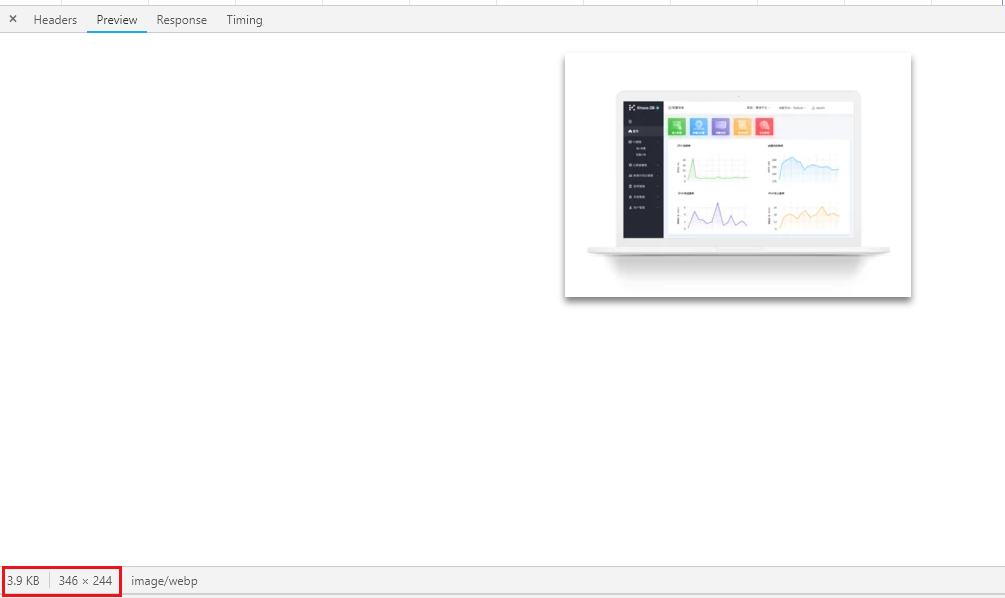
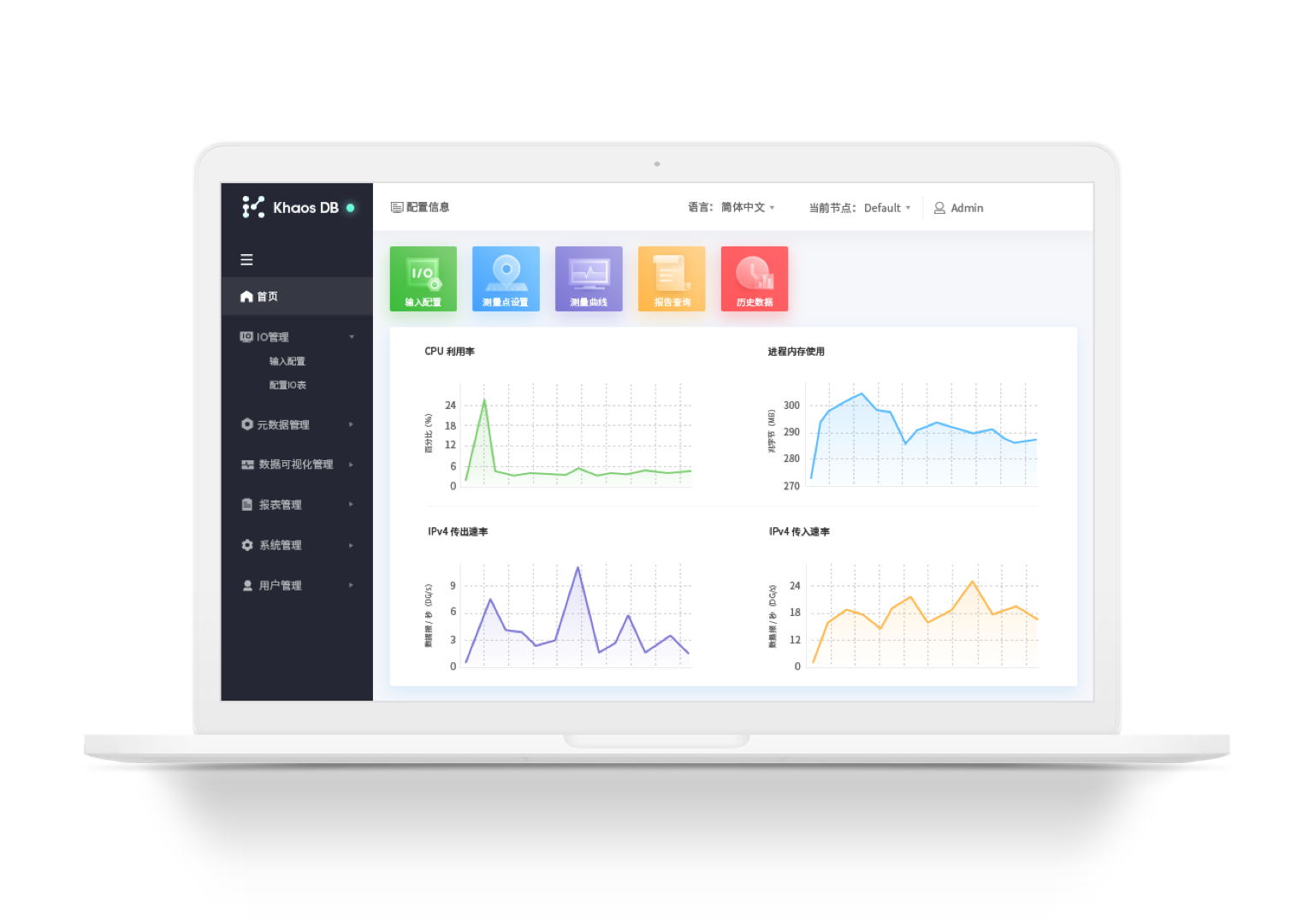
The image in the dashboard is very clear, but in the preview state, the picture is very blurry. The size of the original picture is about 500kb~2m, but under the 1080p monitor, the picture size is less than 10kb, so the effect looks very bad. The situation will be better on the 13-inch mac, but there also be some compression. Is there any solution? As long as the picture size is about 100kb, the situation will be much better.
looking forward to your reply.Thx
-

Hi,
Could you please send us the URL of the page where we can inspect this problem? Also, could you send us the image in the original dimensions?
Thanks!
Best regards,
Sandra1 -
OK,URL:https://apricot2756668.brizy.site
image:

Thank you very much!
0 -
Sorry, this one is right
 0
0 -
Hi,
Thank you for your cooperation. I identified that the image in the original sizes the image is a bit blurred and I suppose this is the cause. Brizy handle images in a specific way for better optimization and faster access. It crops the original image in 6 examples: for desktop, tablet and mobile, for retina and non-retina devices. For this reason, the size of the image is a bit lower in the preview. Also, the image takes the size of the container to not load the memory with additional unnecessary information. In this article, you can find more detailed information regarding this subject.
Best regards,
Sandra0
Please sign in to leave a comment.
Comments
4 comments