Brizy Cloud - Menu apparence on mobile phone

Hi there,
I met 2 problems with the menu apparence of my website on mobile phone:
- the picture of my flag (for english version) is very large (even if i reduce it a lot)
- the menu is too dark for being read
Could you please help me to find solutions?
Thank you in advance
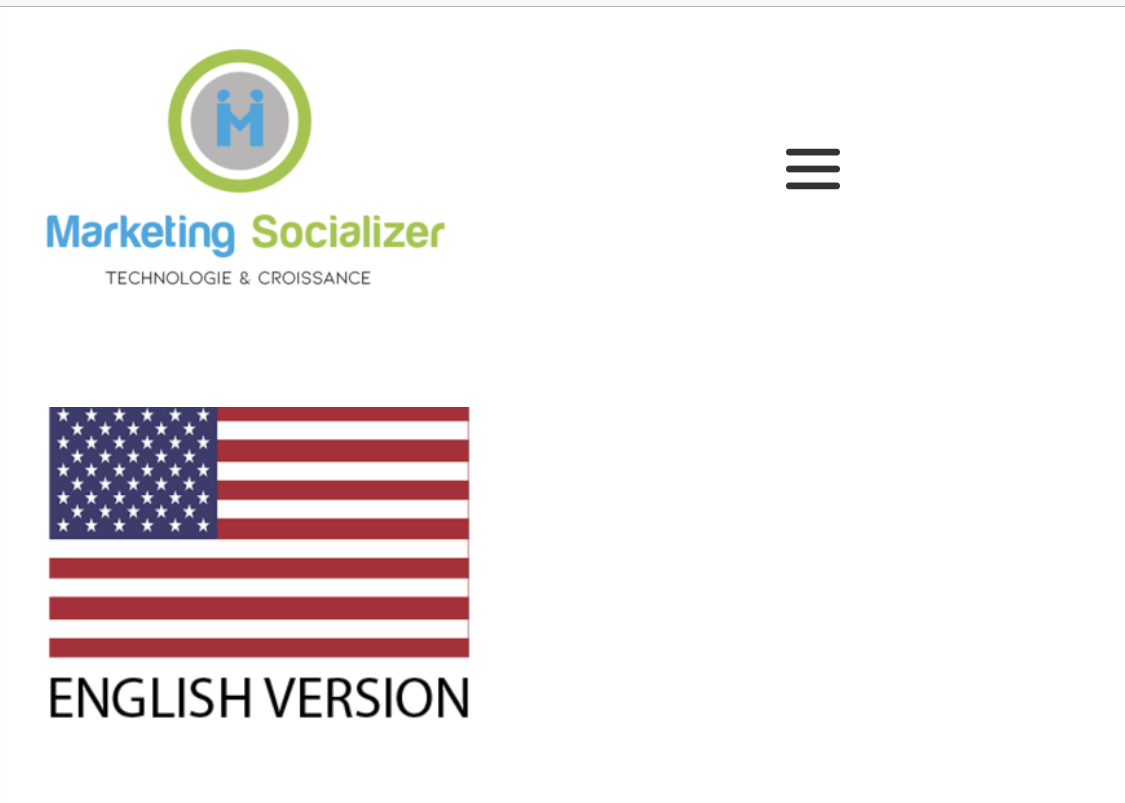
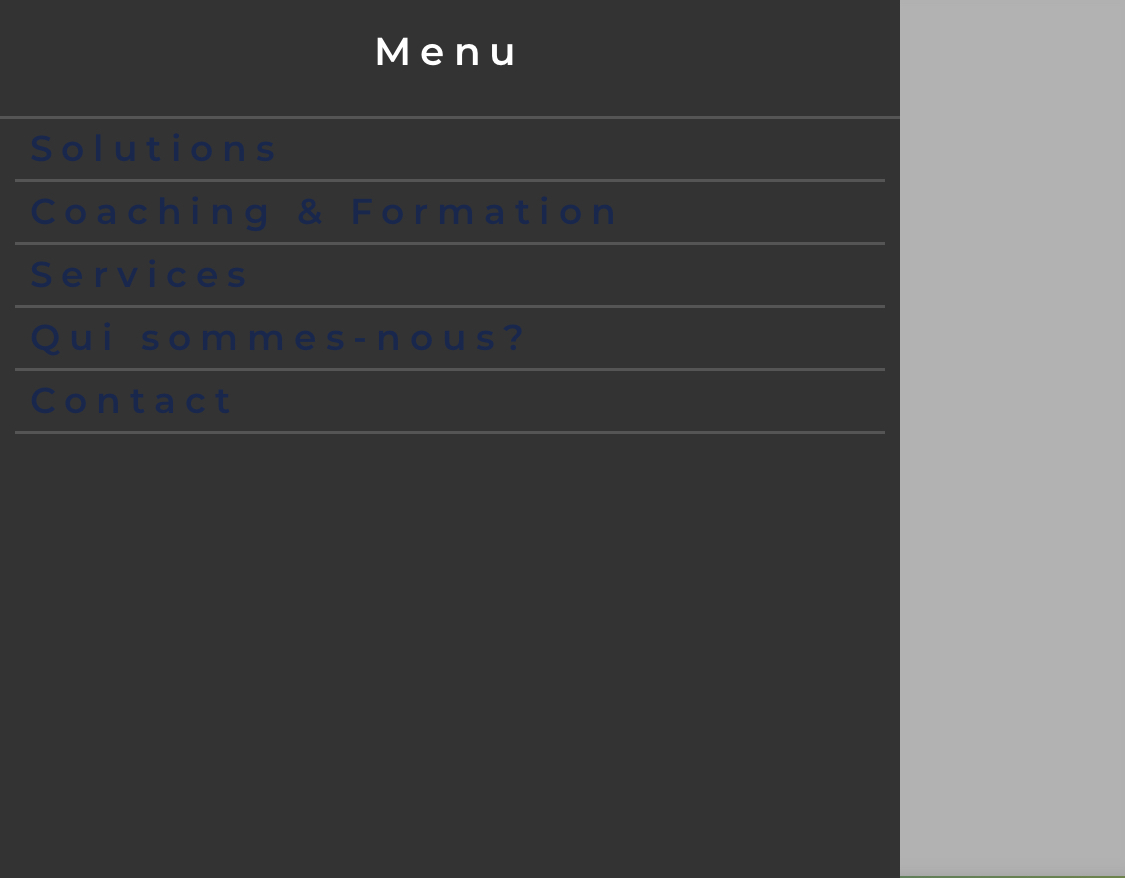
-

Hi,
Is this screenshot show how looks the menu when you open it on mobile? If so, I suppose that this view is generated by the theme or the translation plugin. What page template did you use? Did you use the Brizy template? https://jmp.sh/tUIJmPU Could you please check how is displaying the menu in non-Brizy pages?
Best regards,
Sandra0 -
Thank you, dear Sandra,
Yes, these screenshots were taken on mobile phone. But the website has been created on Brizy Cloud, so I can't find the solutions you suggested to me...
Could you help me..?
Best regards
0 -
I'm sorry. I didn't notice that the post was placed in the Brizy Cloud section. Could you please send us the URL of this project? (if you don't want to make it public, before approving the comment, I'll delete it)
Best regards,
Sandra0 -

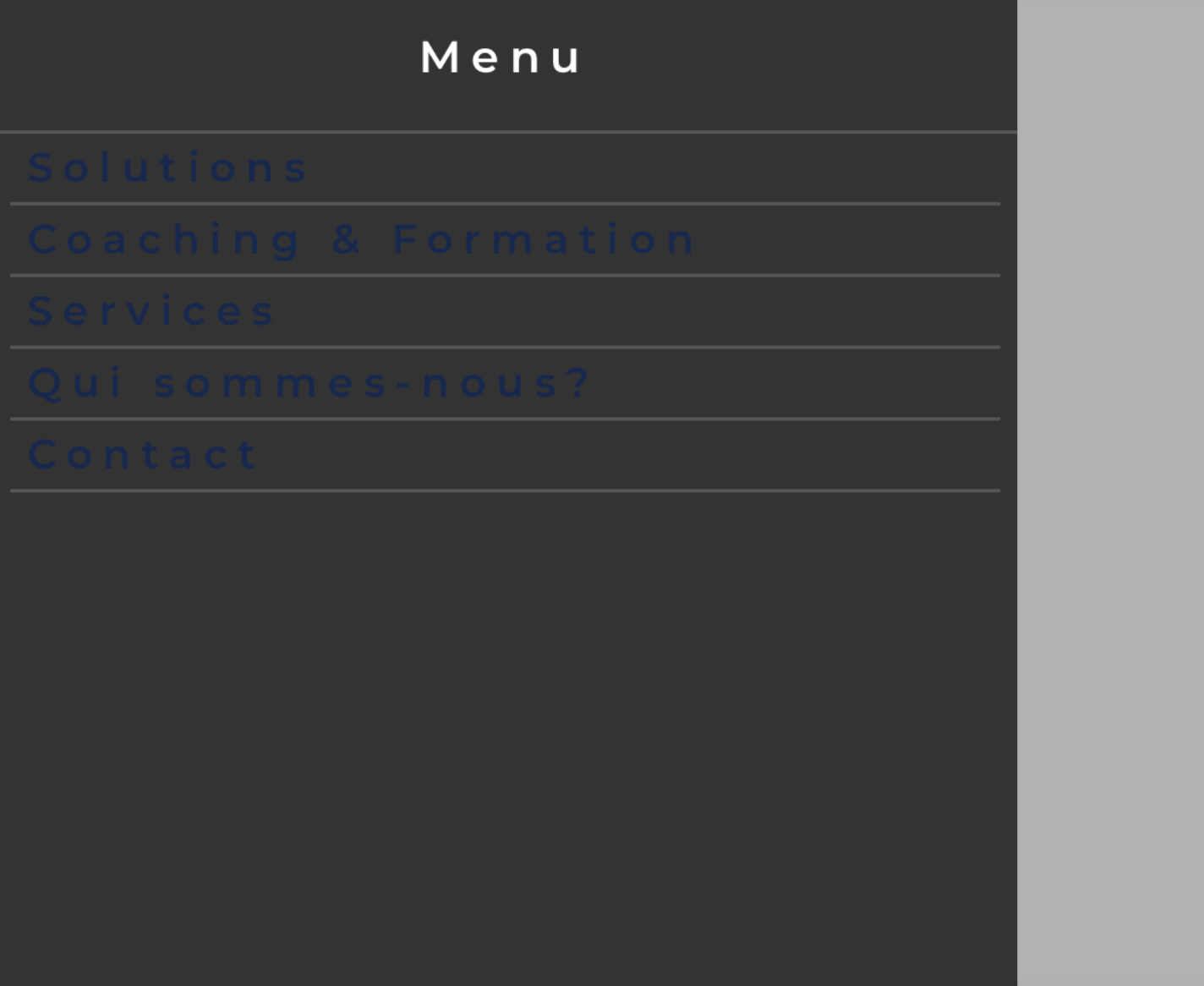
The hamburger menu (on mobile) practically disappears (black lines) on all my websites too. :(
 0
0 -
Hi Patrick,
Could you send us, please, the URL link where we can check this inconvenience?
Thanks!
Sandra
0 -
This is one of the sites discussed on Facebook comments. You need to view it on a mobile device to see the issue. https://canntobalt.brizy.site/
0 -
Could you please activate the hamburger menu for this site? At the moment it is set off and I can't check it.
Thanks!Best regards,
Sandra0 -
If you scroll up to sticky header you will see the hamburger menu error.
0 -

Hi Sandra,
I have the same issue toohttps://gsstationery.closer.company/
Please check and adviseI have deactivated the hamburger in the main menu - cannot see the menu in mobile
I make it to hamburger in the sticky menu - menu working good in mobileThanks
Chuan
0 -
Hi,
Thank you, Patrick, for these details. I checked the site on 2 mobile devices (iPhone and Samsung) and I can't reproduce the problem you mention. Could you check here? https://jmp.sh/jryOxqT
Thank you, Chuan, for your message. The same, I tested the page on 2 devices and I can't reproduce the problem. See here. https://jmp.sh/QZ5mY7Q
Guys, could you please check if you didn't block the cookies for the browser you use? Could you please activate cookies?
Thanks!
Best regards,
Sandra0 -
Well, Brizy has done the update and it's now fixed. All good. Thanks.
0 -
Dear Sandra,
Thank you for the previous exchanges. I still have questions regarding my website in Brizy Cloud.
How can I make smaller my flag in the mobile phone apparence, please?
Here: desktop apparence

Here: mobile phone apparence

And, then, my second request: how can I make my green button "responsive", please ?
Thank you in advance for your precious help...
Best regards
0 -
Hi Patrick,
Great to know that the problem was fixed by the update!
Let us know if we can help you with something else!Best regards,
Sandra0 -
Hi, Regis,
Could you please go to the mobile view and minimize the width or in generally the column where is added the image? https://jmp.sh/MU4pnt1
"how can I make my green button "responsive", please ?" - In this case, the button's text length is too bigger and for this reason, it is looking unresponsive. To fix this inconvenience, I can suggest adding a shorter text inside the button.
Thanks!
Best regards,
Sandra0 -
Thank you very much, dear Sandra !
Best regards
0 -
It's my pleasure to help you! Thank you too!
Have a great day!Best regards,
Sandra0
Please sign in to leave a comment.
Comments
16 comments