Site crashing temporarly - Preview Button

I am editing page with Brizy, Save my work.
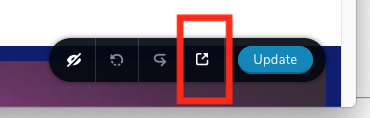
On clicking the PREVIEW Button - the site crashes.
It is only possible to return to the edit page after a few minutes....
Any help on the matter?
-

Hi,
Thank you for reporting this! Could I ask something regarding this issue?
When did you encounter it? What were your previous actions? What elements did you have on the page? Is it a Brizy Cloud project or a WP created build with Brizy plugin? Did you add some embed or shortcode element or Custom CSS?
Could you please check if you have the latest updates of Brizy Free (1.0.126) and Pro (0.0.41)? Could you please deactivate all plugins (except Brizy Free and Pro) and activate one WP default theme?Thanks!
Best regards,
Sandra0 -
Hi Sandra,
Thank you for your reply.
When did you encounter it?
- regularly after clicking on the "Preview Button" - screen goes white - website doesn't refresh. It sometimes takes one hour for the website to to be reactive again.
What were your previous actions?
- I tried again to repeat this bug with a random page:
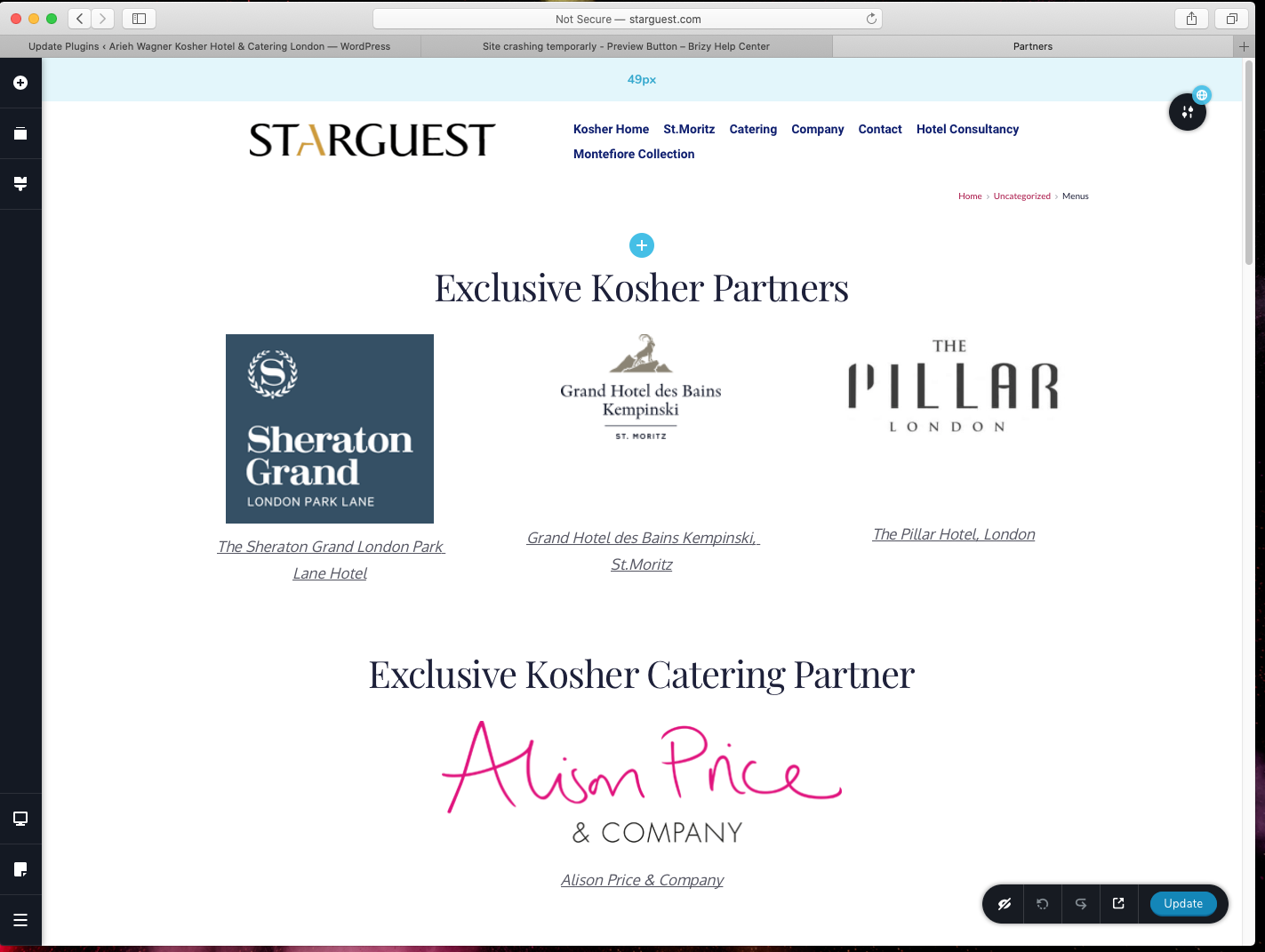
- I removed the box with "PILLAR HOTEL"
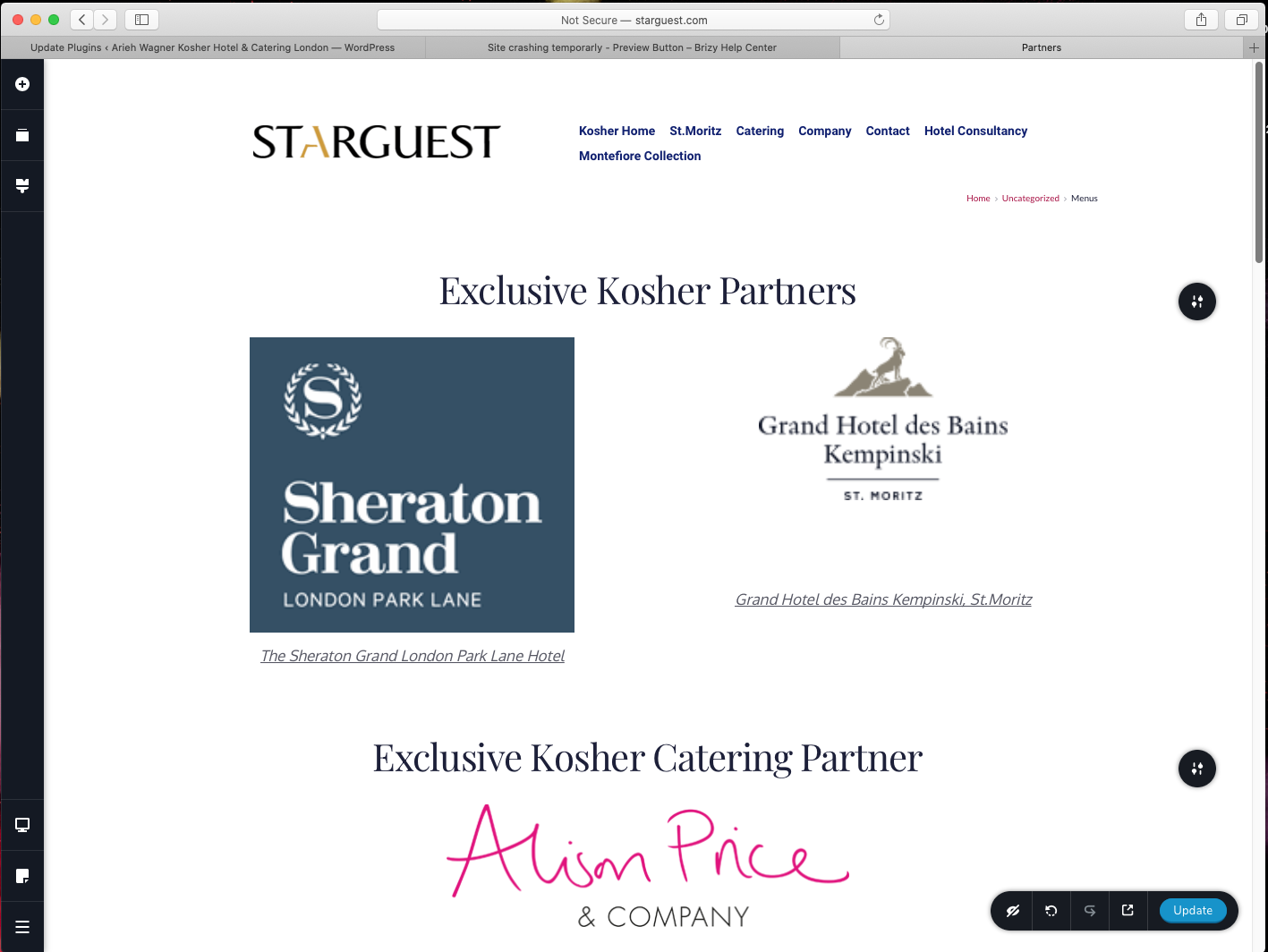
- Click UPDATE
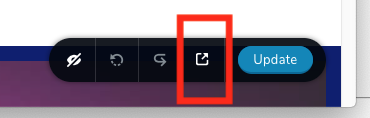
- Click PREVIEW
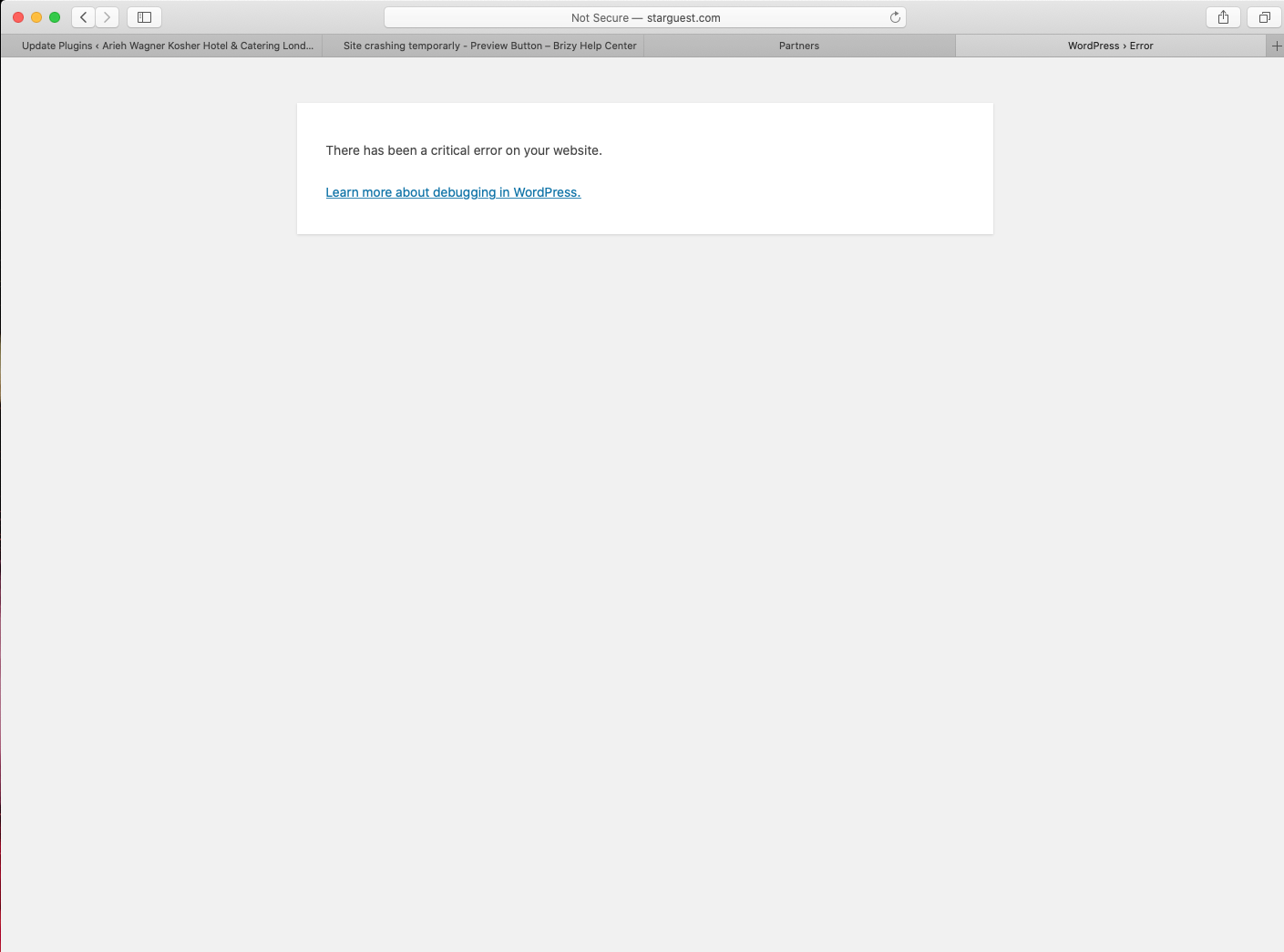
- Crash!
What elements did you have on the page?
Is it a Brizy Cloud project or a WP created build with Brizy plugin?
Brizy Plugin
Did you add some embed or shortcode element or Custom CSS?
Don't think so
Could you please check if you have the latest updates of Brizy Free (1.0.126) and Pro (0.0.41)?
I use PRO
Could you please deactivate all plugins (except Brizy Free and Pro) and activate one WP default theme?
????
best regards
Arieh
0 -
Hi,
Thank you for your reply. In the first question, I mean if this problem you found now or you encounter it after making some changes. I tried to reproduce this problem on my test site but I couldn't reproduce it, therefore I suppose that there can be a WP problem, or a plugin problem, or a theme problem. Therefore, could you please deactivate all plugins (except Brizy Free and Pro) and activate one WP default theme? It is a safe action and you will not lose the site. After you will do this, go back in the Brizy page and test again the "Update" button.
Also, I didn't understand if you have the latest updates for Brizy Free and Pro. Even if you have the last Brizy Pro version you have to activate the Brizy Free plugin too and it has to be up-to-date too.Thanks!
Best regards,
Sandra0 -
 0
0 -
Hi,
Could you please check 2 more things?
- Could you please deactivate all plugins (except Brizy Free and Pro) and activate one WP default theme? It is a safe action and you will not lose the site. After you will do this, go back in the Brizy page and test again the "Update" button.
- Could you check if you didn't create a template for all pages or for this page in particular? If this problem happens on all pages?Thanks!
Best regards,
Sandra0 -
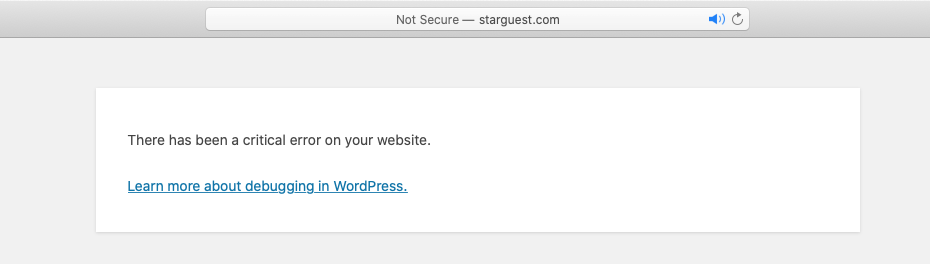
There has been a critical error on your website.
0 -
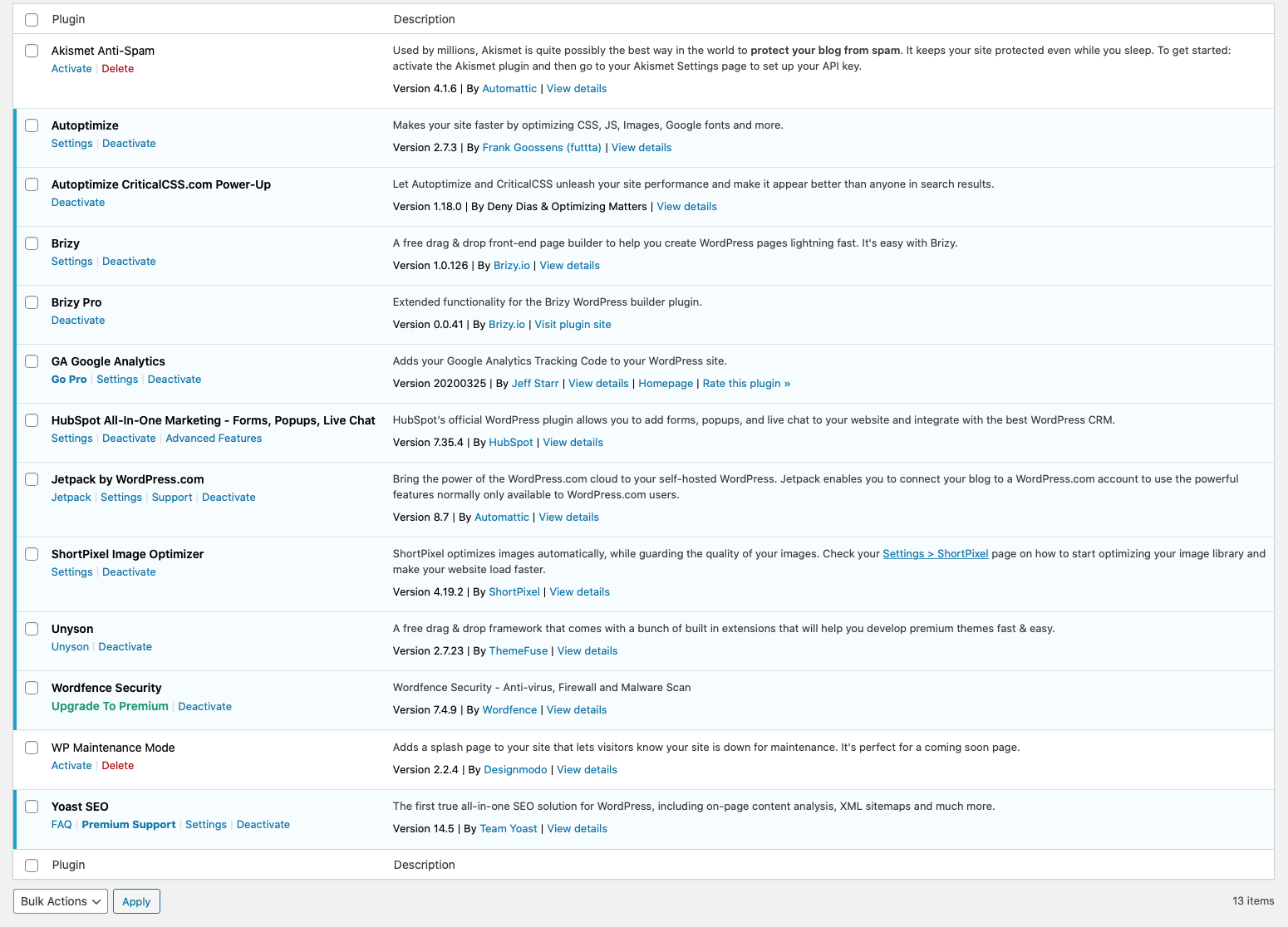
I deactivated all plugins - and reactivated one by one.
The case is caused by:
UNYSON - Version 2.7.23 | By ThemeFuse | View details
0 -
Hi,
Thank you for these checks. Did you use the Unyson for this project? Unyson is a page builder too and isn't possible to edit with Brizy a page that already is edited with another page builder or the theme.
The causes of this problem can be multiple and it can be checked a bit deeper. Since March 1, 2020, we cancel the support for ThemeFuse themes but if you have created another page with Unyson and this problem is manifest on the Brizy pages, we will try to create an internal ticket for our team.
Thanks!Best regards,
Sandra0 -
Dear Sandra,
Thank you for your help.
I was using UNISON and later was asked to install BRIZY by your team.
The only item I can not access via BRIZY is the option of PASSWORD PROTECTING a page:
This page below was created with UNISON:
http://starguest.com/kosher-hotel/kosher-catering-company/certification/
I have little need for unison - although its easier to access SEO field via UNISON page....
0 -
Hi,
I access the page you send to us but I find that I was asked for the password to see the content of the page. See here. The same is working for Brizy pages. Here is an example.
Regarding SEO - yes but the SEO options are available for Brizy pages too if you are using an SEO plugin. The option isn't integrated into Brizy but they are available in the Edit mode of the page.Best regards,
Sandra0
Please sign in to leave a comment.
Comments
10 comments