Image height and size

Hi
I am a bit confused regarding the image settings when inserting an image into an image container.
How does brizy define the height? See the image below when I am uploading this car. It automatically increases the height form 100% to 126%. Why?
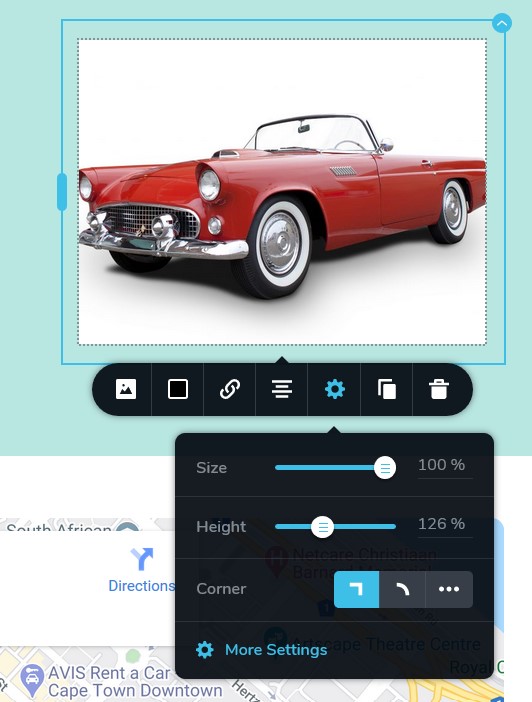
We run a multisite and it pretty confusing for our clients. I know its possible to adjust the image height back to 100% via the settings, see below.
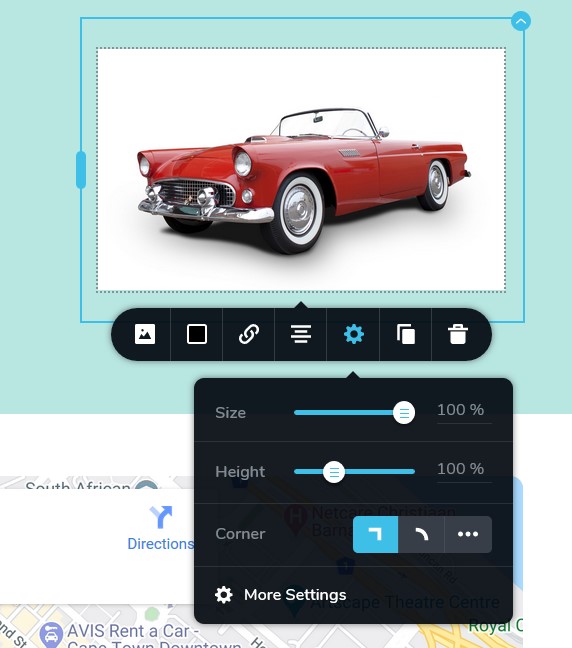
Is there a setting somewhere that controls this? It makes zero sense to me the way it currently works.
Thanks
-

Hi,
When the image is added in the Image element, the Size and Height option can have some random and different values and they aren't the same for all images. They are set in regarding the image original size. If you adjust the image with the value you need, they don't change in the future and stay with them.
Best regards,
Sandra0 -
Hi
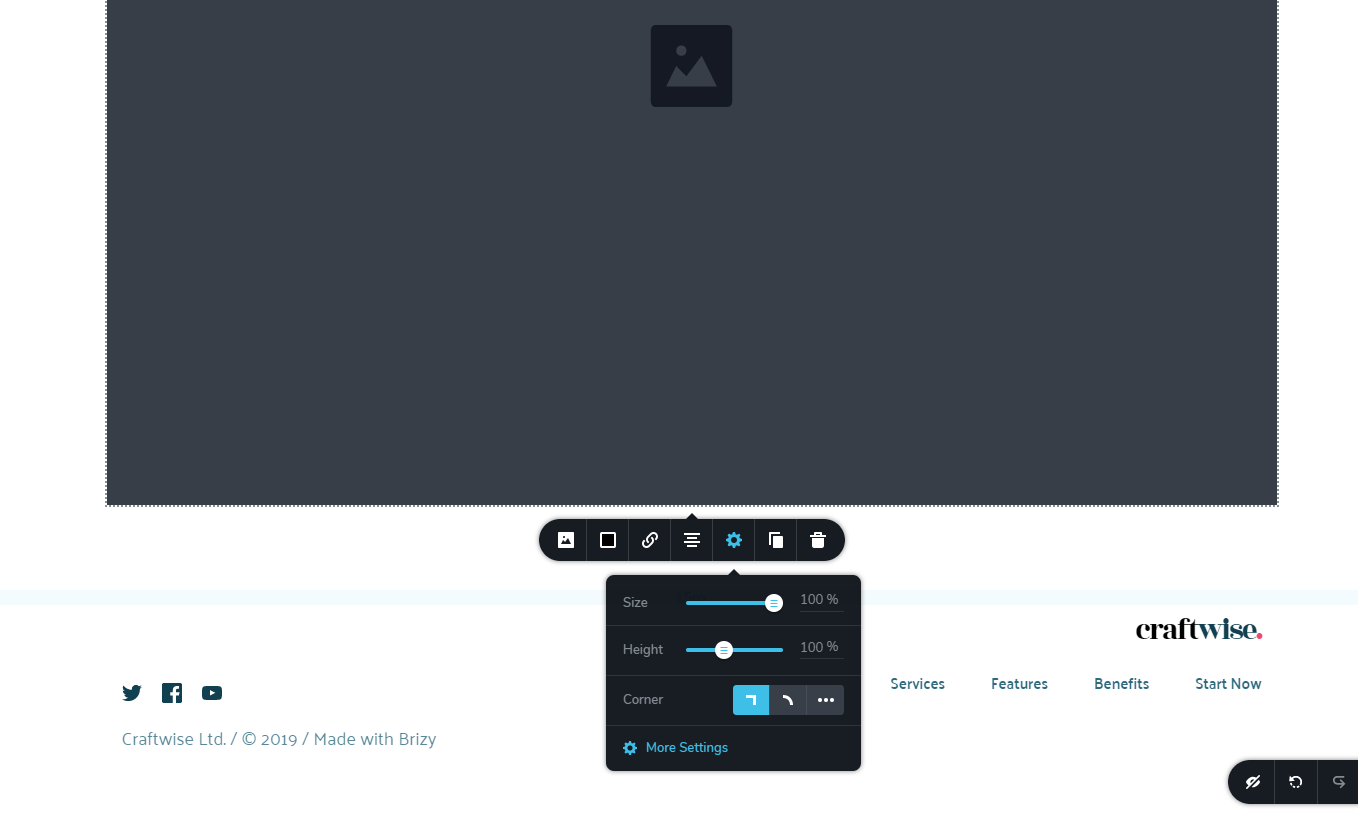
thank you for the reply. But this doesn't help me at all. If I add an empty image element the height is set to 100%. It is always set to 100%. See below. Once an image is added brizy changes the height form 100% to X.
Again, how does brizy define to chose X height for random images? To me this does not make any logical sense whatsoever. Other builders will insert your image at 100% height. It is then up to the user to either apply a zoom effect (which you have) or change the height manually.
This seems to be rather a bug.
 0
0 -
Hi,
Yes, when you add the Image element (without any image) you may have the heigh and size with 100% (they are container values) but after you add the image because all images have different sizes the height of the container is changed with the value that builder calculated. For example, I added the Image element and make sure that it has 100% for height and size (these values are established by the container sizes). In this Image element, I add an image that doesn't fit perfectly in the container I created for it initially but the builder increases the height to fit in the container I created initially for it. See here.
Best regards,
Sandra0 -
Thanks Sandra
While I see the purpose of why the builder does that, it still makes no sense to me. It literally does it in reverse compared to any other builder.
Is there no way you can run this past the devs. I am 100% certain there is a way to force the images to be 100% width upon inserting inside the code. Even if we have to change this value every time there is an update. At least on our multisite, it confuses our clients.
Thanks
0 -
Hi,
Thank you for your reply, we will take it into consideration. At the moment the builder works in such a way and I think that is easier to change the Height and Width of the image with your need values than to add code that on each update should be re-add.
Have a great day!
Sandra
0
Please sign in to leave a comment.
Comments
5 comments