Can't edit content of slider

once i turn a block to a slider, i can't edit any of its content, especially the text. what's the problem and how can i fix this?
-

Hi,
I'm sorry but I can't reproduce the problem you mention. https://jmp.sh/AoIqpt1
Could you please give more details regarding this problem? Where did you find it? On Brizy Cloud or Brizy WordPress plugin?
What errors are showing the console? Could you send a screenshot?Best regards,
Sandra0 -
Nothing is showing at the console. Typically when i click on a text element other than those that are in a slider block, i can edit the text (typing, deleting, etc) there will also be a pop up setting to change text styles, indentation (like in screenshot 1). But when i set a block to a slider, when i click the text box, nothing happens, it's not clickable anymore if that makes sense. I can't edit the text in any way, the pop up setting don't appear either. I have to move the element out of the block first to edit and then drag it back to the slider block. That can work for desktop but then i can't make the page optimized for tablet & mobile because the problem is the same when editing for tablet & mobile version and i can't move the element in and out of the block.
My apology, this apparently only happens to text element. I can edit buttons and pictures, but i can't edit texts.
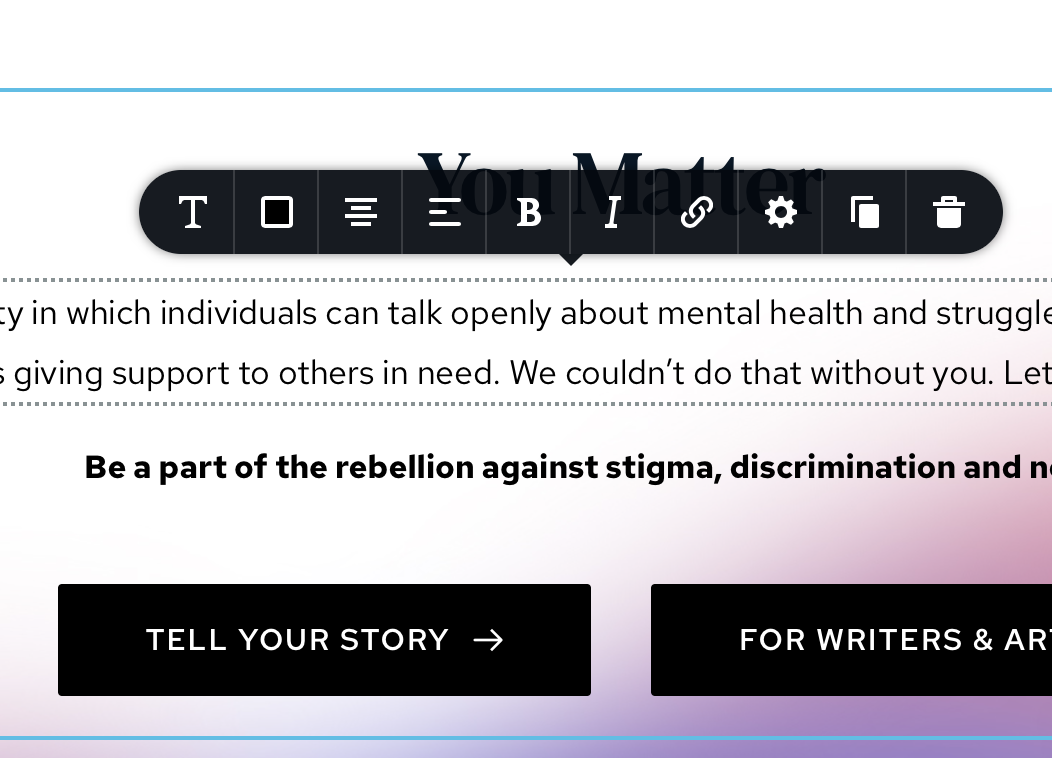
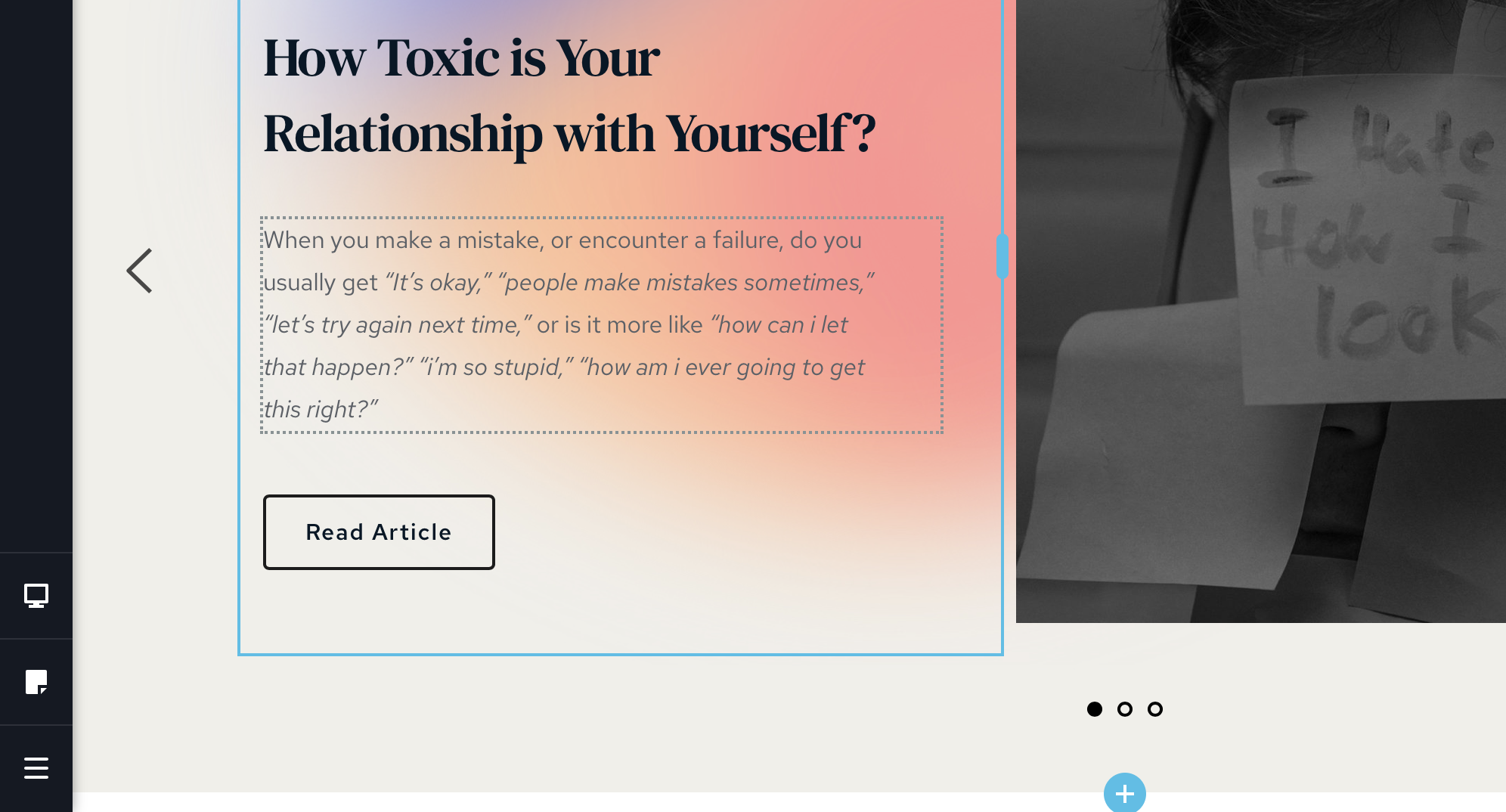 0
0 -
This is on brizy wordpress plugin
0 -
Hi,
Thank you for all these details. I suppose that there is a plugin or theme incompatibility. Could you please make some basic checks?
- Do you have the latest Brizy versions - Free 1.0.126 and PRO 0.0.41?
- If you change the theme do you have the same problem?
- Do you have the same problem if you disable all external plugins?
Thanks!
Best regards,
Sandra0 -
Checked the brizy versions and it's all updated. Tried to change the theme and disabled all external plugins and the problem persists.
0 -
Could I ask you what browser did you use? Did you use IE or Edge? Could you please try using another one, for example the Chrome?
Best regards,
Sandra0 -
That worked! Oh my god i feel silly this should've been a very simple troubleshooting. Thank you!
0 -
No problem! All is fine! Great to hear that the problem is solved!
Thank you too!Best regards,
Sandra0
Please sign in to leave a comment.
Comments
8 comments