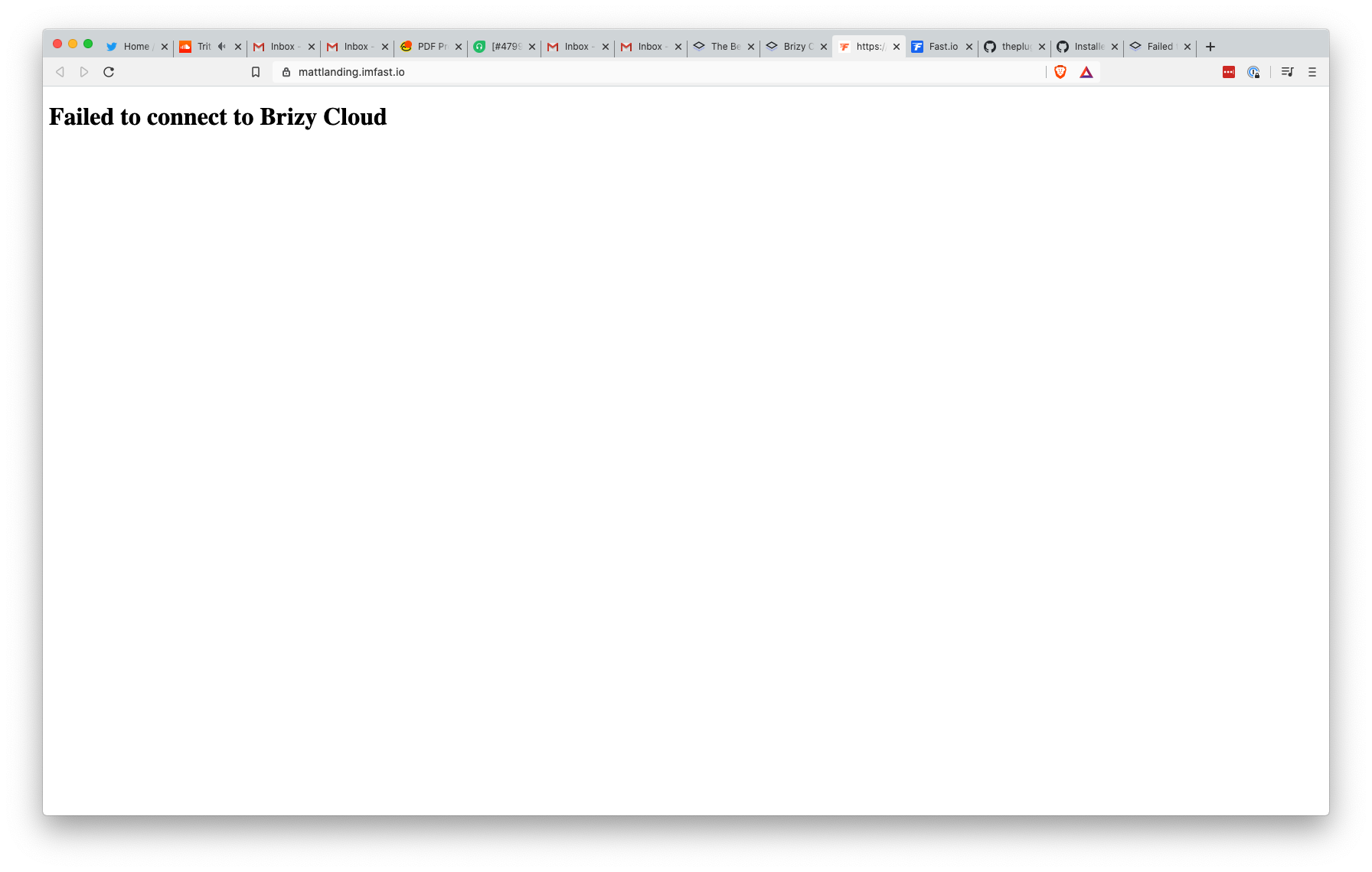
Failed to connect to Brizy Cloud

Always show this message: Failed to connect to Brizy Cloud
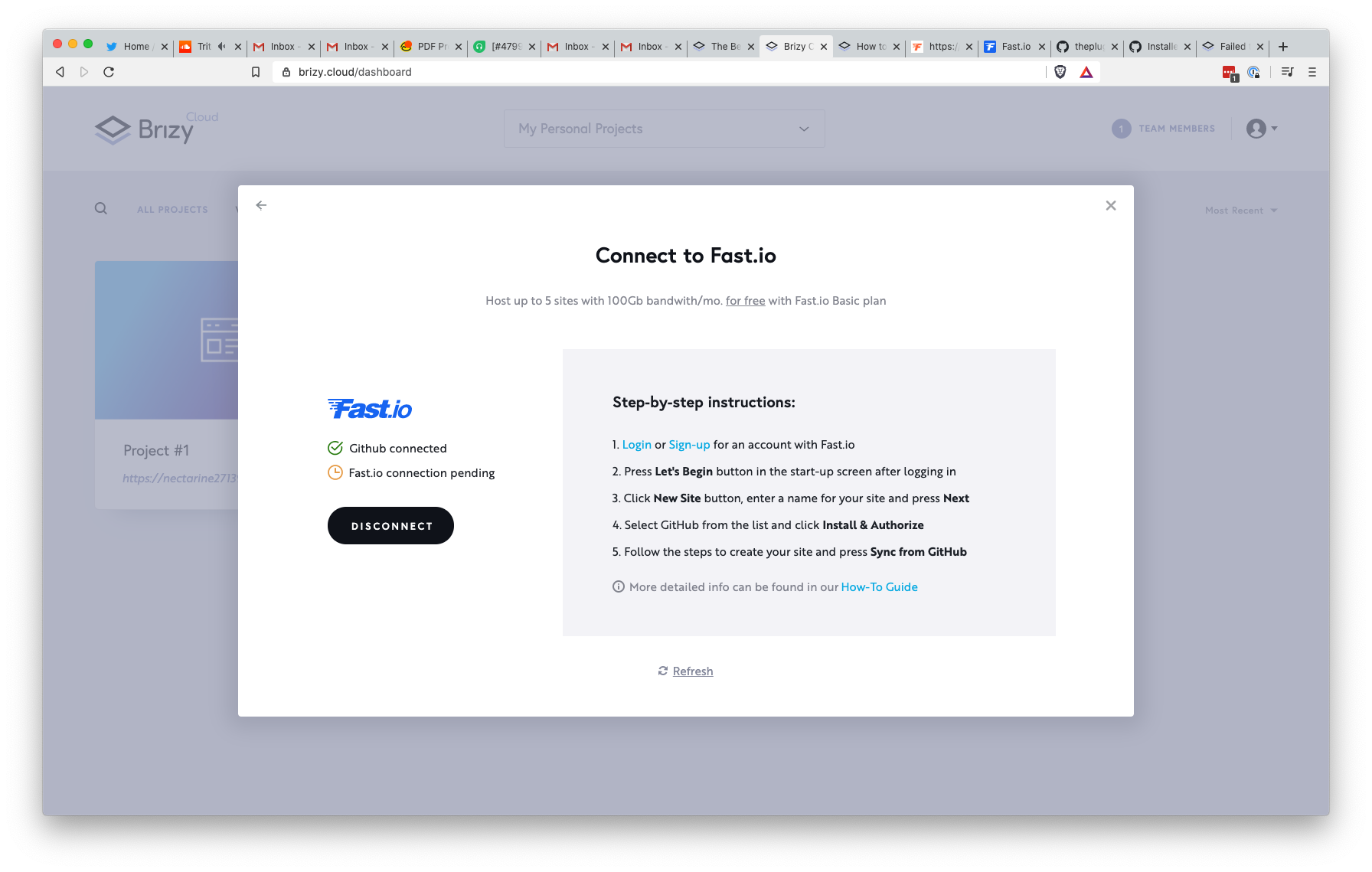
Github connected
Fast.io connection pending
on Vercel, Render same situation. What I do wrong?
-

Hi,
Did you find this error when you try to access the site or when you try to open the Brizy Cloud dashboard?
Also, could you please check if you followed all the steps mention in this article for connection with Fast.io? https://support.brizy.io/hc/en-us/articles/360044686511-How-to-connect-your-Fast-io-accountBest regards,
Sandra0 -
Not see error on Dashboard. Followed step by step. Same error on alk providers. Fast, vercel, netlify etc
0 -
Could you please make sure that Brizy account and Github account are opened in the same browser? Also, could you open in the same browser the site you connected with Github?
Thanks!
Best regards,
Sandra0 -
connected with Github but Fast.io connection pending.
0 -
Did you log-in your Fast.io account? Did you create there a "New site"? See step 6-17 https://support.brizy.io/hc/en-us/articles/360044686511-How-to-connect-your-Fast-io-account
Thanks!
Best regards,
Sandra0 -
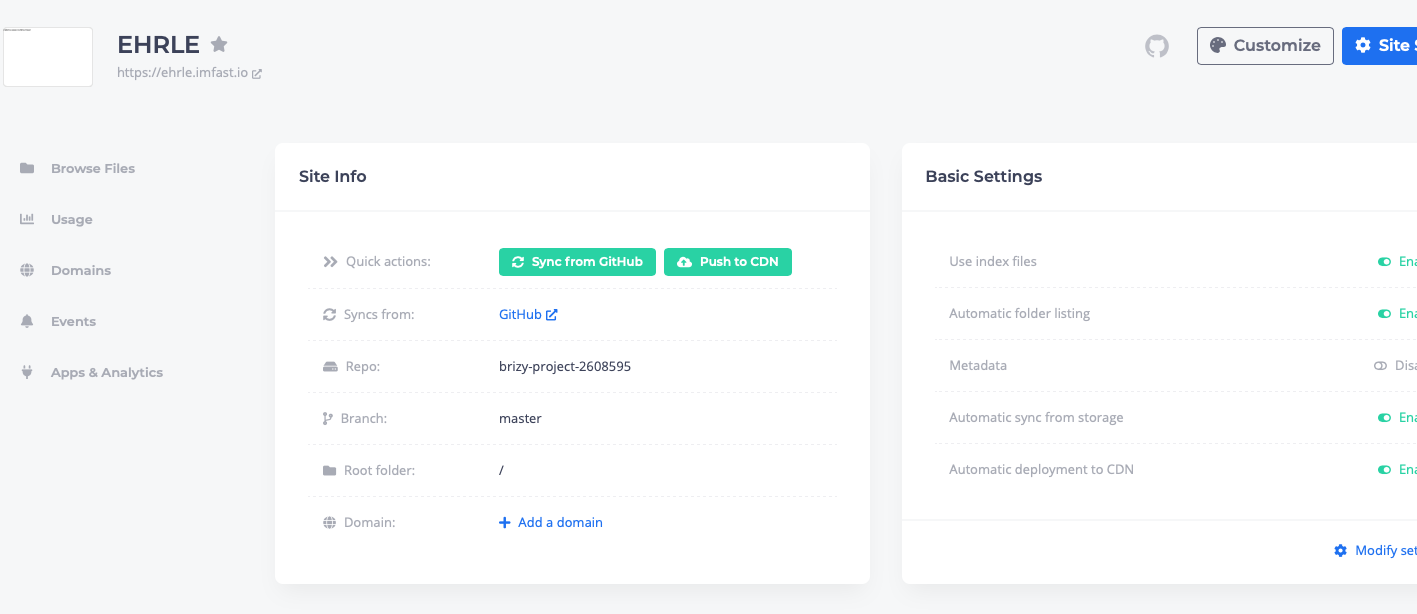
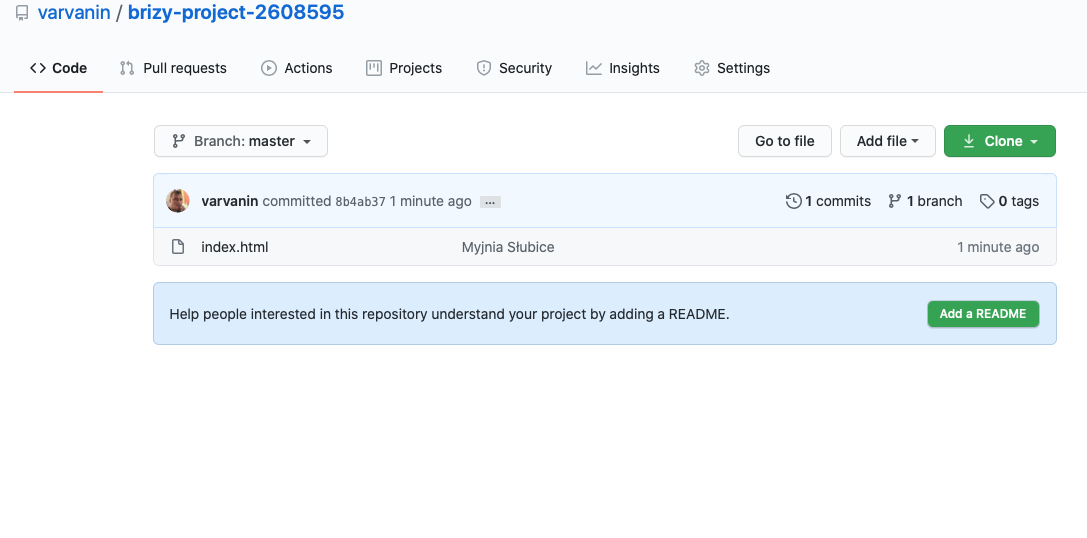
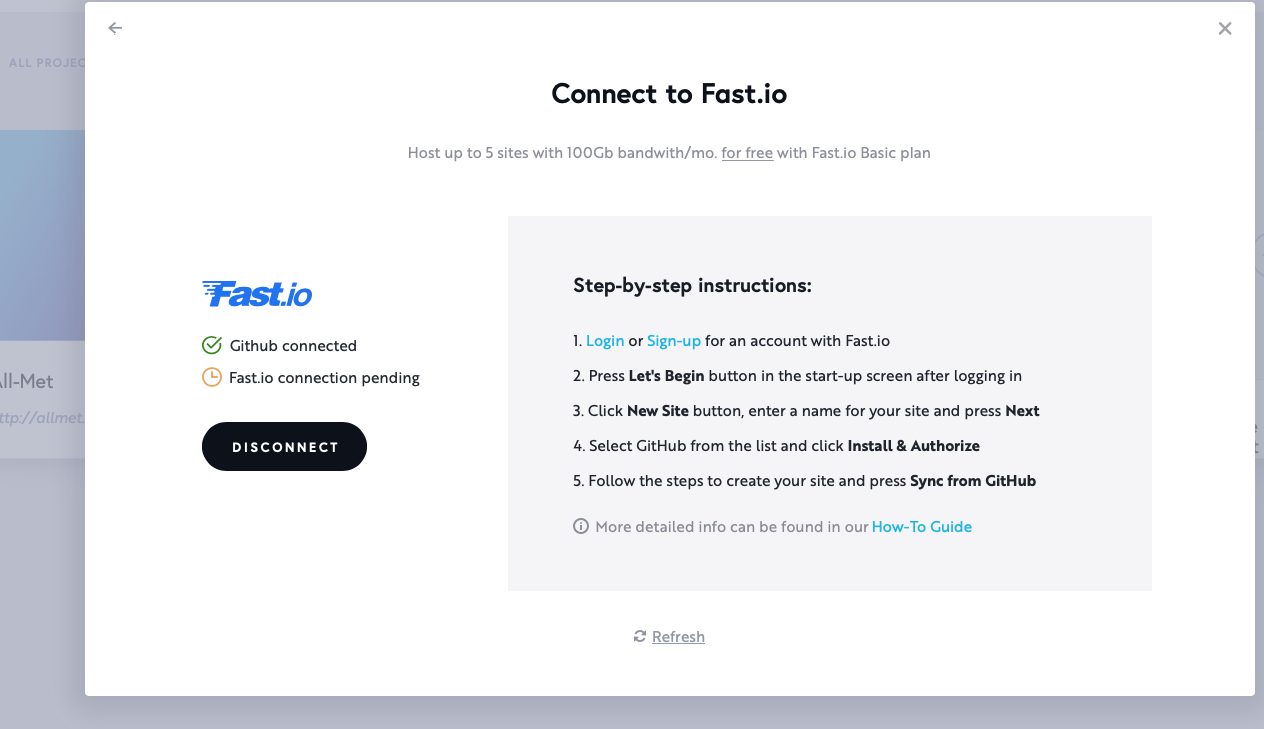
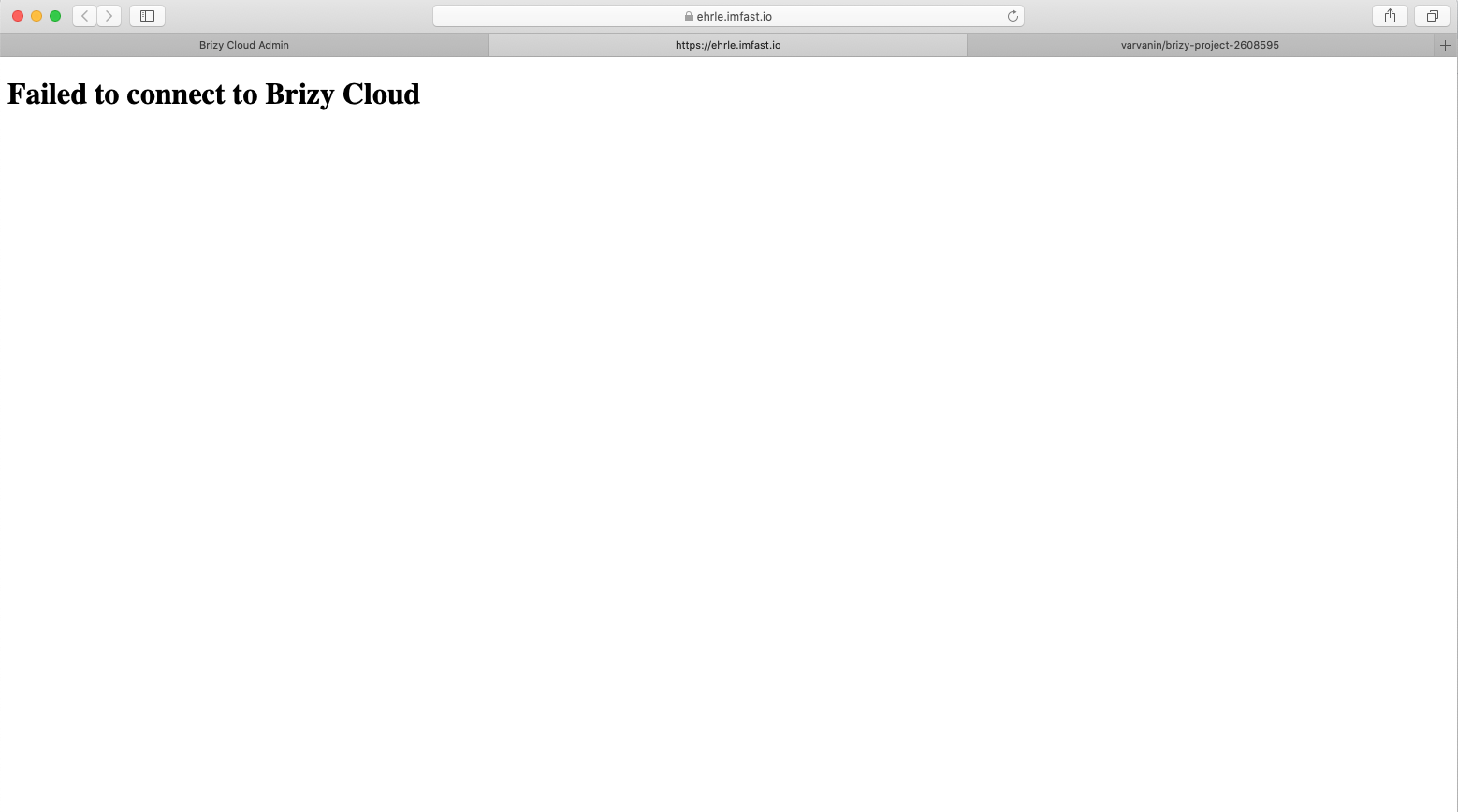 0
0 -
Browser console log: Mixed Content: The page at 'https://ehrle.imfast.io/' was loaded over HTTPS, but requested an insecure XMLHttpRequest endpoint 'http://www.brizy.cloud/proxy/brizyio'. This request has been blocked; the content must be served over HTTPS.
0 -
Hi,
Thank you for all these details. I already created an issue for our team and they will investigate your project and connection to identify the problem. Could you please confirm is this the email of your Brizy Cloud account? varvanin84@gmail.com
Thanks!Best regards,
Sandra0 -
Yes
0 -
We suppose that the problem can be in the Safari browser. If you are using Safari, could you please go to Preferences -> Privacy -> Block Cookies -> Never. After this try to connect again the Brizy Cloud project with Fast.io
If this will not help you, try to connect with Fast.io from Chrome.
Thank you!
Best regards,
Sandra0 -

I'm running into the same issue as OP mentioned. I've tested on Netlify + Fast.io
I've also tested across Chrome, Brave, Safari, Firefox with same result. I've deleted and re-created projects in Brizy Cloud with the same results. I'm only testing on Brizy Cloud Free, not sure if that's an issue?0 -
Hi Matt,
Did you try to connect the project with both of them, Netlify and Fast.io? You can use only one. If you want to connect the project with the Netlify, could you check please if you followed all the steps mentioned here? If you want to connect the project with Fast.io, could you check if you followed all the steps mentioned here?
What error did you receive? Could you send us some screenshots of how did you make the connection? (if you don't want to make them public, let us know and we will delete these screenshots before approving the message)Best regards,
Sandra0 -
I'm getting the same error as the OP, Failed to connect to Brizy Cloud as seen here: https://mattlanding.imfast.io/
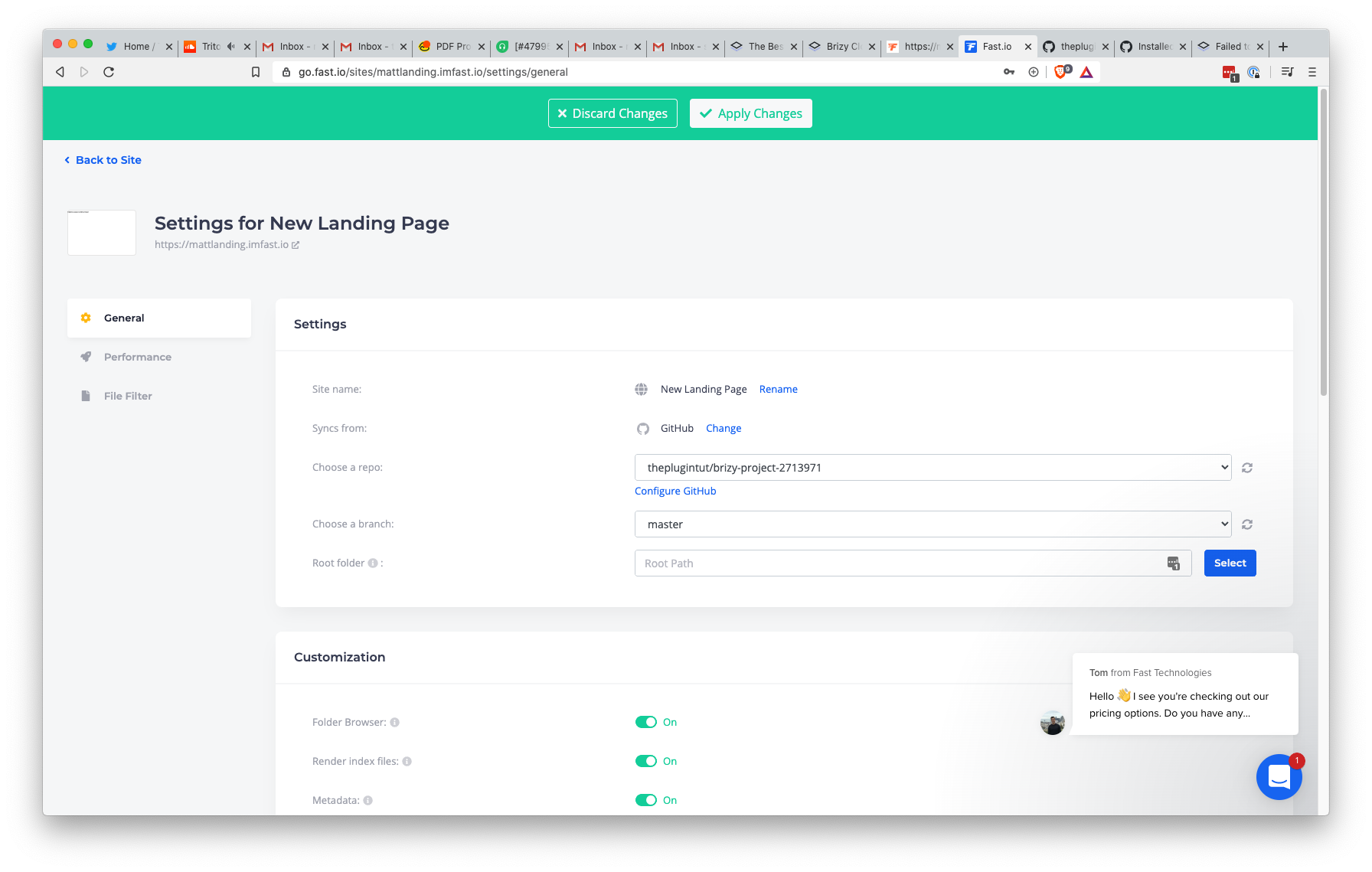
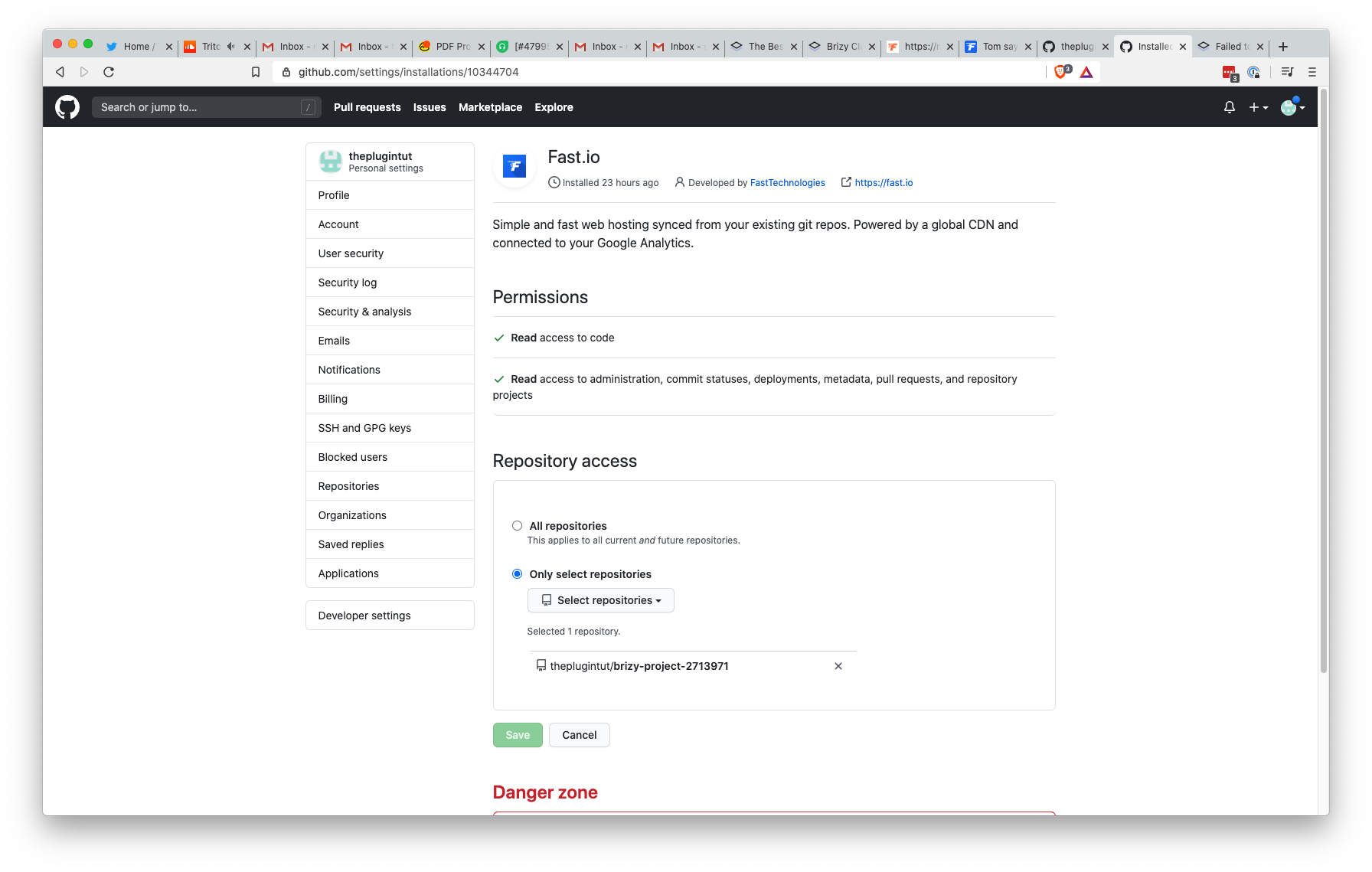
Attaching screenshots, I connected everything as shown in the docs. I assumed Brizy would push html files to github and I don't think that's happening other than the default index.html?
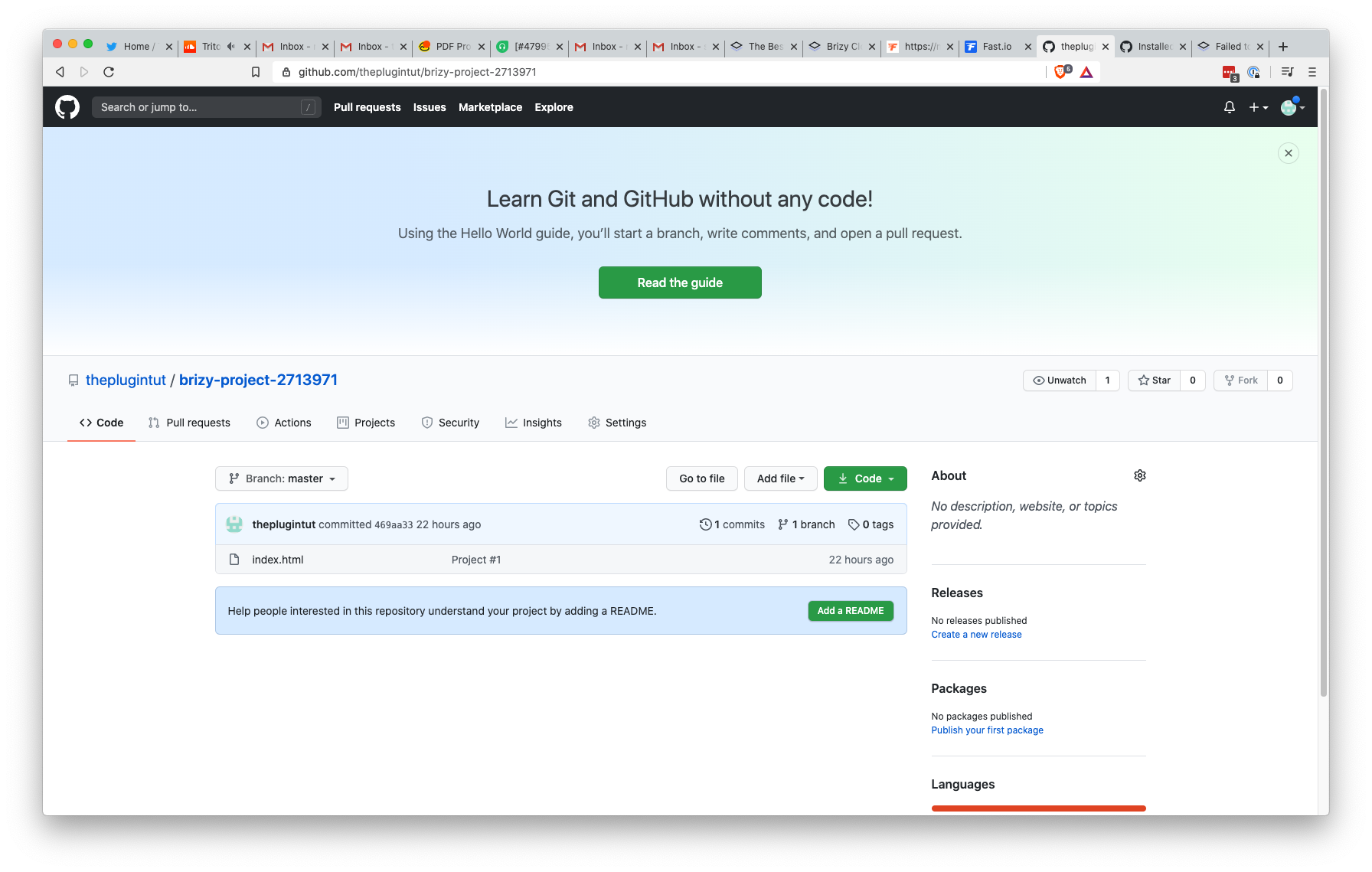 0
0 -

This should get you around the issue
Take the URL from your index.html file and append the deploy URL from Netlify or others and pop it in a browser window. https://www.loom.com/share/b9cd0fd340d7421eb036876f4ca8c21d
0 -
Hi guys,
Tom, thank you very much for the video, it is very helpful and I suppose it will help other users too.
Matt, you can try the solution provided by Matt. Also, I want to inform you that I send this problem to our team to check and find a solution.
Thanks!
Best regards,
Sandra0
Please sign in to leave a comment.
Comments
15 comments