Blog Posts wrong links

Dear Brizy Team,
I have some issues when creating a blog listing page.
The archive works but when you click on "contiue reading"/"weiterlesen" you will only reach the latest blog post, not the specific aritcle: https://dorf-macht-zukunft.de/category/magazin
I would like to deactivate the "continue reading" button. But in the blog listing template/achive element I only see a black box (see picture).
How can I fix this or get rid of the "continue reading" button?
Thank you,
Bianca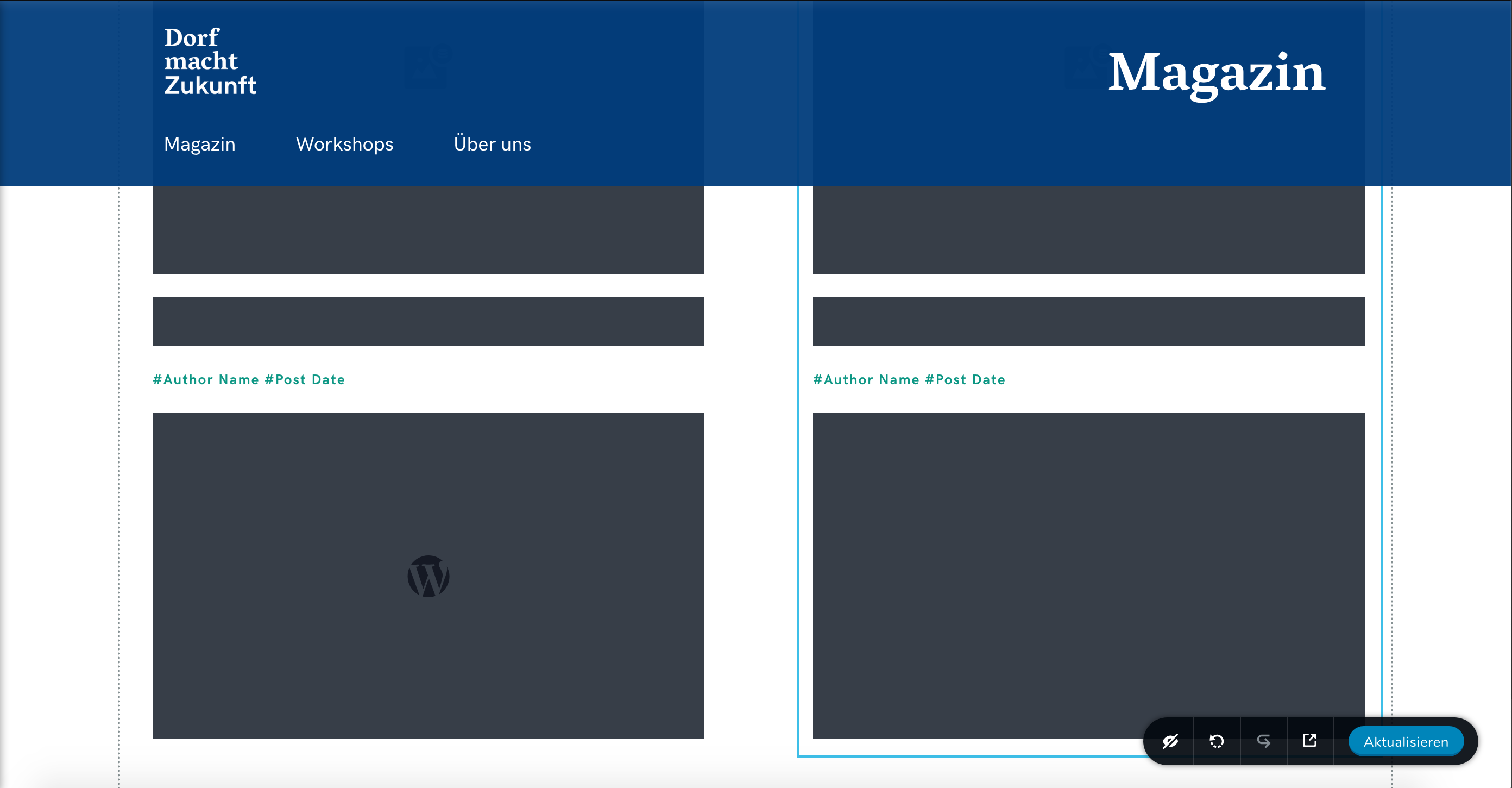
-

Hi Bianca,
The "Continue Reading" link from the Post excerpt is added from the theme and not by Brizy. To hide it you can change the theme or you can add a Custom CSS that will hide that link. This Custom CSS will help you in this direction:
element .read-more {
display: none !important;
}This code you have to add for Post excerpt element in Custom CSS.
0
Please sign in to leave a comment.
Comments
1 comment