Video Not Playing Correctly

Having an issue with a video placed as the background in a slider. It plays full width in brizy preview fine, but when viewed on the site it is very small and in the upper left corner of the slider. If I drag the browser window (chrome, firefox and safari) and change the window size, the video suddenly starts playing full width as it is supposed to. Any suggestions?
Video is second slide of the slider on the homepage of http://troynaz.ryandouglascreative.com/
View upon initial load
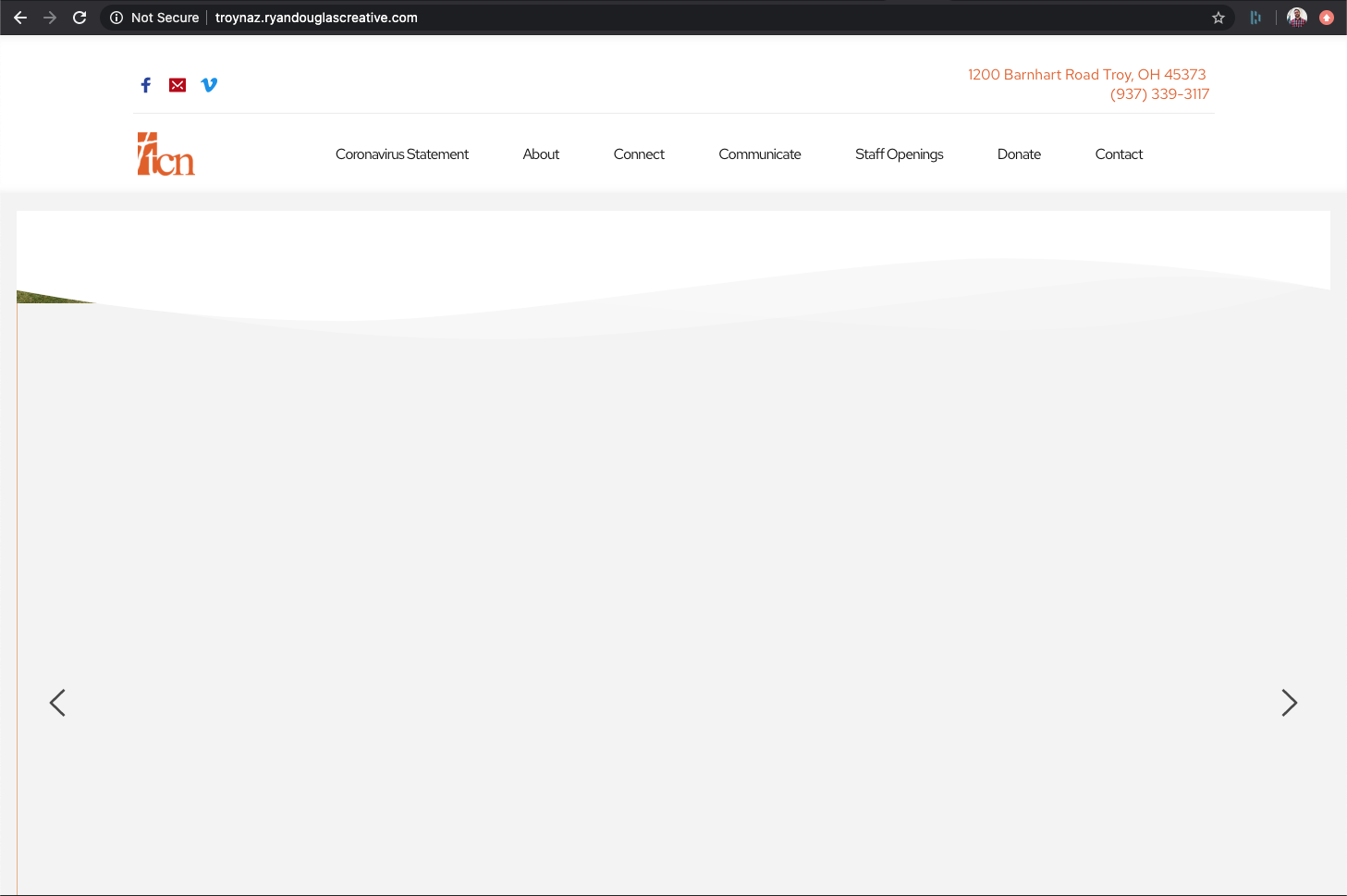
View upon dragging and resizing browser window.
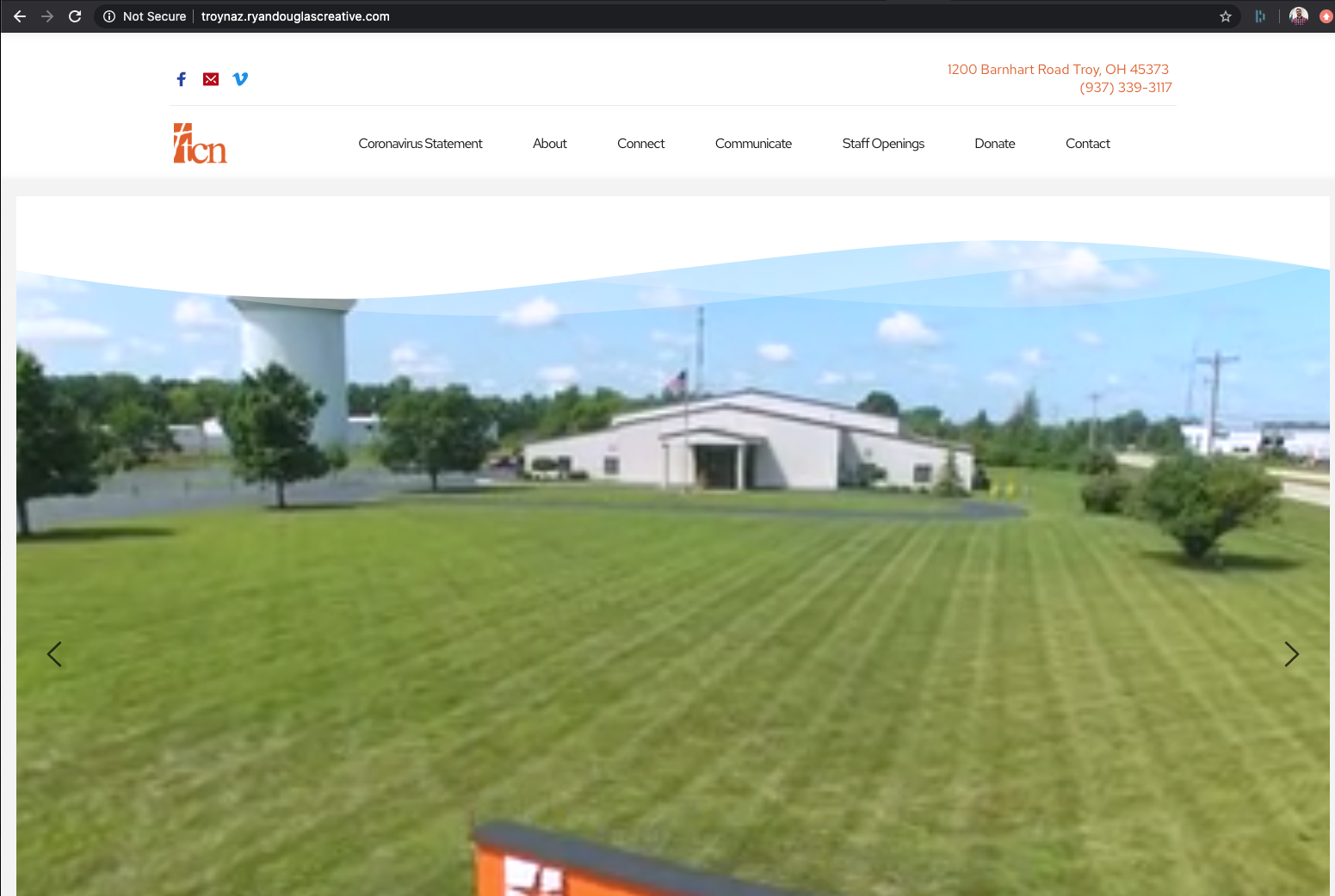
-

Hi,
Could you describe how did you add this slide? What other elements it has? Could you please delete the site cache?
When I opened the console, I find an issue associated with site and Vimeo player https://jumpshare.com/v/88BsdoQ3fhN3rGI5CE4f. Therefore, could you pleas 2 more things?- Activate a WP default theme and deactivate all plugins;
- Try to add another video from YouTube.
After this check, if all is loading correctly. Let us know regarding this.
Thanks!Best regards,
Sandra0 -
Hi Sandra, The video was added as a background to that slide the slider so that it will auto play full width. The slide was duplicated from the first slide. Site cache has been deleted, twenty twenty wordpress theme turned on, all plugins turned off, then turned back on, made a duplicate of the troubled slide and added a youtube background instead. Exact same issue. Client is waiting on this so I finally just rebuild all the slides from a clean new block and they seem to be working fine.
0 -
But now the other vimeo video that is in the next (second) slide (not as a background) is not showing in most browsers. Site has been migrated to https://www.troynaz.net.
0 -
Hi Ryan,
Yes, we have an issue opened on this topic and our developers are working to fix it. Unfortunately, I can't say when it will be released but we will strive to fix it as soon as possible.
Thanks!
Best regards,
Sandra0
Please sign in to leave a comment.
Comments
4 comments