Theme is Overriding Brizy

When I "Edit with Brizy" all my changes are saved and everything looks right on the back end, but when I go to preview, it seems the original Wordpress theme I have there is overriding the changes.
From what I can tell, I can not get rid of having a Wordpress theme. How do I get it to look exactly like it does on the back end?
Preview: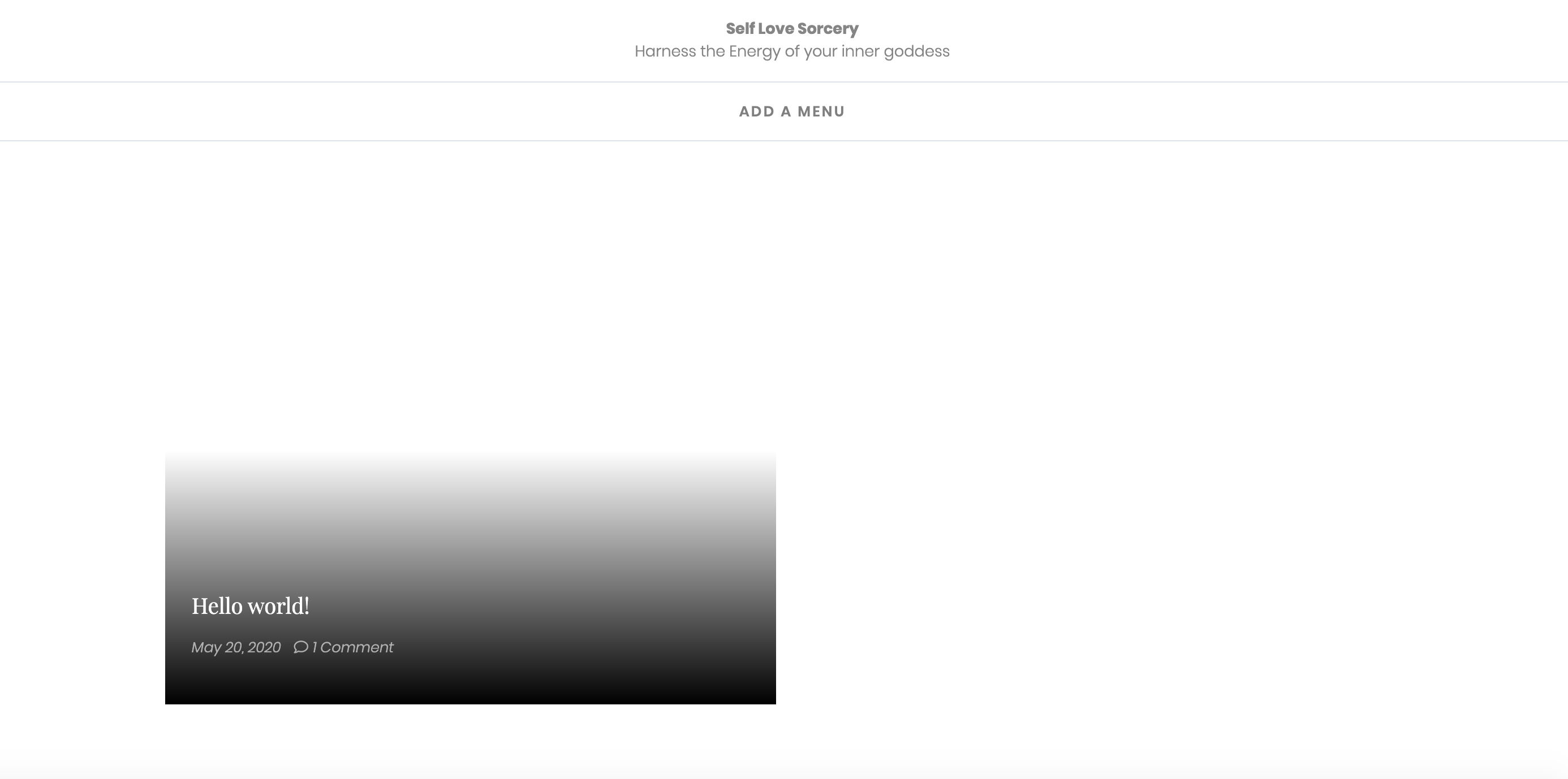
in Brizy Editor 
-

Hi,
Could you please give more details regarding this page? Is it set as "Post page" in the WordPress settings? Or is it another WordPress page?
If so, I want to say that isn't possible to edit a WP page directly with Brizy. If you want to edit with Brizy, Posts page, 404 page, Archive page etc., this page should not have activated the Brizy builder and you have to create a template for this page and there using dynamic content to design the page.Best regards,
Sandra0 -
I had Wordpress theme installed prior to signing up with Brizy.
Then created the new page using Wordpress, then used the "Edit with Brizy button"
I'm confused as to why it's not straight forward.
Your answer doesn't help me. I need a step by step on how to fix this issue. I bought Brizy Pro to make my life easier, but so far there have been so many issues that's is frustrating. Not only that, I can't even call someone to help me in real time and an issue that can be solved in 15 mins will now take days.1 -
Hi,
I created a private ticket on this request. You had to receive a notification regarding this on email. Could you send to us in that private message the WP credentials to this site? Also, could you please deactivate all plugins (except Brizy Free and Pro and check if the problem is still present)?
Thanks!
Best regards,
Sandra0
Please sign in to leave a comment.
Comments
3 comments