Boxed width not fixed

Hi, can I set a fixed width in a boxed layout? the background image keeps stretching, I am doing a landing page, I have it set to boxed but it stretches when you view it in a large monitor, please help.
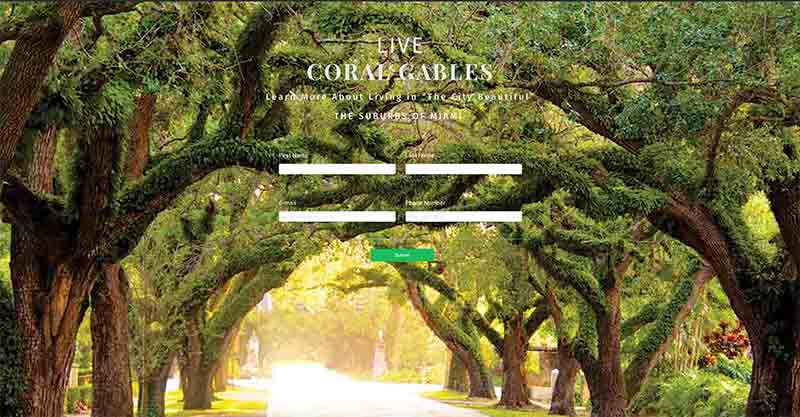
This is what what I get now:
This what I am trying to do:
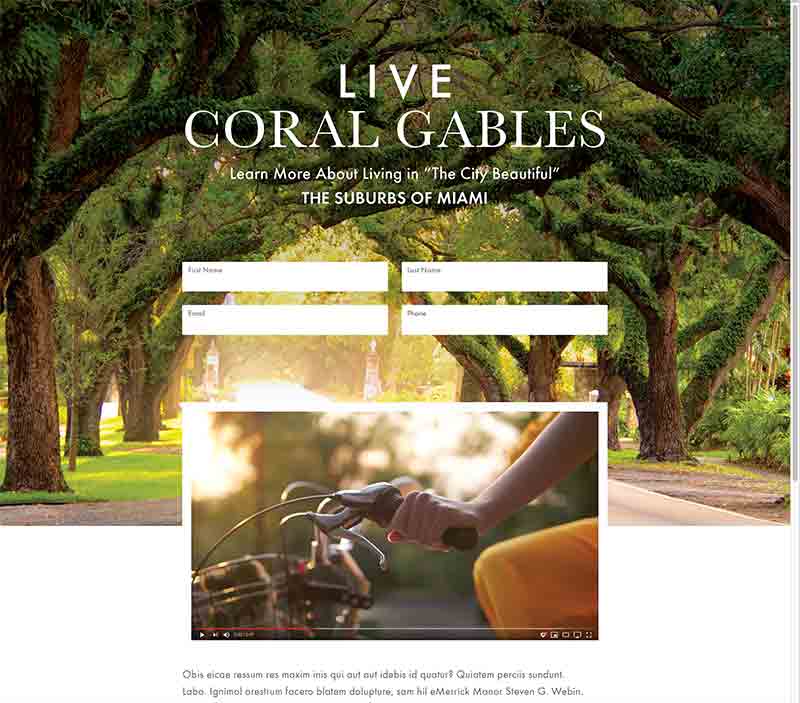
Also, can I place a YouTube video on top of the background?
Thank you for all your help.
James
-

Hi,
If the block is set with the Boxed width and 100%, this means that the content inside this block will appear in a box with space appearing around the box if your browser screen is sized larger than the box size. Therefore if the screen size is larger, in this case, the space around the box with content will be bigger. https://www.gilmedia.ca/should-you-go-boxed-or-full/
Yes, you can add a YouTube video on background. For this, you have to go to the Block options -> Background -> Background. Here select the Video type and bellow add the YouTube link https://jumpshare.com/v/JKYlDksvLGJko0zH8Kfq.
Best regards,
Sandra0 -
Hi Sandra,
Thank you for the reply, I don't think I asked the question correctly, yes, I want a boxed width but I also want the background with a fixed width, I don't want it to get stretched especially by computers with larger monitors, is this possible?
Thank you again,
James0 -
Hi James,
No, it isn't possible to set background with a fixed width and if you will set it somehow, on computers with larger resolution will look the same view but with white part in the left and right of the page. This situation happen on all sites with a fixed background.
Best regards,
Sandra0 -
Hi Sandra, thank you for the response, one last question and I am done with this landing page, every time I add a new block the background is a very light tan or yellow, in builder I see the background in white which is what I want, in the browser I see that color, inside builder cannot find the place for background color, can yu help me find where to change the background color for a blocK?
Here is my page:
http://www.live-coralgables.com/brizy-33/
Thank you so much for all your help, you guys are the best!
James
0 -
Hi James,
Thank you too!
Yes, it is possible to set a background colour. For this, you have to go to Block general options and here you will found the "Colors" option. From here you can an "Overlay" colour for the background, also the transparency https://jumpshare.com/v/mG3JLhcqjpmpkOIaSuKX. In your case, I suppose that the background transparency is lower than 100% and in the background, you see the theme background colour.Best regards,
Sandra0
Please sign in to leave a comment.
Comments
5 comments