Use of featured image in post template

How can we use the featured image in a post to be part of the content inside the blog post. Pull in the image so the template will use the fetured image in the post its self.
Hope that makes sense
Dan
-

Hi,
If you want to set for the Image element the feature image of the post, you have to go to Image options -> Image. Here in the right part of the Image field, you will find an icon. You have to click on it and select the Featured Image https://jumpshare.com/v/s9QbIZPICCnu7cnDBeFc
Best regards,
Sandra0 -
Hiya,
I can not see this on mine, I am up to date with Brizy. I am in templates and a post template I have made.
Ta
Dan
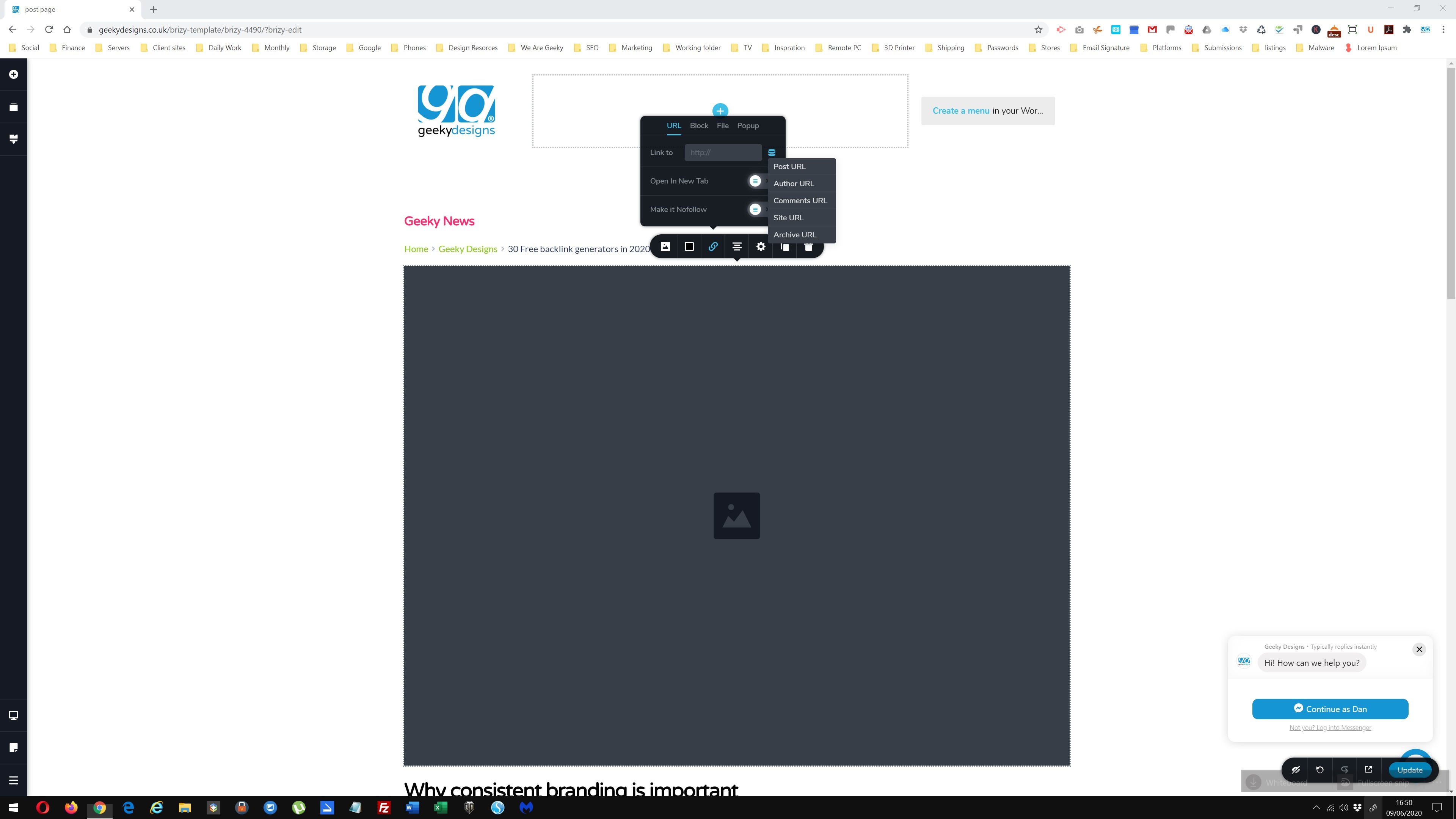 0
0 -
Hi,
Yes, in the Template you will not see it, but in the preview, it will be displayed correctly.
Best regards,
Sandra0
Please sign in to leave a comment.
Comments
3 comments