Blocks not loading in Firefox on Mac

Any ideas on why blocks wont load in Firefox on the Mac? Works OK with Safari but I use Firefox as my web browser. Global blocks are visible. This has only been a problem for the last three days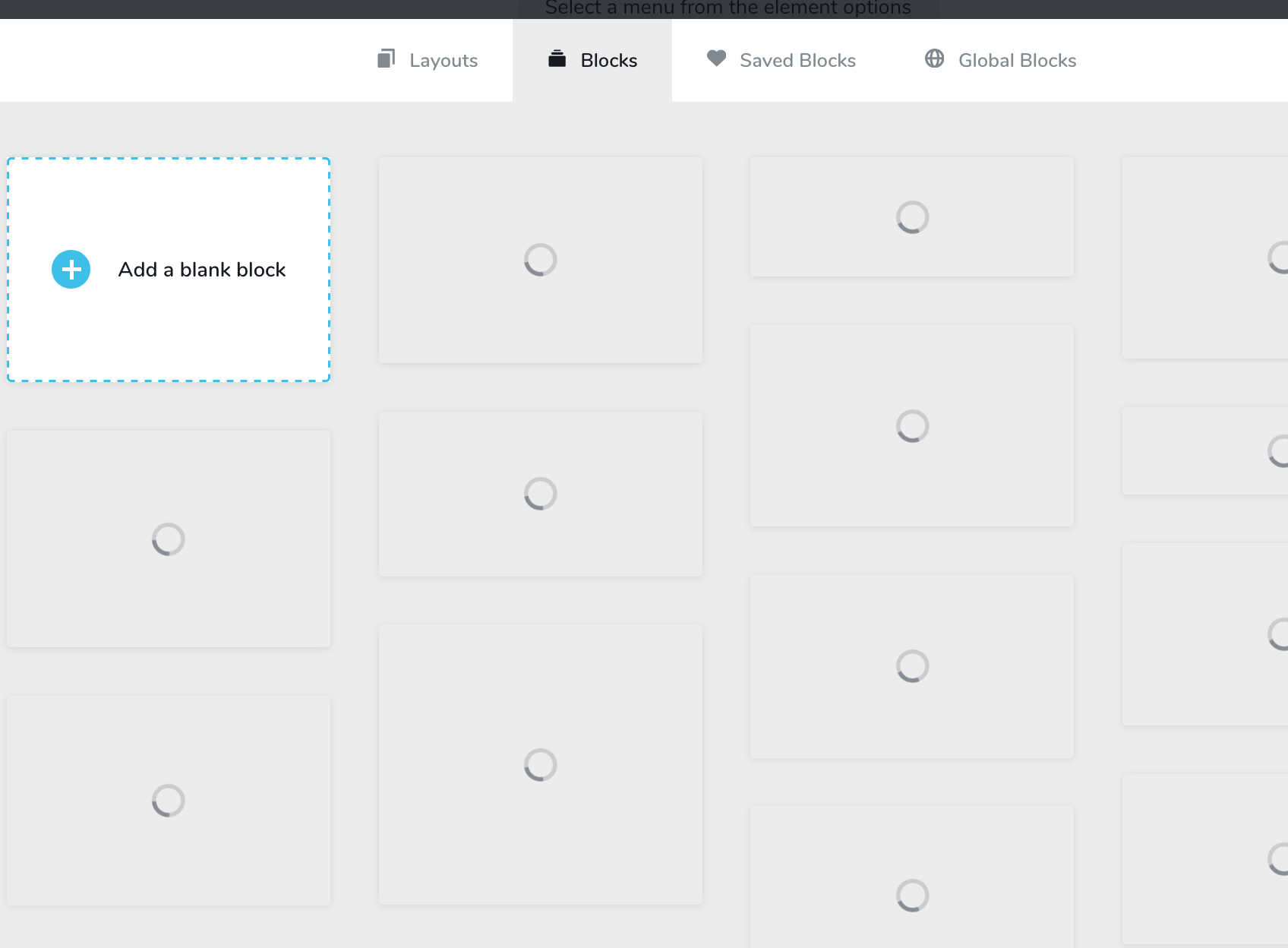
-

Hi,
Can you please confirm you have the latest Brizy versions - Free 1.0.125 and PRO 0.0.41? What about Chrome? Does it work well on Chrome?
0 -
OK - the problem is Firefox on my 2019 MacBook Pro. I tested it on a desktop installation of Firefox and the Brizy blocks seem to work fine. The MacBook is running current versions of OS and Firefox and is on the same network. A mystery, but it seems it is my mystery.
Thanks
Marty
0 -
Hi Marty,
you could try re-installing firefox on your Mackbook. It might help :)
0 -
Yep - reinstalled firefox, restarted etc. blocks not loading on the macbook pro. all other aspects of Brizy working fine. Just have to use Safari I guess. not a deal breaker
0 -
Unfortunately, I can't check this on Macbook PRO 2019 on Firefox, but if anyone else reports this issue, we'll look into it.
0 -

Hi,
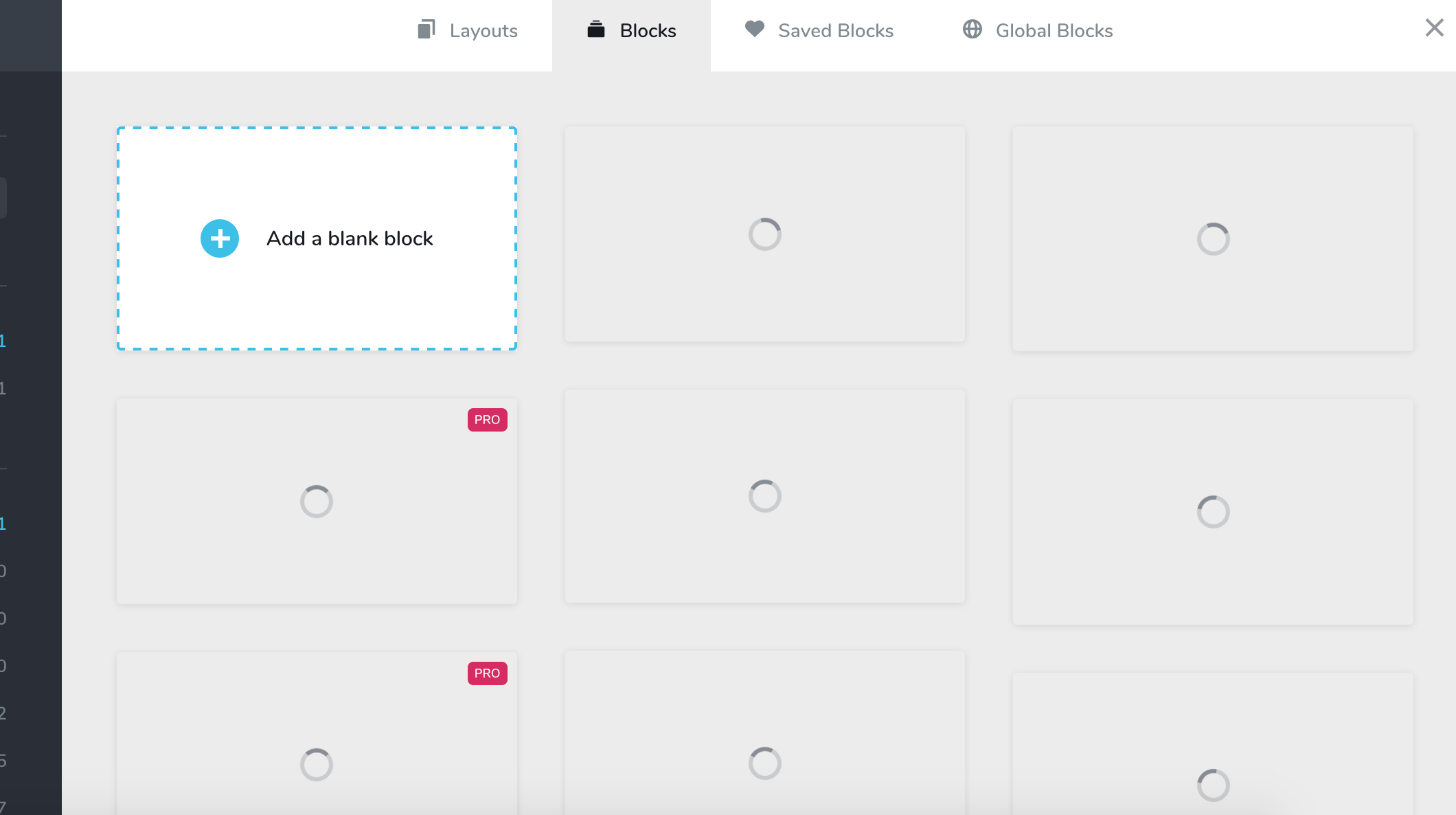
Just reporting this same issue for me : Macbook Pro and Firefox. But only after I updated Brizy; it was working fine all week long, then I updated Brizy and this started.
 0
0 -
Hi Christina,
thank you for your message. I have opened an internal issue and we will inspect this.
0 -
Well observed, I forgot I had just updated Brizy when that happened.
Also, when you click on any of the blank blocks, they do load, but you have no idea what it is you are getting until it loads.
0 -
We will check this and come up with a fix.
0 -

Observed identical issue to this on PC, everything at current release as of 24/11/2020
The issue on Firefox with our PC's was the built in "Enhanced Tracking protection" - the grey shield icon to the left of the address bar web address.
Disabling tracking protection, Privacy Badger and Ublock origin allows content to load instead of just the spinning white boxes.
Hope this helps anyone else with related error.
0 -
Hi,
thank you for your message. These are screenshots made by the browser so it could be a third-party cause that limits the browser to use this option.
0
Please sign in to leave a comment.
Comments
11 comments