"Saved Blocks"

Good day,
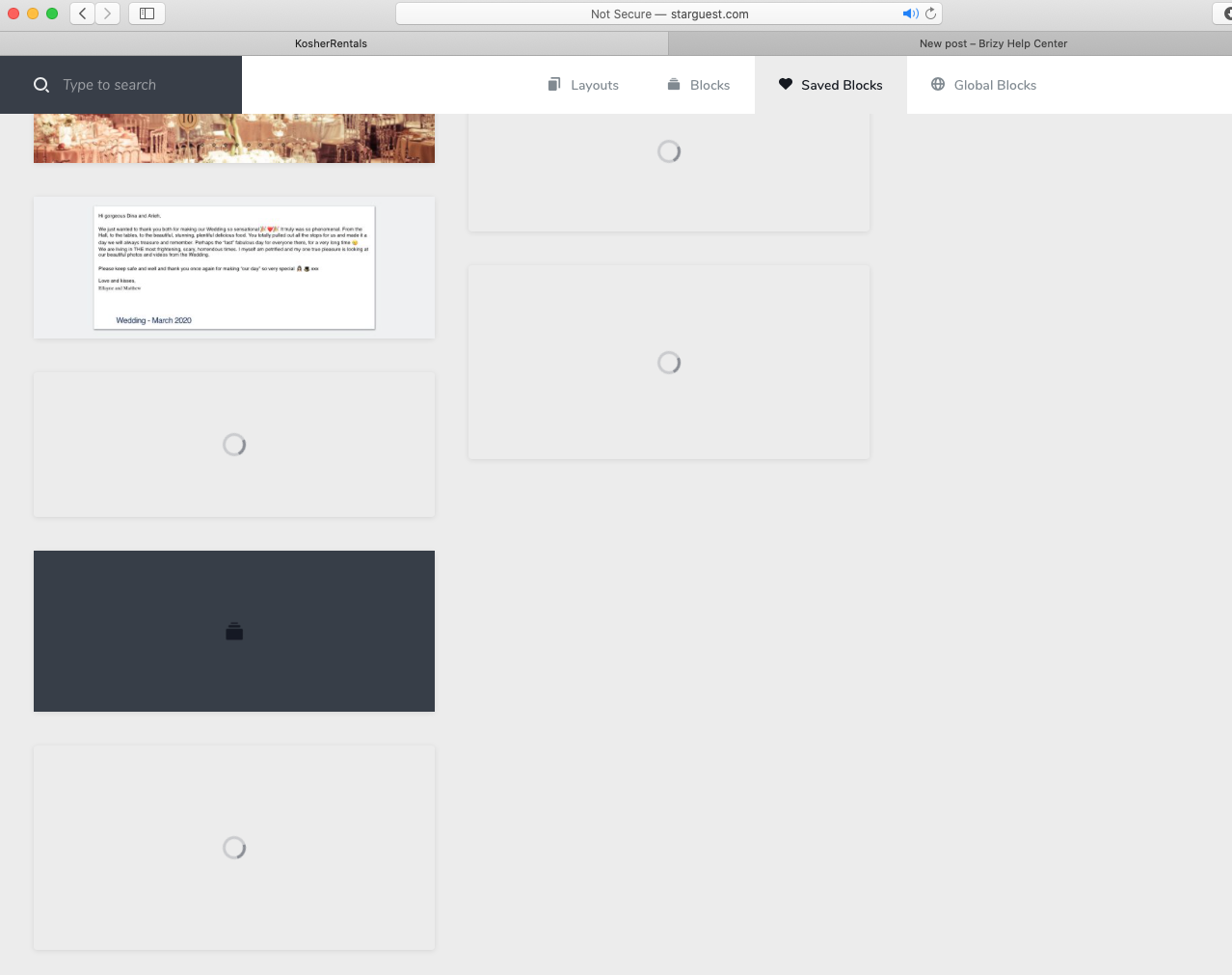
I am on the page of the SAVED BLOCKS.
The individual blocks don't load properly - even after a long waiting time.
I have checked the internet connection and its fine - 110Mbps download speed.
This issue has been for a long time.
Best regards
-

Hi Arieh,
Regarding the loading blocks:
1. Some blocks have broken screenshot. It means - our editor believes that there is a screenshot of the block - but the screenshot doesn't exist and the editor is trying to load.
One solution for this problem will be: to add this block on a new page, edit something and save again. Wait a little bit till the browser will take this screenshot and close the page. Be sure the screen is made (check the Saved section ) and remove the "old block".
2. The low loading may be caused by a plugin or a server config who doesn't allow to cache these screenshots. It means the browser needs to load directly from the server these screenshots and it takes more time for loading and display. You will see here: https://jumpshare.com/v/wDDvMh5RZe3Cn46g3rje - the requests on the blocks screenshots, the cache settings on 0 value, means that the browser will not cache these screens.Best regards,
Sandra0
Please sign in to leave a comment.
Comments
1 comment