How do I delete an inaccessible block?

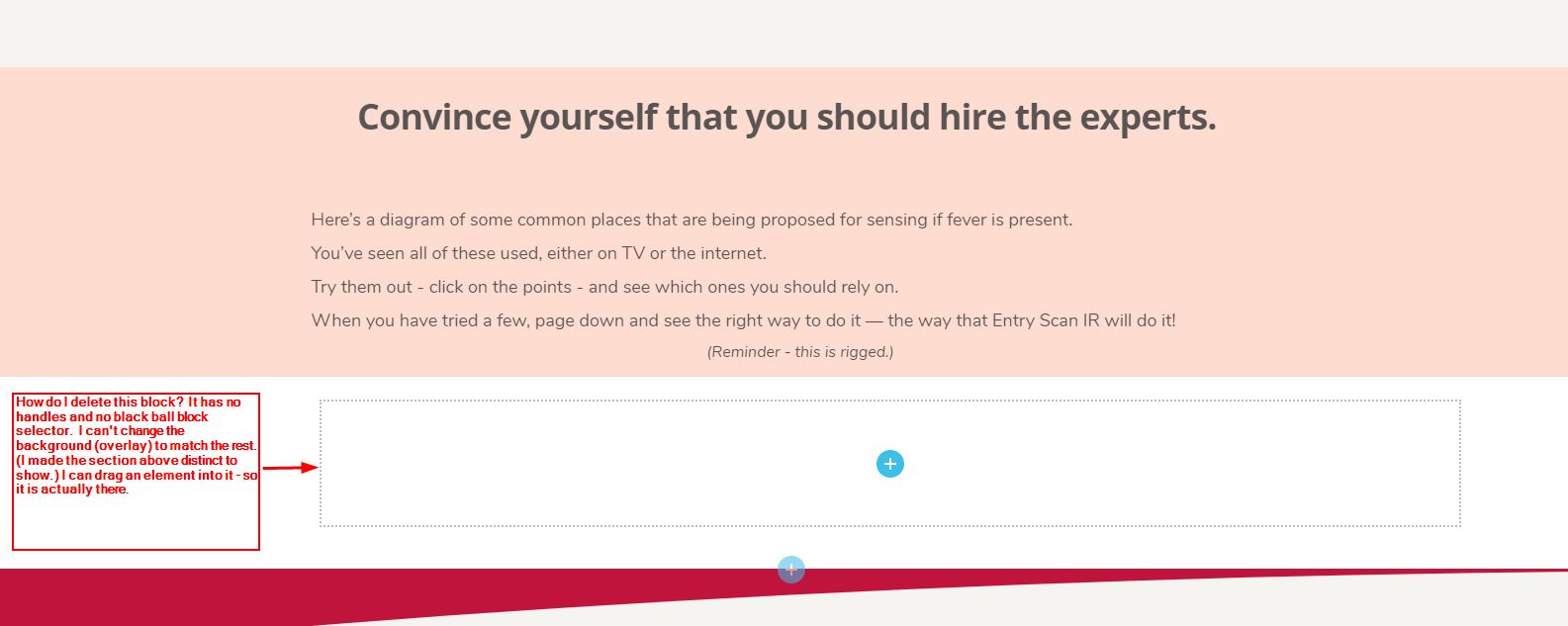
I have a block visible in the builder. It does not have a container. It has no handles, including no black block item to the right.
It is real, in the sense that I can place an element into it.
I cannot access it at all - change padding, change background (overlay), etc.
How do I get rid of it?
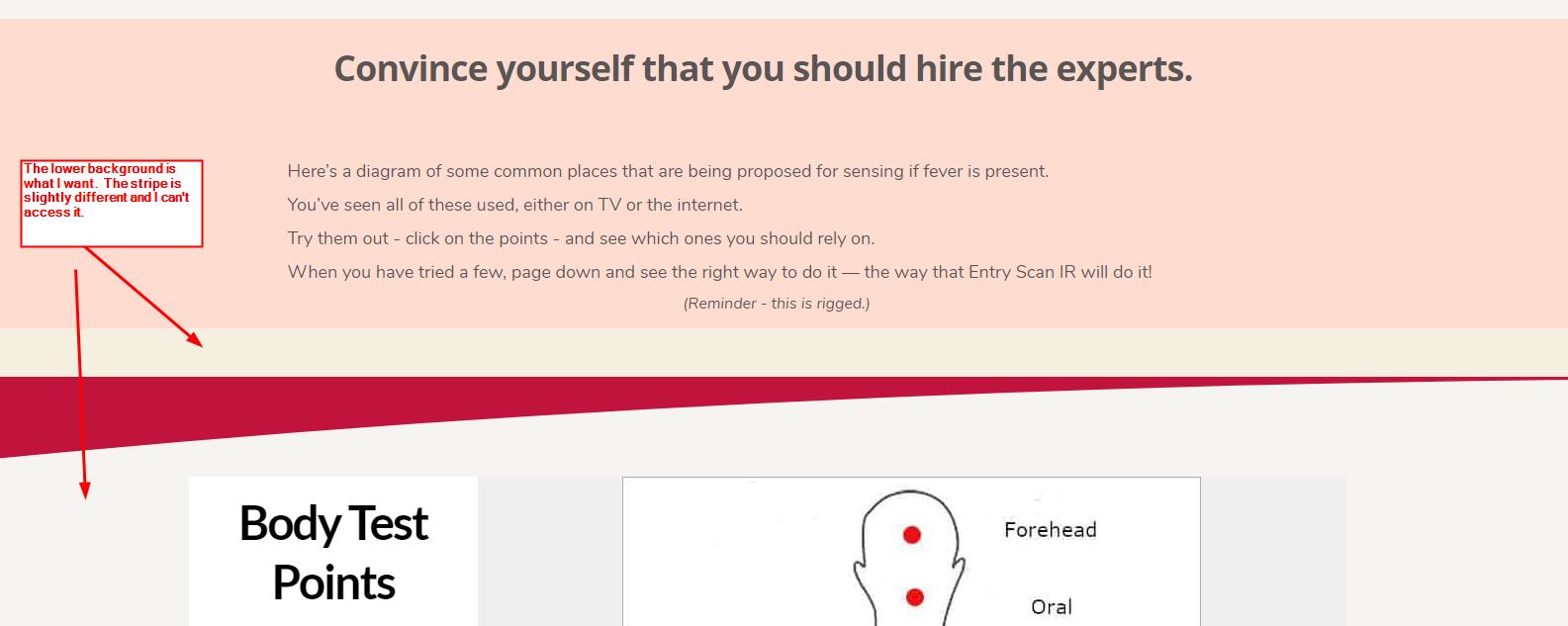
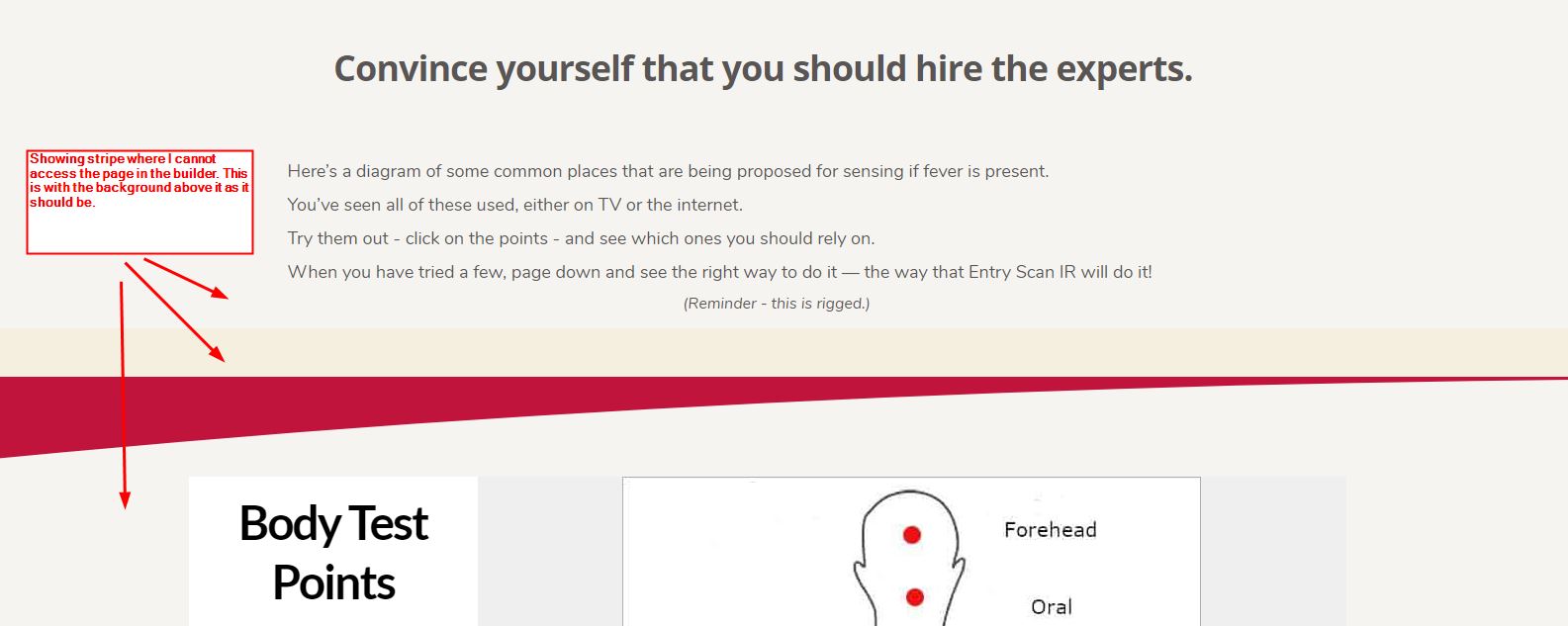
3 screen grabs - In the builder, with the section above set with a pink background for visibility. Live in the browser with the pink background. Live in the browser with the right background in the section above it.
It's a subtle difference from the desired background, but real.
Here are the images:
TIA,
Jack
BTW, there is a bug in the help pages - the page indicator at the bottom of the page is always highlighted as #1.
-

Hi Jack,
Regarding the problem with the block - to delete it, you gave to access the block options. Here you will see the "Trash" icon, using it you will be able to delete the block. See this screen record - https://jumpshare.com/v/kgZyqifA2RJRB3lHtRTN
Regarding the issue from the Help pages - could you please send to us a screenshot and the URL of the page you identified the issue?
Thanks!
Best regards,
Sandra
0 -
Hi Sandra -
Reread my first sentence. There are no block handles, no block corner icons, and no block black circle icon in the upper right. I have no way to access the block.
Regarding the Help pages. I took some screen shots and discovered that it is now working. It has not worked for weeks, so I finally took the time to report it. Guess someone fixed something.
Jack
0 -
Ok Jack, thanks for details, I already created a private ticket regarding this. You have to receive on your email notification regarding this. Could you please send to us there in the private message the WP credentials to this site to check it?
Thanks!
Best regards,
Sandra0
Please sign in to leave a comment.
Comments
3 comments