This page needs a refresh. You’ve probably updated this page (or another page) in a different tab or browser.

Good afternoon,
Just purchased PRO lifetime, and went to install and it seems i am receiving this message when ever i hit update
This page needs a refresh. You’ve probably updated this page (or another page) in a different tab or browser.
I have the same issue as described here. I did update the site and server php.ini file memory setting to 1024mb as recommended and i am still having this issue. Any help would be appreciated!
-
This issue has been resolved by disabling mod_security. Looking at the error log, it was detecting all sorts of injections and cross scripting. Now seems to be working,
0 -

Hi,
It is difficult to assume a cause now. This must be inspected and depends on what errors are in the console. Mod_security is probably blocking some required requests.
0 -
Hi Alex!
Thank you for responding. When I checked the error log, it was throwing lots of mod_security Rule IDs. Do you guys need those?
0 -
ohh, there can be a lot of causes. There may be some rules that do not allow requests to admin-ajax but this is necessary for Brizy. Have you tried disabling Brizy and checking for error logs? Do these errors no longer appear if Brizy is disabled? It could be the cause in something else :)
0 -
mod_security doesn’t impact anything. All of the errors in the log have a file path to Brizy which is how it was identified so quickly. In other words, it stuck out like a sore thumb... everything is working now... I do plan I’m looking at the specific security IDs.
0 -

Hi.. I am having the same issue.
Pressing the Update button on the editor opens an error window that says "This page needs a refresh. You’ve probably updated this page (or another page) in a different tab or browser."
But that only seem to happen when I edit that one specific page.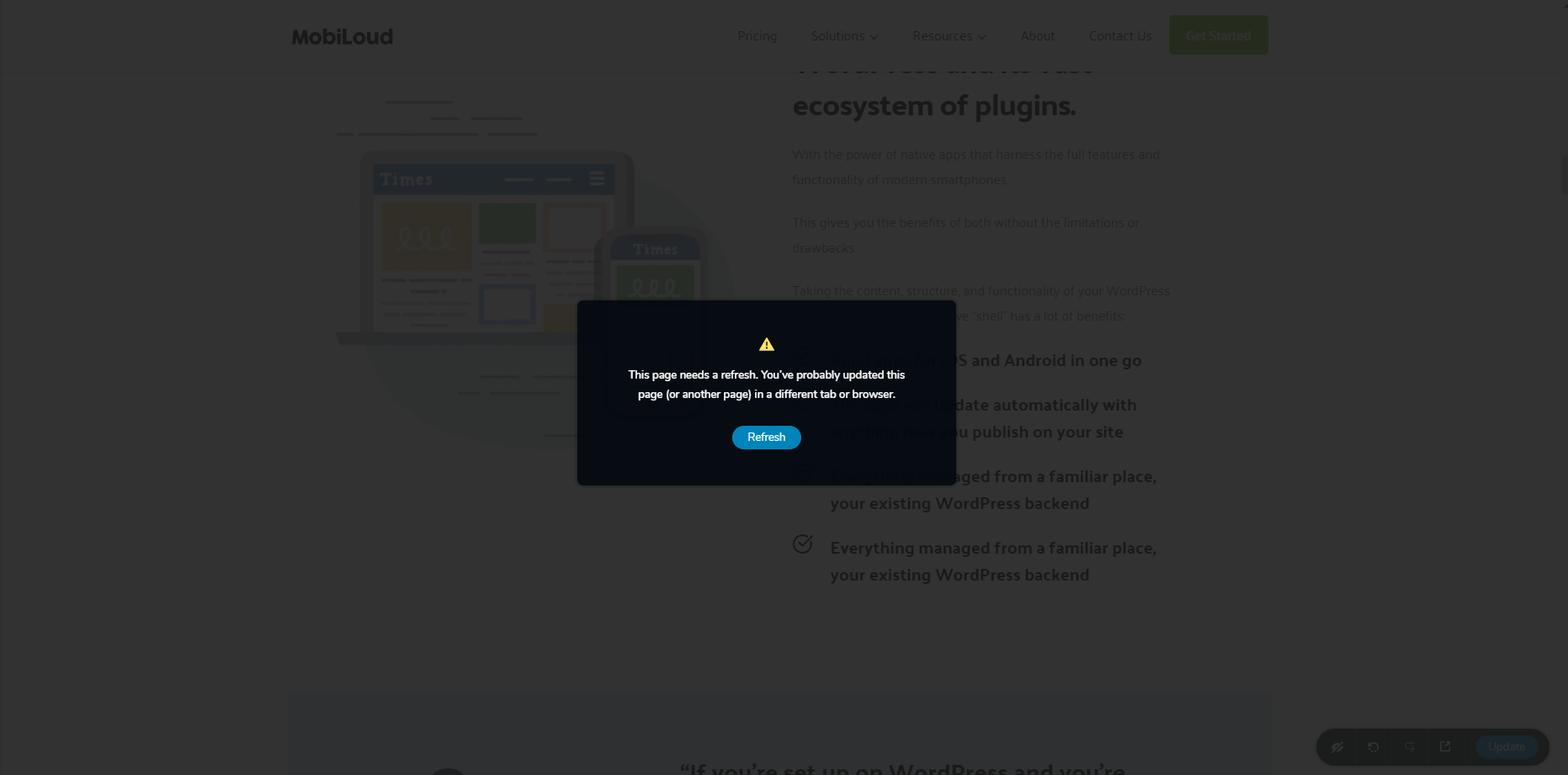 0
0 -
Hi,
I have created a ticket for you so please send your login details there and we will look into it. Also, please mention on which page it happens. We can't reproduce this on our side so we need to inspect it on your WordPress installation. Thanks.
0 -

Hi, I am experiencing the exact same problem as described here
Has there been any development on this?
0 -
From what I see, you already have a separate post on this issue. Let's continue there. My colleague Sandra will create a private ticket for you and we will inspect the issue if it is the case.
1 -

I'm having the same problem on all of my pages. Any solution for this problem?
0 -
Hi Fabio,
in the previous case there was a server-side issue. Can you please send a screenshot of the errors that appear in the browser console?
0 -
Hello,
attached is the screenshot.
 0
0 -
Hi,
I have created a private ticket for you so please send your login details there and we will look into it. Thanks.
0 -

Hi,
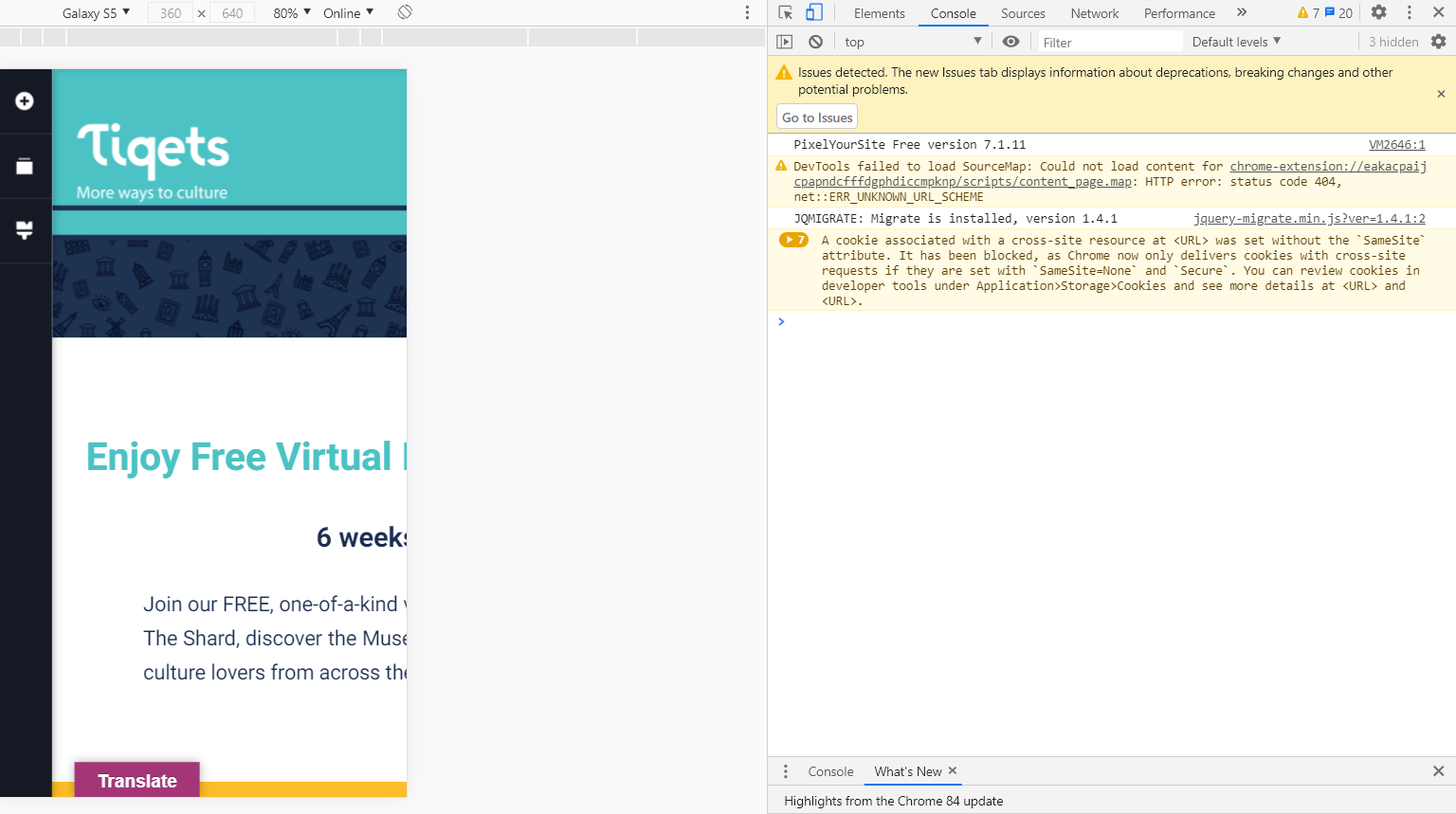
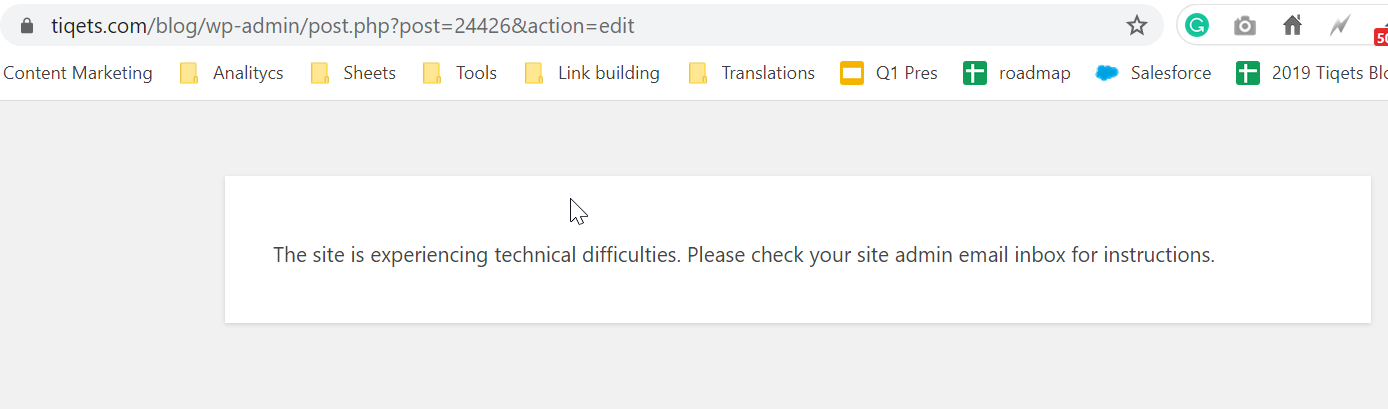
I am having the same issue but only in one of our pages. And sometimes the page will not even load (see screenshots)
Could someone please check?
Thank you in advance
 0
0 -
Hi,
Please confirm that you have Brizy Free - 2.0.6 and PRO 2.0.3 and confirm that you have the same problem even if you disable all external plugins. After that, I will create a private ticket and we will inspect the problem on your site. Thanks.
0 -
Hi Alex,
I cant upgrade the PRO version as I am unable to add the license key. Required activation parameter [domain] not passed
We changed the domain in which we have acquired for the first time brizy PRO not sure if it has something to do, from venues.tiqets.com to tiqets.com/venues/ and ow I am trying to use it in tiqets.com/blog/
0 -
Hi,
you can delete the PRO plugin and reinstall it manually. Just download it from your Brizy account and install it on your WordPress installation. This way you will have an updated plugin.
Please let us know if you have an activation issue after a manual update.
0
Please sign in to leave a comment.
Comments
17 comments