Problems after migration to live server

 Hi Brizy Team,
I'm having issues after moving my website from local to live server (ssl enabled)
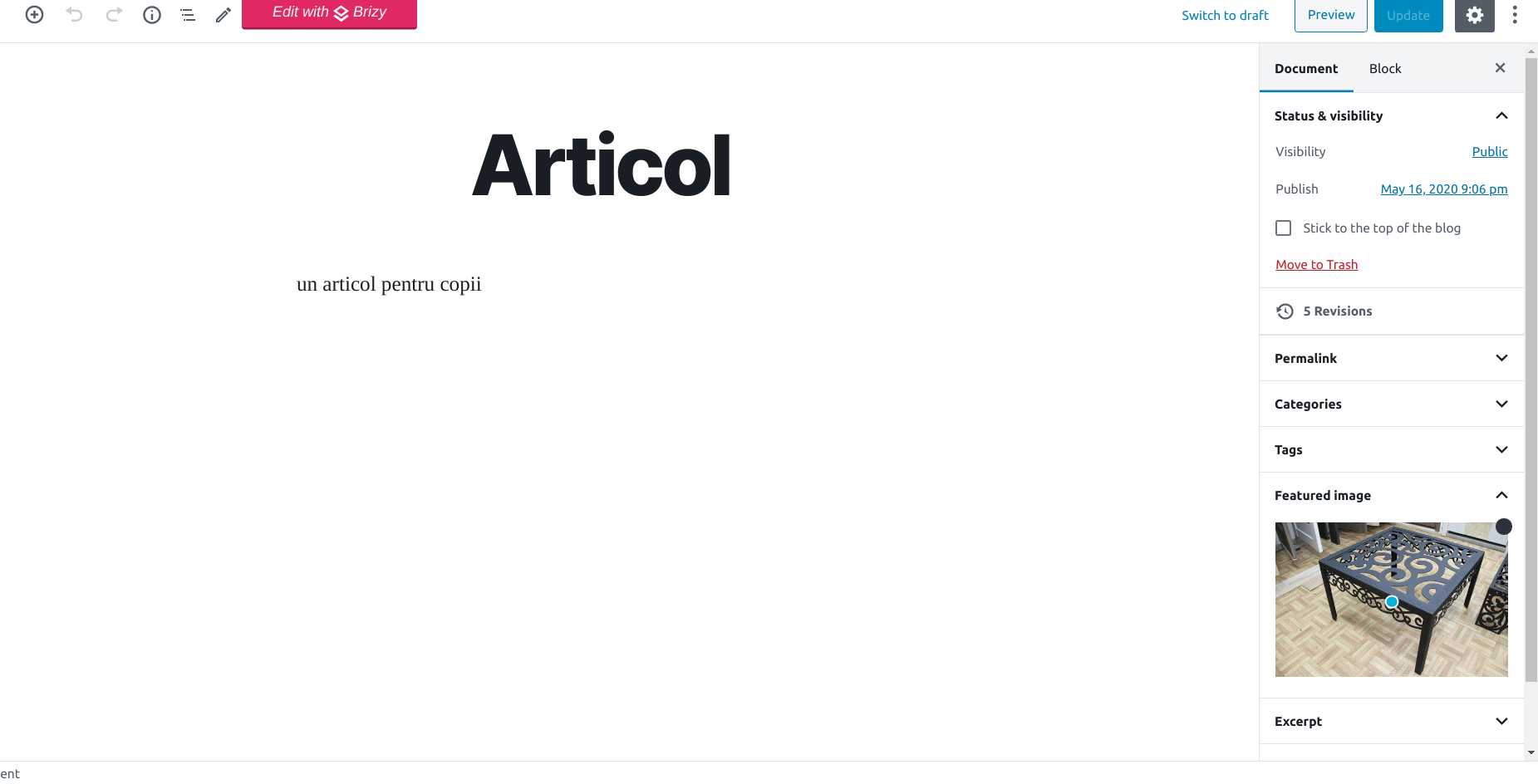
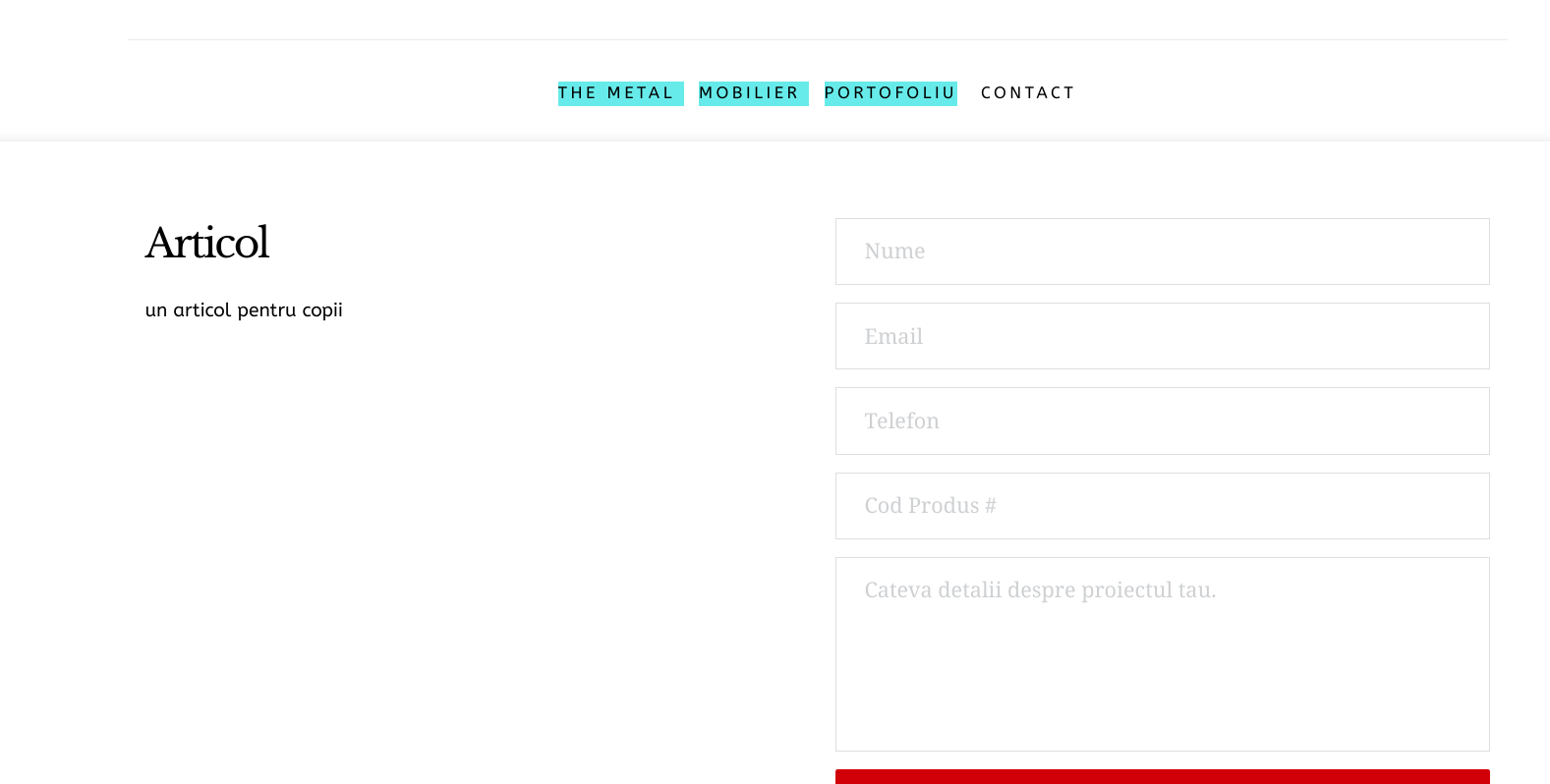
All pages and posts that were migrated work fine, BUT adding a new post will not show the featured image in the post's page. Please note, that the featured image is shown the wordpress editor, as well as in Media library, but not on the front pages dinamic content (post's page)
Looking further into the differences from local to live server i noticed differences in the images sources (img src)
LOCAL
https://WEBSITE/wp-content/uploads/brizy/4550/assets/images/iW=520&iH=504&oX=0&oY=57&cW=520&cH=390/masuta-voiaj.jpg
LIVE SERVER
https://WEBSITE/?brizy_media=1780&brizy_crop=iW%3D585%26iH%3D390%26oX%3D32%26oY%3D0%26cW%3D520%26cH%3D390&brizy_post=4461
could you hint where the problem is?
-

Hi Marius,
From what I understand you have a Brizy Template created for posts, right? Did you try to delete the element with the source to the featured image, save the template and then add that element back? This should give a "restart" to this data extraction system :)
0 -
the problem was actually on the server. the php extensions GD and IMAGIK were not enabled. 7hrs later i figured it out.
now i'm having an issue with sending email from the form using smtp. while on desktop view all is good, on mobile view i get and blank white page with a 0 in it, and a 400 error in the console. any ideas?
0 -
Hi,
Thanks for coming back with an update
Re the smtp issue: I see that you have created a separate post with this problem. Let's continue there.
0
Please sign in to leave a comment.
Comments
3 comments