error upload image

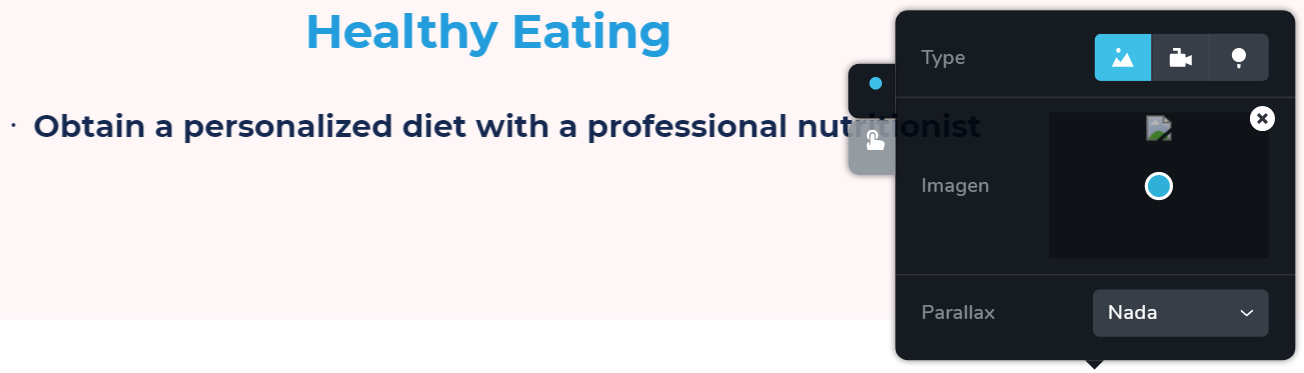
Hi! When i try to upload an image, it does not upload this is how it looks like:
Of course when i preview the website the image it is not been uploaded. Please how can i solve the problem? Or more important what is the origin of this problem? This is just happening when i try to add a new image in the old ones it looks fine but if i try to change them..... same errror
Help please!!!
-

Hi David,
If you upload the image directly to WordPress Media, without involving Brizy, then will it upload?
0 -
Yes but...
the image does not appear in the website or when i try to edit wit brizy. And even if i could upload with wordpress i need to edit a different image fot the phone version than the desktop version of the website. And that's only possible with Edit with brizy. What could be the solution?
0 -
I asked this not in order to use this as a workaround but just to exclude a possible problem on your site. Please, deactivate all plugins except Brizy, and change the theme to a default one. Try again to upload the image in Brizy editor.
Also, please make sure you have the latest Brizy versions: Free 1.0.124 and PRO 0.0.41. If the upload image problem still persists, please provide your login details in a private request and we will look into it. Thanks.
0 -
SOLVED!!
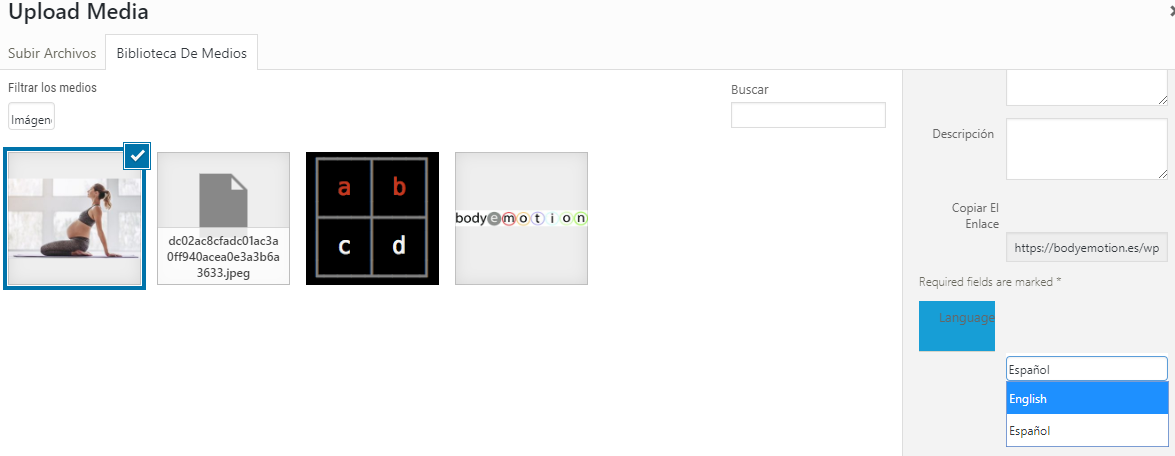
Apparently when uploading the picture and then editing the picture for any reason changing the language allows the picture to be uploaded.
I hope this is usefull for someone else. Thank you!
 0
0 -
Thanks for the update ;)
0
Please sign in to leave a comment.
Comments
5 comments