Full Height Image on mobile

Hello Brizy-Team,
i am trying to get a fullscreen image on my site. works fine on desktop - insert image - full height.
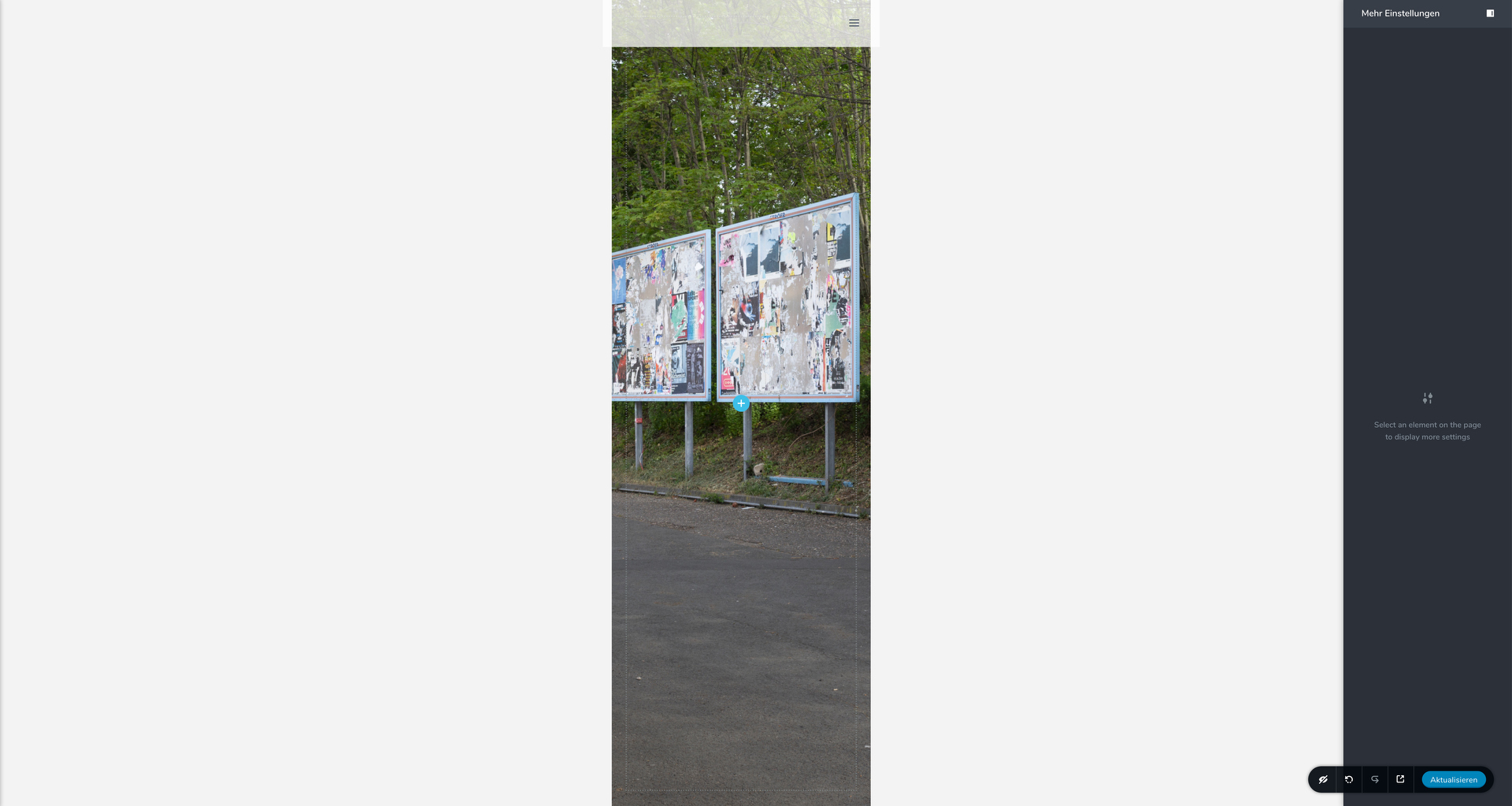
On mobile it is way to large. (Screenshot)
Is there a workaround to still get full height images. (on auto it is not fullscreen)
Cheers, Joe
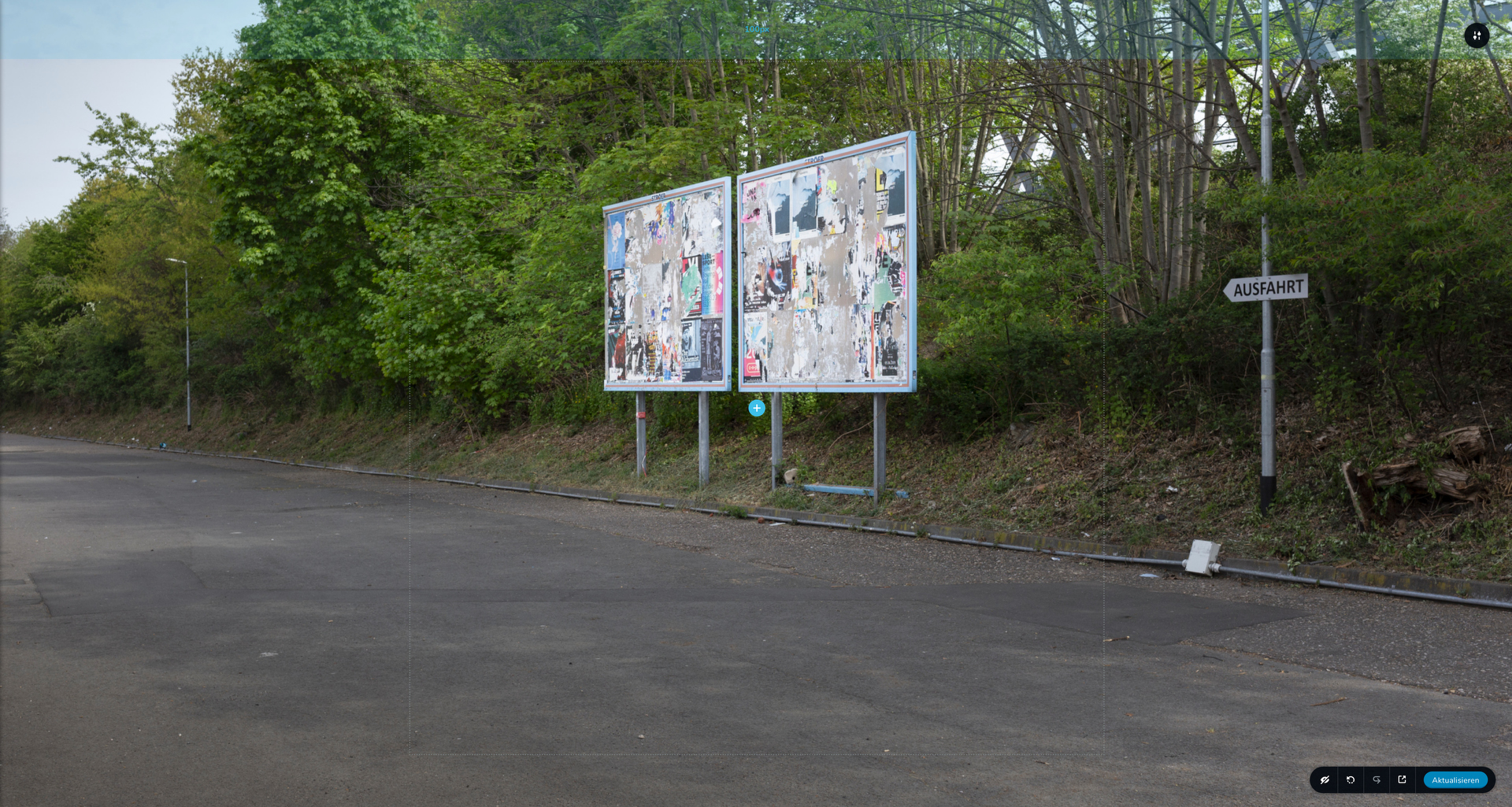
-

Hi Joe,
you can create a different section with the section height set to auto and hide it on the desktop. This way you will have a full-height on the desktop and auto height on mobile.
0 -
Hi Alex,
thanks four your support. Is there no other way to fix the problem?
Is it right that the "hide" elements still loading when you visit the page?
Due to this problem i would appreciate another way.
0 -
I'm afraid there is no other solution. The height of your section is set to full height. This means that it will occupy the entire height of the screen. You have a landscape image, but the mobile screen is a portrait, so the image will occupy the entire height, but the focus will be towards the center of the image.
0
Please sign in to leave a comment.
Comments
3 comments