Broken image

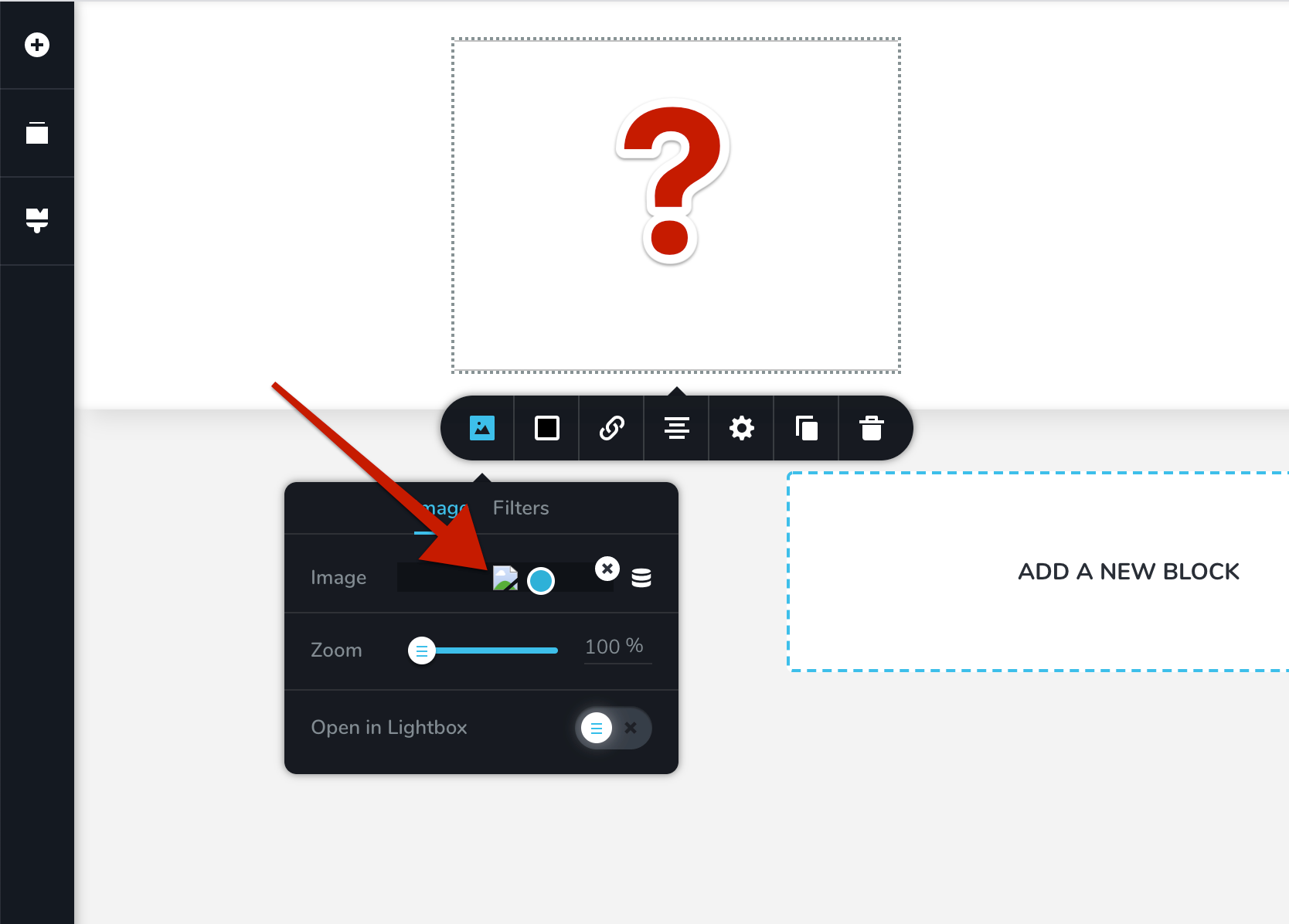
I'm trying to upload an image however is not showing up in the page, and it looks broken.
When previewing the image from the media folder it looks fine, and it loads fine in the browser, the problem is inserting using Brizy.
How can I fix this?
-

Hi,
Could you check please, if you have the latest versions of Brizy Free and Pro?
Also, could you check please if you didn't edit the index.html file or did you not add a temporary index.html file?
Best regards,
Sandra
-1 -

I have that error as well well i load my image i'm not sure what you mean by Edit the Index.html i'm not working on the Index.Html
0 -
Hi, Karl,
Let's do some basic checks.
- Do you have the latest Brizy versions - Free 2.0.5 and PRO 2.0.2?
- If you change the theme with a WP default theme do you have the same problem?
- Do you have the same problem if you disable all external plugins?
Thanks!
Best regards,
Sandra0 -
Yes I have the same issue with the Wordpress default themes, astra theme and other theme, I uninstalled all the plugins and reset Wordpress and only had brizy and brizy prp same issue. And yes I have the latest I just purchased it 2-3 days ago not having a great experience so far.
0 -
Hi, Karl,
I will create a private ticket on this request but we need to be sure in 3 other points because it seems to be a problem from the hosting. Could you please try to add the image in the non-Brizy page? How did you upload images? If you go to the WP media library, do you see images? Can you edit images (for example, rotate the image)? (it isn't necessary to save these modifications, only to check)
Thanks!
Best regards,
Sandra0 -

Hello Sandra,
I have the same issue. Could you help?
I also used the image in the non-Brizy page, and it works fine. I can also see the images in the WP media library, I can also edit them too. Only if I open my images with Brizy then there are issues... My current Brizy Pro and Brizy version is 2.2.13.
Best,
Jonas
0 -
Hi,
Could you please check if you have the latest Brizy Free 2.2.14 and Brizy Pro 2.2.10 version? Could you please temporary deactivate all external plugins (except Brizy Free and Brizy Pro) and activate a WordPress default theme?
Do you receive this problem in the editor mode? In the preview mode? Or in both? If you receive this problem in the preview mode, could you please send us the URL link of the page where we can check this problem? Do you have this problem with all images added in the Brizy editor? Or for some images? If so, could you please check if these Image elements don't have some big margin and padding?
Also, one more details e want to concretise, when did you encounter this problem? What were your previous actions? Did you migrate the site? What migration method did you use? For the migration process, we recommend using the All in One Migration plugin, it can easily and safely copy and paste all files and folder from the old hosting/domain to the new ones.
Best regards,
Sandra0 -
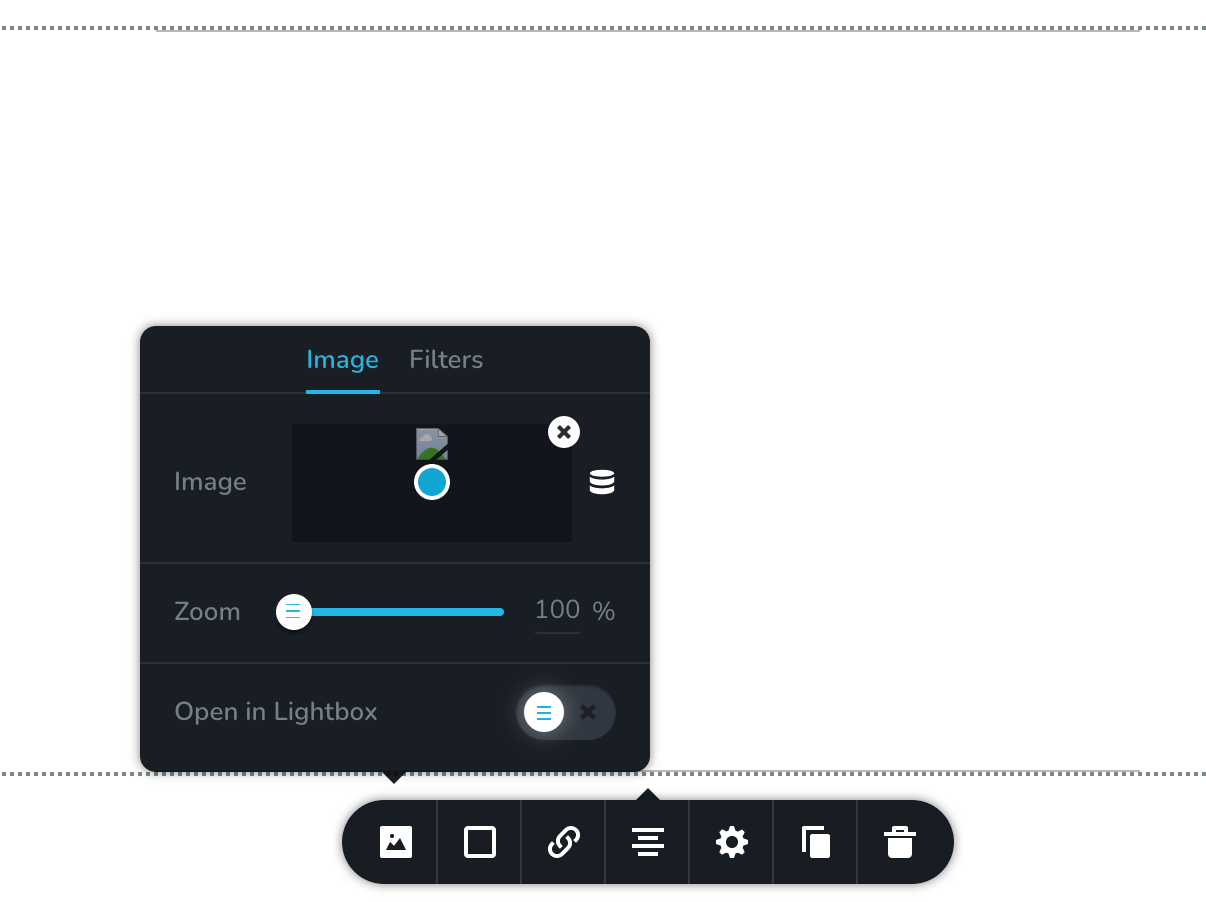
I updated Brizy (Pro: Version 2.2.10 and Normal: 2.2.15), Wordpress(5.7.2), re-activated plugins, updated themes (Astra), ... Did all, but nothing works.
I previously migrated with All in One Migration plugin, and the website works fine. Only if I edit, change images, then the problem with broken images occurs. It's broken for JPG and PNG, but not for SVG. However, I cannot rely on SVG only... No big margins and padding (max. 10 px).
Please help! How to collaborate without revealing more specific data publicly?
Best, Jonas
0 -
Hi Jonas,
Thank you for all these details! We would like to check this problem from your dashboard. Could you please send us the WP credentials to this site?
I have created a private ticket for this request. You had to receive a notification regarding this by email. Could you send us in that private message the WP credentials to this site?Thanks!
Best regards,
Sandra0
Please sign in to leave a comment.
Comments
9 comments