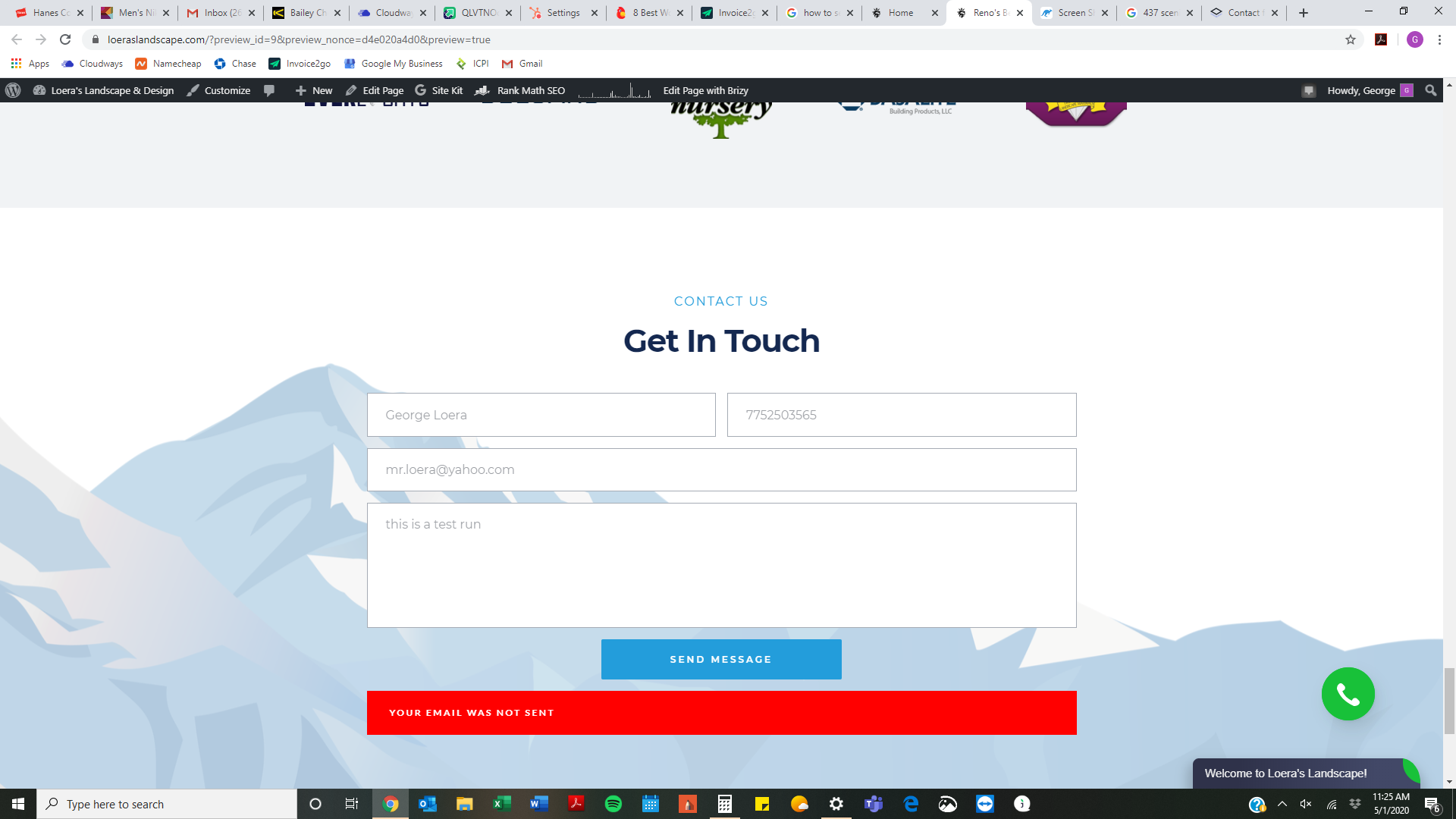
Contact Form - Message Not Sent

Another bug I have found besides the smooth scroll on parallax being glitchy and not working,
Set up under gmail with no typos, worked fine before I updated the brizy application.
Few others have the same issue it seems.
Need assistance on this since site is live and is a business website.
-

Hi George!
Please write us the page URL.
Make sure you disabled the less secure app from your Gmail account https://jmp.sh/96qaTJ4
Thanks!
0 -
loeraslandscape.com
bottom of the pageAlso, I am having issues with parallax like other users for desktop and mobile - Will this issue be fixed?
0 -
 0
0 -
when i click the link provided it says 404 error
0 -
I have found that when connecting mail through the wordpress option, it works fine and sends the emails to my email (in spam folder though)
When I redo the contact form and connect through the gmail option, with no typos and the correct login information for my gmail account (at the bottom) it does not work that way and shows "message not sent"
This worked fine before the builder update with the gmail or smtp optionlooks like it might be a bug from your new update or an issue with your update and the wordpress update not working together properly in tandem..
Would like to see this fixed as I am not the only user that has this same exact issue
1 -
Hi George!
Thanks for the message.
-- apologizes for the incorrect screenshot URL. Please, check the less secure app, it should be disabled: https://jumpshare.com/v/Jyd4HCvEbQqAlSi4B3Mb
-- parallax issue: there is a CSS class in the theme, which broke the parallax option in the builder: https://jumpshare.com/v/pNGRPL4R5oXpzCeL3GUv please, change the theme to Twenty Nineteen
0 -
Parallax issue is fixed after switching theme from Twenty Twenty to Twenty Nineteen
Thank you for your help on this!
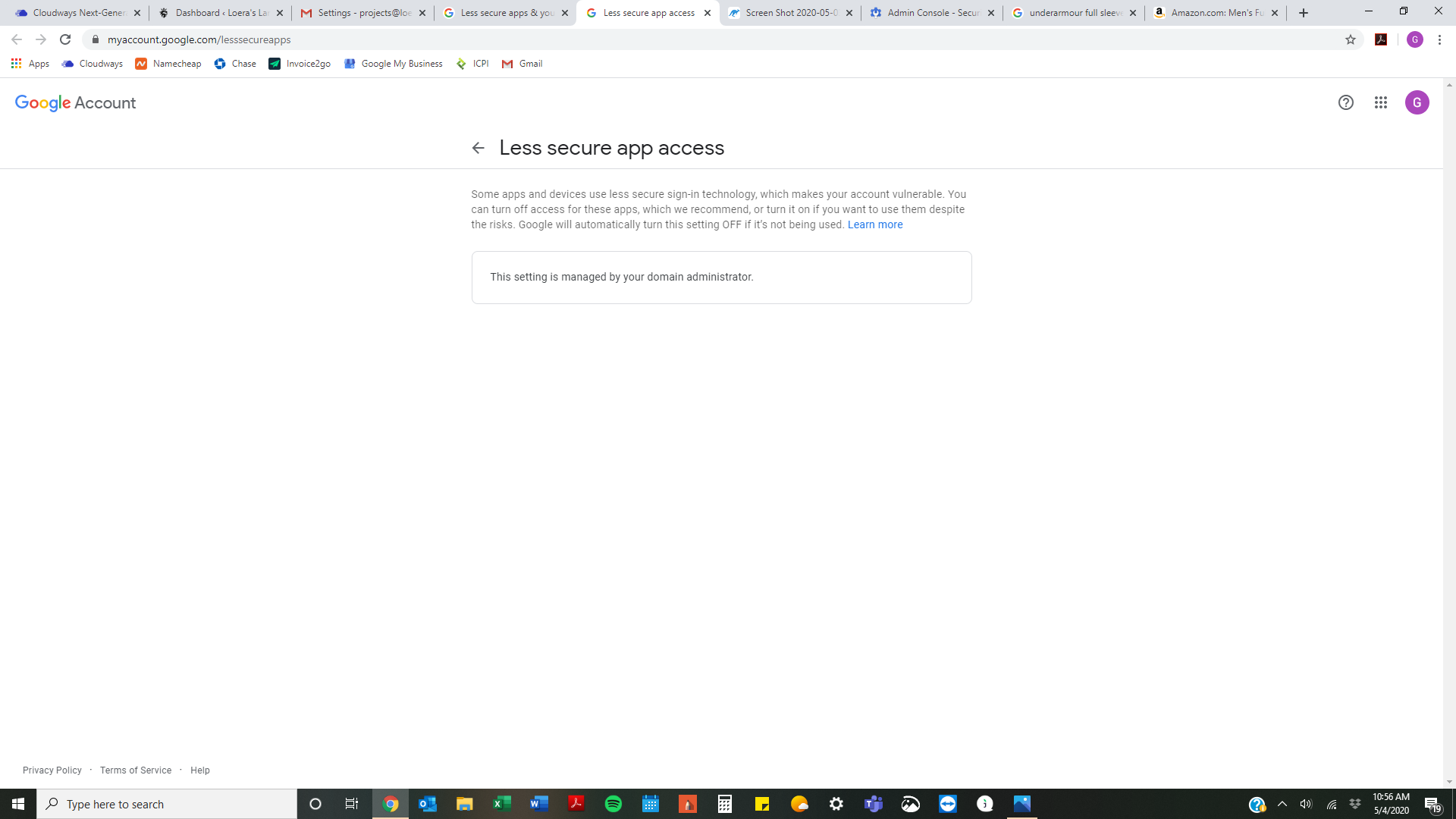
As far as the Less Secure App Settings, they have been disabled the entire time
Any other suggestion? 0
0 -
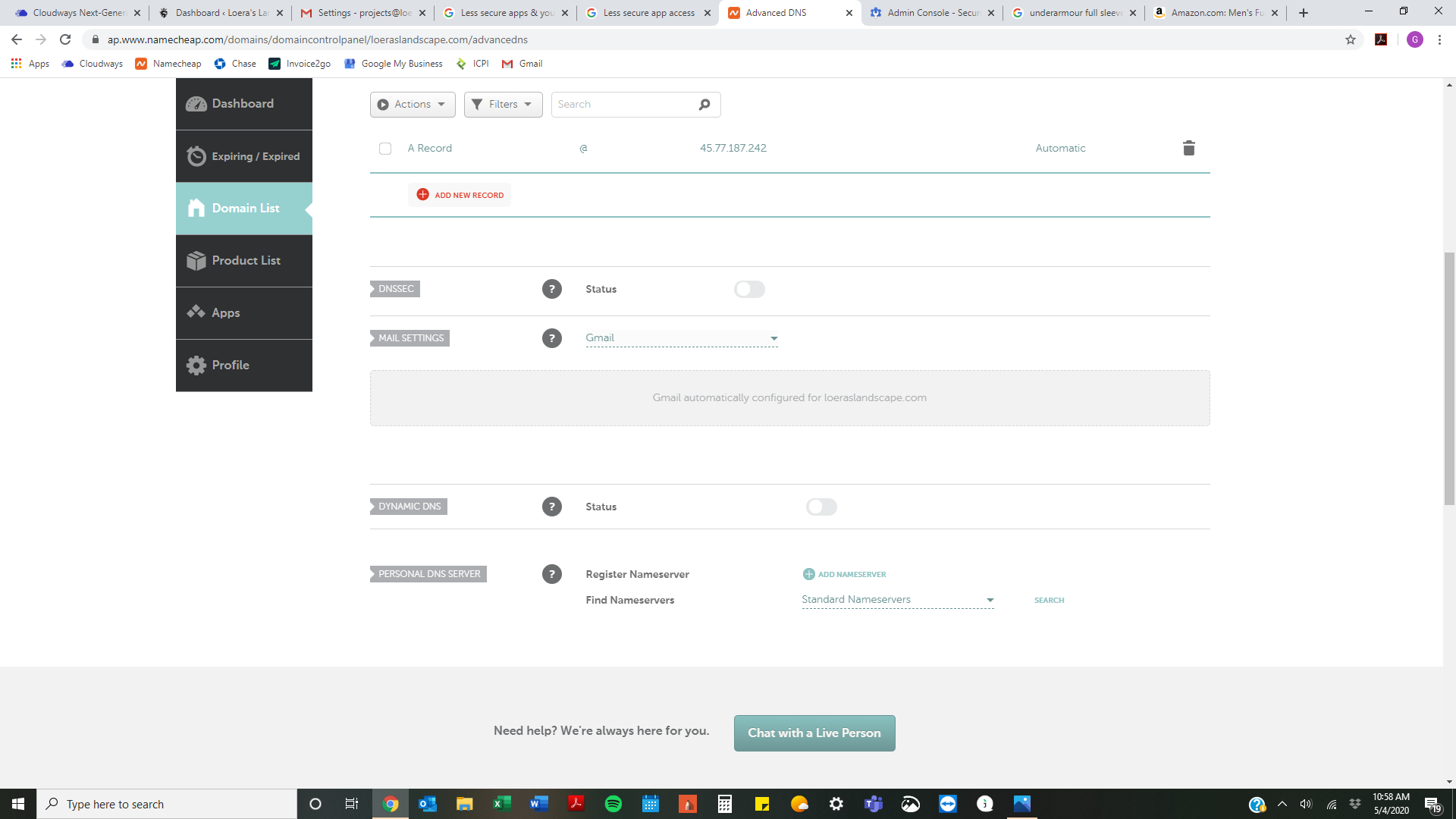
Maybe this could be the issue?
 0
0 -
Hi George!
Thanks for the details.
I was searching through Namecheap documentation, and I found that, for WordPress, their SMTP ports are closed for shared servers - https://www.namecheap.com/support/knowledgebase/article.aspx/10038/31/how-to-configure-a-contact-form-with-us#smtp Can you contact them and ask to open SMTP ports for your account?
Thanks!
Natalia
0 -
Hi George!
Do you have some news?
Thanks!
0 -
Still doesn't work that route.
It works using the wordpress selection but all the messages go directly to spam
Any suggestions?
0 -
OK
FINALLY!!!
Here was the issue:- In order to do Gmail for the contact forms, you must have 2-step verification and less secure app ON
- You then need to make sure it is connected on your host through SMTP
- Once that is all done, you must have an APP password and use this in place of your password for your GMAIL credentials on your contact form
it works fine for me now and goes straight to inbox from my contact form
Please follow the steps for GMAIL on the following link (this is for cloudways but should apply universally)
https://support.cloudways.com/configure-gmail-smtp/
hope this helps everyone!
0
Please sign in to leave a comment.
Comments
12 comments