Brizy pro + Amazon S3 Bucket (LEOPARD OFFLOAD MEDIA)

I'm trying to add images from my Amazon S3 Bucket, and in my Brizy page, the image is not shown.
The image appears in the media folders but are not showing in the builder editor and not showing after saving the page.
I need help as my client want some custom pages and I need to serve them from Amazon S3 Bucket.
-

Hi,
I have created a ticket for you so please send the login details there and we will look into it. Thanks.
btw: please make sure you have the latest Brizy versions - Free 1.0.123 and PRO 0.0.40.
0 -

Hi,
We are having the same issue, could you help me too>
Thanks!
0 -
Hi Valentina,
Do you want to upload media from Amazon S3 Bucket? If so, I'm afraid you can't do this, because Brizy only works with images added from the Media folder, it can't load from other external resources.
0 -
Hi Alex,
No, I am uploading images to the media folder, and even using the ones that are already in there and it is not working.
And the issue is not in all pages, but some of them, which is weird and it is only the "hero" images
1. https://www.tiqets.com/venues/blog/ (the first blog post)
2. https://www.tiqets.com/venues/resources/ (3 pages)some info about the pictures:
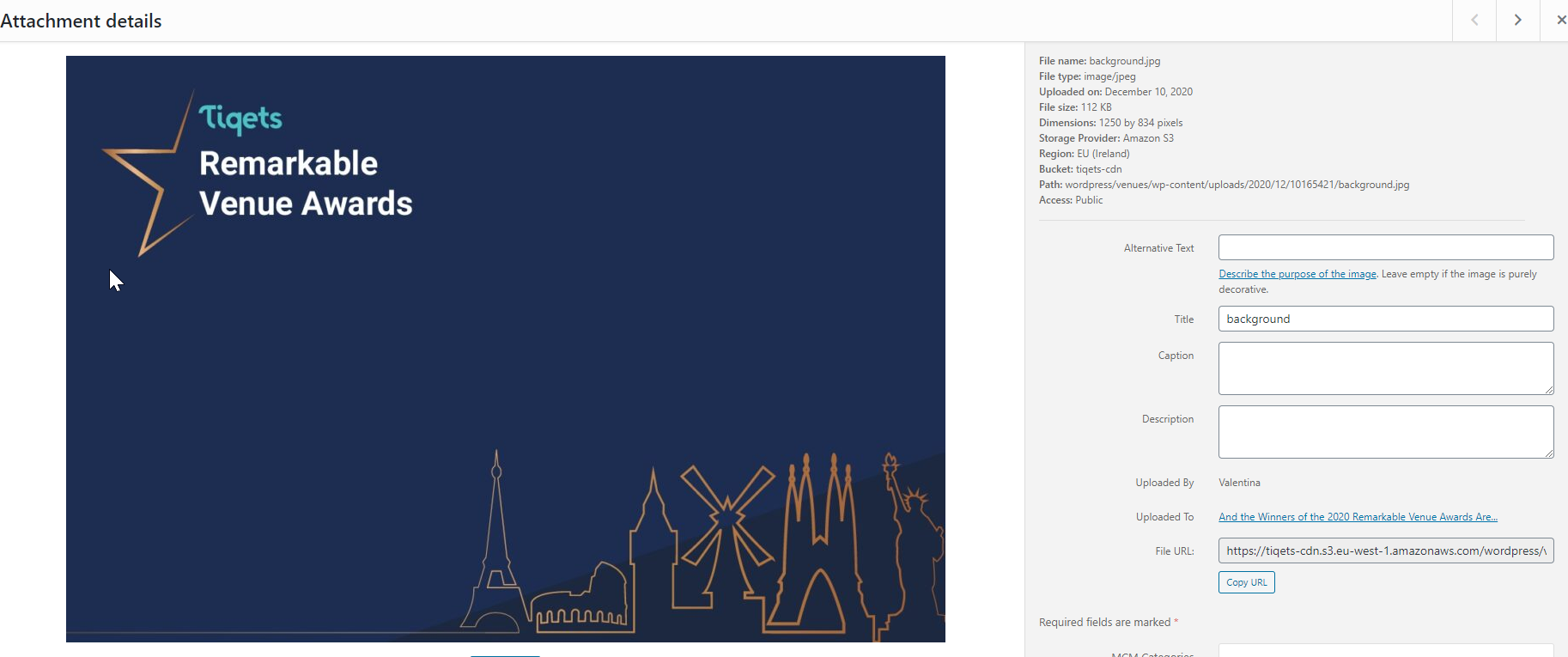
would you be able to help me?
0 -
Hi,
can you please confirm you have this issue with the latest Brizy versions - Free 2.2.3. and PRO 2.2.0? Also, do you have the same problem if you disable all your external plugins? What if you re-upload these images? Will the image be missing even after re-upload?
0 -
Hi Alex, thank you for your reply.
I confirm to you this site has the latest version of Brizy (both plugins)
I have re-uploaded and delete the images multiple times. We use also Brizy PRo in another site to build pages (https://www.tiqets.com/blog/best-museums-attractions/), which we do not have issues at all and that one had an old version of Brizy. So, I really don't understand what's the issue with this site, as it is only affecting some of the pages.
If I go to the editor, this is how this page looks, not even the logo is shown when we are using a global menu

Even if I change the image for the one that is next to it, it does not show up
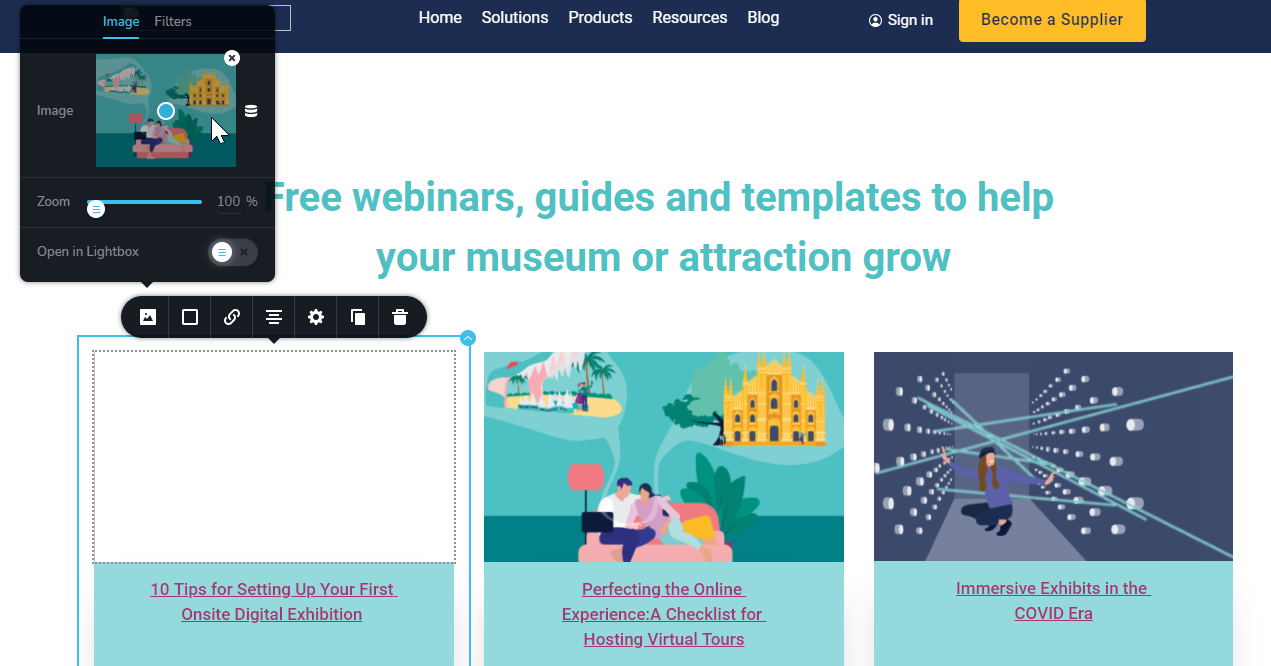
I tried again to reupload the image but now it shows that is completely broken.
0 -
Hi,
sorry for not getting back to you sooner. I have created a private ticket for you so please send your login details there and we will look into it. Thanks.
0
Please sign in to leave a comment.
Comments
7 comments