Styling - Layout Styles

Unable to access layout styles; only 10 layout styles populating in the styling feature:
- Overpass
- Magazine
- Graceful
- Ashen
- Oblivion
- Droid
- Exquisite
- Chubby
- Samurai
- Brizy Default.
-

Hey,
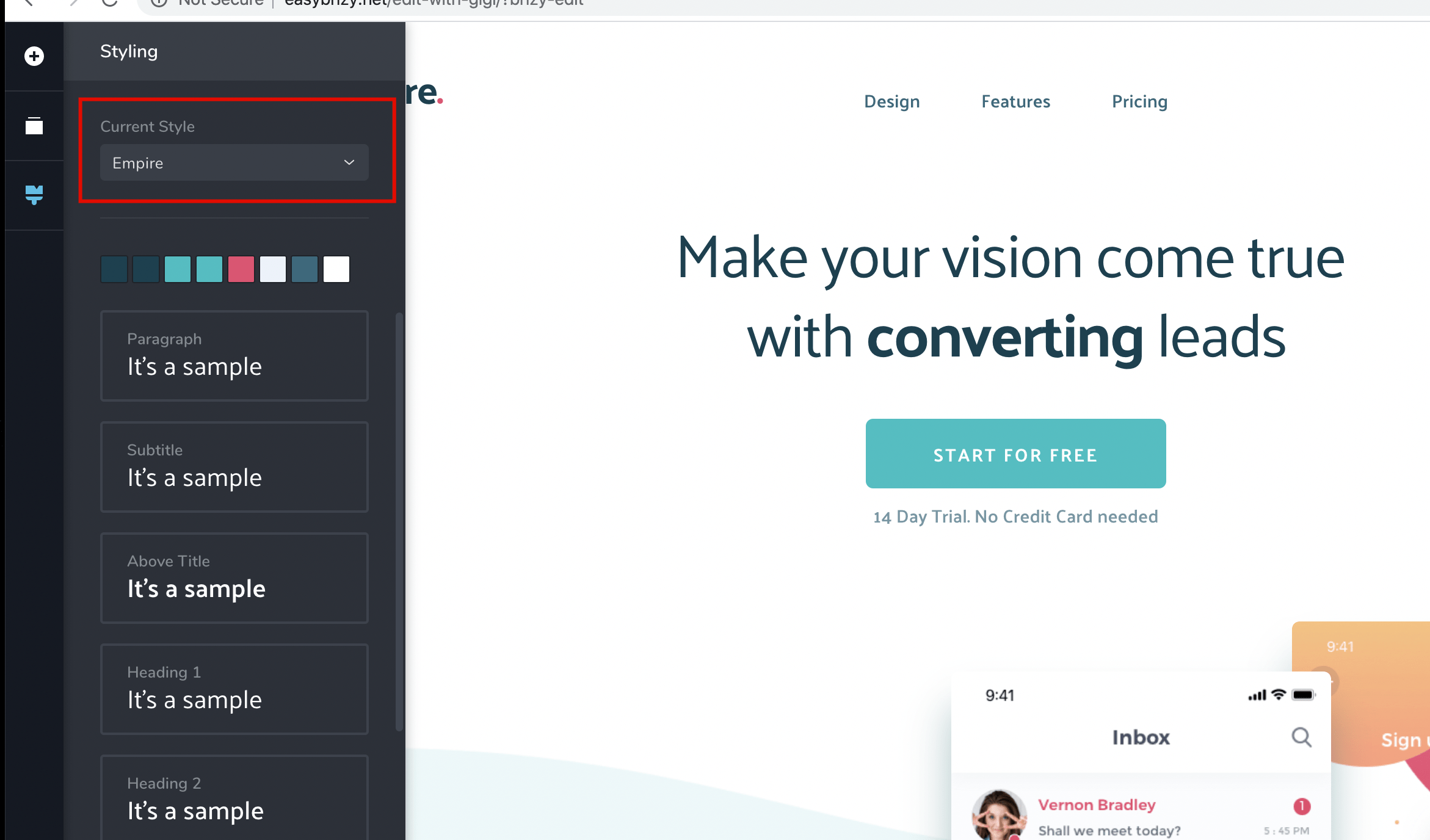
The layout styles are installed when you are importing a layout and choose the Replace Global Styling option next to the Import button at the bottom.

Once you import it, the global style with the same name as the layout pack will be installed and it will be active. You can go back to the one you've used by selecting it in the dropdown.
Hope this helps.
Cheers.
0 -
The plugin is being promoted as having an extensive style library; so if I'm understanding you correctly, I have to build the library as I go.
0 -

Hi Dimi,
It's not clear what the Replace Global Styling option does. It would be great to have a tooltip or something explaining it clearly.
0 -

Hi David,
Each layout comes with its own style and through the "Replace Global Styling" button you choose to use the styles from the layout to the detriment of those that were already in the project before layout import. Please refer to this video: https://youtu.be/vnHz9Pd1P-g?t=127 Perhaps a visual representation will exclude some ambiguity.
0
Please sign in to leave a comment.
Comments
4 comments