SEO implementation - someone should rethink it

First things first – Brizy Cloud is a GREAT application and team did really good job.
Started to play with the cloud version yesterday and I think someone should take a good look at the SEO part of the builder – this should be easy fix.
Let’s start with what you have - 3 places that deal with Title & Desc! and this creates problems.
- Under assets when you click gear icon You have Page Title & Desc (SEO meta)
- Under menu after you click gear icon Navigation Label & Desc – not sure why there is desc. there
- Under setting Site Title (SEO) & Site Desc. (SEO)
If you do not want to read all this just jump to SOLUTION part that will make it work as it should and make it much cleaner.
The way it works now is a big mess – do not get it wrong way, trying to help make it way better.
-Menu part, I understand “navigation label” – you want the menu say something different than page title, but why we have description there? It is not part of meta desc., looked at code don’t see it anywhere – so why is this thing there? If there is a reason, maybe put some better label describing use of this field.
-Assets & Setting is like guessing game. You have SEO Title & Desc. fields under Setting and then again under Assets. When you enter something there, but nothing in Assets desc. that is what you get
<title>Setting - Title Super long one here suuuuuper long, really long | Asset - Page Title - let make it long too, really long</title><meta name="description" content="Setting Desc here">
So it takes title from settings and adds page title from assets (after “|”) .
If you enter long title in both places (max. allowed by search engines) you will end up with title that is way too long (way longer than allowed by SE). If you enter short Page Title under Assets – you will end up with:
Always the same Title from setting | About Us
Always the same Title from setting | Home
Always the same Title from setting | Other Page
So really, no value from SEO point of view…..
Because there was no description under assets it takes description from Settings tab – not good SEO , but better than nothing.
Let say you have desc entered in assets
<title>Setting - Title Super long one here | Asset - Page Title</title><meta name="description" content="Asset - desc home">
It will take Assets description, not the one under settings – perfect
- If you start to use page title to create nice unique meta titles for SEO, you will end up with this long hard to guess what it is names under assets. That’s another problem
Solution
Under assets add extra field Title (SEO) – so for every page user can enter proper title. Of course, keep Page Title as it is.
The way it should work
- If there is no title (seo) and no desc (seo) under assets, application should pull info from settings and add Page Title (not the new SEO one) as it is now – not best SEO but better than nothing.
- If there is title (seo) or desc(seo) under assets it should always be the only thing system uses (completely ignores values from settings tab)
Extra bonus 😊 by adding Title (SEO) you can keep page names nice and clean
Ex. Page Title should be Roofing Service and Title (SEO) should be ex. #1 Roofing Service in Chicago area something, something….
-
UPDATE: the only way to make it work as it should is not to put anything in Setting Tab under TITLE (SEO) and DESC(SEO)
and than use Page Title and Desc(SEO) under Assets - this solution works, but creates super long Page Names under Assets, menus, etc.
1 -

Hey Tom,
Thanks a bunch for this very detailed breakdown. The SEO needs some improvements for sure and what you are suggesting I think makes perfect sense.
What I'll do is create an internal issue with your proposed solution for the guys to take a look and we'll have this addressed in a future update for sure.
Thanks again.
0 -

Hi
New to some of this and trying to follow Tom and work out what is the best thing to do currently for SEO? Maybe Tom you could offer me some advice? My second question is how is the team getting along with any changes to this?
Thanks
Rosemary
1 -
Rosemary,
At this moment we use Brizy just for testing (no live sites) but did play with it and it is great platform and looks it getting better quickly. You can make SEO part work. In my opinion the way it is was implemented is not the best (the setup part)Anyway, here are some steps should help-Click setting icon bottom left corner (when you are in edit mode)-in the popup window that will show, click Settings tab and make sure that SEO TITLE and SEO SITE DESCRIPTION is empty.-go to assets tab and click settings icon for every page you have. Use "Page Title" for your full SEO title you want to use and "Desc (seo meta)" for meta description for each page. Of course do it for every page, make sure it is unique and follows SEO best practices.- last step , go to Menu Tab, click settings for each page you added to your menu and set "navigation label" to whatever you want to see in your menu Ex. Home, About Us - by default it will pull "Page Title" as you Navigation Label
0 -
Many thanks Tom - The above is what I was looking for - hadn't been entirely sure which boxes to fill in and which ones to leave empty to gain the most SEO effect.
0 -

Hi, is there any update on this?
0 -

Hey Juan,
sorry for not getting back to you sooner. Not much has been done for SEO yet. The next move for Cloud is blogging and after that SEO features. So, it will take some patience.
0 -

Hi, just going through all the bits for putting my first production site on brizy cloud live. Had only test and demo sites so far. I do love it how fast one can sketch up nearly ready looking sites in brizy cloud.
Now for production sites that are things under the hood which are important too besides the design.
I am wondering if the things detailed in the above posts are still valid seeing how its been posted 9 month ago.
I couldn't find any other information in this regards.
Can someone from Brizy please confirm what is the right procedure? there might be an article out there which I have missed.
The question is specifically for brizy cloud, since there ain't many options to mess around with.
thanks!
0 -
Hi Tamas,
sorry for not getting back to you sooner. Your message has been lost through the spam list. For the last 9 months, we have focused on other features in Brizy Cloud so, unfortunately, the SEO module has not had any essential changes.
0 -
SEO improvements went live today in Brizy Cloud.
Read more about them in this blog post: https://www.brizy.io/system-pages-in-brizy-cloud/Thanks for your patience.
0 -
Dimi
Thank you for update and changes/fixes to how SEO settings work. Took some time but yeah ! looks like it works now :)
404 works great.
Password protected pages - not sure if it works. Just so you know "password protected" on my end - when you enable it , and try to preview page it shows page is pwd protected (as it should), however when you enter password there is message "YOUR EMAIL WAS SENT SUCCESSFULLY" :) and nothing happens.
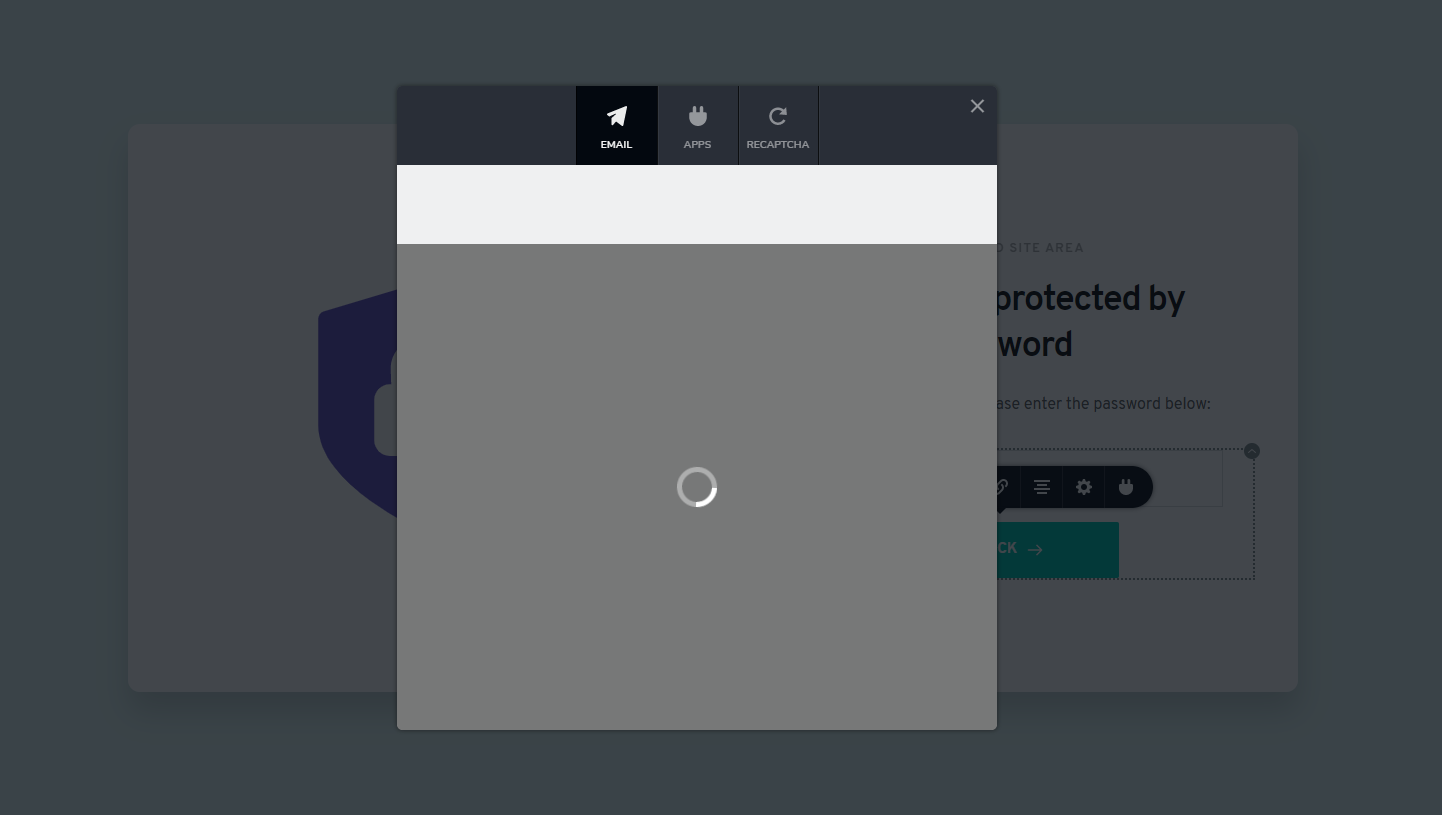
When you try to edit this page and click on integrations, you will see "loading icon" (same old problem as you see when you move project that has contact form to other folder/acc.) Image at the end.
BTW is there a way to change password? And why users can delete system pages like 404, protected pages??? - i get that we want to edit pages like this , but why there is option to delete?
 0
0 -

Hi Tom,
Sorry for not getting back to you sooner.
Thank you for reporting this. We could identify the problem and reproduce it. We already created an issue for our developers and they will investigate it and find a solution for it.
I'm sorry for this inconvenience!
Best regards,
Nelea.
0
Please sign in to leave a comment.
Comments
12 comments