Global & Slider Toggle Missing in Mobile

Hi,
I experienced two issues in the mobile view:
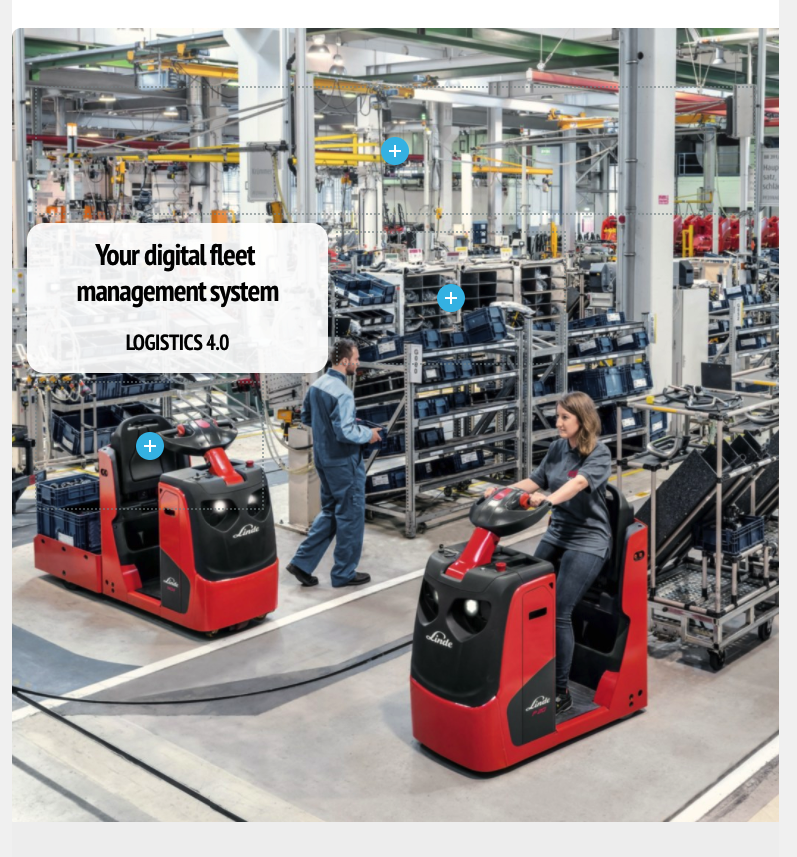
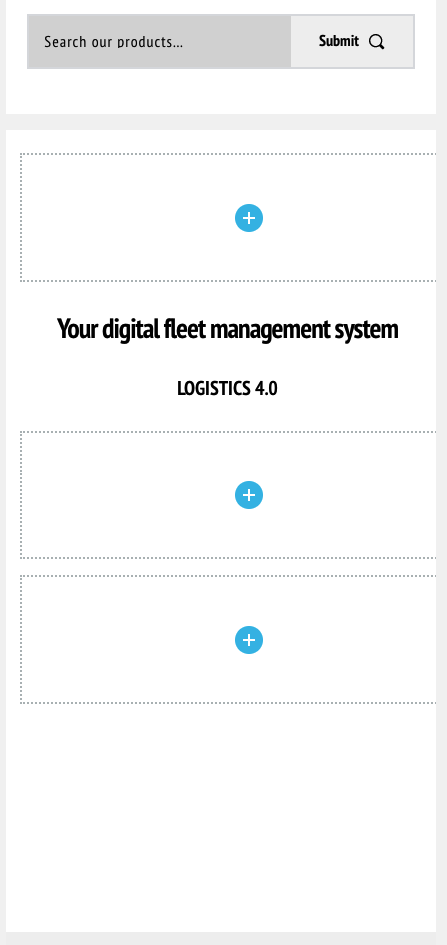
1. The global/slider toggle does not appear when I hover over the hero image in mobile view. It works fine in DT & Tab views.
2. The hero image shows in DT & Tab views but not mobile.
Thanks,
Albert
-

The Make is Global and Make is a Slider options appear only in Desktop view nowhere else is perfectly normal. That is how it should work.
The image you probably delete it in the mobile view that why it doesn't show. Just load one in mobile and it should fix it. By the way the mobile tablet and desktop views are independent so the majority of the options except the text content can be different, including the background images.
Hope this helps.
0 -
Thanks, Dimi.
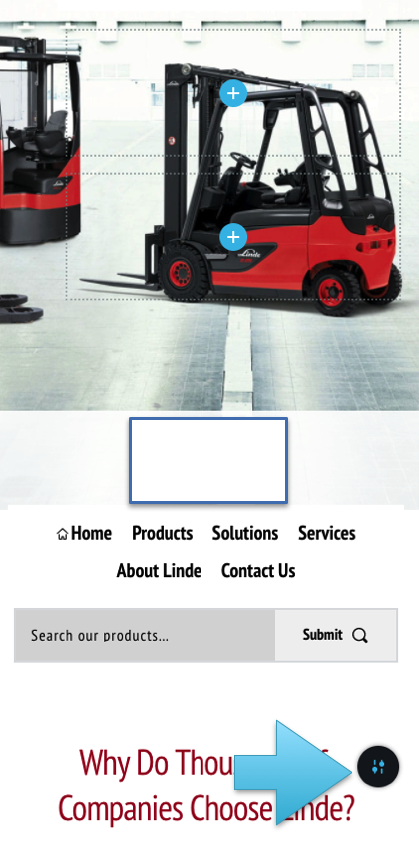
1. I saw the toggle in the blocks below the hero (see blue arrow in the image below). So I was looking for it in the hero.
2. Yes, I wanted to change the image but I hovered and clicked all over the hero image but couldn't activate anything. How do I change the image?
Thanks
Albert
0 -
Hi Dimi,
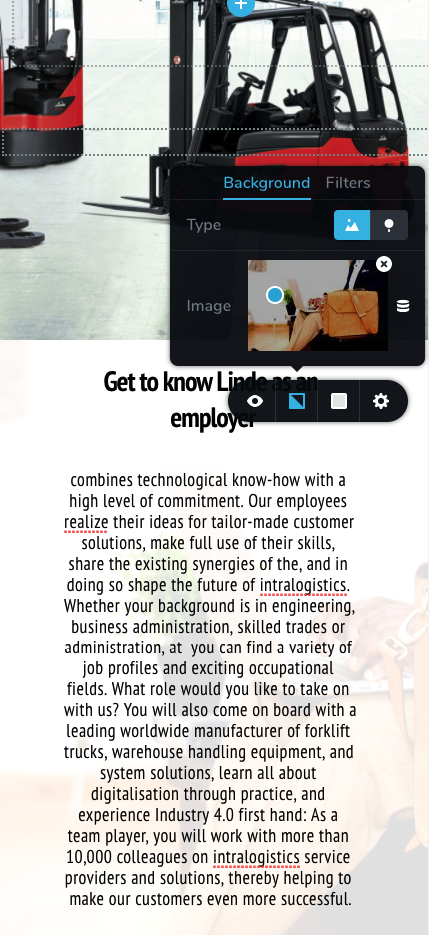
When I returned to the webpage to try to figure things out, I noticed that the block below had automatically added an inappropriate stock image as a background image. I did not add it as the block shouldn't have an image, let alone a wrong image. Something strange is happening.
 0
0 -
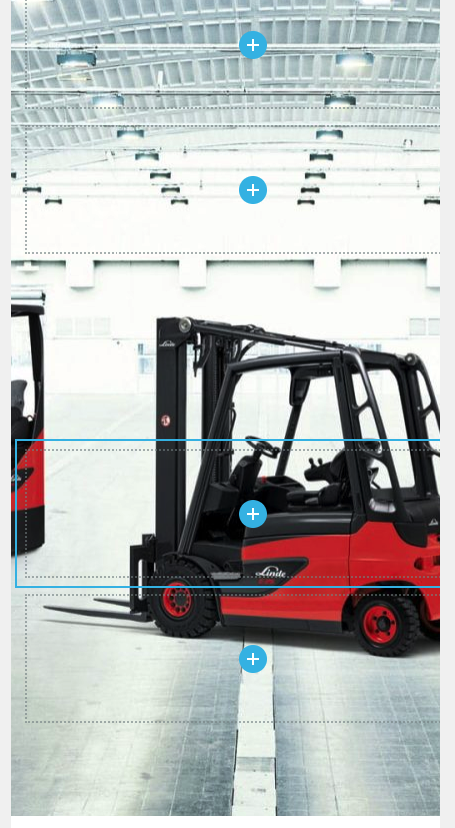
1. I am using the latest Brizy pro version. There is definitely a bug. EVERY page I create that has a banner image will show a different (wrong) image only in the mobile view. This wrong image is the SAME image for every page with a banner image only in the mobile view.
2. The toggle is always missing (below) so that I can't change the image (which I should not need to do if I want it to be the same image as in the desktop and tablet view).

This same, wrong image always appears in EVERY PAGE with a banner image in the MOBILE view only.
 0
0 -
What you need to do is delete the bg img that is wrong and add your own.
Hard for me to troubleshoot from screenshots. i'll create a ticket in our internal board, you'll receive a notification from us and give us the login credentials from your WP admin as a reply to that notification email, we'll login and take a look.
Thanks.
0 -
Thanks. I have submitted a private request ticket (7565) with WP credentials and FTP info.
0
Please sign in to leave a comment.
Comments
6 comments