"Edit with Brizy" button not showing on page editor

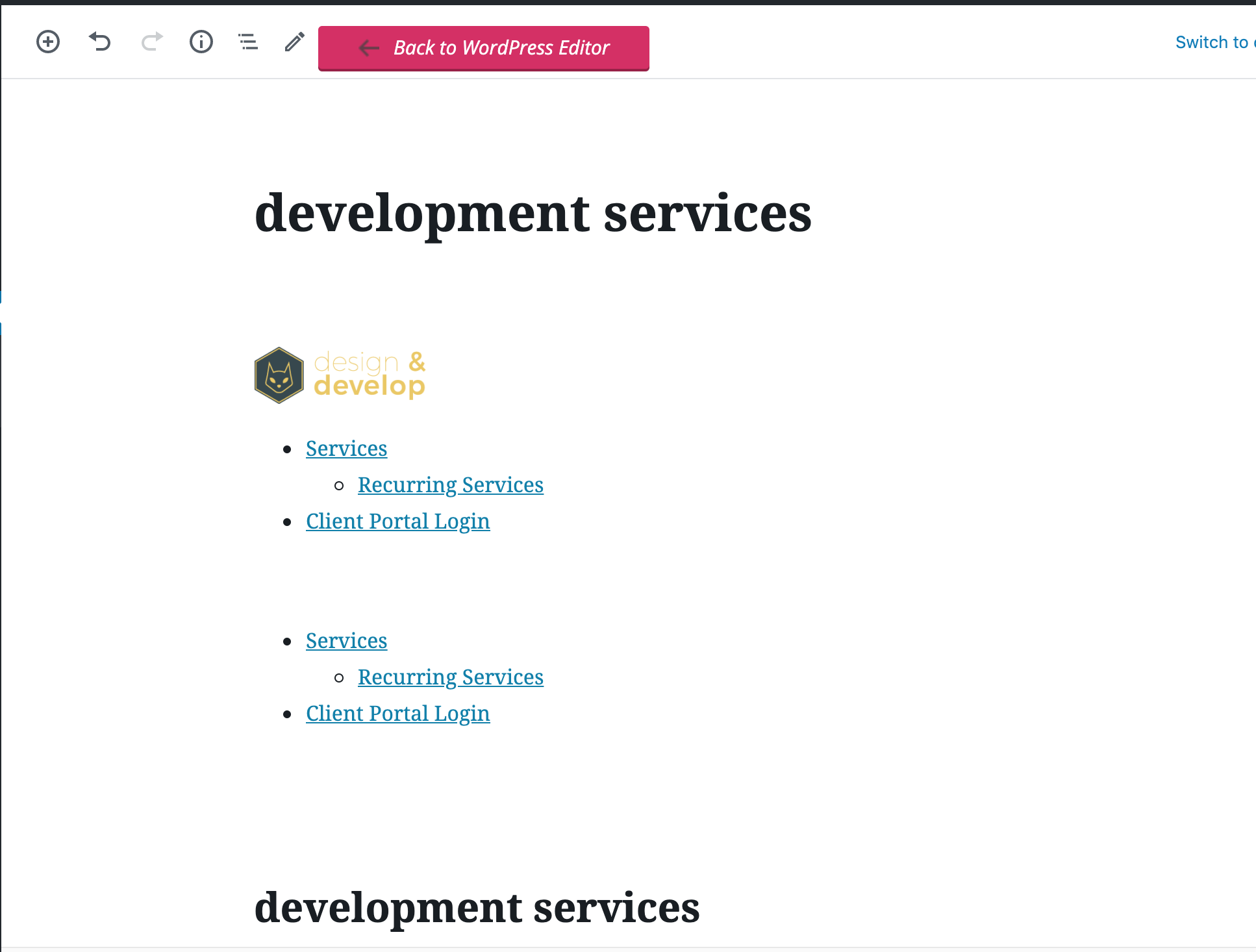
When I'm on a page editor (such as this page: https://deploynewsite.designanddevelop.io/wp-admin/post.php?post=20&action=edit) it shows me the brizy content instead of the "Edit with Brizy" button. Below is an example of what this looks like (this is happening to multiple websites):
-

Hi,
I'm sorry about the problem you encounter. We know regarding it and already fixed it. In the next Brizy update will be included this fix. Now, you can access the Brizy editor from the "Edit with Brizy" from the page - https://jumpshare.com/v/eSWtAhYrBb19yrNh9e6H.
Also, I want to ask you for not adding the login details to the post. It is public and all visitors can see it. I edited the message and deleted the login data but please be careful next time. If you want to send the login details you must send it as a private request: https://jmp.sh/HldzDeA
Thanks!
Best regards,
Sandra
0 -

Hi Sandra/Brizy, when will this update be released? We are having the same issue.
It is also affecting sub pages, where you get the content from the parent page. I believe this is part of the same issue.
Regards
Matt
1 -
Hi Matt,
We plan to release a new update in the next days. Yes, both problems with the "Edit with Brizy" button from the page and the problem regarding the sub-pages will be fixed in the next update.
Best regards,
Sandra
0 -

Hi, Today I noticed that the edit with Brizy button does not appear in the new pages I tried to make.
I am attaching two screenshots link of the problem to see if you can help me solve it.
Thank you
0 -
Hi,
On a new page, you have to enter the "Edit" mode and then you will see the "Edit with Brizy" button. See here https://jmp.sh/bzgrcec. If you still not see this button, please make sure you have the latest updates of Brizy Free 2.0.13 and Brizy Pro 2.0.6. If the problem is still present, please temporarily deactivate all external plugins and activate a WP default theme.
Thanks!
Best regards,
Sandra0 -
I started to disable some plugins that I thought might be creating the problem. That way I was lucky enough to find the plugin that was causing the problem. In my case it was one that I didn't even remember that was still installed (Fusion Builder plugin). So thanks for giving me the idea that helped me solve the problem. Now, after disabling the plugin, the pink “edit with Brizy” button finally appeared.
Thanks!
0 -
Thank you for updating us regarding this problem. It is great that all is fine now!
Best regards,
Sandra0 -

Hi Sandra,
I think i have the same issue,
yesterday i registered for the Brizy Pro Lifetime and since then i have the issue.
An older page that i created with Brizy can still be edited by Brizy, but if i add a new page it is not possible anymore.
Do you know the solution for that?Kind Regards,
Kevin.
0 -
Hi Kevin,
Do you have the latest versions of Brizy Free 2.1.5 and Brizy Pro 2.1.3? Could you please send us a screenshot with this issue?
Thanks!Best regards,
Sandra0 -

Hi,
Same problem since I updated to WP 5.6
On a new page the button "Edit with brizy" is not available
I only have two plugins : Brizy (2.2.1) and Brizy Pro (2.2.0).
I did uninstall and reinstall Brizy and the problem persists.
For old pages no problem, only new pages have this problem.
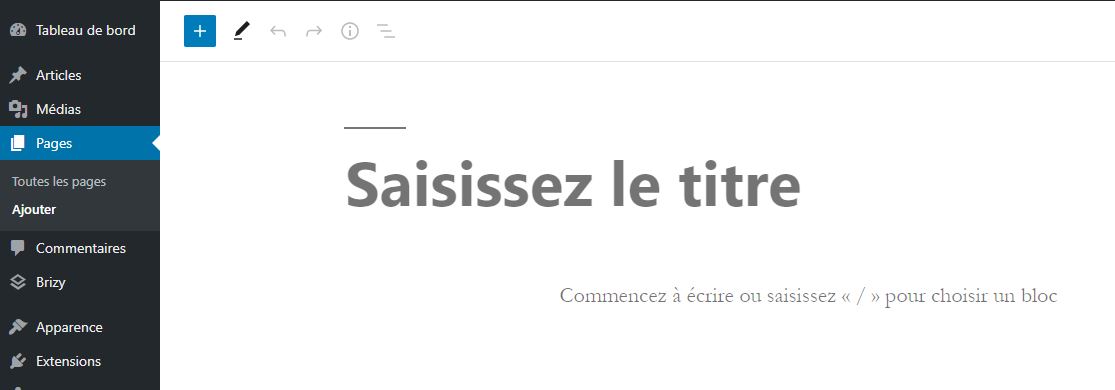
What can I do ?
Remi
0 -
Hi Remi,
We fixed this problem on the last Free update we released. Could you please update the Brizy Free to the 2.2.2 version and make sure that you have the 2.2.0 version for Brizy Pro?
Thanks!
Best regards,
Sandra0 -
Hi Sandra,
I just update Brizy and still have the problem. Tested also on a brand new page.
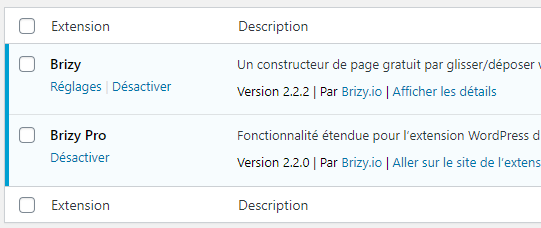
Remi
0 -

The same issue here though I have all the brizy versions most up to date.
0 -
Hi there,
Thank all for your reports and I'm sorry for this inconvenience! We could identify the cause and added a new fix in the last update we made today. Could you please update the Free plugin to the 2.2.3 version? Is all working fine?
Thank you!
Best regards,
Sandra0 -
It works now with version 2.2.3
Thanks
0 -
Thanks, Remi for confirming this to us!
Best regards,
Sandra0 -

I have the same issue with version 2.2.4 and pro version 2.2.0. Did full clean install of WP 5.4.
License accepted but no "edit with Brizy" option. Please resolve asap.0 -
Hi, Daan,
I'm sorry for this inconvenience! We could encounter this issue and our team are working to fix it as soon as possible. We plan to release a new update today or at last tomorrow. We will inform you when will receive any update from the team regarding this issue.
Thank you for understanding!
Best regards,
Sandra0 -
Hi,
We have an update regarding this issue. We already solved it and released a new update with this fix. Could you please update the Brizy Free to the latest version 2.2.5?
Thanks!
Best regards,
Sandra0 -
Hi Sandra,
Did the upgrade and did resolve the issue.
Best, Daan
0 -
Hi,
Thank you for updating and confirming this to us!
Best regards,
Sandra0 -

There is another issue, a rather severe one. The columns don't seem to want to keep their structural integrity. The width is collapsing.
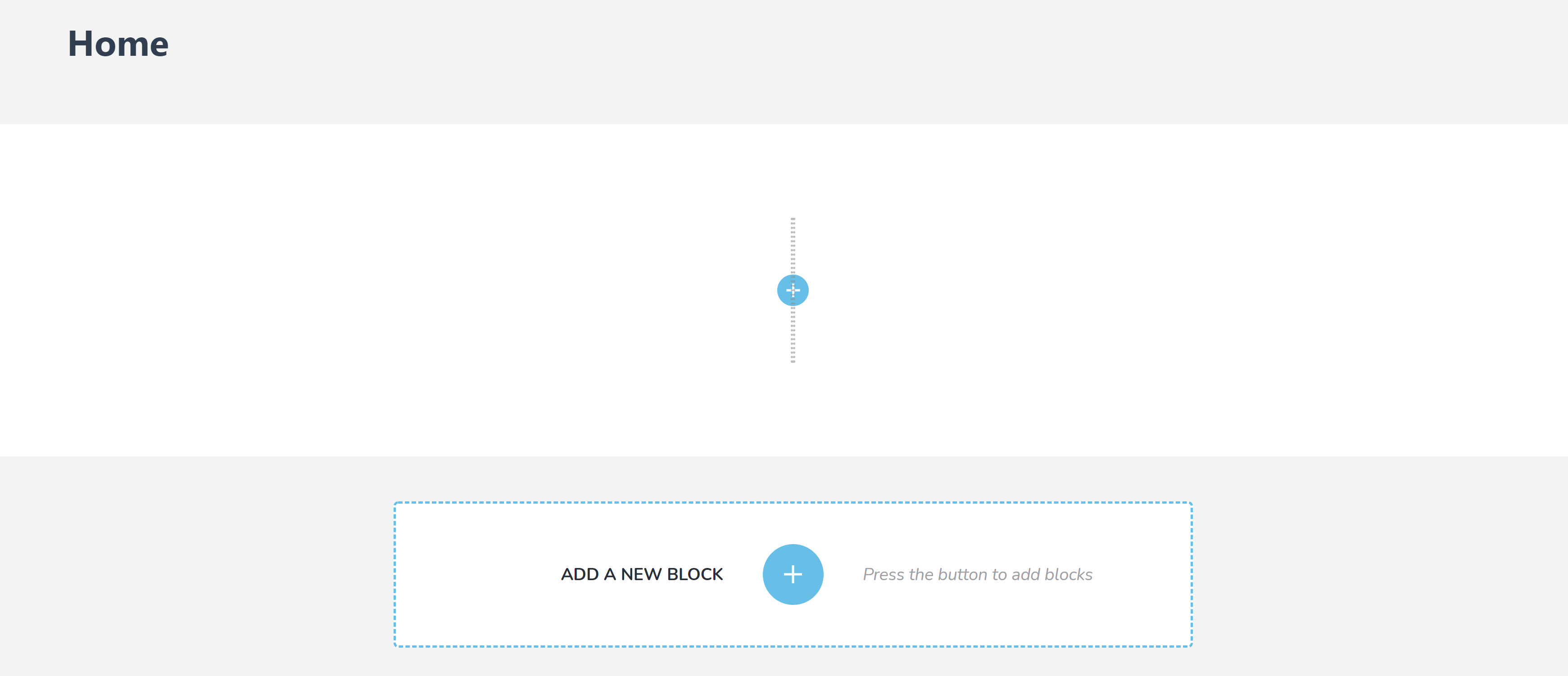
Clean Wordpress install with both Brizy & Brizy Pro newest versions.
I can't work on client sites & this really sucks.
0 -
Hi Maksim,
Do you have the Blocksy theme installed on the dashboard? Are you using the default page template? If so, we know about this inconvenience and already collaborated with the Blocksy theme. They informed us that in a short time will release a new update and will solve this problem from their side.
Thank you for your patience!
Best regards,
Sandra0 -

I have the same issue with version 2.4.2 and pro version 2.4.2.
License accepted but no "edit with Brizy" option. Please resolve asap.0 -

Hi,
Please update to the latest Brizy Free and Pro version 2.4.3 and check again the issue.
Best regards, Nelea.
0 -
I updated in latest brizy and pro version 2.4.3, but same issue mam.
0 -

Hi Prakash,
We will continue our discussion in this post. https://support.brizy.io/hc/en-us/community/posts/7767959383185
0
Please sign in to leave a comment.
Comments
27 comments